



Add Bennys Beach MLO
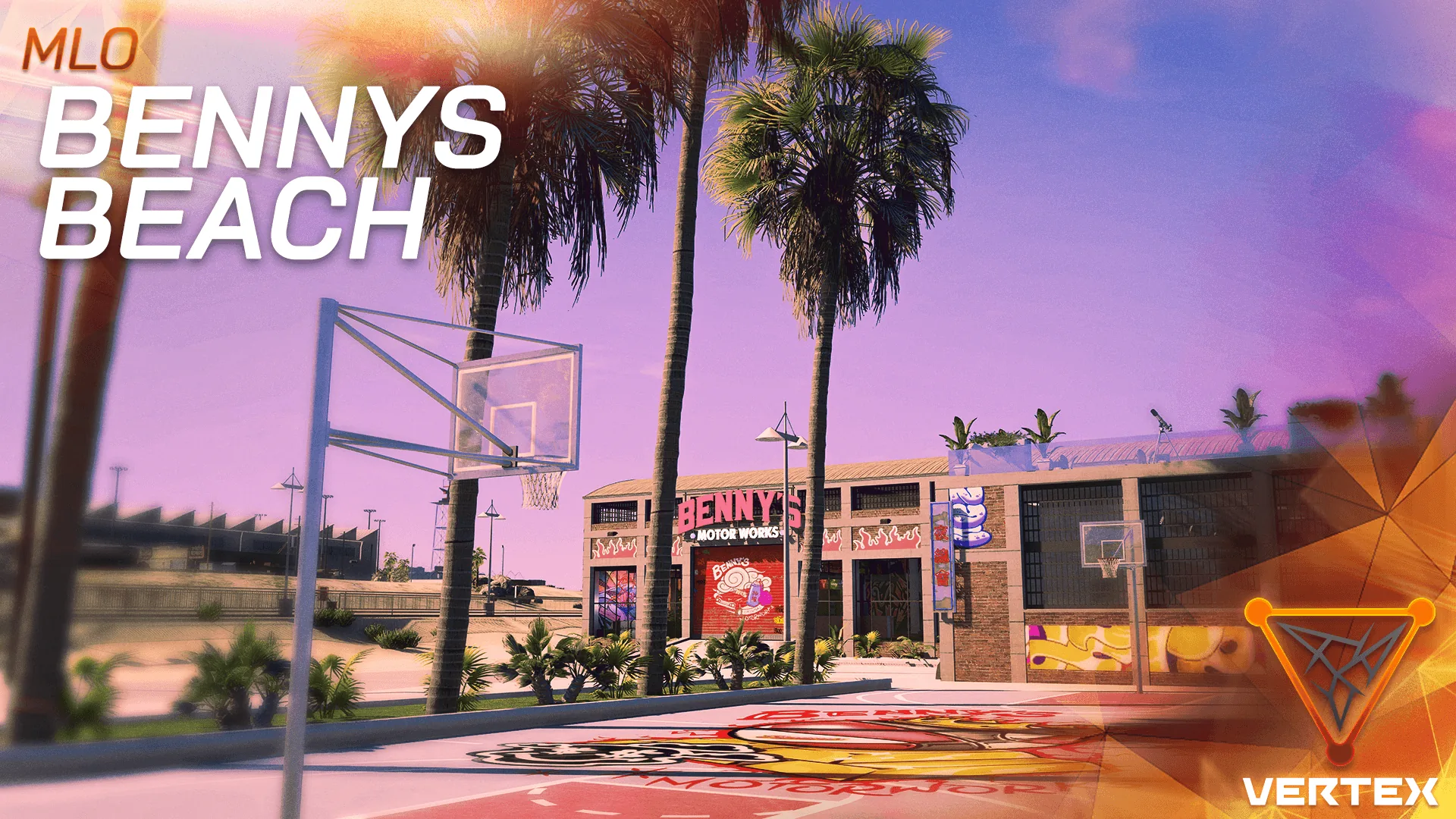
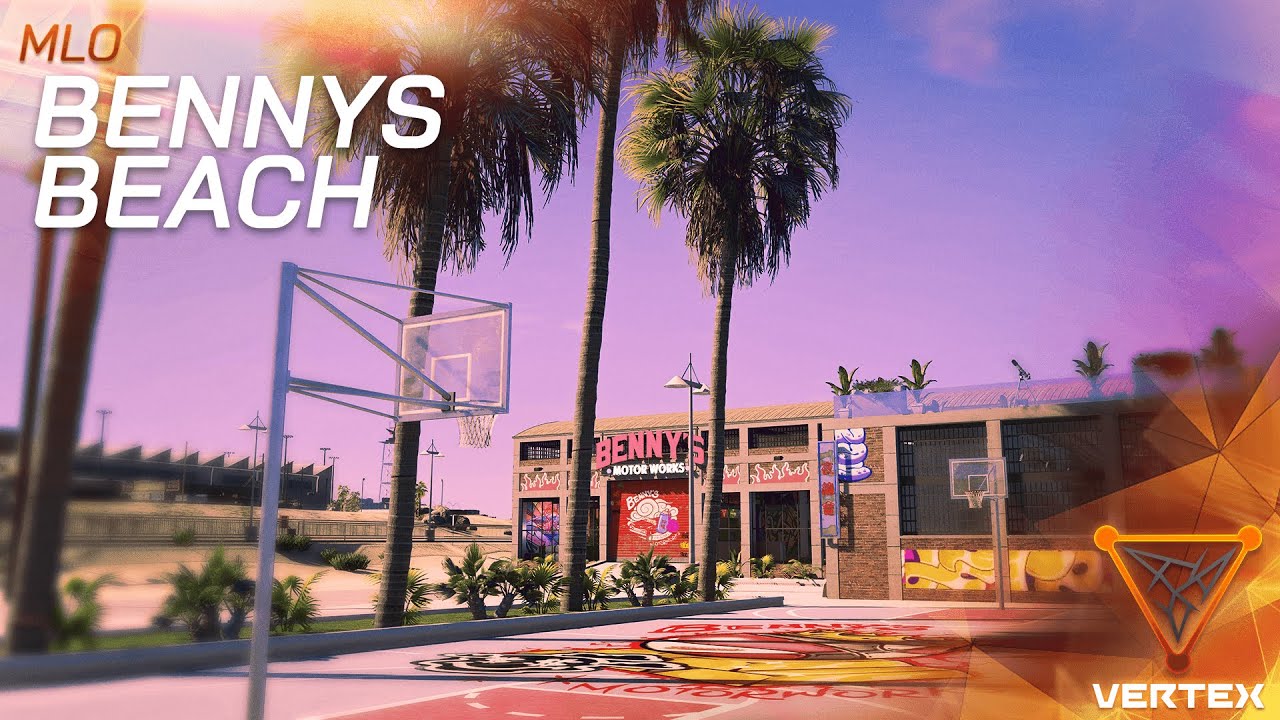
Bennys Beach brings the ultimate coastal automotive experience to your FiveM server. This premium MLO (Map Location Object) combines the iconic Benny’s Original Motor Works customization shop with a stunning beachside location, creating a unique vehicle modification hub that your players will love. Located at coordinates -1193.1, -1773.64, 6.83, this detailed interior offers a vibrant, beach-themed mechanic shop built for roleplay servers.
Key Features
- Premium Beach-Themed Interior: Coastal aesthetic with detailed textures and lighting
- Functional Mechanic Shop: Full vehicle customization and upgrade station
- Optimized Performance: Only 15 MB file size for minimal server impact
- Detailed Props: Realistic automotive tools, equipment, and beach decorations
- Multiple Work Bays: Space for simultaneous vehicle modifications
- Custom Lighting: Atmospheric lighting that enhances the beach vibe
- Player-Friendly Layout: Intuitive design for easy navigation
Framework Compatibility
Bennys Beach MLO is designed to work directly with all major FiveM frameworks:
- ESX Framework – Full integration
- QBCore Framework – Plug and play
- QBOX Framework – Complete compatibility
- vRP Framework – Ready to use
- Standalone – No framework dependencies required
Installation Instructions
- Download the Bennys Beach resource package
- Extract the
Vertexgroup_Bennys_Beachfolder - Place the folder in your server’s
resourcesdirectory - Add
ensure Vertexgroup_Bennys_Beachto yourserver.cfgfile - Restart your FiveM server
- Navigate to coordinates:
-1193.1, -1773.64, 6.83
Technical Specifications
| File Size: | 15 MB |
| Coordinates: | -1193.1, -1773.64, 6.83 |
| Resource Name: | Vertexgroup_Bennys_Beach |
| Performance Impact: | Low (optimized textures) |
| Compatibility: | All frameworks |
built for Roleplay Scenarios
Bennys Beach creates roleplay opportunities for your server:
- Vehicle Customization Business: Players can run a beachside auto shop
- Car Meets: Stunning location for vehicle showcases and meets
- Mechanic Jobs: Employment opportunities for mechanic roles
- Racing Hub: Perfect starting point for street racing events
- Social Hotspot: Unique gathering location with beach atmosphere
Support & Updates
Purchase includes access to updates and community support. Join our Discord for installation help, configuration tips, and to share your Bennys Beach customizations with other server owners.


Reviews
There are no reviews yet.