• Instant digital delivery
  • Lifetime updates on selected products
  • Trusted by server owners
FiveMX
Shop
Full ServersBundlesNew releases
FiveMX

Start building your server today.

Curated FiveM resources, instant delivery, free starter mods, and practical guides in one calm marketplace.

Browse the shopsupport@fivemx.com

Shop

  • Shop
  • FiveM Mods
  • All Products
  • Free Mods
  • Best Scripts & Mods
  • FiveM Scripts

Frameworks

  • QBCore Scripts
  • ESX Scripts
  • QBox
  • Standalone

Community

  • Blog
  • Support
  • Creators
  • Affiliate

Legal

  • Privacy Policy
  • Terms of Service
  • Refund Policy
  • Digital Delivery
  • Cookie Policy
  • GDPR Compliance
  • DMCA
  • Imprint
  • Editorial Policy

Server Templates

  • QBCore Server Template
  • ESX Server Template
  • NoPixel Server Template
  • Server Packs
  • Free Server Templates
  • Tebex Alternative
© 2026 FiveMX. All rights reserved.·FiveMX is not affiliated with Rockstar Games, Take-Two Interactive, or CFX.re. All trademarks are property of their respective owners.
DiscordDocs
v1.5
Compatibility:

CodeM mSpawnSelector — Spawn Location Picker

$8.49

Secure Checkout

Cards, Apple Pay, Google Pay, iDEAL/Wero, Bancontact, EPS, Przelewy24, and optional Crypto where available via Stripe.

Instant file access after paymentSupport and refund policy shown before checkout
Ask support before buyingRead refund policy
Instant Access
SSL Encrypted
Cards, wallets, bank redirects
Frameworksesx, qbcore
Setup

ESX or QBCore framework, /assetpacks dependency, MySQL/oxmysql (for SQL last position feature)

RequirementsPublished on this page
PreviewNot available

Description

CodeM mSpawnSelector

mSpawnSelector is a premium, production-ready spawn selection script for FiveM by CodeM. Built with a sleek Vue.js/Vuex-powered NUI interface and the Gilroy/Proxima Nova font stack, it gives players an elegant way to choose their spawn location every time they join the server.

Features

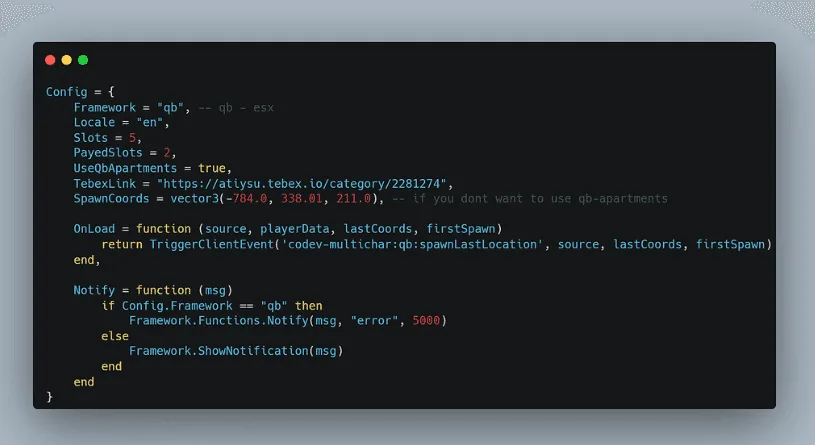
  • Multi-framework support — ESX and QBCore out of the box, with a FrameworkCustomName option for custom frameworks
  • Apartment system integration — automatically detects the player's apartment and offers it as a spawn option
  • SQL last position — optional SQLLastPosition flag saves the player's last known position and offers it as a respawn point
  • Fully configurable spawn locations — add as many custom locations as you like via spawn_locations.sql (airport, Sandy Shores sheriff, Pink Cage, and more included as examples)
  • Custom background — swap bg-default.png for any image to brand the selector to your server
  • Profile picture support — displays the player's Steam or Discord avatar (ppType config)
  • Welcome message — configurable per-server greeting shown in the UI
  • Version checker — built-in update notifier so you never run an outdated build
  • Escrow-free config — config.lua, config_server.lua, cl_framework.lua, and sv_framework.lua are all open and editable
  • Lua 5.4 compatible — declared in fxmanifest.lua for best performance

What's Included

  • config.lua — full client-side configuration (framework, apartment toggle, UI settings)
  • config_server.lua — server-side configuration
  • client/cl_main.lua + client/cl_framework.lua — client logic
  • server/sv_main.lua + server/sv_framework.lua — server logic
  • html/ — complete NUI frontend (Vue 3, Vuex, SCSS, custom fonts)
  • spawn_locations.sql — SQL file with example spawn points ready to import
  • fxmanifest.lua — FiveM resource manifest (version 1.5)

Compatibility

| Framework | Supported | |-----------|----------| | ESX | Yes | | QBCore | Yes | | Custom | Yes (via config) |

Dependencies: /assetpacks (standard FiveM asset pack), MySQL/oxmysql for SQL last position

Installation

1. Import spawn_locations.sql into your database 2. Drop m-spawnselector into your resources folder 3. Add ensure m-spawnselector to server.cfg 4. Set Config.Framework to esx or qbcore in config.lua 5. Configure spawn locations, apartment toggle, and welcome message to taste 6. Restart server — done

> Full source config files are escrow-free and ready to customise.

Installation notes

ESX or QBCore framework, /assetpacks dependency, MySQL/oxmysql (for SQL last position feature)
Installation notes
ESX or QBCore framework, /assetpacks dependency, MySQL/oxmysql (for SQL last position feature)

Buy this when it saves setup time

Use this checklist to decide quickly whether the resource fits your current server build, framework, and support expectations.

Server-owner payoff

CodeM mSpawnSelector — Spawn Location Picker is positioned to reduce Character & Appearance instead of making you rebuild the same system from scratch.

Compatibility

Works with esx, qbcore. Check the requirements block before adding it to a live stack.

Purchase confidence

Instant download, Stripe checkout, support access, and refund policy context are shown before payment.

Decision assets

Requirements, Product Q&A

Product fit, setup, and proof at a glance

Use the published facts on this page to confirm whether CodeM mSpawnSelector — Spawn Location Picker matches your server before checkout.

Compatibility

Frameworks
ESX, QBCore
Category
Character & Appearance
Version
v1.5

Setup & requirements

Install flow
Download → resources folder → ensure in server.cfg
Requirements
Published on this page
File size
5.69 MB

Proof & buyer questions

Reviews
No reviews yet
Answered Q&A
Ask before buying

Only the facts published on this page should be treated as confirmed. If you need more detail, review the description, requirements, changelog, reviews, and product Q&A before checkout.

DescriptionRequirements
Character & Appearance
v1.5
Compatibility:
ESX
QBCore

CodeM mSpawnSelector — Spawn Location Picker

Review process
$8.49

Secure Checkout

Cards, Apple Pay, Google Pay, iDEAL/Wero, Bancontact, EPS, Przelewy24, and optional Crypto where available via Stripe.

Instant file access after paymentSupport and refund policy shown before checkout
Ask support before buyingRead refund policy
Instant Access
SSL Encrypted
Cards, wallets, bank redirects
Frameworksesx, qbcore
Setup

ESX or QBCore framework, /assetpacks dependency, MySQL/oxmysql (for SQL last position feature)

RequirementsPublished on this page
PreviewNot available
Home
Shop
Character & Appearance
ESX
QBCore
Review process

Key Features

  • Multi-framework support

    Built for ESX and QBCore out of the box, with FrameworkCustomName option for custom frameworks

  • Apartment system integration

    Automatically detects the player's apartment and offers it as a spawn option

  • SQL last position saving

    Optional SQLLastPosition flag saves the player's last known position and offers it as a respawn point

  • Fully configurable spawn locations

    Add custom locations via spawn_locations.sql with example presets including airport, Sandy Shores sheriff, and Pink Cage

  • Vue.js/Vuex-powered NUI interface

    Sleek UI built with Vue 3, Vuex, and SCSS featuring Gilroy/Proxima Nova font stack

Frequently Asked Questions

Related Products

$7.49
$7.49
$9.49
$10.49

More from CodeM

CodeM Admin Menu

CodeM Admin Menu

CodeM xPawnshop — Advanced Pawn Shop Script

CodeM xPawnshop — Advanced Pawn Shop Script

CodeM mHunting — Hunting & Wildlife System

CodeM mHunting — Hunting & Wildlife System

CodeM mTaxiJob — Advanced Taxi Script

CodeM mTaxiJob — Advanced Taxi Script

View all from CodeM

Related Tutorials & Guides

Learn more about setting up, configuring, and using this type of resource.

FiveM Frameworks Explained: Complete Guide to ESX, QBCore & QBOX

FiveM Frameworks Explained: Complete Guide to ESX, QBCore & QBOX

FiveM frameworks form the backbone of roleplay servers. They're not just code libraries—they're complete systems that manage player identity, jobs, inventory, permissions,…

ESX vs QBCore vs QBOX: Technical Framework Comparison 2026

ESX vs QBCore vs QBOX: Technical Framework Comparison 2026

Choosing a framework is the single most consequential decision when building a FiveM server. It determines which scripts you can use, how your developers write code, the…

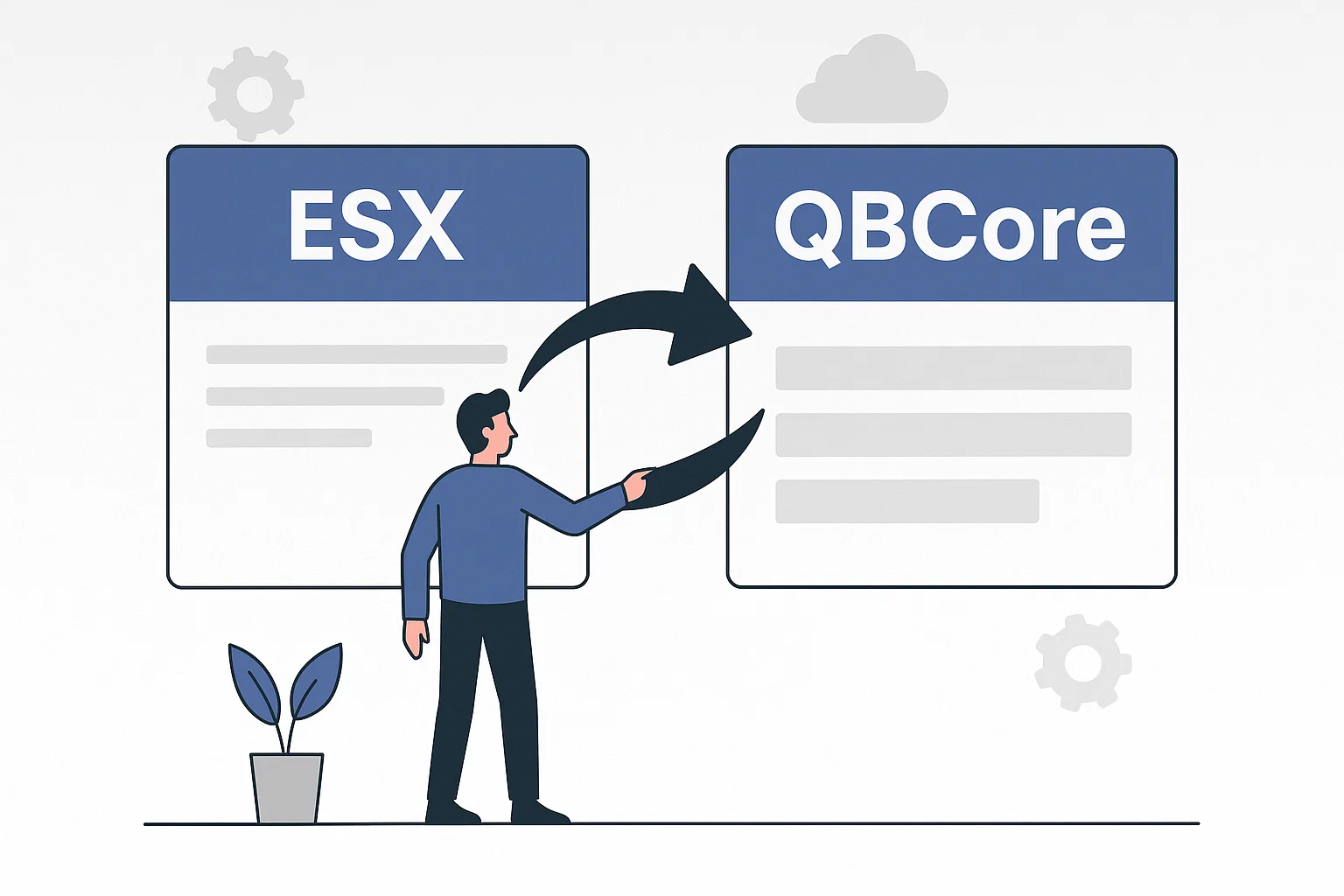
How to Migrate ESX → QBCore the Right Way

How to Migrate ESX → QBCore the Right Way

Migrating a FiveM server from ESX to QBCore in 2026 takes eight ordered steps: freeze production and create a rollback snapshot, build a clean QBCore base on staging, replace…

Continue Building Your FiveM Server

Use this product as part of a larger setup. Explore related categories, alternative frameworks, premium bundles, and free companion downloads.

Browse all scriptsCharacter & Appearance scriptsesx scriptsTry QBCore insteadTry QBox insteadFree FiveM modsCompare bundles
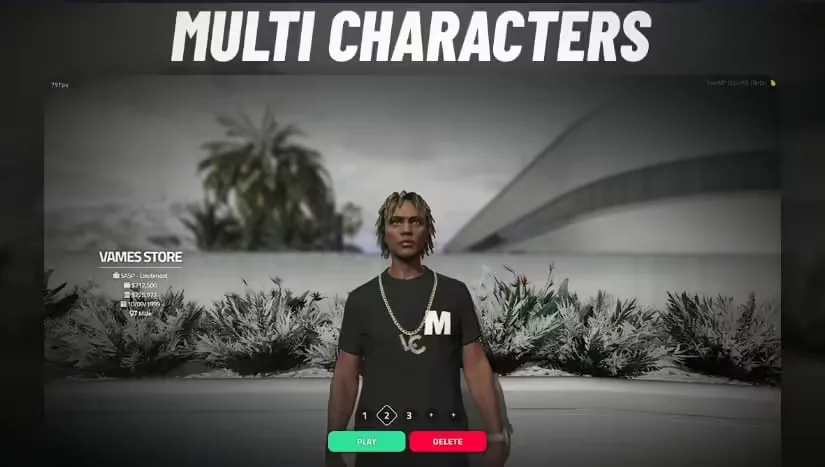
CodeV MultiCharacter

CodeV MultiCharacter

VMS Multicharacter

VMS Multicharacter

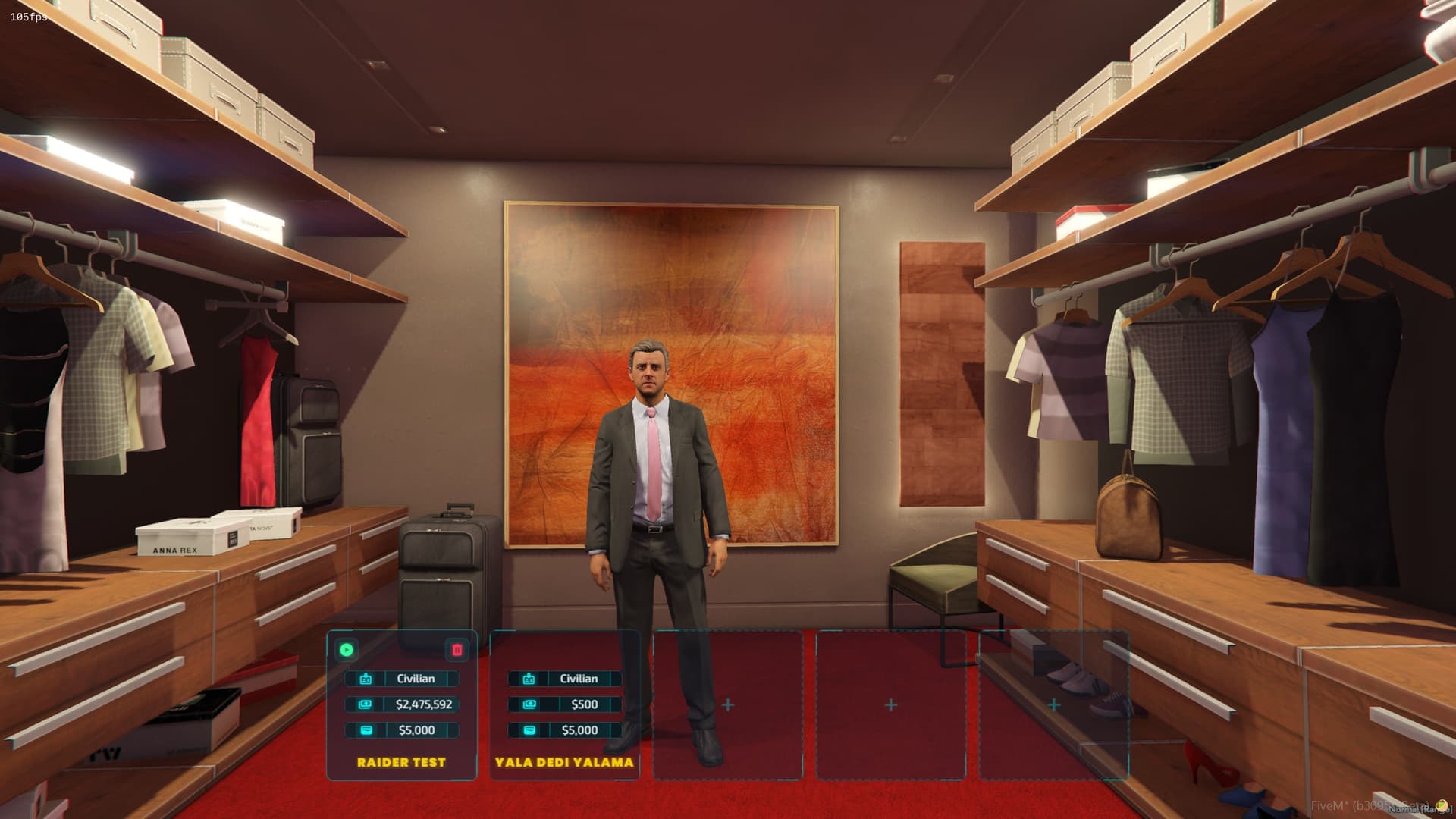
Cyber Multichar

Cyber Multichar

ZSX Multicharacter

ZSX Multicharacter