$14.99Original price was: $14.99.$9.99Current price is: $9.99.
-33%
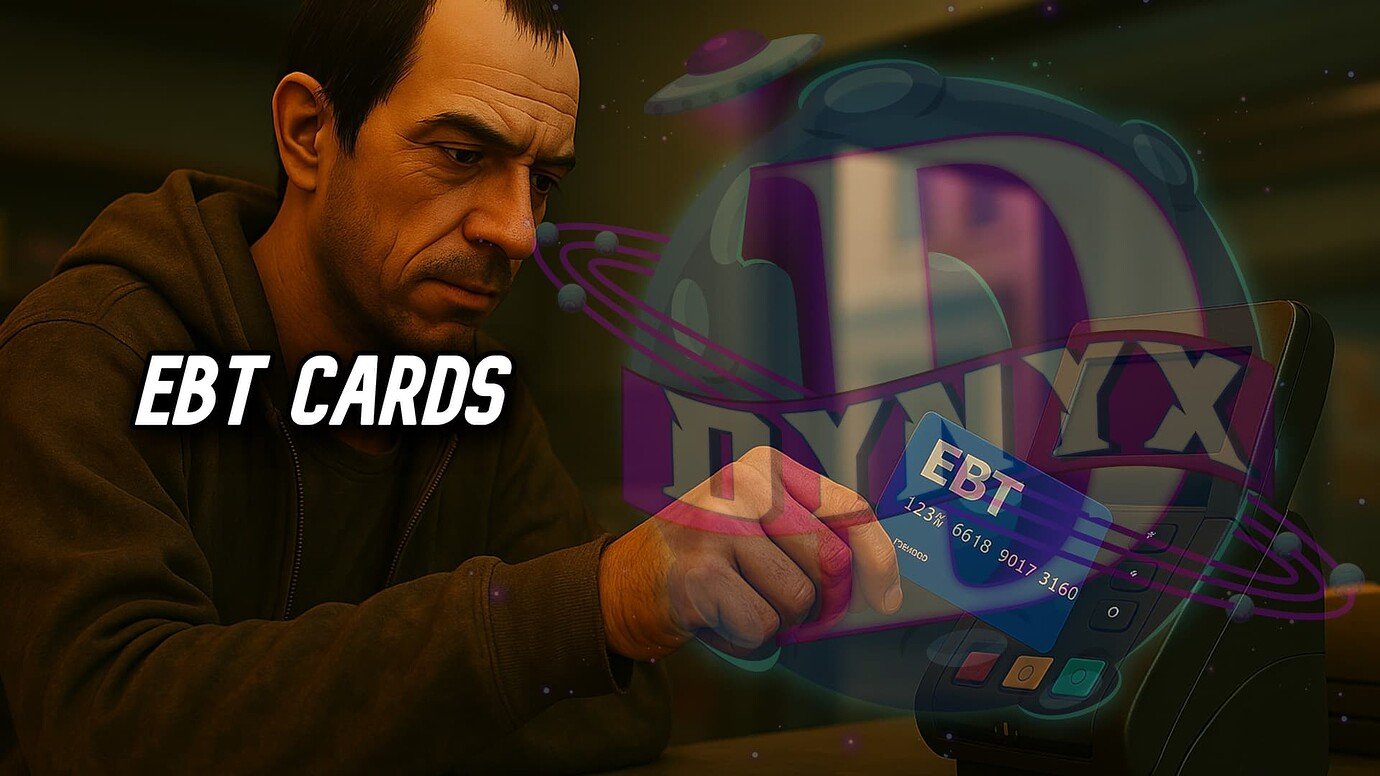
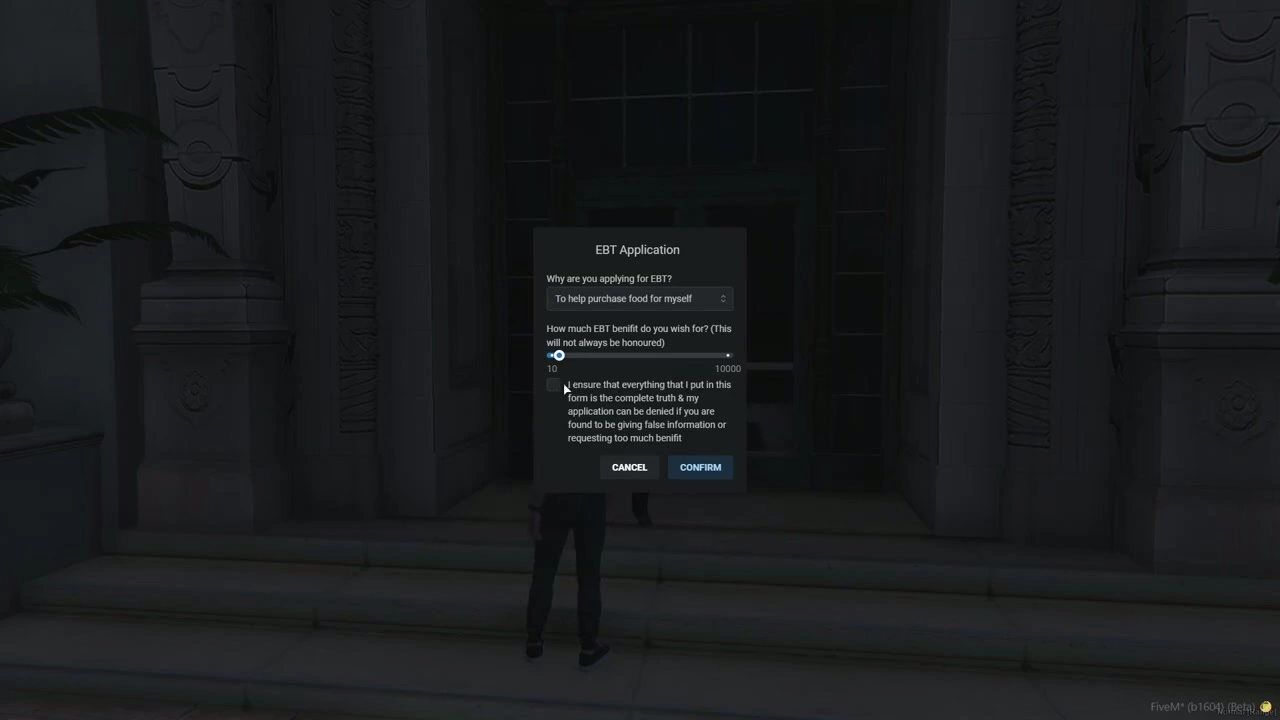
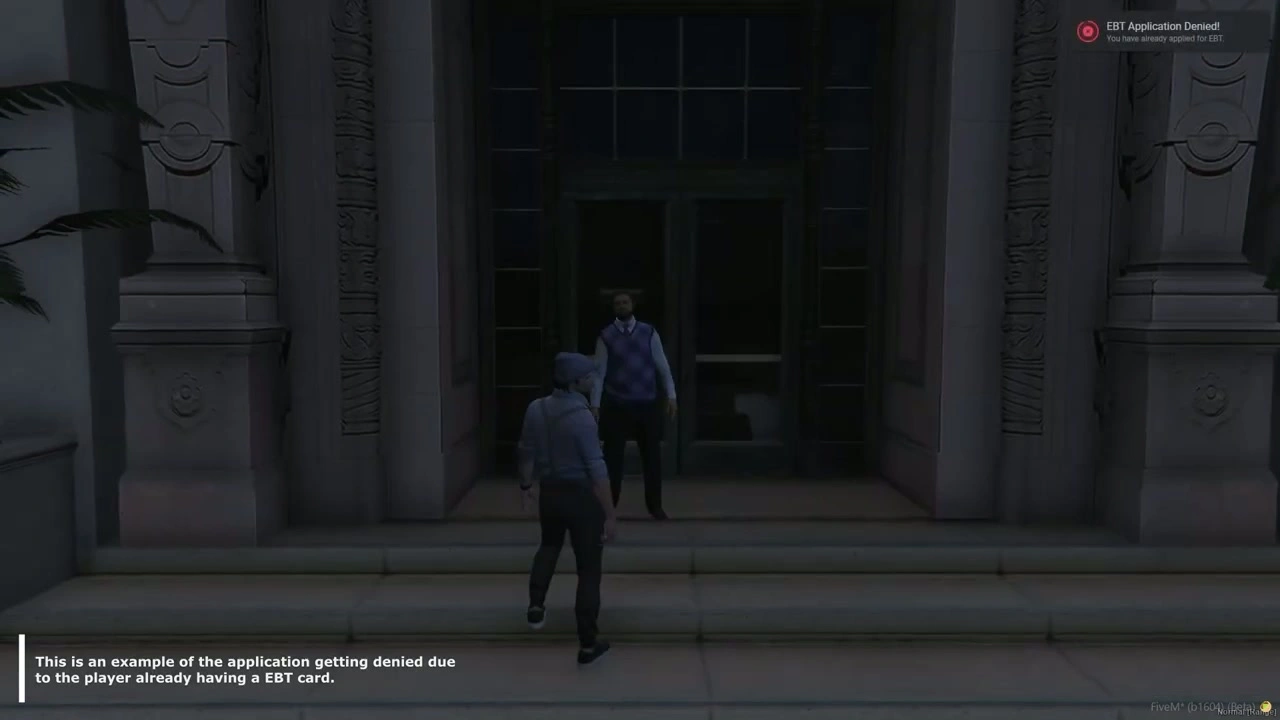
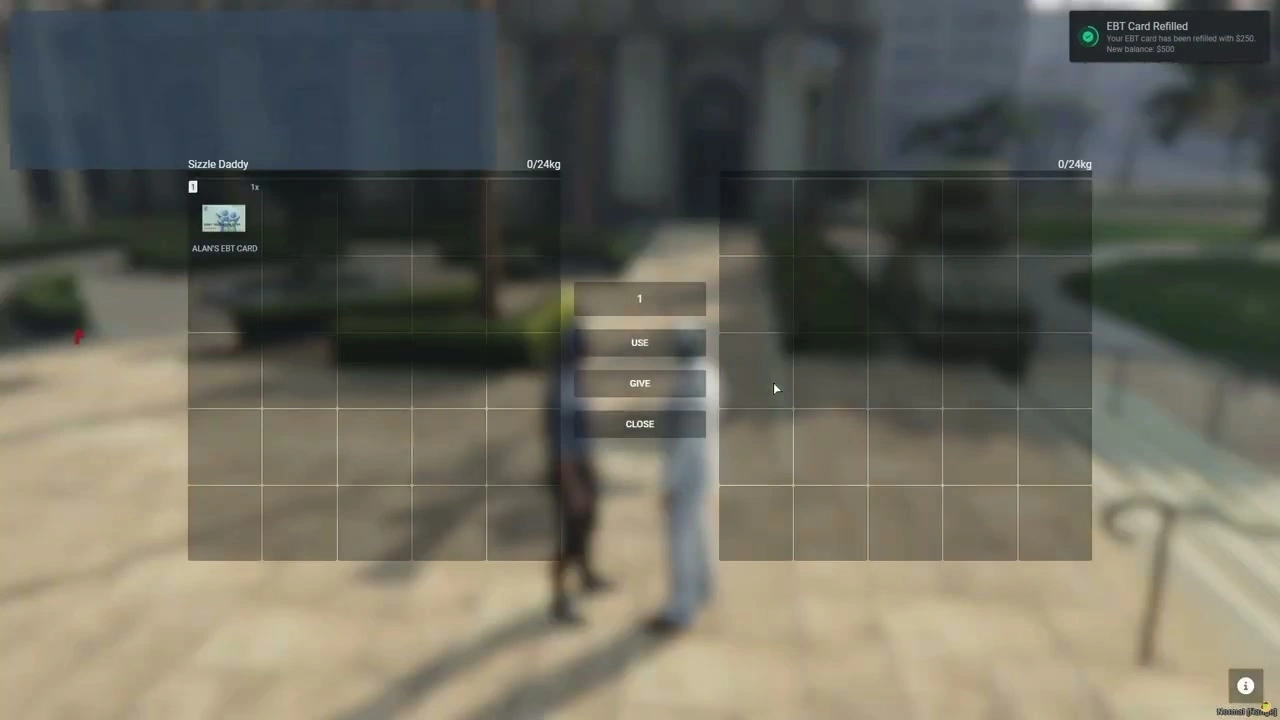
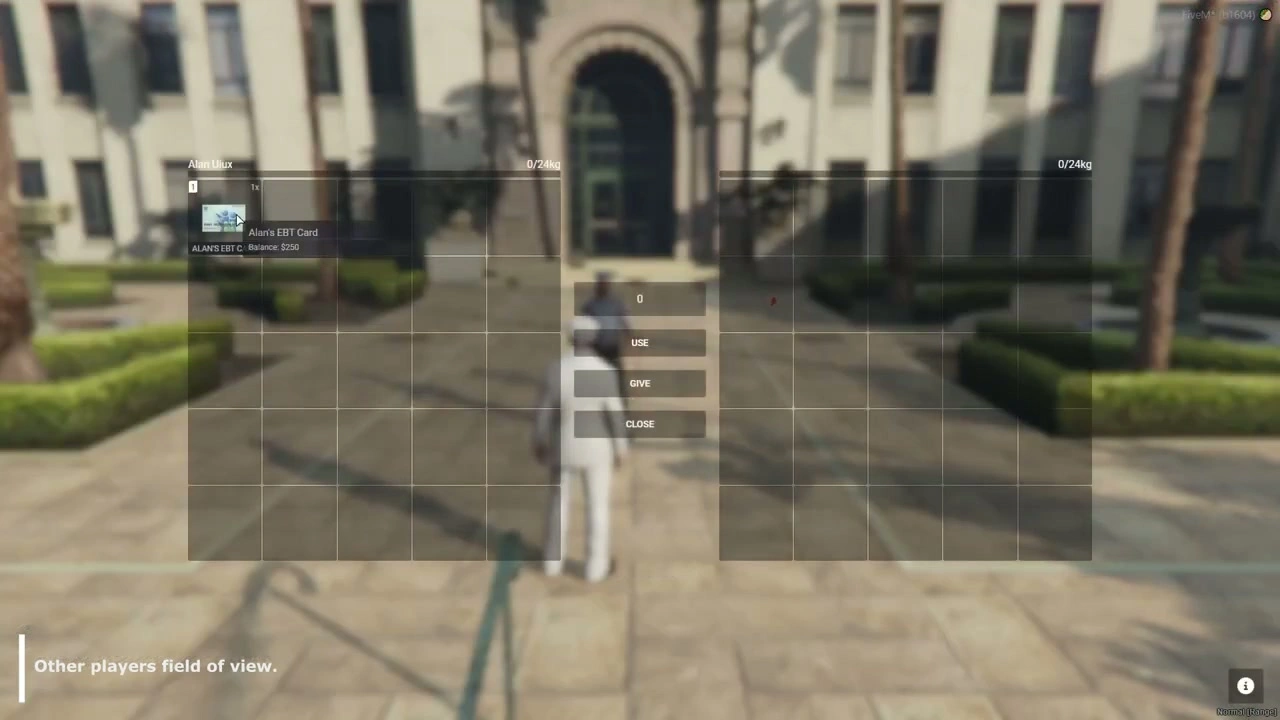
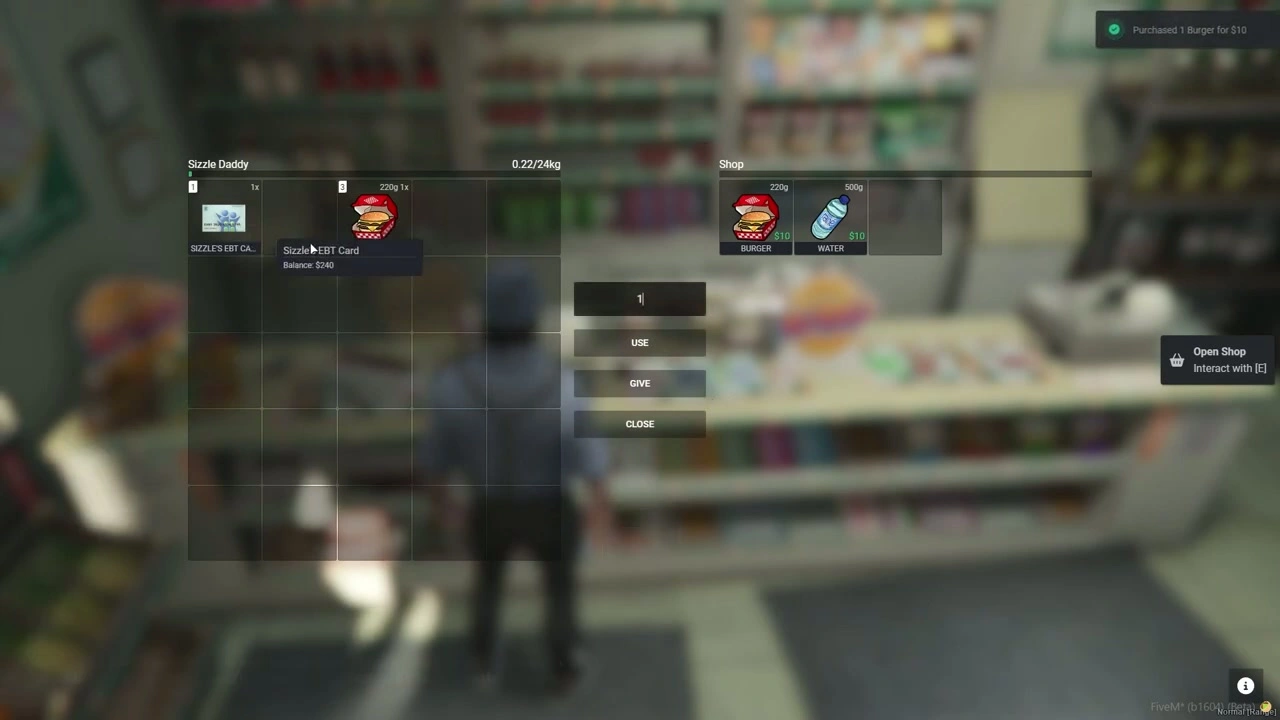
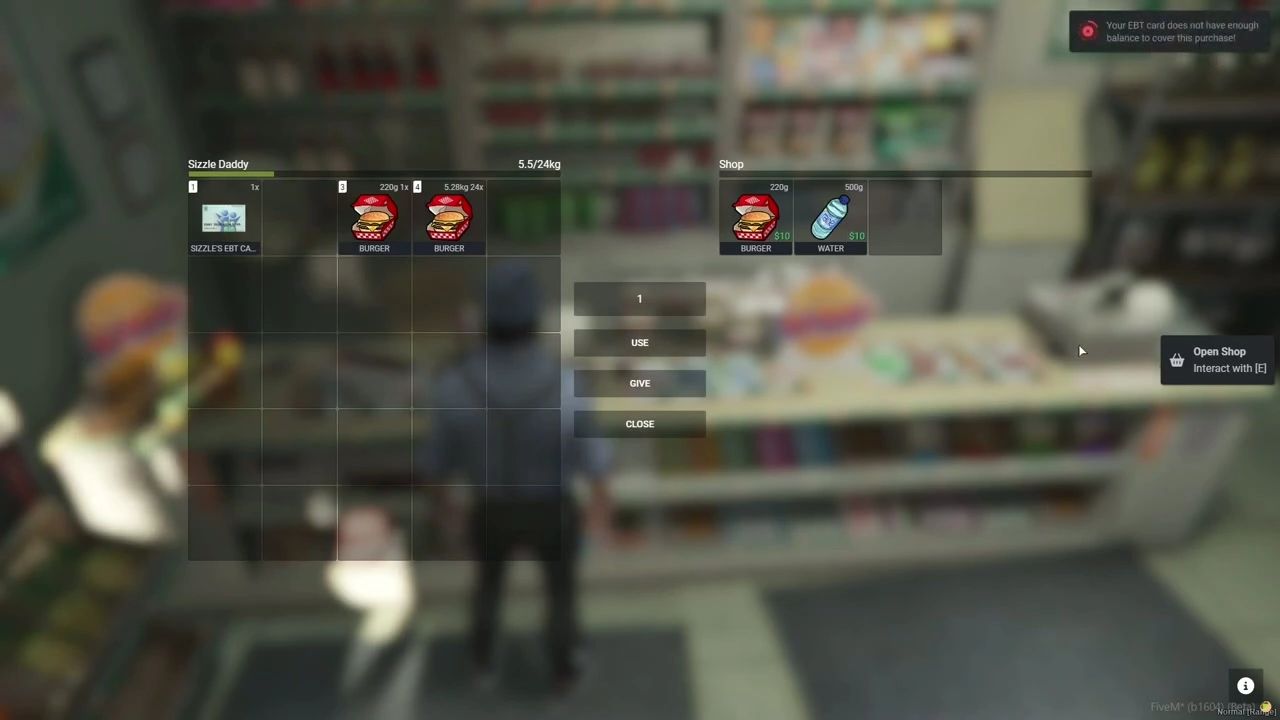
EBT / Food Stamp is a FiveM economy script where players apply for an EBT card at a government ped, with configurable balance limits and approval cooldowns.
Config = {}

Config.Inventory = "qb-inventory" -- "ox_inventory" / "qb-inventory" / "ps-inventory"
Config.Target = "qb-target" -- "ox_target" / "qb-target"

-- Default 1 week
Config.CooldownTillNextEBT = 10080 -- (Minutes) This is Stored in the SQL so if the players logs off this timer will keep going. This is how long until the player can get approved for another EBT card.

-- Max & Min EBT Balance that a player can apply for.
Config.MaxApply = 4000
Config.MinApply = 50

Config.Webhook = false
Config.Webhook = "PLACE_YOUR_WEBHOOK_HERE" --  For Discord Logs

Config.GovernmentPed = "csb_tomcasino" --  Ped Name
Config.GovernmentPedCoords = vector4(-544.8433, -204.5809, 37.2151, 211.2208) -- Ped Coords
Config.Blip = true -- Display Blip on Ped

Strings = {
    SelectPayCash = "Cash",
    SelectPayEBT = "EBT Card",
    PaymentType = "Payment Type",
    PaymentTypeDesc = "Please select either Cash or EBT",
    GovServicesTitle = "Government Services",
    GoveServicesPedTargetLabel = "Government Services",
    ContextTitle = "Apply For A EBT Card",
    ContextDesc = "Put an Application",

-- Rest of the strings --
Setup guide
This guide follows the delivered EBT Card System version 1.1.2 and replaces the obsolete public config.
Requirements and preparation
ox_lib and oxmysql as declared by the package.
Install the included EBT item, image and job/database definitions for the selected inventory path.
Installation
Open _INSTALL FIRST/installation.md and follow the current vendor installation.
Install the matching inventory/shop files and import jobs.sql where required.
Configure Config.AcquireEBT for NPC or social-worker job mode, eligibility limits, reload interval and commands.
Configuration checkpoints
Test applications, eligibility, card delivery, balance use and reload timing.
If job mode is enabled, verify that only the configured social-worker job can issue or refill cards.
Safety: Back up the affected resource and database tables, use credentials owned by your server, and complete a staging test before replacing a live resource. The full configuration remains in the download package.























![Advanced Banking System [Level System][Standalone] FiveM resource preview](https://fivemx.com/wp-content/uploads/2022/09/chrome_Bo12U31ipa-jpg-500x375.avif)