




Add to cart
Sale!
Script ESX QBCore

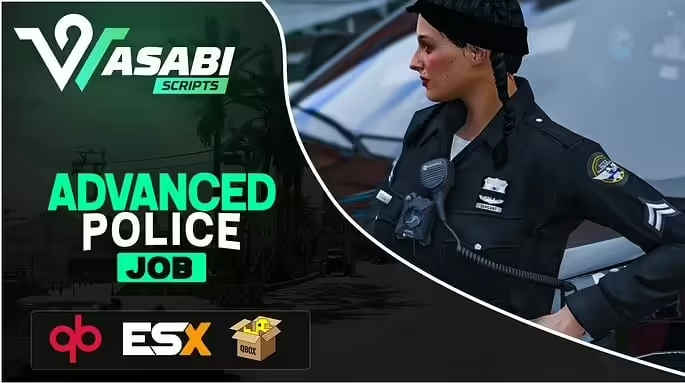
(ESX/QB) Advanced Police Job

Original price was: $82.99.Current price is: $45.99.

-45%
Add to Cart
(ESX/QB) Advanced Police Job FiveM resource preview
(ESX/QB) Advanced Police Job
$82.99 Original price was: $82.99.$45.99Current price is: $45.99.

Product facts

Framework
ESX, QBCore
Resource type
Script
Creator / Brand
Wasabi Scripts
Included files
1 downloadable file

Purchase details

Update access
Lifetime access to files published to this listing Read the update access policy
Download format
ZIP

Features

  • Multiple LEO departments(No need for separate scripts for separate police jobs)
  • Full handcuff props and animations
  • Escorting animation
  • Keybinds for arrest(Configurable)
  • Resisting arrest via skill-check
  • Compatible with ox_inventory, qb-inventory, qs-inventory, and mf_inventory(Code open to incorporate a different inventory)
  • Tackling(Configurable)
  • Job Menu (Configurable)
  • Fine players(Compatible with QBCore, okokBilling and esx billing OR any billing can be added to open code)
  • Boss menu(Compatible with wasabi_multijob, qb-management and esx_society)
  • Cloakroom(Compatible with esx_skin and my fork of fivem-appearance OR any skin script can be added to open code)
  • Optional target(By default compatible with qtarget/qb-target/ox_target)
  • Armory(Configurable by job grade)
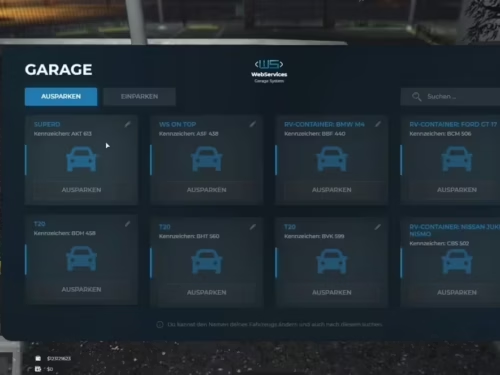
  • Garage for land & air(Configurable by job grade)
  • Vehicle interaction menu added to job menu which includes vehicle ownership information, lockpicking vehicle, and impounding vehicle (New As of 1.0.5)
  • Ability to incorporate jail script(See docs)
  • Ability to view suspect’s identification
  • Ability to view and revoke licenses
  • Most if not all of the pre-existing esx_policejob features
  • EXTREMELY configurable
  • Full replacement for any script that depends on esx_policejob
  • And more!

Frequent updates / feature additions planned so stay tuned!

Setup guide

The package contains a direct link to Wasabi Police documentation. Use it as the version-specific authority rather than an old copied config.

Requirements and preparation

  • ESX, QBCore or QBOX as supported by the delivered resource.
  • Configure a supported inventory before enabling player search.

Installation

  1. Read the linked vendor installation page for the delivered version.
  2. Configure police jobs, inventory, billing, appearance, car-lock and optional jail integrations.
  3. Start the resource after the selected framework and integrations.

Configuration checkpoints

  • Test job-menu access, search permissions, armory, garage, evidence and billing on staging.
  • Keep custom hooks in the package customize files so future updates remain reviewable.

Open the current vendor documentation.

Safety: Back up the affected resource and database tables, use credentials owned by your server, and complete a staging test before replacing a live resource. The full configuration remains in the download package.

Reviews

There are no reviews yet.

Only logged in customers who have purchased this product may leave a review.