

Add to cart
Sale!
Script QBCore

NoPixel Car Rental

Original price was: $23.00.Current price is: $15.00.

-35%

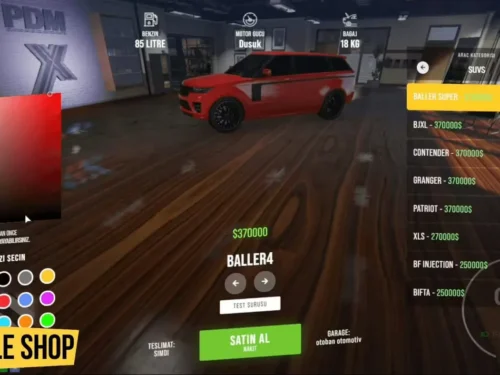
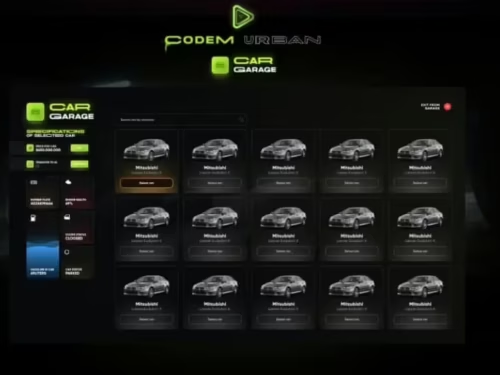
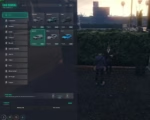
As a player, you’ll love the simple and easy-to-use interface!

You can rent cars for 1, 3, 7, or 14 days. Add as many cars as you want to your collection!

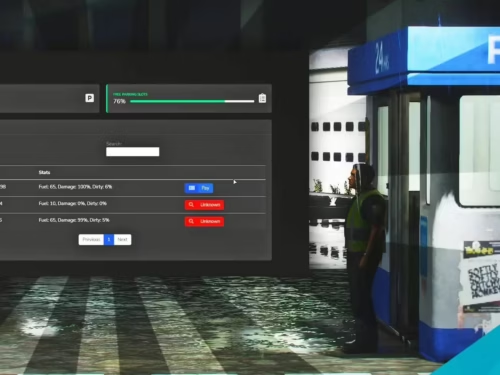
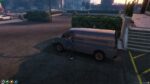
Keep your rented cars in your garage. When the rental period ends, the car will be removed from the game once you use it for the first time after that.

Your car rental receipt will have all the important details you need.

Add to Cart
NoPixel Car Rental
NoPixel Car Rental
$23.00 Original price was: $23.00.$15.00Current price is: $15.00.

Product facts

Framework
QBCore
Resource type
Script
Creator / Brand
NoPixel
Included files
1 downloadable file

Purchase details

Update access
Lifetime access to files published to this listing Read the update access policy
Download format
ZIP

Video Preview

Installing the Resource

1. Check Dependencies: Ensure you have installed all the necessary dependencies listed above.

2. Extract Files: Unzip the archive and place the contents into your resources folder.

3. Add Item: Open your `shared items.lua` file and add the following item:

[“zat-rentalpaper”] = {
[“name”] = “zat-rentalpaper”,
[“label”] = “Rental Paper”,
[“created”] = nil,
[“decay”] = 999.0,
[“weight”] = 50,
[“type”] = “item”,
[“image”] = “zat-rentalpaper.png”,
[“unique”] = true,
[“useable”] = true,
[“shouldClose”] = true,
[“combinable”] = nil,
[“description”] = “”
}

4. **Update server.cfg**: Ensure you add `ensure zat-carrental` to your `server.cfg` file.
Reviews

There are no reviews yet.

Only logged in customers who have purchased this product may leave a review.