











Why It’s #1
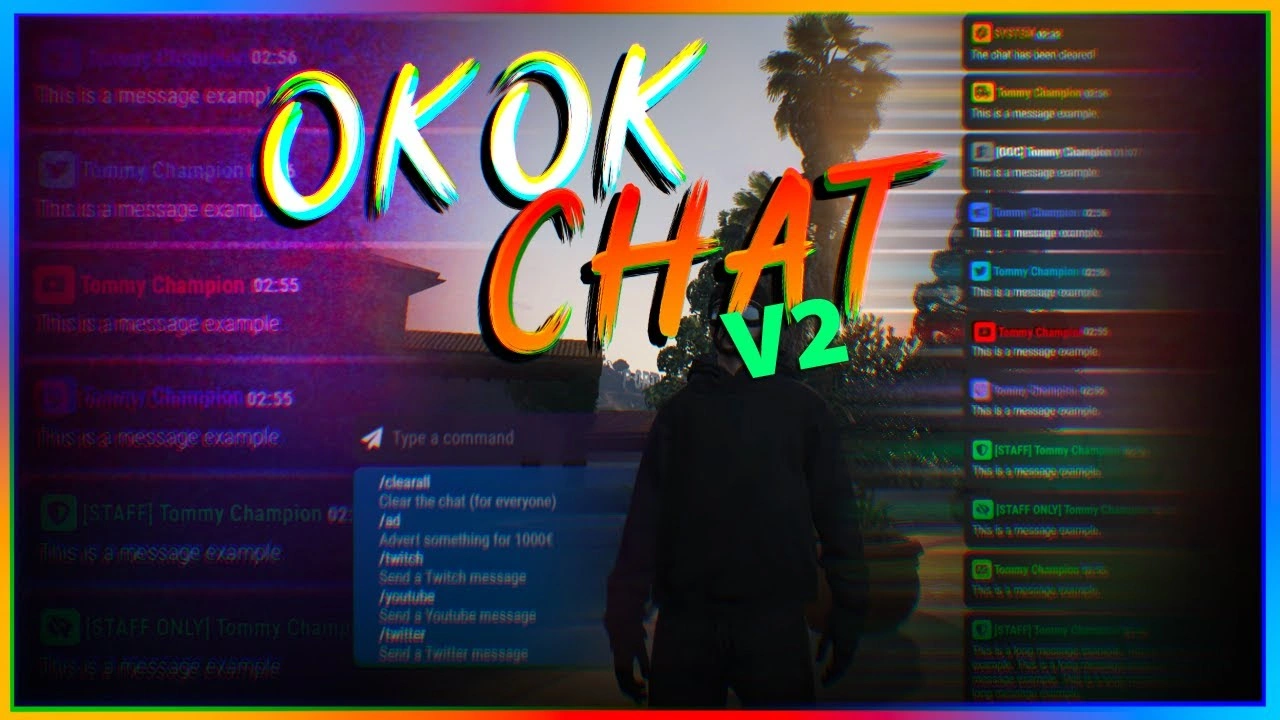
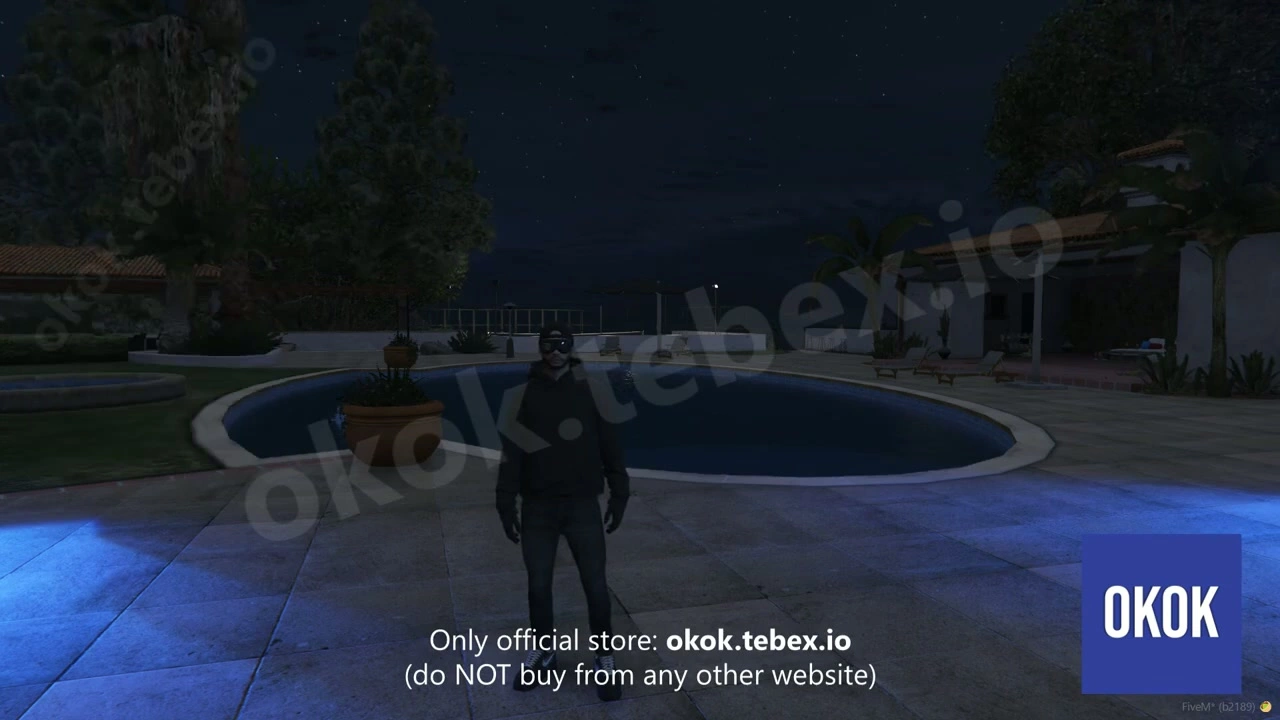
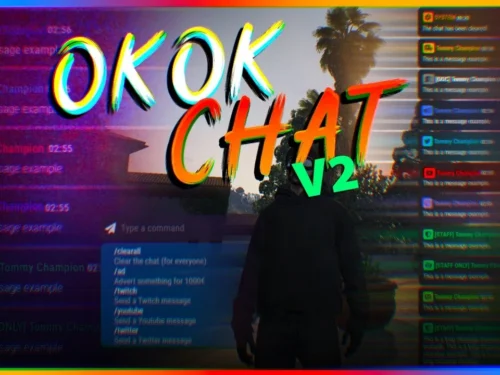
okok Chat V2 isn’t just another chat script — it’s a complete communication platform that handles everything from proximity voice indicators to staff channels, job-specific communications to custom command systems. Thousands of servers worldwide trust this system because it works flawlessly, looks incredible, and gives admins total control over how players communicate.
Core Features
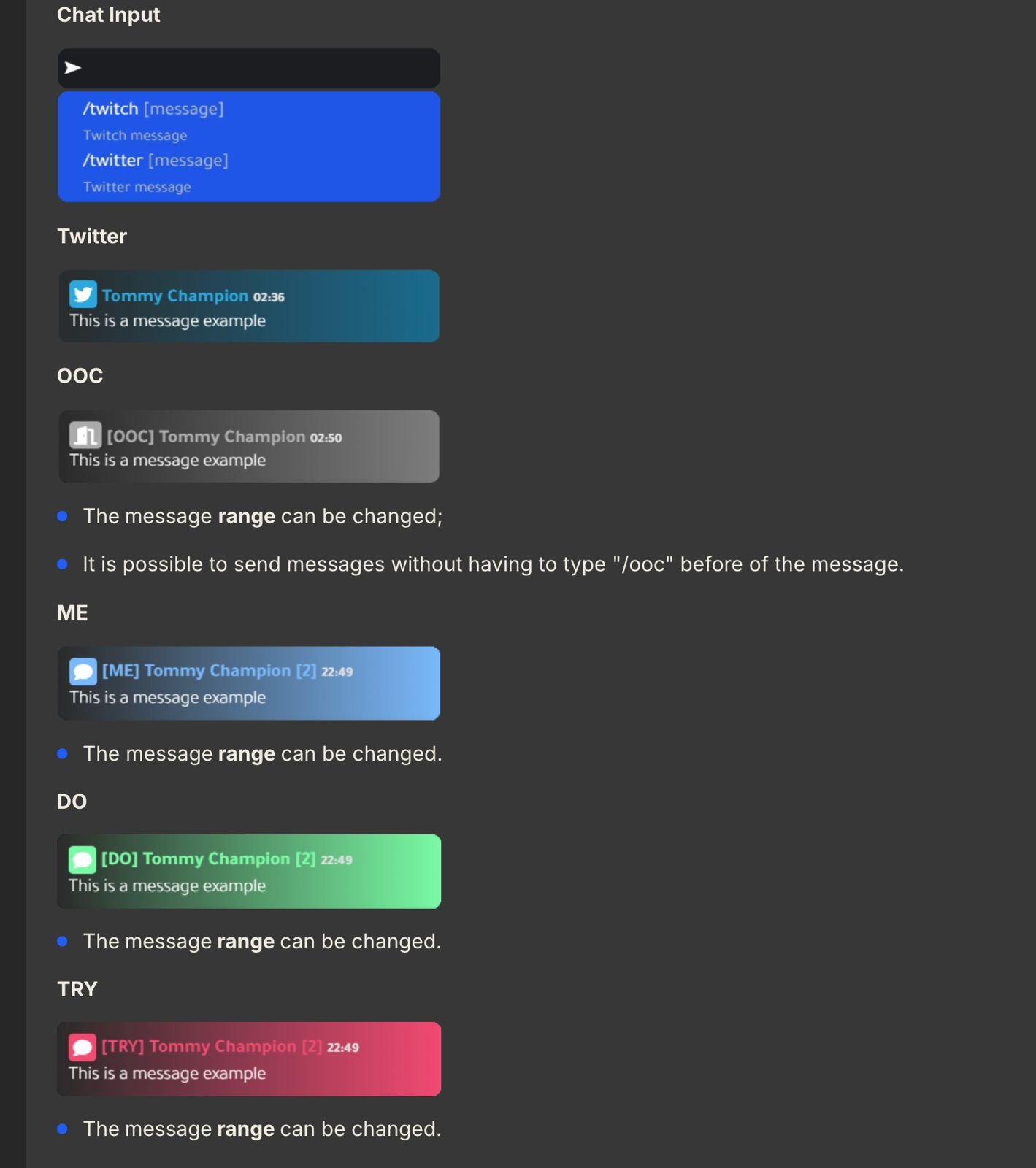
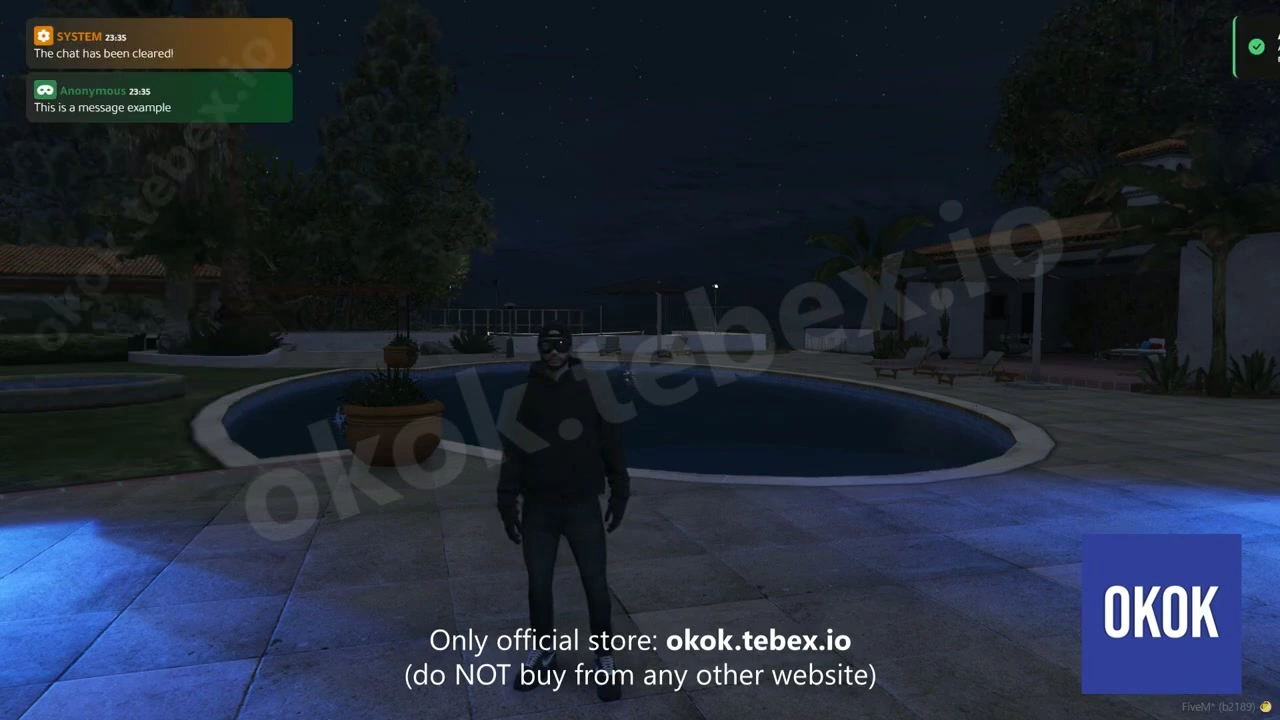
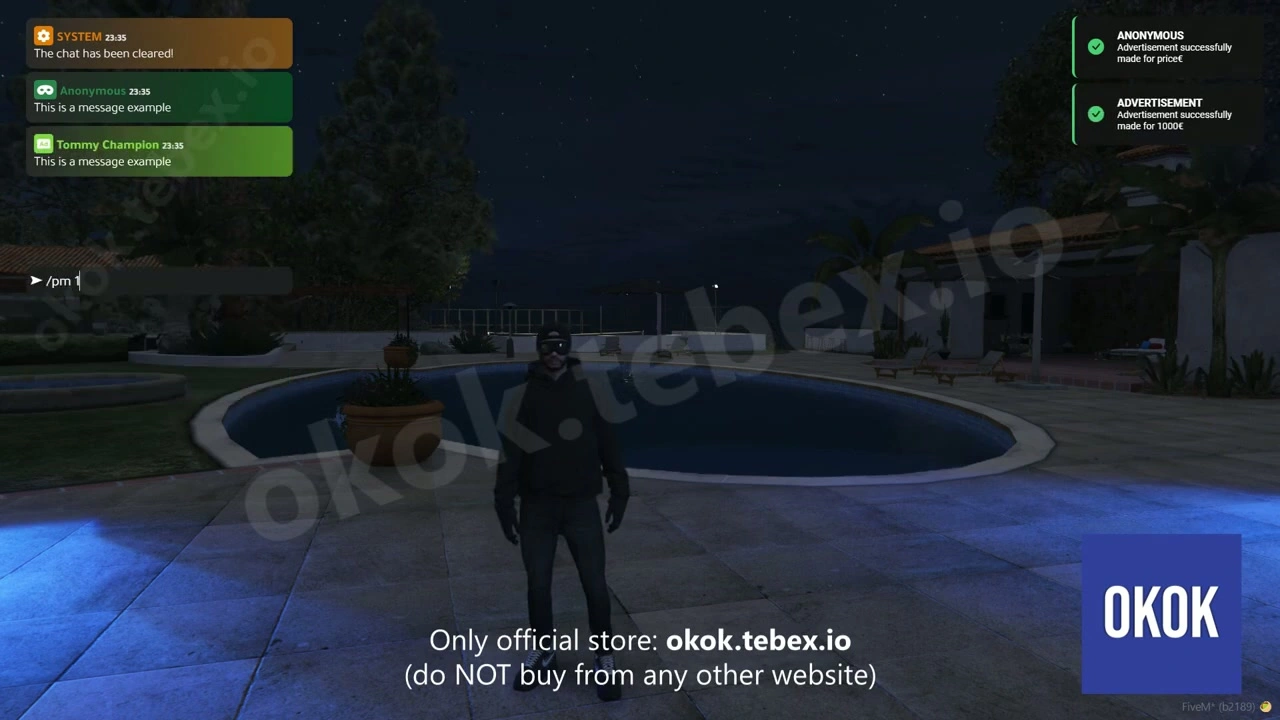
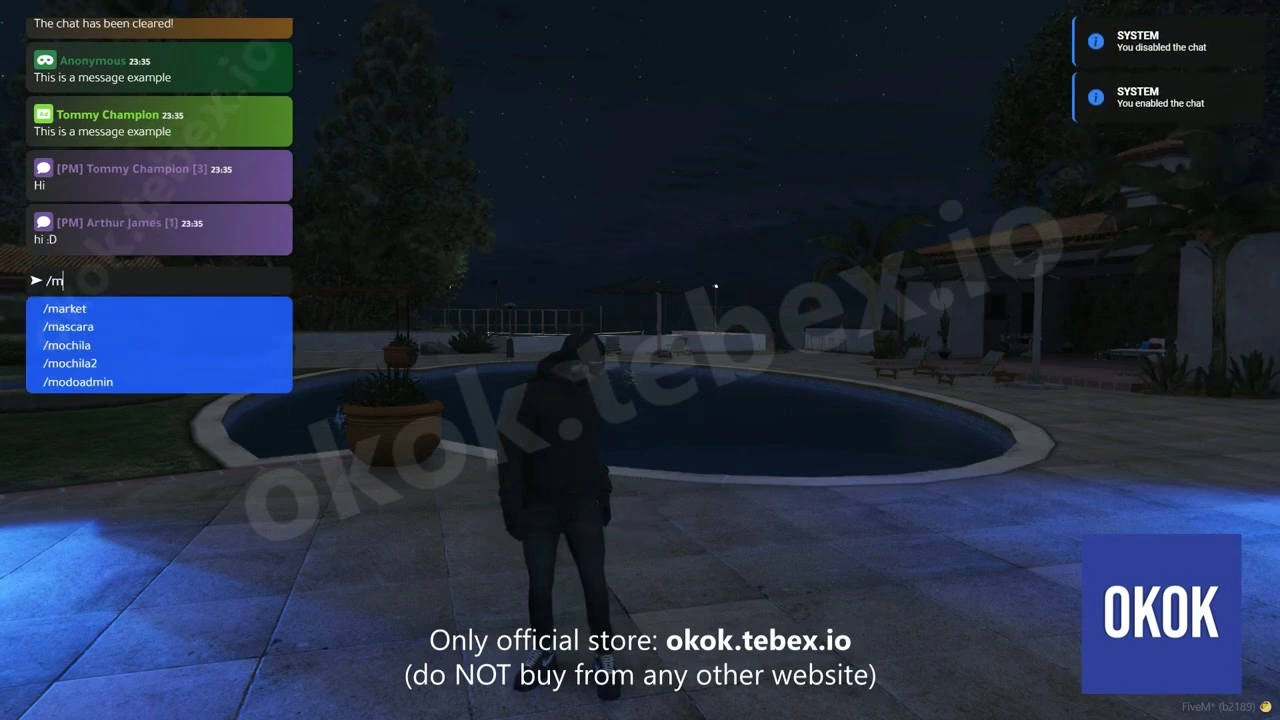
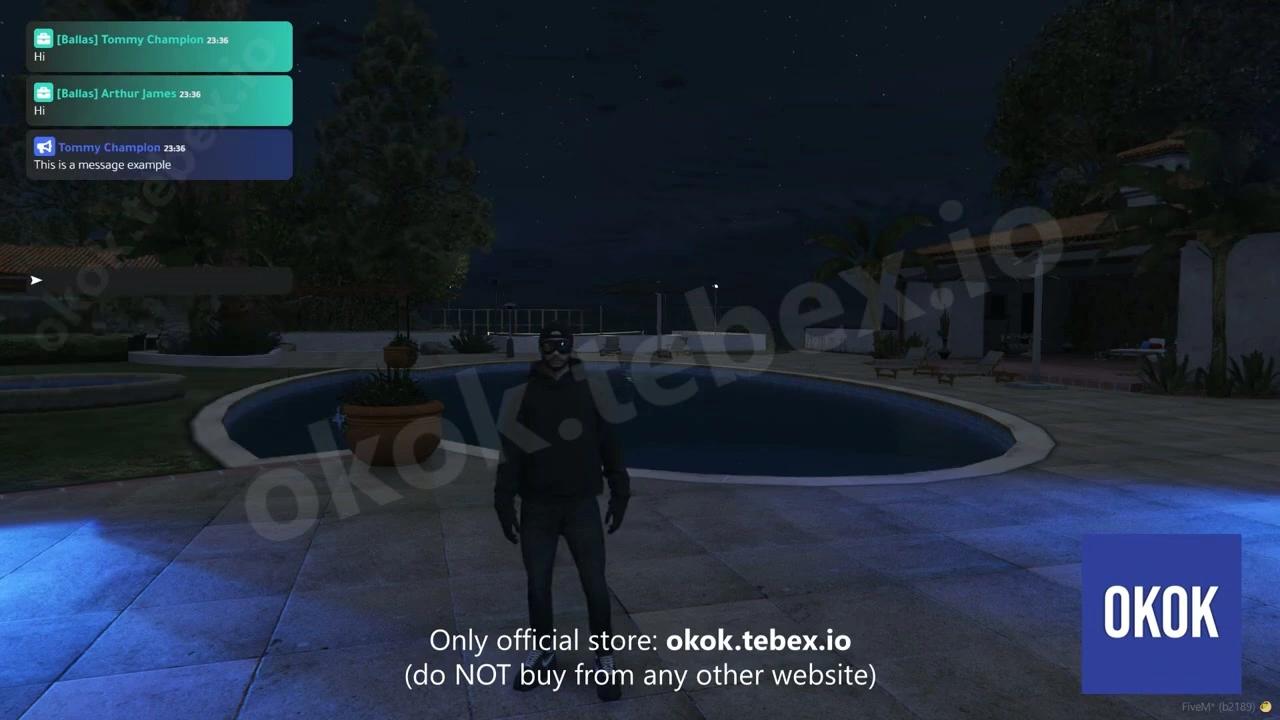
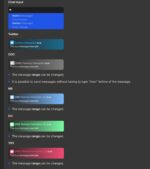
- Modern Custom UI – Sleek, responsive interface that matches any server theme. Customizable colors, fonts, opacity, and positioning. Chat bubbles, timestamps, and player avatars create an immersive experience.
- Multiple Chat Channels – Global chat, local proximity, job-specific channels, admin channels, and custom groups. Players can switch between channels seamlessly with hotkeys or UI controls.
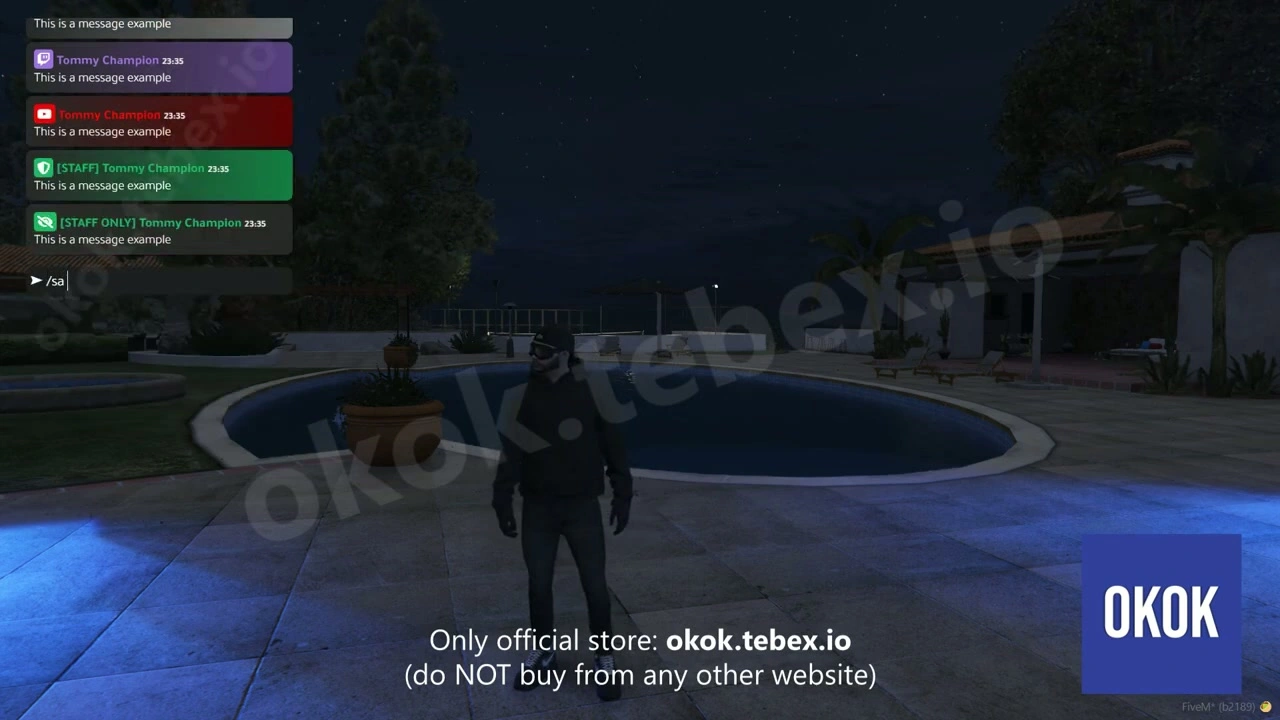
- Staff Communication Tools – Dedicated admin/moderator chat channels invisible to regular players. Perfect for coordinating events, discussing reports, or managing situations without breaking immersion.
- Job-Based Channels – Automatic chat channels for police, EMS, mechanics, and any custom job. Only players with the correct job can see and send messages, enabling realistic department communications.
- Proximity Voice Indicators – Visual indicators show who’s talking nearby with customizable range circles. Integrates with popular voice systems like Mumble-Voip, pma-voice, and TokoVoip.
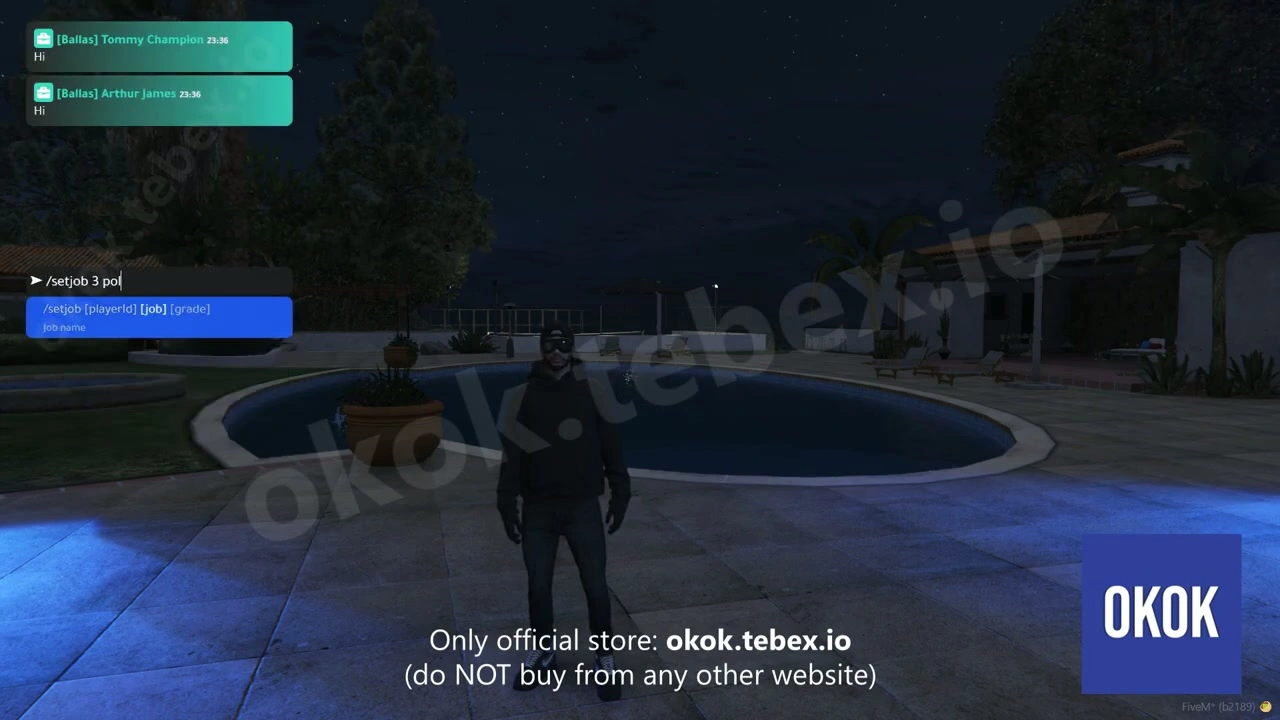
- Custom Commands – Create unlimited custom chat commands with permission restrictions. Build commands for announcements, advertisements,911 calls, tweets, or any roleplay scenario.
- Message Filtering – Built-in profanity filter with customizable word lists. Auto-moderation options to prevent spam, block certain phrases, or mute toxic players automatically.
- Rich Message Types – Support for emojis, mentions (@playername), links, images, and formatted text. Players can express themselves beyond plain text.
- Chat History & Logs – Full message history saved per session. Admins can access complete chat logs for moderation, evidence gathering, or reviewing player interactions.
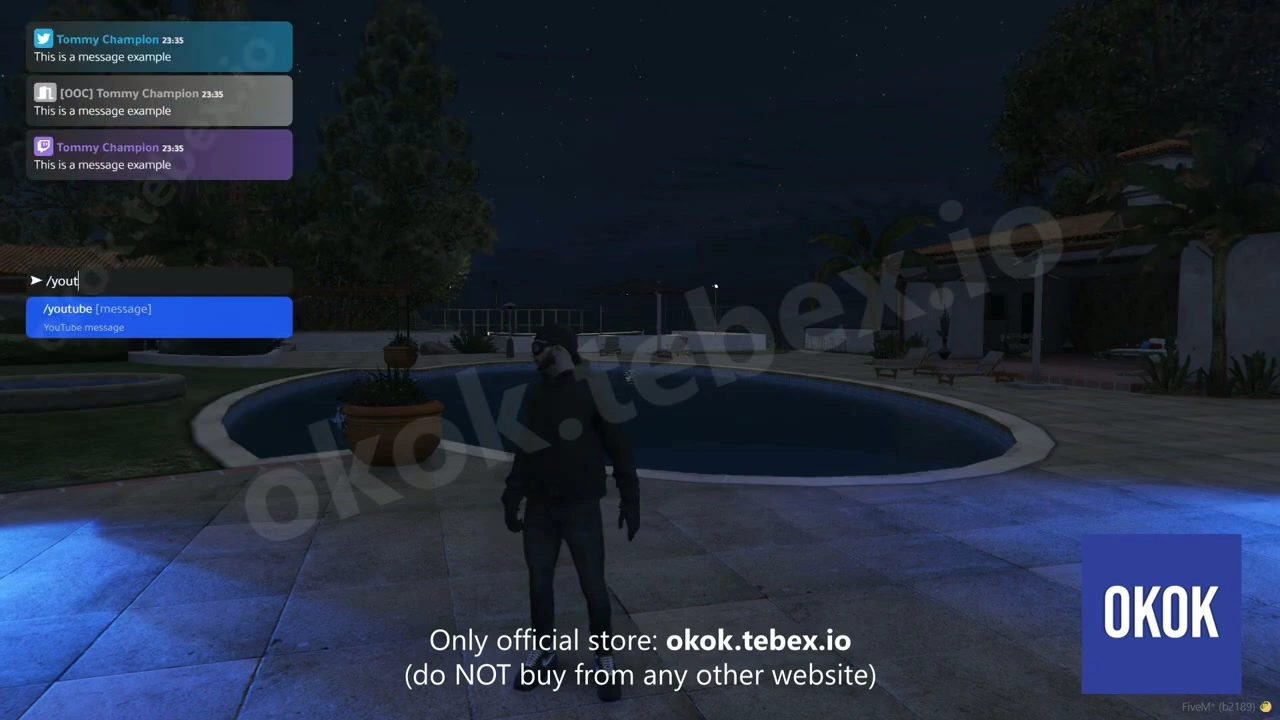
- Suggestions System – Auto-complete for commands, player names, and common phrases. Makes chat faster and reduces typos in critical communications.
Customization Options
- Colors & Themes – Customize background colors, text colors, border styles, and chat bubble appearance. Create light or dark themes, match your server branding, or offer multiple theme options to players.
- Chat Positioning – Move chat to any screen position. Adjust size, width, height, and margins. Create compact chat for minimalists or expansive chat for social servers.
- Channel Setup – Define which channels exist, who can access them, and what permissions are required. Create channels for factions, gangs, businesses, or any custom group.
- Command Configuration – Build custom commands with specific formats. Example: /911 sends formatted emergency calls to police with location data automatically included.
- Message Formats – Control how messages display — show/hide timestamps, player IDs, job badges, or VIP indicators. Format announcements differently than regular messages.
Voice Integration
Works seamlessly with popular FiveM voice systems. When a player talks on voice, their name appears in the chat UI with a speaking indicator. Customize indicator style, color, and animation. Shows proximity ranges visually so players know who can hear them.
Admin Features
- Access all chat channels regardless of job or faction
- Send global announcements with custom styling and sounds
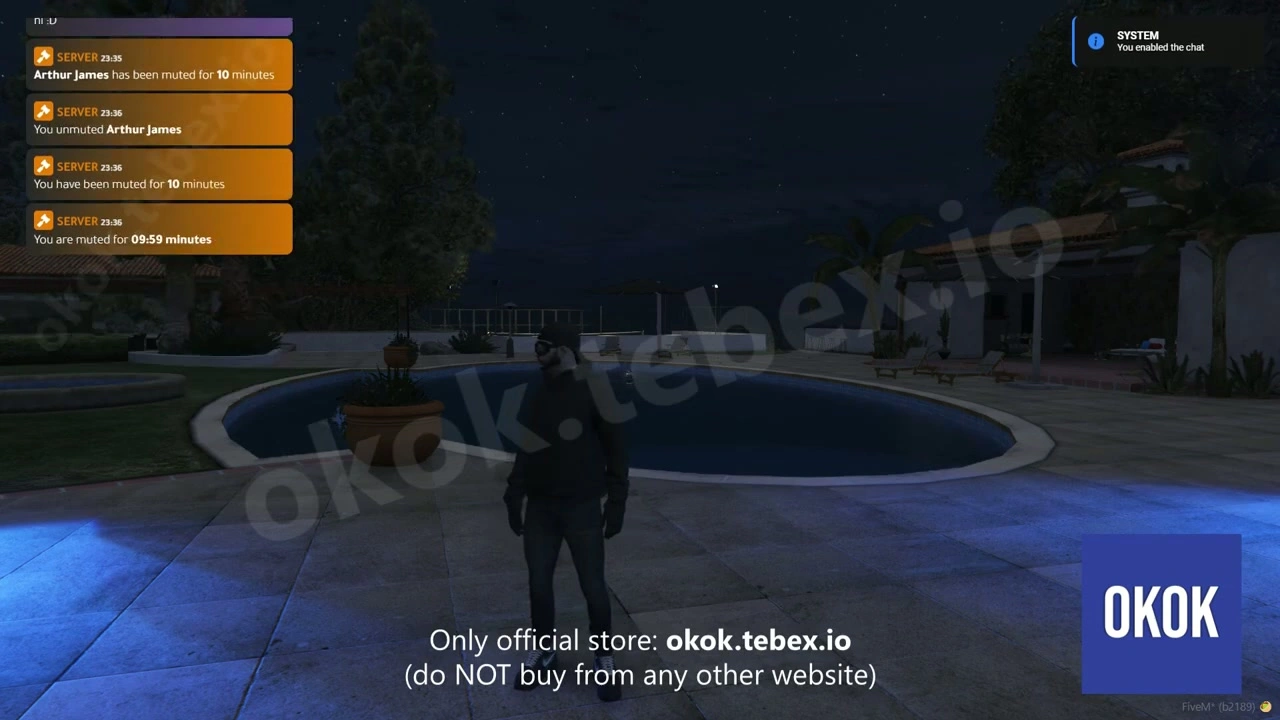
- Mute/unmute specific players or ban from chat entirely
- View complete chat logs with timestamp and player info
- Clear chat for all players or specific individuals
- Monitor private messages between players for moderation
Framework Compatibility
- QBCore – Fully integrated with QBCore jobs, permissions, and player data
- ESX – Complete ESX support with job-based channels and society integration
- Standalone – Can work independently without framework dependency
Performance
- Optimized – 0.00-0.01ms idle, 0.02-0.03ms active usage
- Lightweight – Minimal impact on server performance even with 200+ players
- Efficient – Smart message caching reduces database queries
- Reliable – Battle-tested on thousands of servers with zero major issues
Installation & Setup
- Download and extract to your resources folder
- Configure framework type (QBCore/ESX/Standalone) in config
- Customize chat channels, commands, and UI appearance
- Set up job-specific channels for your server jobs
- Configure voice integration settings for your voice resource
- Add custom commands for /911, /ad, /tweet, etc.
- Start resource and enjoy the best chat system on FiveM
Popular Custom Commands
- /911 [message] – Emergency calls sent to police with GPS location
- /ad [message] – Server-wide advertisements with cooldown timers
- /tweet [message] – In-character social media posts
- /311 [message] – Non-emergency reports to government services
- /me [action] – Roleplay actions visible to nearby players
- /do [action] – Describe scene/environment to nearby players
What You Get
- Complete okok Chat V2 system
- Multiple chat channels and job-based communications
- Custom UI with full theme customization
- Voice integration with proximity indicators
- Staff tools and admin commands
- Chat logging and moderation features
- Custom command system
- Detailed documentation and configuration guide