



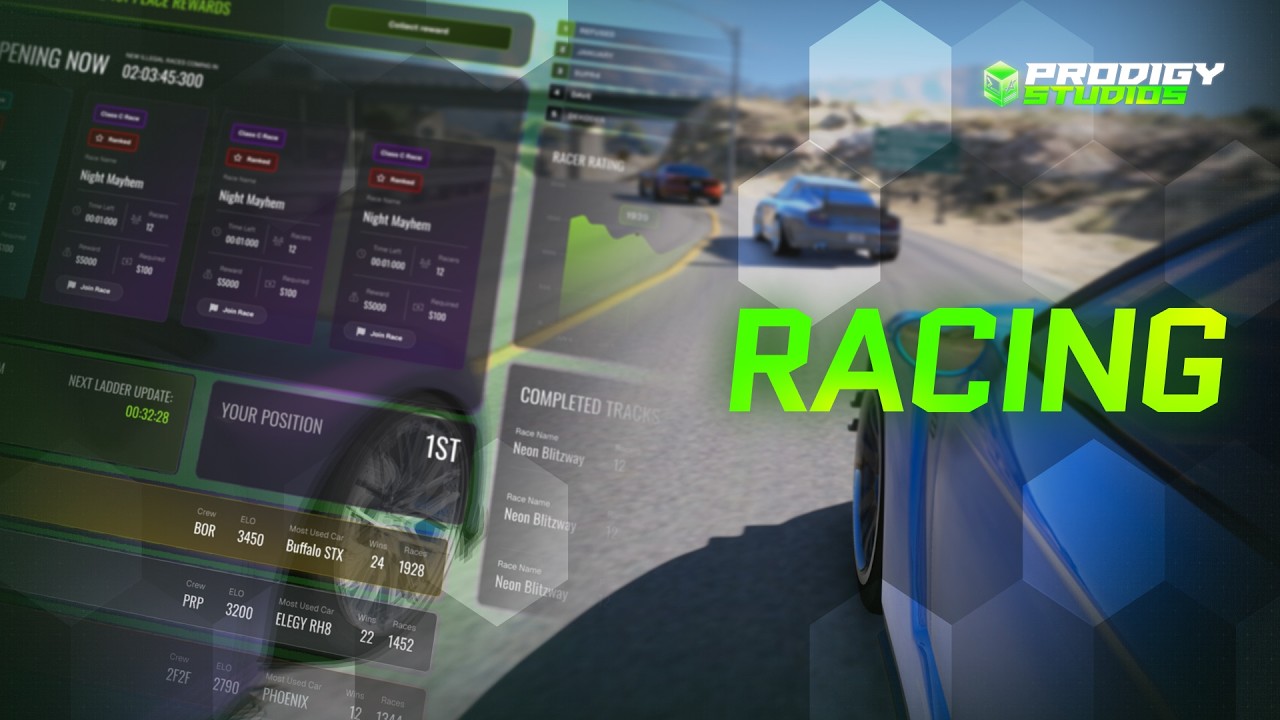
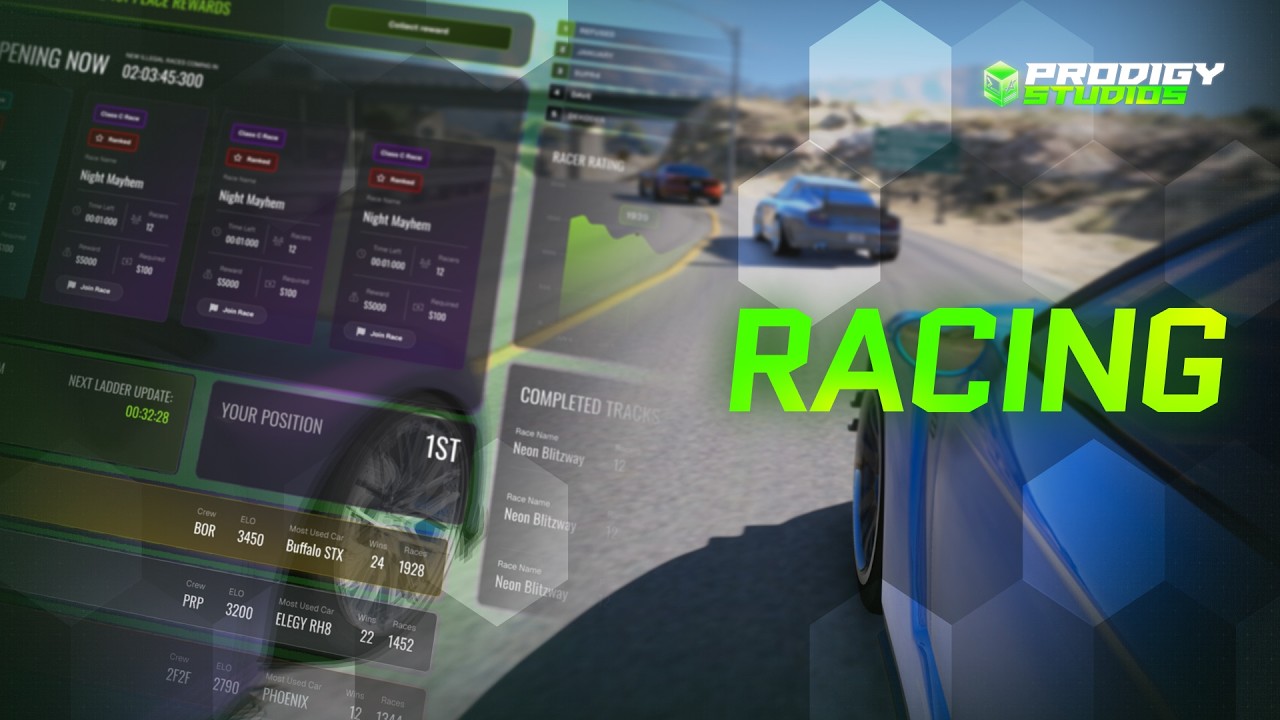





The PRP Racing Pack is a comprehensive racing system designed to Update competitive gameplay on your FiveM server. if you are running a roleplay community or a dedicated racing server, this script delivers professional-grade race management with intuitive checkpoint navigation, accurate timing systems, and persistent leaderboards that keep players engaged and coming back for more.
Key Features
- Dynamic checkpoint system with customizable waypoints and visual markers for direct race navigation
- Precision race timing that records lap times and finish times with millisecond accuracy
- Persistent leaderboards tracking top performers across all race events
- Multiple race types including circuit races, point-to-point, and time trials
- Configurable race parameters such as vehicle restrictions, player limits, and difficulty modifiers
- Real-time race status display showing current position, time gaps, and countdown timers
- Automatic race result saving and player statistics tracking
- Support for custom race creation and community-driven event scheduling
Compatibility
The PRP Racing Pack is a standalone resource that integrates smoothly with popular FiveM frameworks including ESX, QBCore, and QBox. It can also run independently on vanilla FiveM servers, making it flexible for various server configurations and existing setups.
Installation
Extract the resource folder into your server’s resources directory, then add ensure prp_racing to your server.cfg file. Review the included configuration file to customize race parameters, checkpoint styling, and leaderboard settings to match your server’s needs. Restart your server and the racing system will be ready for use.
Update your server’s competitive edge and give racers the tools they deserve—grab the PRP Racing Pack today.
PRP Racing Pack adds race management, checkpoints, timing and persistent leaderboards to FiveM.
Product details
- Circuit, point-to-point and time-trial race types
- Checkpoint navigation and race timing
- Leaderboards, results and race-creation settings
Compatibility and setup
The listing identifies standalone use with ESX, QBCore and QBox. Verify persistence and framework callbacks before release.





Reviews
There are no reviews yet.