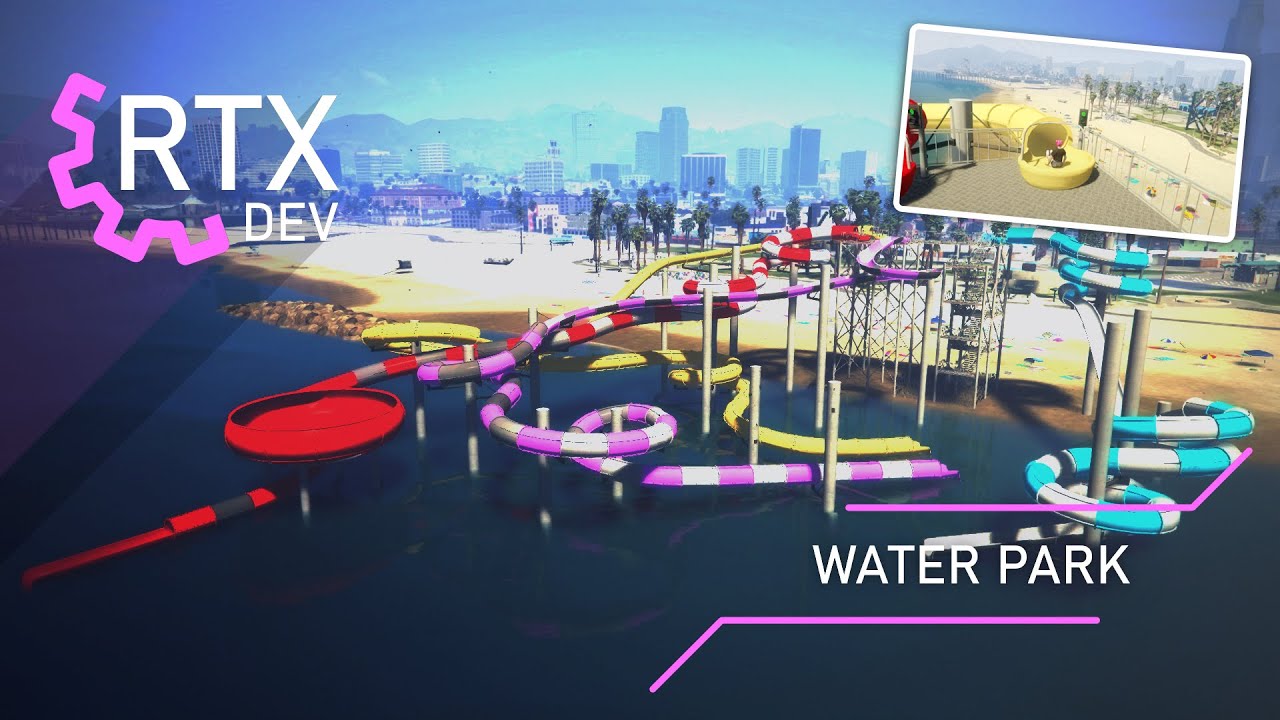
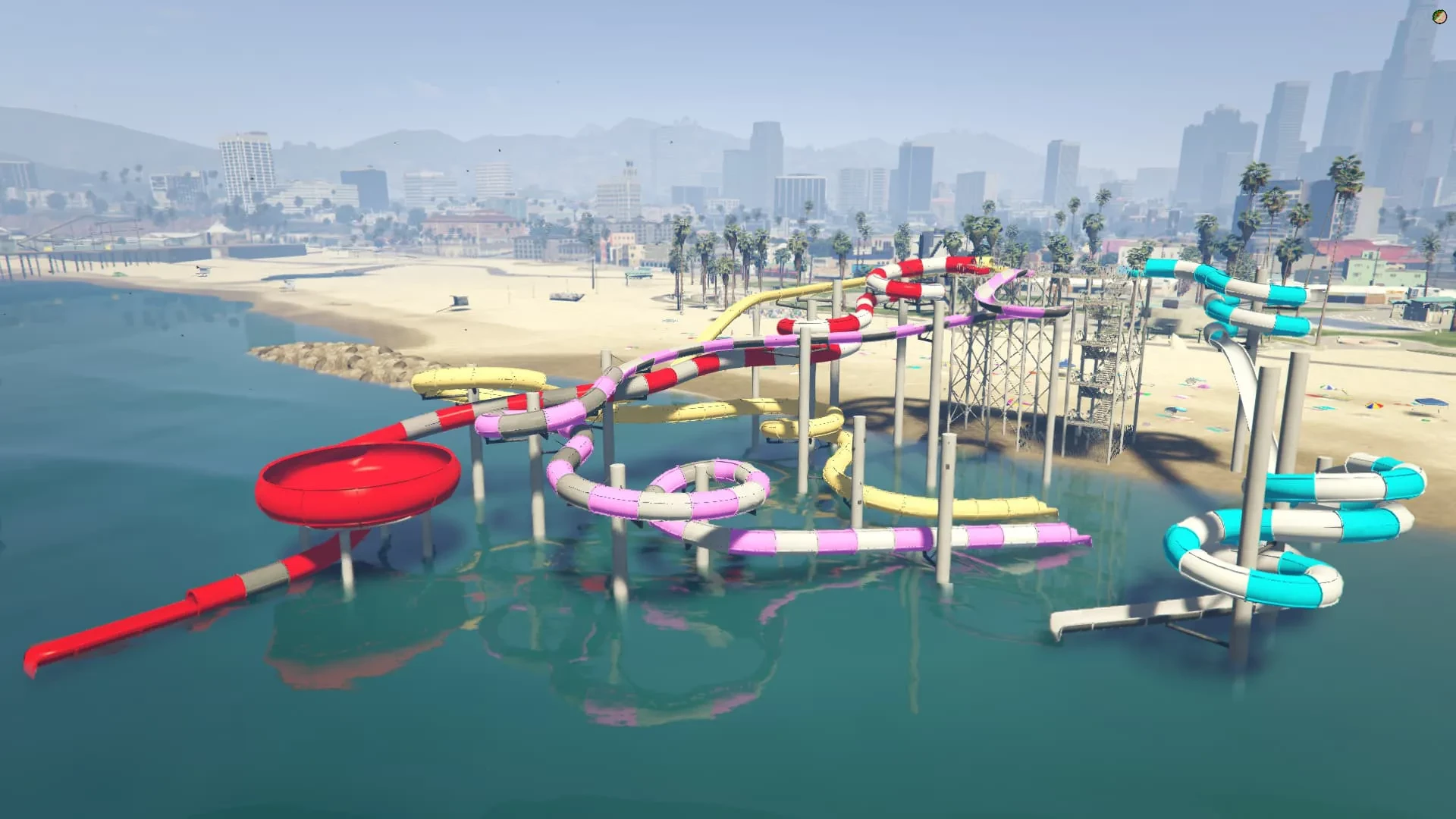
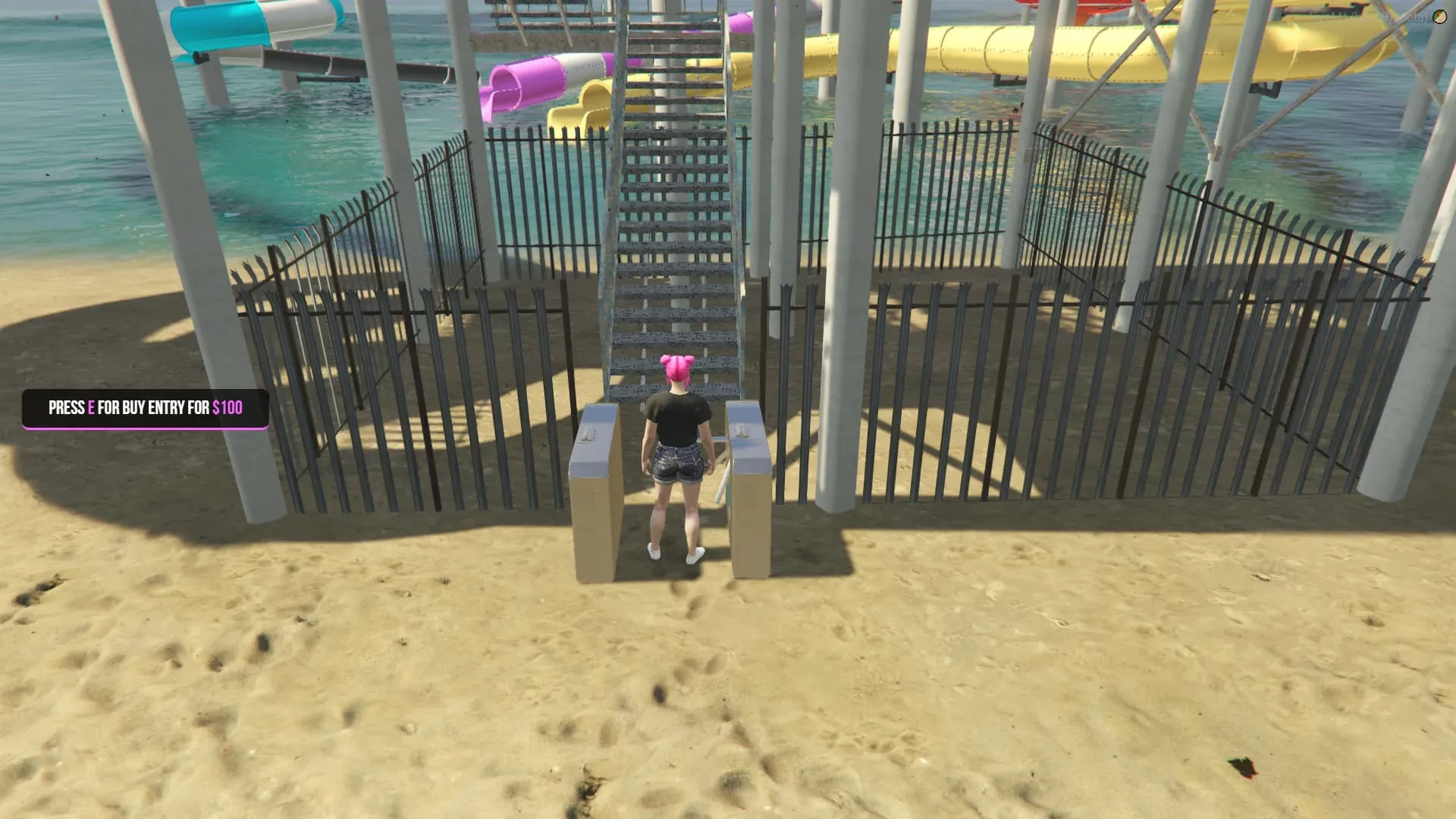

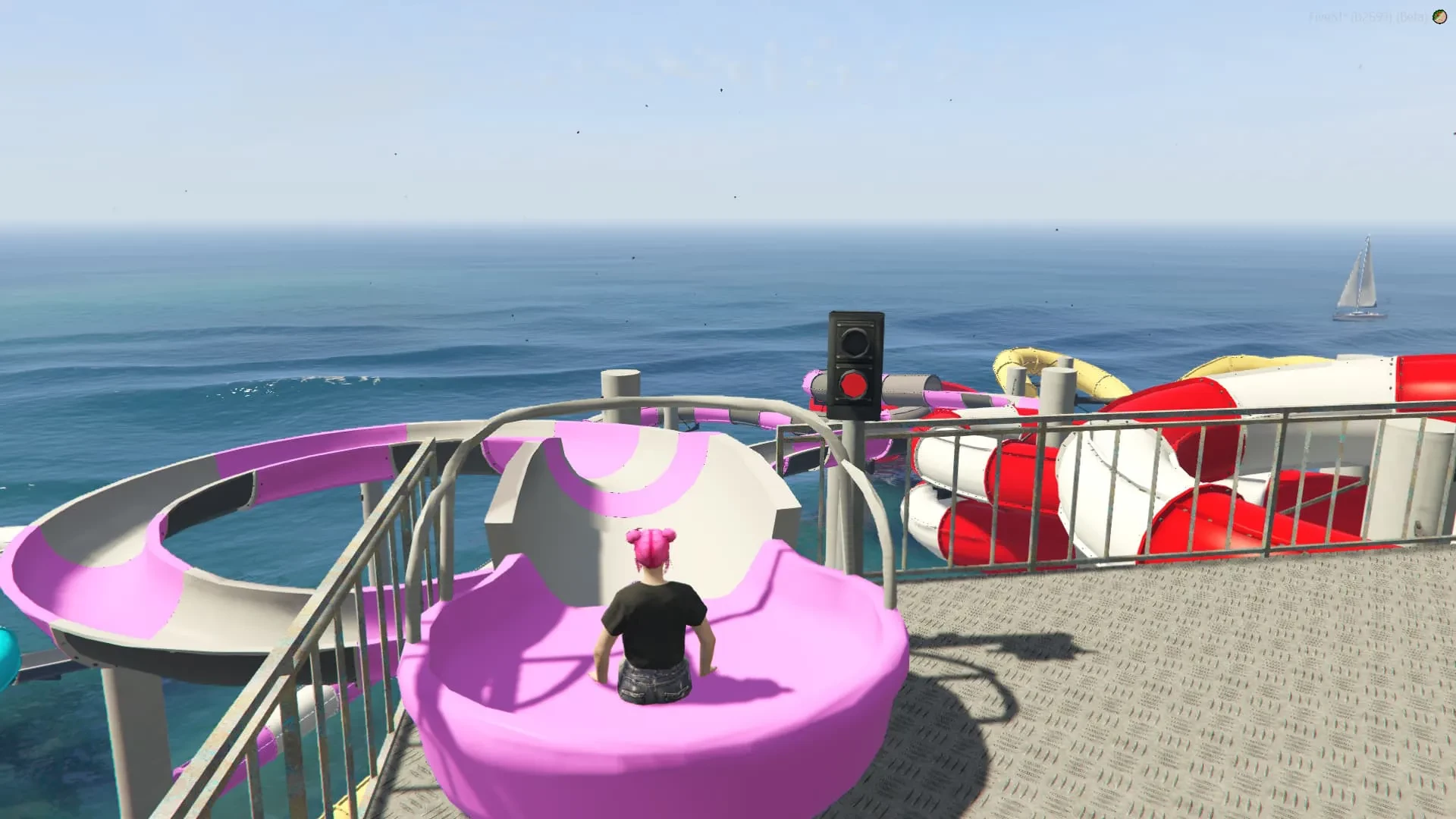

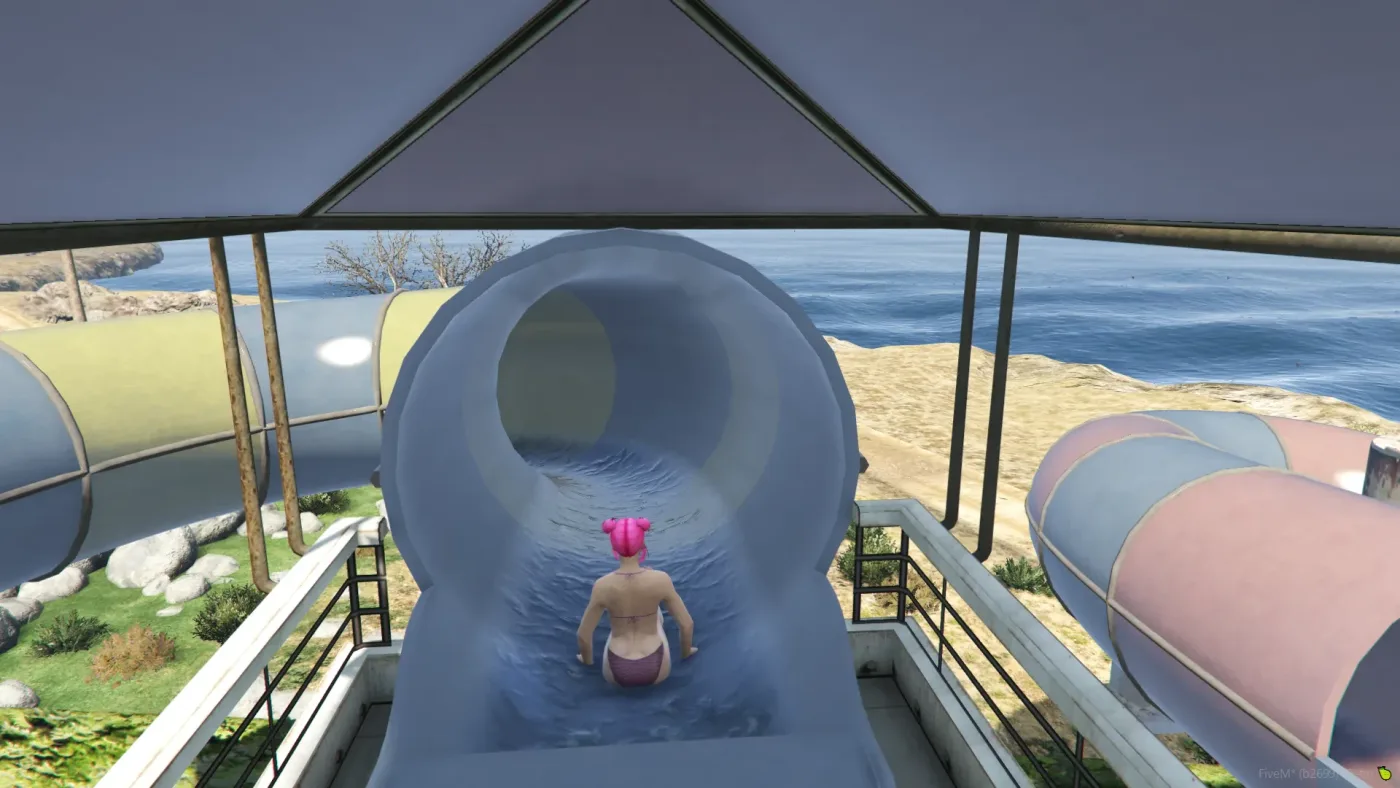
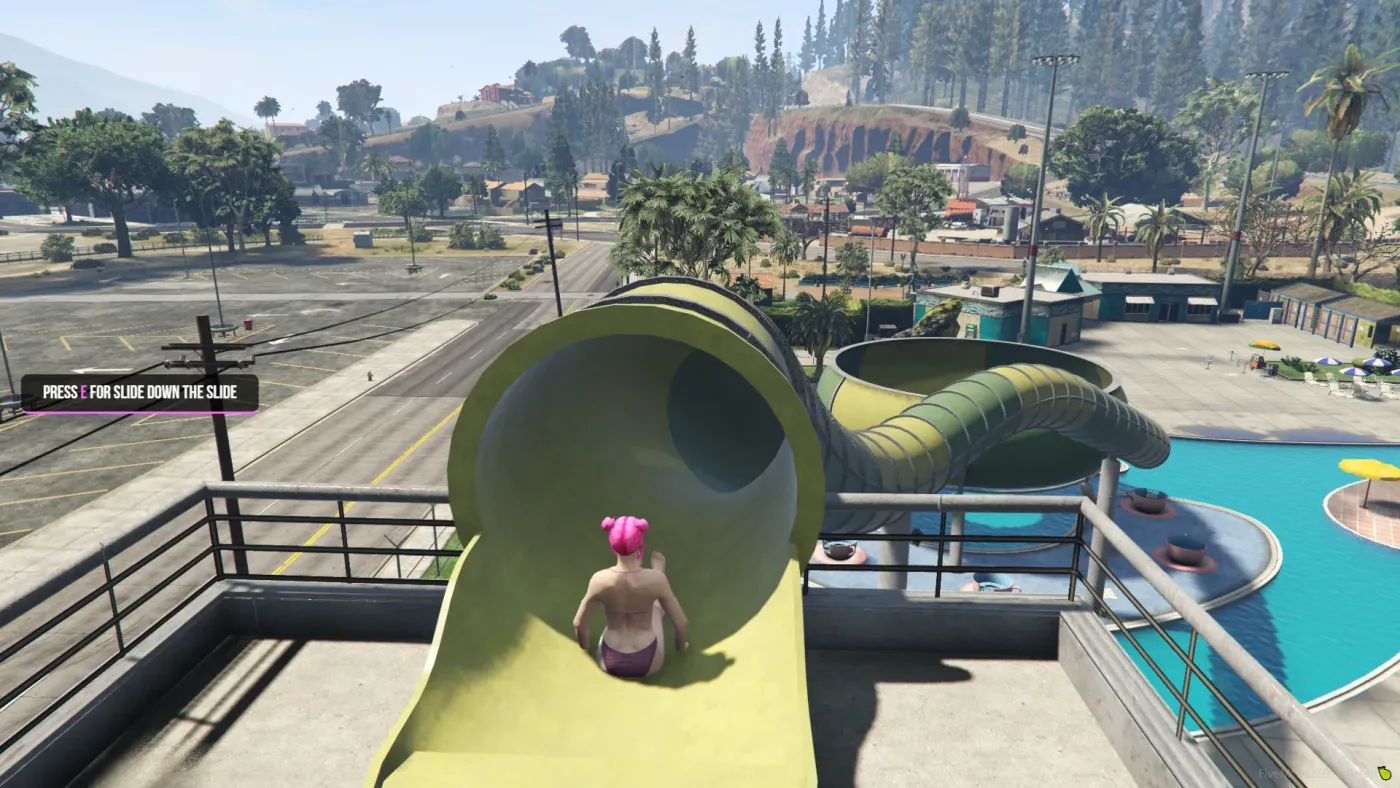
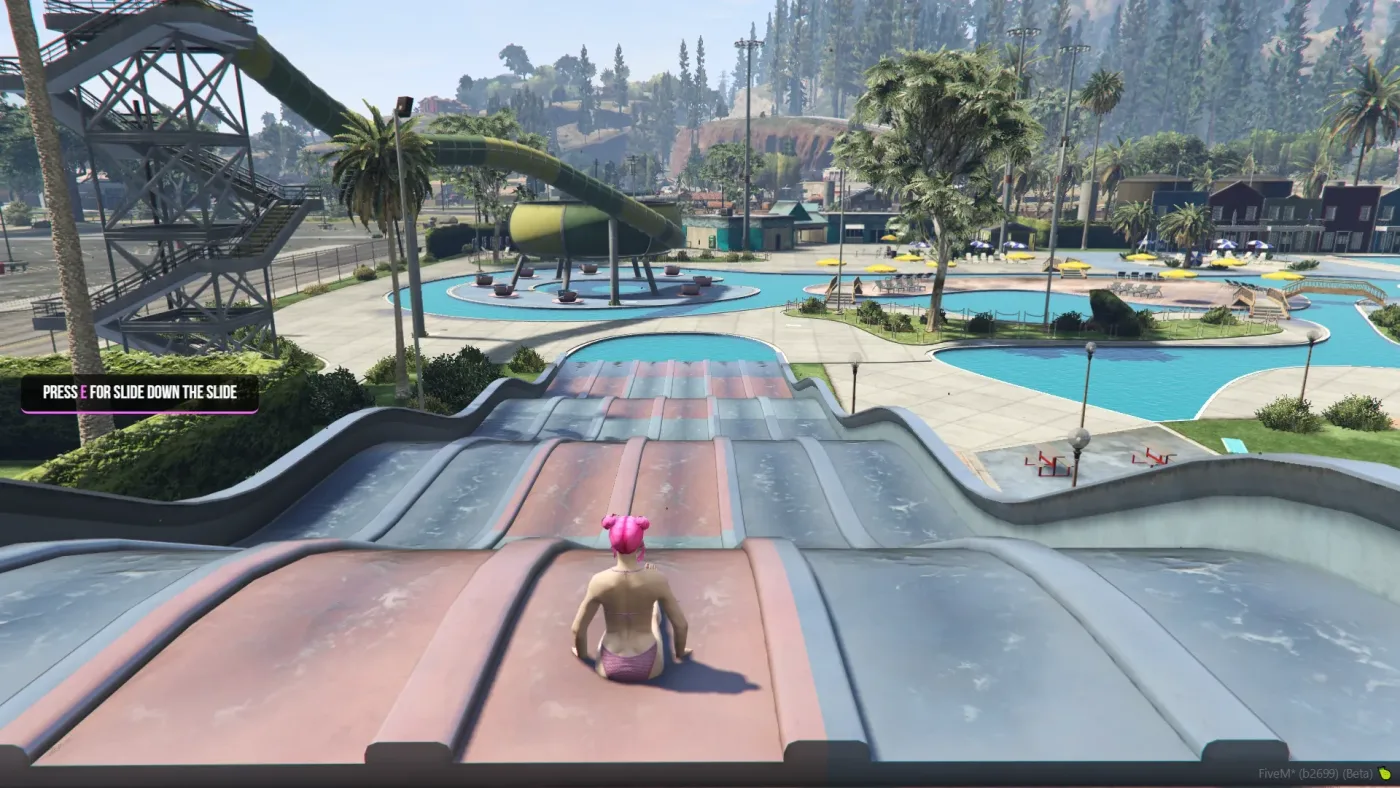










Video Preview
Technical / Compatibility
-
OneSync Infinity Ready — scales with large player counts.
-
Compatible with all maps & MLOs — spawn and positioning are configurable.
-
Files you can edit:
config.lua,language.lua, HTML/CSS for UI styling. -
Exports & Hooks: Designed to be called from other resources (passes, admin tools, telemetry).
-
Protection: Escrow system active for core code; settings and UI remain editable for server owners.
Quick Install (3 steps)
-
Drop the resource into your
resources/[your-folder]and add toserver.cfg. -
Configure
config.lua(prices, pass timers, slide positions) andlanguage.lua. -
Start resource, verify spawn points on your map/MLO, and enjoy.
Support & Customization
-
Support included — installation help and basic troubleshooting.
-
Customization services available upon request (models, animations, pass mechanics).
-
Recommended: Adjust slide spawn points and target markers per MLO to avoid clipping.
Install instructions (Standalone):
1. Put rtx_waterpark folder to your resources
2. Open config.lua file
3. Configure your config.lua to your preferences (Configure notify line in bottom of config.lua you need use our notify system or you need change notify line to your system)
4. Put rtx_waterpark to the server.cfg
Install instructions (QBCore):
1. Put rtx_waterpark folder to your resources
2. Open config.lua file
3. Configure your config.lua to your preferences (Configure notify line in bottom of config.lua you need use our notify system or you need change notify line to your system)
4. Put rtx_waterpark to the server.cfg
5. If you want use waterpass system, add new items to qb-core/shared/items.lua – items name: waterpass, waterpassunlimited
Example items line for items.lua:
[‘waterpass’] = {[‘name’] = ‘waterpass’, [‘label’] = ‘Water Pass’, [‘weight’] = 1000, [‘type’] = ‘item’, [‘image’] = ‘waterpass.png’, [‘unique’] = false, [‘useable’] = true, [‘shouldClose’] = true, [‘combinable’] = nil, [‘description’] = ‘Water Pass’},
[‘waterpassunlimited’] = {[‘name’] = ‘waterpassunlimited’, [‘label’] = ‘Water Pass Unlimited’, [‘weight’] = 1000, [‘type’] = ‘item’, [‘image’] = ‘waterpassunlimited.png’, [‘unique’] = false, [‘useable’] = false, [‘shouldClose’] = true, [‘combinable’] = nil, [‘description’] = ‘Water Pass Unlimited’},
Install instructions (ESX):
1. Put rtx_waterpark folder to your resources
2. Open config.lua file
3. Configure your config.lua to your preferences (Configure notify line in bottom of config.lua you need use our notify system or you need change notify line to your system)
4. Put rtx_waterpark to the server.cfg
5. If you want use waterpass system, upload sql sql_ESX.sql file to your mysql database.
Common issues:
—————————–
If you use an anticheat, put an object named “prop_cs_box_clothes” in the whitelist
License agreement / Terms of Service
1. Any purchase is non-refundable.
2. Each product is to be used on a singular server, with the exception of a test server.
3. Any form of redistribution of our content is considered copyright infringement.
4. If any of these rules are broken, legal actions can be taken.
© 2025 RTX Development, all rights reserved.