• Instant digital delivery
  • Lifetime updates on selected products
  • Trusted by server owners
FiveMX
Shop
Full ServersBundlesNew releases
FiveMX

Start building your server today.

Curated FiveM resources, instant delivery, free starter mods, and practical guides in one calm marketplace.

Browse the shopsupport@fivemx.com

Shop

  • Shop
  • FiveM Mods
  • All Products
  • Free Mods
  • Best Scripts & Mods
  • FiveM Scripts

Frameworks

  • QBCore Scripts
  • ESX Scripts
  • QBox
  • Standalone

Community

  • Blog
  • Support
  • Creators
  • Affiliate

Legal

  • Privacy Policy
  • Terms of Service
  • Refund Policy
  • Digital Delivery
  • Cookie Policy
  • GDPR Compliance
  • DMCA
  • Imprint
  • Editorial Policy

Server Templates

  • QBCore Server Template
  • ESX Server Template
  • NoPixel Server Template
  • Server Packs
  • Free Server Templates
  • Tebex Alternative
© 2026 FiveMX. All rights reserved.·FiveMX is not affiliated with Rockstar Games, Take-Two Interactive, or CFX.re. All trademarks are property of their respective owners.
DiscordDocs
Compatibility:

Safezone Script

$5.491 sold

Secure Checkout

Cards, Apple Pay, Google Pay, iDEAL/Wero, Bancontact, EPS, Przelewy24, and optional Crypto where available via Stripe.

Instant file access after paymentSupport and refund policy shown before checkout
Ask support before buyingRead refund policy
Instant Access
SSL Encrypted
Cards, wallets, bank redirects
Frameworksesx, qbcore, qbox, standalone
Setup

Requires a FiveM server, esx or qbcore or qbox or standalone, access to server resources, and permission to restart the resource after configuration.

RequirementsPublished on this page
PreviewAvailable

Description

Safezone Script - Protected Areas for Your FiveM Server

Create designated safe zones across your FiveM server where combat, weapon usage, and hostile actions are completely restricted. This safezone script provides essential protection for spawn points, government buildings, hospitals, and other locations where you want to ensure player safety and prevent griefing. Perfect for serious roleplay servers that need clearly defined protected areas.

What's Included

A fully configurable safezone system that automatically detects when players enter or exit protected areas. The script disables combat mechanics, prevents weapon drawing, and can optionally enforce speed limits or vehicle restrictions within zones. Each zone is independently configurable with custom radiuses, notification messages, and rule sets tailored to your server's needs.

Key Features

  • Unlimited Safe Zones - Define as many protected areas as needed across the entire map
  • Combat Prevention - Automatically disables weapon usage and melee attacks within zones
  • Customizable Radiuses - Set individual zone sizes from small buildings to entire districts
  • Vehicle Restrictions - Optional speed limits or complete vehicle bans in sensitive areas
  • Visual Notifications - Clear on-screen alerts when entering or exiting safe zones
  • Map Blips - Optional zone markers visible on the map for player awareness
  • Performance Optimized - Minimal resource usage even with multiple active zones
  • AFK Protection - Optional handling for idle players in safe areas

Perfect For

  • Protecting hospital spawn points from spawn killing
  • Government buildings like police stations and courthouses
  • Shopping districts and marketplaces for peaceful trading
  • Garages and vehicle dealerships to prevent theft during browsing
  • Community gathering spots like parks or event venues
  • Job centers and employment offices

How It Works

The script continuously monitors player positions and compares them against configured zone coordinates. When a player enters a safezone radius, combat abilities are instantly disabled and a notification displays the zone rules. Attempting to draw weapons, attack, or violate zone restrictions triggers warning messages. Upon leaving the zone, normal gameplay mechanics automatically resume.

Technical Details

  • Performance - 0.00ms idle, 0.01ms when players in zones
  • Zone Detection - Accurate radius-based position checking
  • Framework Support - Works standalone or with ESX/QBCore
  • Notifications - Fully customizable text and styling

Installation

  1. Extract the safezone resource to your server's resources folder
  2. Configure zone locations and radiuses in the config file
  3. Set up desired restrictions (combat, speed, vehicles) for each zone
  4. Customize notification messages and blip settings
  5. Add the resource to your server.cfg and restart
  6. Test each zone to verify proper activation and deactivation

Framework Compatibility

  • ✅ ESX - Full integration with ESX notification system
  • ✅ QBCore - Compatible with QB-Core notifications
  • ✅ Standalone - Works independently without framework requirements
  • ✅ ox_lib - Optional integration for enhanced UI elements

What Makes It Stand Out

This safezone script strikes the perfect balance between protection and performance. Unlike heavy scripts that cause lag with complex polygon zones, this system uses efficient circular radiuses that deliver instant response with negligible resource usage. The configuration flexibility means each zone can have unique rules - a hospital might only prevent combat while a government building could restrict both weapons and vehicles. The clear visual feedback ensures players always know when they're protected, reducing confusion and support tickets.

Common Safezone Locations

Pillbox Hospital - Protect the main spawn point and emergency services area from attackers targeting respawning players.

Mission Row PD - Secure police headquarters and prevent station raids during officer breaks.

Legion Square - Create a peaceful meeting area in the city center for events and gatherings.

Premium Deluxe Motorsport - Allow vehicle browsing without fear of carjacking or shootouts.

Maze Bank - Protect ATM users and bank customers during financial transactions.

Configuration Options

Each safezone supports extensive customization. Define the exact coordinates and radius size, choose whether to show map blips, set custom entry and exit messages, enable or disable specific restrictions like combat, weapons, or vehicles, and configure speed limits for driving within zones. The notification system is fully translatable for multi-language servers. You can even set job-specific rules, allowing police to carry weapons in zones where civilians cannot.

Anti-Griefing Protection

The script includes smart abuse prevention mechanics. Players cannot exploit safe zones by entering during combat to escape consequences - the system can detect recent combat engagement and apply cooldowns. Optional AFK detection prevents zone camping by idle players. Vehicle ramming can be restricted separately from general vehicle usage, stopping players from using cars as weapons within protected areas.

Related QBCore Scripts

  • GUN MENU | Inspired by CS 2
  • Brutal Police Job
  • Trygon Inventory
  • Zerio Cardealer

Installation notes

Requires a FiveM server, esx or qbcore or qbox or standalone, access to server resources, and permission to restart the resource after configuration.
Installation notes
Requires a FiveM server, esx or qbcore or qbox or standalone, access to server resources, and permission to restart the resource after configuration.

Buy this when it saves setup time

Use this checklist to decide quickly whether the resource fits your current server build, framework, and support expectations.

Server-owner payoff

Safezone Script is positioned to reduce Weapon Scripts instead of making you rebuild the same system from scratch.

Compatibility

Works with esx, qbcore, qbox, standalone. Check the requirements block before adding it to a live stack.

Purchase confidence

Instant download, Stripe checkout, support access, and refund policy context are shown before payment.

Decision assets

Requirements, Preview video, Product Q&A

Product fit, setup, and proof at a glance

Use the published facts on this page to confirm whether Safezone Script matches your server before checkout.

Compatibility

Frameworks
ESX, QBCore, QBOX, Standalone
Category
Weapon Scripts

Setup & requirements

Install flow
Download → resources folder → ensure in server.cfg
Requirements
Published on this page
File size
41.85 KB

Proof & buyer questions

Reviews
No reviews — be the first
Sales
1

Only the facts published on this page should be treated as confirmed. If you need more detail, review the description, requirements, changelog, reviews, and product Q&A before checkout.

DescriptionRequirementsPreview video
Weapon Scripts
Compatibility:
ESX
QBCore
QBOX
Standalone

Safezone Script

Review process
$5.491 sold

Secure Checkout

Cards, Apple Pay, Google Pay, iDEAL/Wero, Bancontact, EPS, Przelewy24, and optional Crypto where available via Stripe.

Instant file access after paymentSupport and refund policy shown before checkout
Ask support before buyingRead refund policy
Instant Access
SSL Encrypted
Cards, wallets, bank redirects
Frameworksesx, qbcore, qbox, standalone
Setup

Requires a FiveM server, esx or qbcore or qbox or standalone, access to server resources, and permission to restart the resource after configuration.

RequirementsPublished on this page
PreviewAvailable
Home
Shop
Weapon Scripts
Weapon Scripts
ESX
QBCore
QBOX
Standalone
Review process

Key Features

  • Unlimited Safe Zones

    Define as many protected areas as needed across the entire map

  • Combat Prevention

    Automatically disables weapon usage and melee attacks within zones

  • Customizable Radiuses

    Set individual zone sizes from small buildings to entire districts

  • Vehicle Restrictions

    Optional speed limits or complete vehicle bans in sensitive areas

  • Visual Notifications

    Clear on-screen alerts when entering or exiting safe zones

Frequently Asked Questions

Related Products

$30.99
$4.49
$4.49
$4.49

Related Tutorials & Guides

Learn more about setting up, configuring, and using this type of resource.

ESX vs QBCore vs QBOX: Technical Framework Comparison 2026

ESX vs QBCore vs QBOX: Technical Framework Comparison 2026

Choosing a framework is the single most consequential decision when building a FiveM server. It determines which scripts you can use, how your developers write code, the…

FiveM Frameworks Explained: Complete Guide to ESX, QBCore & QBOX

FiveM Frameworks Explained: Complete Guide to ESX, QBCore & QBOX

FiveM frameworks form the backbone of roleplay servers. They're not just code libraries—they're complete systems that manage player identity, jobs, inventory, permissions,…

Best QBCore Scripts 2026: Essential Server Stack

Best QBCore Scripts 2026: Essential Server Stack

A practical QBCore script stack for FiveM server owners in 2026. Covers police, jobs, HUD, phone, inventory, housing, economy, vehicles, and free starter options.

Continue Building Your FiveM Server

Use this product as part of a larger setup. Explore related categories, alternative frameworks, premium bundles, and free companion downloads.

Explore Police ScriptsExplore Gang & CrimeBrowse all scriptsWeapon Scripts scriptsesx scriptsTry QBCore insteadTry QBox insteadFree FiveM modsCompare bundles
VVS Gun Pack

VVS Gun Pack

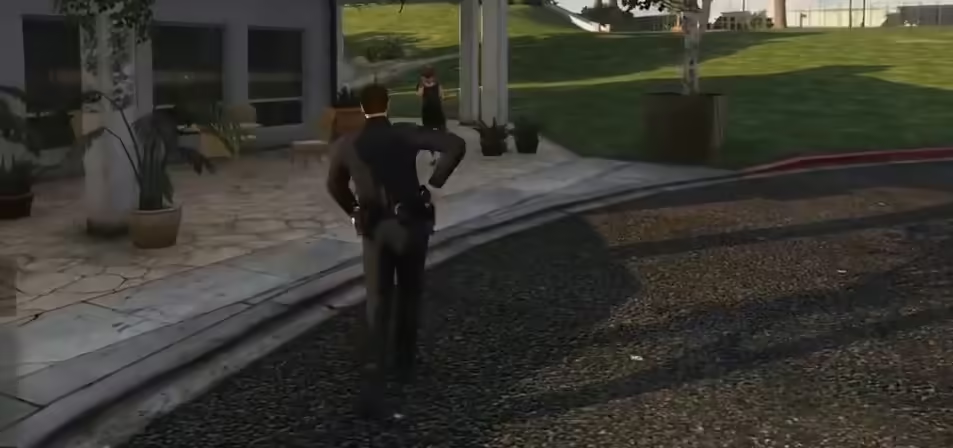
Holster Script (+ Sound)

Holster Script (+ Sound)

Ammunation Gun Shop MLO

Ammunation Gun Shop MLO

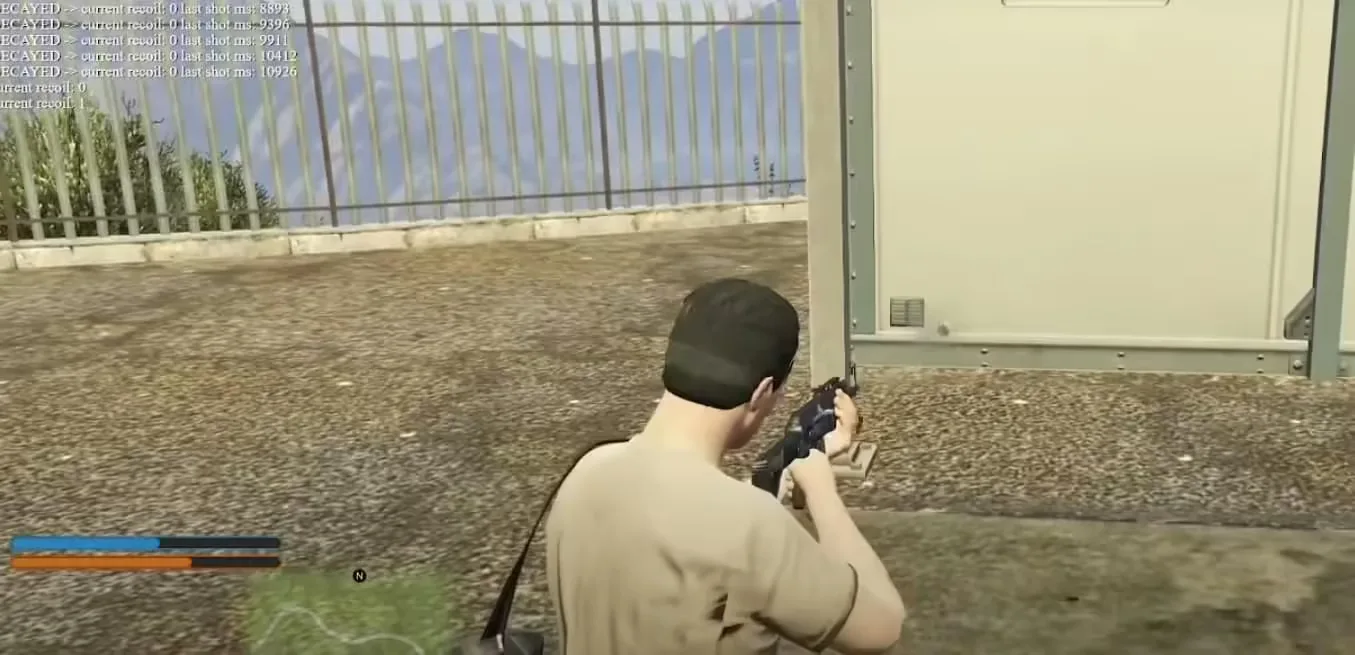
Real Weapon Recoil

Real Weapon Recoil