• Instant digital delivery
  • Lifetime updates on selected products
  • Trusted by server owners
FiveMX
Shop
Full ServersBundlesNew releases
FiveMX

Start building your server today.

Curated FiveM resources, instant delivery, free starter mods, and practical guides in one calm marketplace.

Browse the shopsupport@fivemx.com

Shop

  • Shop
  • FiveM Mods
  • All Products
  • Free Mods
  • Best Scripts & Mods
  • FiveM Scripts

Frameworks

  • QBCore Scripts
  • ESX Scripts
  • QBox
  • Standalone

Community

  • Blog
  • Support
  • Creators
  • Affiliate

Legal

  • Privacy Policy
  • Terms of Service
  • Refund Policy
  • Digital Delivery
  • Cookie Policy
  • GDPR Compliance
  • DMCA
  • Imprint
  • Editorial Policy

Server Templates

  • QBCore Server Template
  • ESX Server Template
  • NoPixel Server Template
  • Server Packs
  • Free Server Templates
  • Tebex Alternative
© 2026 FiveMX. All rights reserved.·FiveMX is not affiliated with Rockstar Games, Take-Two Interactive, or CFX.re. All trademarks are property of their respective owners.
DiscordDocs
Compatibility:

VVS Gun Pack

$30.993 sold

Secure Checkout

Cards, Apple Pay, Google Pay, iDEAL/Wero, Bancontact, EPS, Przelewy24, and optional Crypto where available via Stripe.

Instant file access after paymentSupport and refund policy shown before checkout
Ask support before buyingRead refund policy
Instant Access
SSL Encrypted
Cards, wallets, bank redirects
Frameworksesx, qbcore, qbox
Setup

Requires a FiveM server, esx or qbcore or qbox, access to server resources, and permission to restart the resource after configuration.

RequirementsPublished on this page
PreviewAvailable

Description

VVS Gun Pack - Premium Custom Weapon Collection for FiveM

The VVS Gun Pack transforms your FiveM server's weapon system with a stunning collection of custom firearms featuring diamond-encrusted designs, gold plating, and premium finishes. This comprehensive weapon pack brings luxury firearm aesthetics to your server, perfect for roleplay servers that want to offer exclusive, high-end weapons for VIP players, gang members, or collectors. Each weapon is meticulously crafted with custom textures and models that stand out from standard GTA V weapons.

What's Included

This premium weapon pack includes multiple custom firearms with VVS (Very Very Slightly included - a diamond clarity grade) styling. Each weapon features:

  • Custom weapon models with diamond and gold aesthetics
  • High-resolution textures optimized for performance
  • Complete inventory integration for ESX, QBCore, and OX frameworks
  • Custom weapon spawn locations on the map
  • Pre-configured weapon stats and compatibility
  • Professional inventory images for all weapons

Key Features

  • Premium Visual Design - Diamond-encrusted and gold-plated weapon finishes that make these firearms instantly recognizable
  • Multi-Framework Support - Works seamlessly with ESX, QBCore, and OX inventory systems with dedicated installation guides for each
  • Custom Map Integration - Includes dedicated weapon shop location at coordinates 470.4408, -1804.4441, 28.1914
  • Performance Optimized - High-quality models that maintain server performance without excessive resource usage
  • Inventory Ready - All weapon images included for perfect inventory display
  • Community Support - Access to VVS Customs Discord for custom weapon configurations and buss down requests
  • Ongoing Updates - Subscribers receive new weapons and updates as they're released

Perfect For

  • Roleplay servers with economy systems featuring luxury items
  • Gang/mafia servers wanting exclusive weapon aesthetics
  • VIP/donor reward systems
  • Weapon collector roleplay mechanics
  • Servers with custom weapon shops or black market systems
  • High-end criminal roleplay scenarios

Installation Guide

  1. Choose Your Framework - Navigate to the [installme] folder and select your framework (ESX, OX, or QBCORE)
  2. Install Framework Files - Follow the installation guide specific to your framework (ESX-INSTALLATION, OX-INSTALLATION, or QBCORE-INSTALLATION)
  3. Add Inventory Images - Copy all images from the (images) folder to your server's inventory image directory
  4. Install Resource Files - Place folders (vvsgunpack), (vvsgunpack2), and (vvsgunsmap) in your server's main resources folder
  5. Update server.cfg - Add the following lines to your server.cfg:
    ensure vvsgunpack
    ensure vvsgunpack2
    ensure vvsgunsmap
  6. Restart Server - Restart your server to load all resources

Framework Compatibility

  • ✅ ESX - Full support with dedicated installation guide
  • ✅ QBCore - Complete compatibility with video installation tutorial
  • ✅ OX (QBox) - Optimized for OX inventory system
  • ✅ Custom Frameworks - Request custom configurations via Discord

Custom Weapon Shop Location

The pack includes a custom map location for your VVS weapon shop:

  • Coordinates: 470.4408, -1804.4441, 28.1914, 51.5394
  • Location: Custom interior perfect for luxury weapon sales
  • Usage: Ideal for VIP weapon dealers or black market roleplay

What Makes It Stand Out

Unlike standard weapon packs, VVS Gun Pack focuses on luxury aesthetics that appeal to high-end roleplay scenarios. The diamond and gold finishes create instant visual distinction, making these weapons perfect for gang hierarchies, VIP rewards, or exclusive criminal enterprise roleplay. The multi-framework support means you can implement these weapons regardless of your server's foundation, while the included custom map location provides a ready-made luxury weapon shop experience.

Support & Customization

Join the VVS Customs Discord community (discord.gg/vvscustoms) to:

  • Request custom weapon configurations
  • Get buss down treatments for your existing weapons
  • Access subscriber-exclusive weapon updates
  • Receive installation support from the community

Video Installation Guide

QBCORE INSTALL GUIDE VIDEO

https://youtu.be/YWu21b_GPpI

Requirements

  • REQUIRED: ars_vvsguns resource for full experience
  • ESX, QBCore, or OX framework
  • Inventory system (ox_inventory, qb-inventory, or esx_inventory)
  • Server restart capability for resource loading

Related ESX Scripts

  • Trygon HUD
  • GKSPhone (ESX)
  • okokChat
  • ESX CEO / Business Manager Simulator

Installation notes

Requires a FiveM server, esx or qbcore or qbox, access to server resources, and permission to restart the resource after configuration.
Installation notes
Requires a FiveM server, esx or qbcore or qbox, access to server resources, and permission to restart the resource after configuration.

Buy this when it saves setup time

Use this checklist to decide quickly whether the resource fits your current server build, framework, and support expectations.

Server-owner payoff

VVS Gun Pack is positioned to reduce Weapon Scripts instead of making you rebuild the same system from scratch.

Compatibility

Works with esx, qbcore, qbox. Check the requirements block before adding it to a live stack.

Purchase confidence

Instant download, Stripe checkout, support access, and refund policy context are shown before payment.

Decision assets

Requirements, Preview video, Product Q&A

Product fit, setup, and proof at a glance

Use the published facts on this page to confirm whether VVS Gun Pack matches your server before checkout.

Compatibility

Frameworks
ESX, QBCore, QBOX
Category
Weapon Scripts

Setup & requirements

Install flow
Download → resources folder → ensure in server.cfg
Requirements
Published on this page
File size
1.24 GB

Proof & buyer questions

Reviews
No reviews — be the first
Sales
3

Only the facts published on this page should be treated as confirmed. If you need more detail, review the description, requirements, changelog, reviews, and product Q&A before checkout.

DescriptionRequirementsPreview video
Weapon Scripts
Compatibility:
ESX
QBCore
QBOX

VVS Gun Pack

Review process
$30.993 sold

Secure Checkout

Cards, Apple Pay, Google Pay, iDEAL/Wero, Bancontact, EPS, Przelewy24, and optional Crypto where available via Stripe.

Instant file access after paymentSupport and refund policy shown before checkout
Ask support before buyingRead refund policy
Instant Access
SSL Encrypted
Cards, wallets, bank redirects
Frameworksesx, qbcore, qbox
Setup

Requires a FiveM server, esx or qbcore or qbox, access to server resources, and permission to restart the resource after configuration.

RequirementsPublished on this page
PreviewAvailable
Home
Shop
Weapon Scripts
Weapon Scripts
ESX
QBCore
QBOX
Review process

Key Features

  • Diamond-Encrusted and Gold-Plated Weapon Finishes

    Custom weapon models featuring premium visual designs with diamond-encrusted and gold-plated aesthetics that create instant visual distinction for luxury roleplay scenarios

  • Multi-Framework Support

    Works seamlessly with ESX, QBCore, and OX inventory systems, each with dedicated installation guides and video tutorials

  • Custom Weapon Shop Map Location

    Includes a pre-configured custom interior weapon shop location at coordinates 470.4408, -1804.4441, 28.1914, perfect for luxury weapon sales and black market roleplay

  • High-Resolution Performance-Optimized Textures

    All weapons feature high-quality models and textures optimized for performance without excessive resource usage

  • Complete Inventory Integration

    Includes professional inventory images for all weapons and complete integration with ESX, QBCore, and OX frameworks

Frequently Asked Questions

Related Products

$4.49
$4.49
$4.49
$10.49

Related Tutorials & Guides

Learn more about setting up, configuring, and using this type of resource.

ESX vs QBCore vs QBOX: Technical Framework Comparison 2026

ESX vs QBCore vs QBOX: Technical Framework Comparison 2026

Choosing a framework is the single most consequential decision when building a FiveM server. It determines which scripts you can use, how your developers write code, the…

FiveM Frameworks Explained: Complete Guide to ESX, QBCore & QBOX

FiveM Frameworks Explained: Complete Guide to ESX, QBCore & QBOX

FiveM frameworks form the backbone of roleplay servers. They're not just code libraries—they're complete systems that manage player identity, jobs, inventory, permissions,…

QBox Framework Guide: Migrate from QBCore and Boost Performance (2026)

QBox Framework Guide: Migrate from QBCore and Boost Performance (2026)

QBox has firmly established itself as the natural successor to QBCore in the FiveM roleplay ecosystem.

Continue Building Your FiveM Server

Use this product as part of a larger setup. Explore related categories, alternative frameworks, premium bundles, and free companion downloads.

Explore Police ScriptsExplore Gang & CrimeBrowse all scriptsWeapon Scripts scriptsesx scriptsTry QBCore insteadTry QBox insteadFree FiveM modsCompare bundles
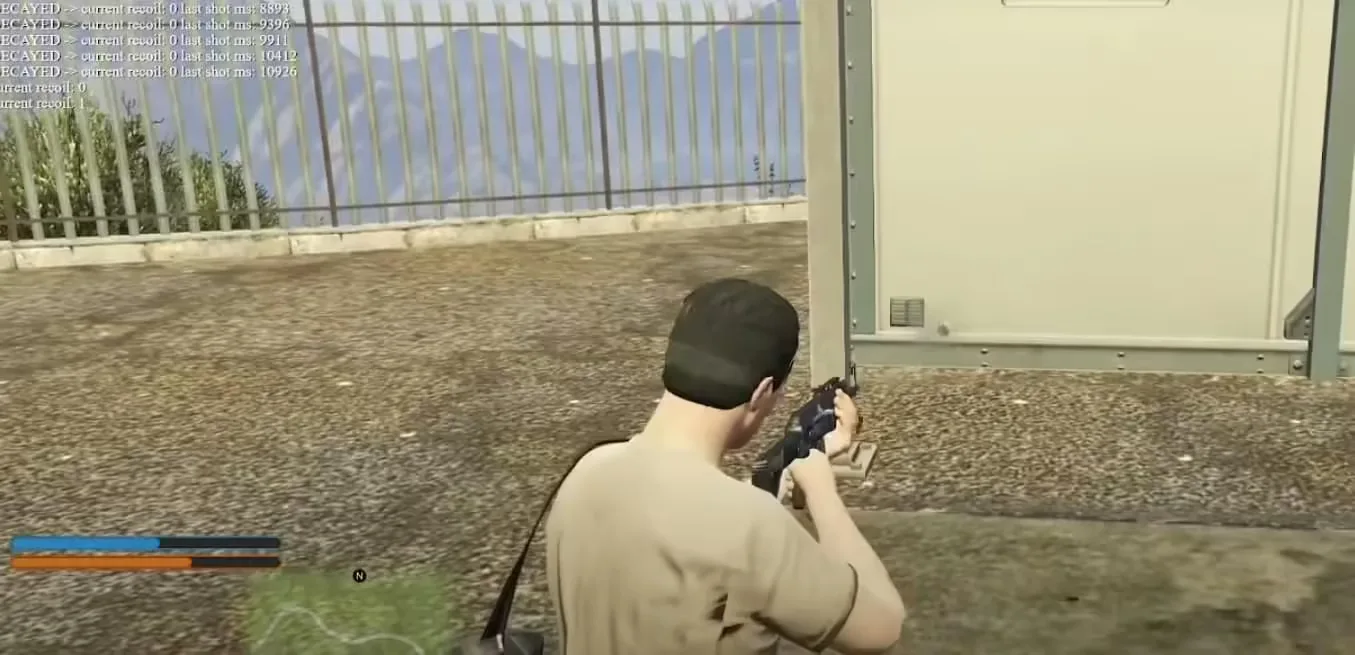
Real Weapon Recoil

Real Weapon Recoil

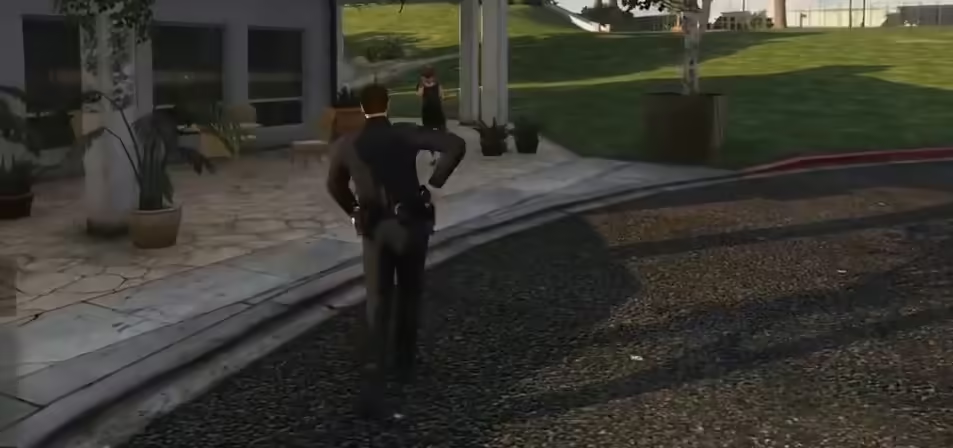
Holster Script (+ Sound)

Holster Script (+ Sound)

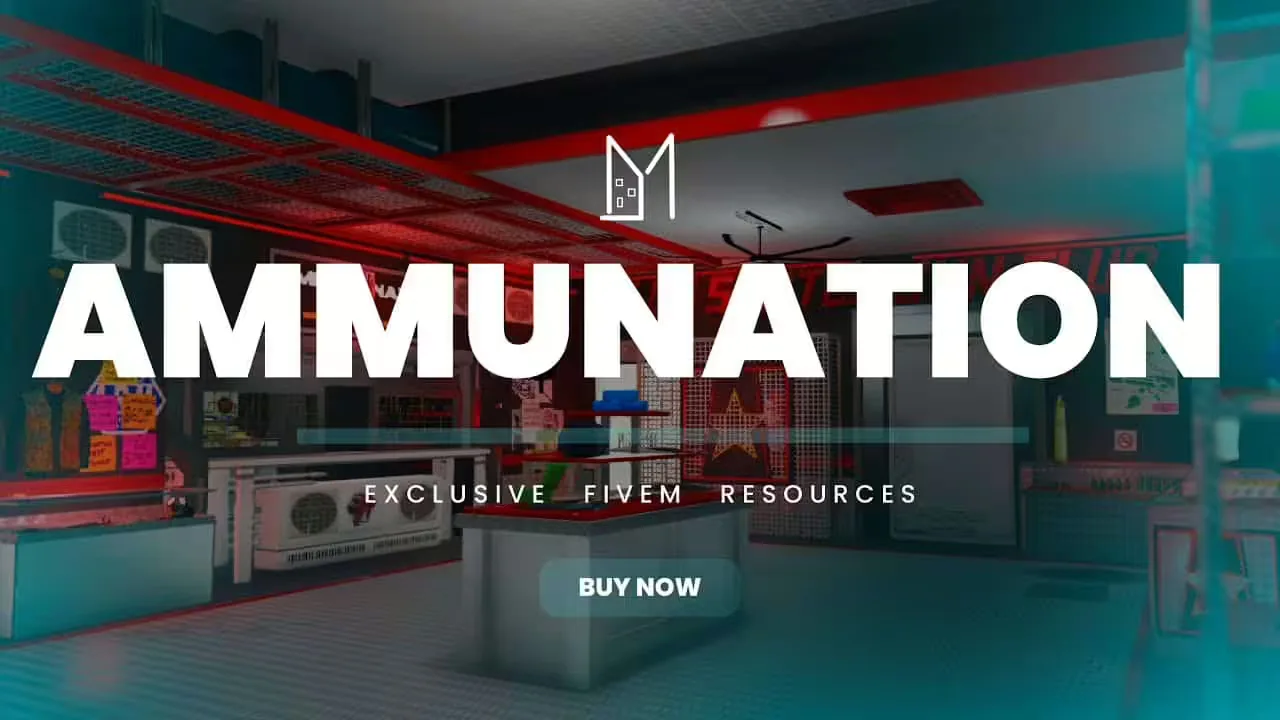
Ammunation Gun Shop MLO

Ammunation Gun Shop MLO

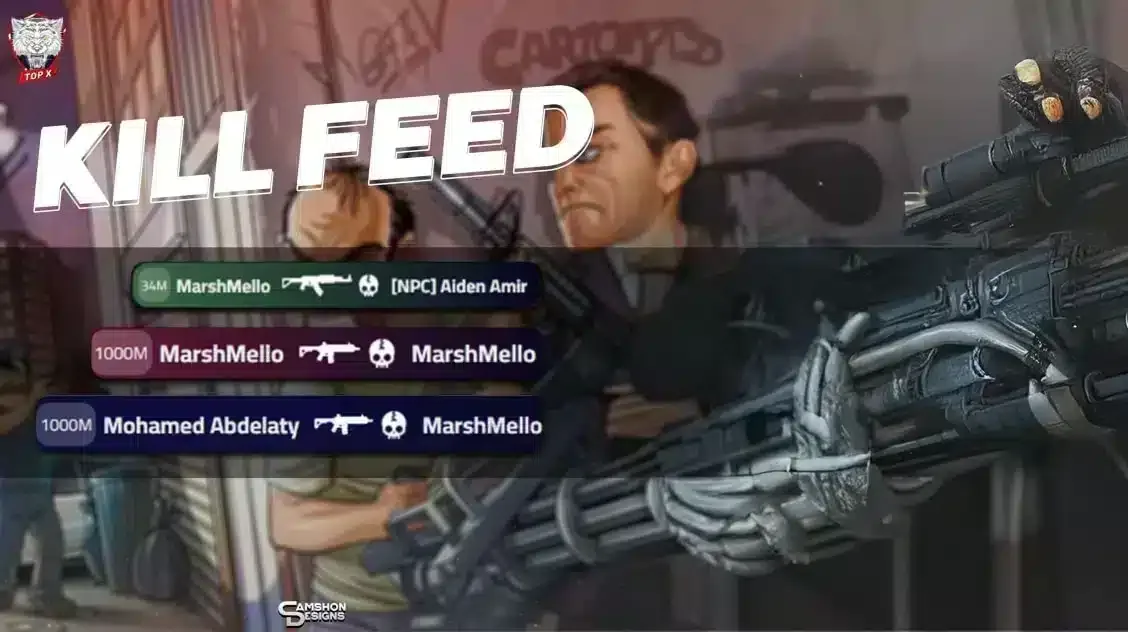
TopX Kill Feed

TopX Kill Feed