





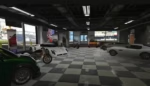
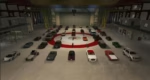
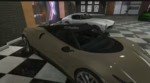
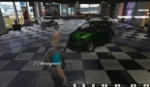

Modfreakz Vehicle Shop
Requirements
- Required:
es_extended(Supports v1.1 and v1.2)markers
- Optional:
esx_kashacters(multi-character support)
Overview
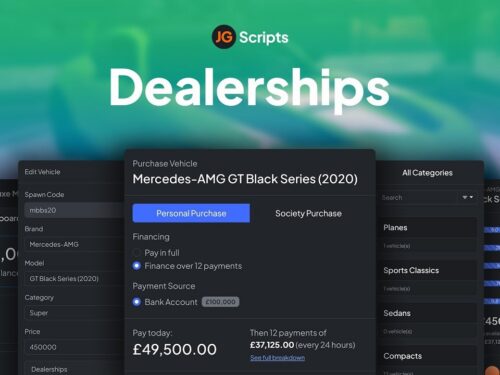
The Vehicle Shops script enables authorized players to establish custom, player-owned vehicle shops anywhere in the game world. This dynamic script puts shop management in the hands of players, offering robust functionality and in-depth customization options.
Authorized players can manage various aspects of the shop, including:
- Setting shop prices.
- Naming the shop.
- Configuring multiple interaction points for shop operations, such as:
- Blip location: Where the shop appears on the map.
- Management menu location: Where shop owners manage their business.
- Vehicle spawn points: Where purchased or displayed vehicles appear.
Once a vehicle shop is purchased, the new owner takes full control. Responsibilities include:
- Hiring and paying employees: Manage staff payroll and assign roles.
- Stocking vehicles: Display vehicles from a warehouse to attract customers.
- Pricing strategy: Adjust prices strategically to outperform competitors.
Dynamic Features
- Automated Warehouse Restocking:
- New vehicle stock is generated every 24 hours.
- Prices for warehouse vehicles vary slightly, offering fluctuating profit margins.
- Limited Stock Availability:
- Not all vehicles are always available.
- Prices for available vehicles vary, encouraging strategic buying and selling.
- Player-Owned Inventory:
- Salespersons or shop owners can stock their own vehicles for resale, including second-hand cars.
- A configurable option allows stolen vehicles (from both NPCs and players) to be stocked for resale.
- Custom Vehicle Features Retention:
- All modifications made to a vehicle (e.g., engine upgrades, paint jobs) are retained when displayed in the shop. Customers who purchase these vehicles will receive them with the upgrades intact.
Usage Instructions
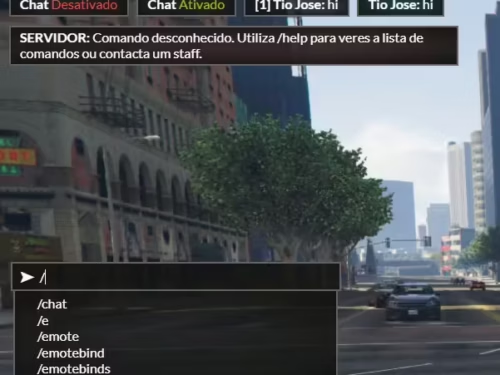
To create a new vehicle shop, ensure your account has the appropriate permissions (e.g., ACE permissions). Alternatively, secure the provided command through other methods.
Command:
/create:vehshop
Follow the in-game prompts to configure your vehicle shop. Once the setup is complete, the system will handle the rest, ensuring a smooth and engaging gameplay experience.
With the Vehicle Shops script, players can enjoy a fully immersive business simulation, complete with supply management, staffing, and the thrill of competition.
https://youtube.com/watch?v=1X1u_Wru-6o%3Ffeature%3Doembed
Reviews
There are no reviews yet.