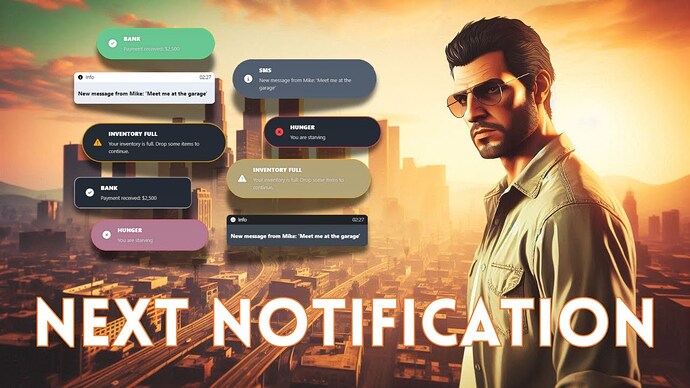
Create and preview a consistent FiveM notification style in game, with integrations for GTA, ESX, QBCore, Qbox and ox_lib notifications.
Genel bakış
Next Notification is a free notification editor from NextCore Studio. It lets server administrators configure the appearance, position and sound of notifications through an in-game interface instead of changing several resource files separately.
The resource can centralize notification calls from GTA, ESX, QBCore, Qbox and ox_lib. Resources using one of those supported notification systems can therefore share the same visual treatment.
Temel Özellikler
- In-game style editor and instant preview
- Multiple visual themes and adjustable screen position
- Custom notification sounds
- Centralized replacements for supported notification systems
Gereksinimler ve Uyumluluk
- Review the integration instructions for the notification system currently used by your server.
- Test every existing notification export on a staging server before replacing the live handler.
Önemli Notlar
- The creator lists this package as free. The download button leads to the exact Next Notification product page through Linkvertise.
- The Cfx.re release is tagged for ESX, QBCore, Qbox and ox integrations.
Kurulum
- Download the package and read the creator’s installation notes.
- Back up the notification configuration currently used by the server.
- Install the resource and connect only the integrations your framework uses.
- Test native and third-party notifications before enabling it in production.