






$ ABD Doları
How to Install Addon Cars on a FiveM Server
Give your FiveM server a turbo boost with fresh, thrilling cars—follow our simple step‑by‑step guide and keep the community revving. Install in minutes, drive for hours!
Kurulum ve özelleştirmeye ilişkin adım adım talimatlar.
Give your FiveM server a turbo boost with fresh, thrilling cars—follow our simple step‑by‑step guide and keep the community revving. Install in minutes, drive for hours!

Ever dreamed of steering your own FiveM server? Get owner approval, tweak a few config lines or database entries, and you’ll be an admin in no time—ready to enforce rules, help players, and keep the community thriving!
Want to turn your FiveM server into a tight, toxic‑free playground? Grab our effortless whitelist guide—easy to set up, boosts player quality, and keeps the bad actors out.

Running a Tebex shop on FiveM, Minecraft, or Rust? Explore proven tactics that turn clicks into profits and take your revenue to the next level!
Discover how to dodge those game‑breaking moments and keep your adventures flowing with ease—master the rules, stay in sync, and turn every play into a smooth, unforgettable story. With quick communication, realistic improv, and a dash of shared logic, you’ll keep everyone in the zone and every session thriving.
Kick off your new game server—whether it’s FiveM, Minecraft, or Rust—with friendly, clear rules that keep gameplay fair, fun, and unforgettable.
Hide your FiveM server’s IP address and instantly boost security, professionalism, and player experience—one smart move that keeps your community thriving.

Installing FiveM mods is a breeze—just download the zip, drag the folder into your resources, and add its name to server.cfg. Then, restart your server and you’re ready to roll!
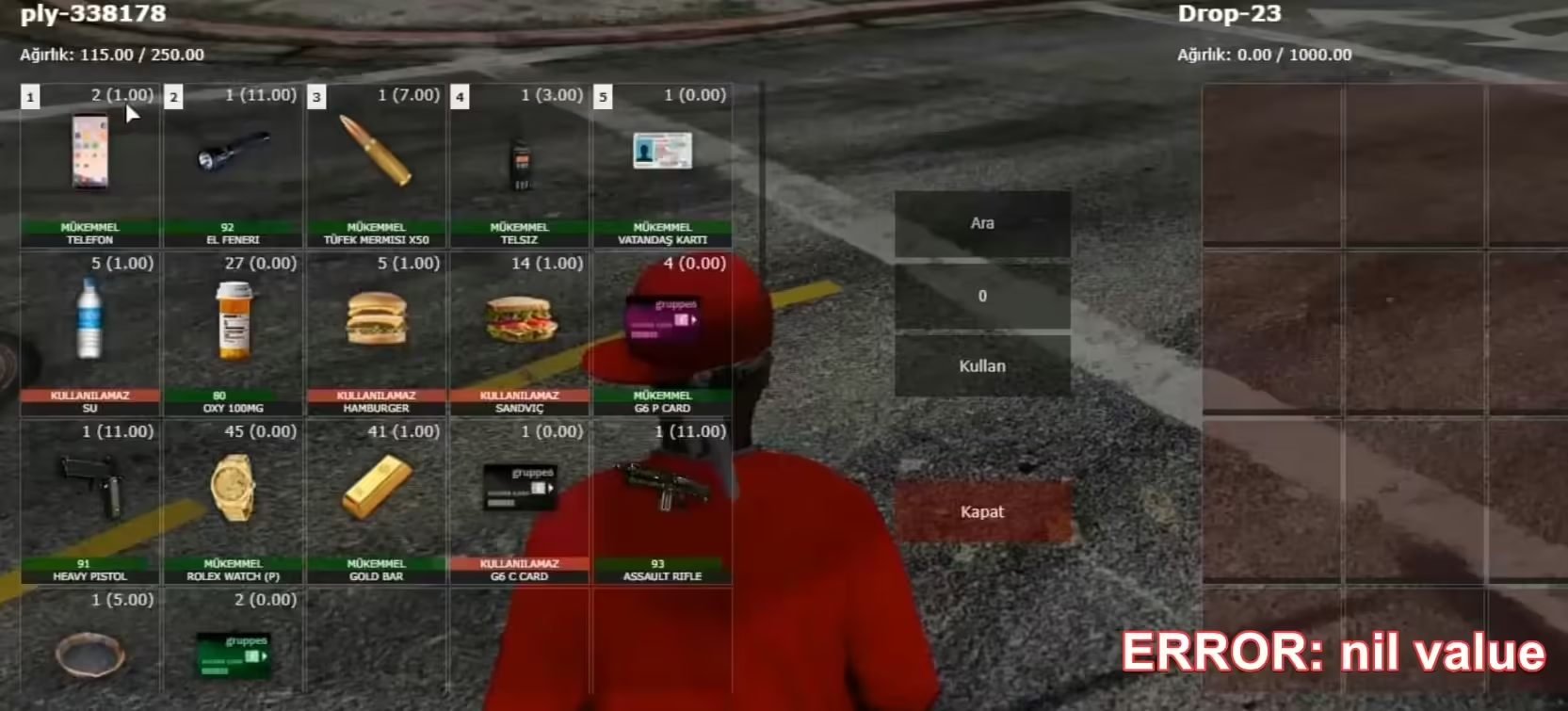
Don’t let the new ESX weight update freeze your inventory—just grab the newest ESX version, add the latest esx‑inventoryhud, restart your server, and your items will work again in no time!



