FiveM FPS Title Image

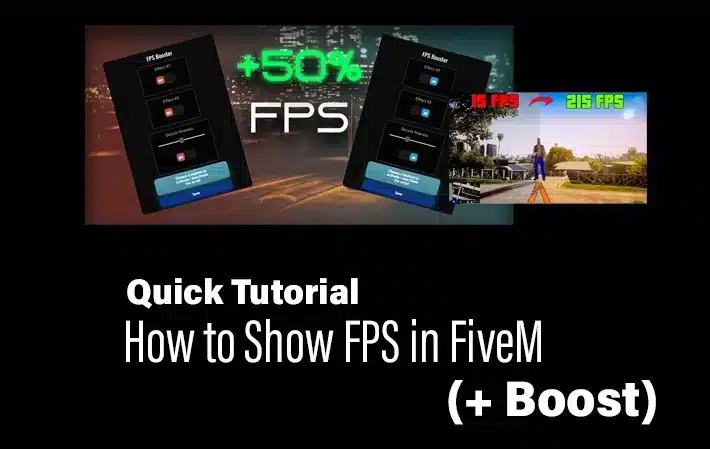
FiveM FPS Command: How to Show the FPS Counter

To show FPS in FiveM, press F8, enter cl_drawfps true, and press Enter. The counter appears in a screen corner. To hide it again, run cl_drawfps false. Commands verified against the official Cfx.re client-console reference on August 4, 2026. FiveM FPS command Launch FiveM and join the server you want to test. Press F8 to […]
How To Create your Own FiveM Launcher

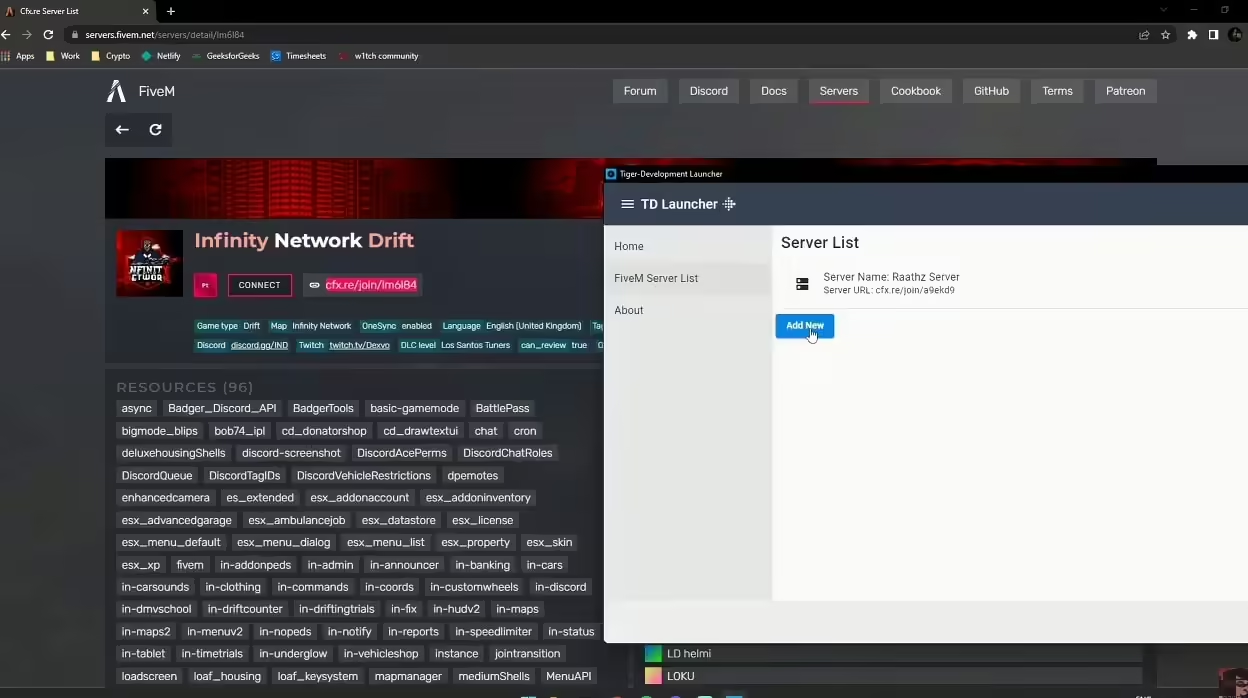
How To Create your Own FiveM Launcher

Welcome to the comprehensive guide on creating your own FiveM Launcher! if you are a seasoned developer or a complete beginner, this step-by-step tutorial will help you build a fully functional launcher for your FiveM server. With this guide, you’ll not only have a custom launcher but also a better understanding of the development process. […]

FiveM Server Competition Title Image

How To Crush Your FiveM Server Competition (Like A Pro)

Let’s say it: Creating a successful FiveM server is hard. The competition is huge. Pro Tip: Create a Server that is better than others. Do so by creating an engaging (new) server concept with unique resources, providing a fast server (without crashes) and good support. In this guide, I’ll share my journey and strategies that […]

Update FiveM Artifacts

How to Update FiveM Server Artifacts Safely

To update FiveM server artifacts, stop your server, download the latest recommended artifact build, replace the server files except resources and configs, then restart and verify console output.

Best FiveM Settings for FPS

Best FiveM Settings for FPS and Graphics

The best FiveM settings are the ones that keep your frame time stable on the servers you actually play. Start with textures at Normal or High, reduce population and distance scaling, keep MSAA off, and test one change at a time. FiveM performance varies heavily with server scripts, streamed maps and player count, so no […]

Advanced ambulance job interface for FiveM

Medical Scripts for FiveM Servers

Choose a FiveM medical script by framework support, injury depth, EMS workflow, persistence, compatibility and a controlled staging test.

How To Reduce NPC Density on FiveM

How to Reduce NPC Density in FiveM Safely

Fast answer: reduce ambient NPCs and traffic with a small client resource that calls the density multiplier natives every frame. Include both fxmanifest.lua and the client Lua file, start with a moderate value on staging, and measure the same route before and after. Do not promise an FPS gain: the result depends on the wider […]

How to Enable Snow in FiveM

How to Enable Snow in FiveM

Turn your FiveM server into a sparkling winter wonderland in minutes—just drop a Lua script and let players toggle snowfall with /enablesnow and /disablesnow. Create, activate, and enjoy snowy skies anytime—no extra mods required.

VPS vs Dedicated Server for FiveM Hosting

VPS vs Dedicated Server for FiveM Hosting

Choosing the right host for your FiveM server? Let’s weigh a budget‑friendly VPS against a powerful dedicated machine—each shines for different community sizes and performance goals. We’ll show you exactly when to go virtual and when to buy full control.

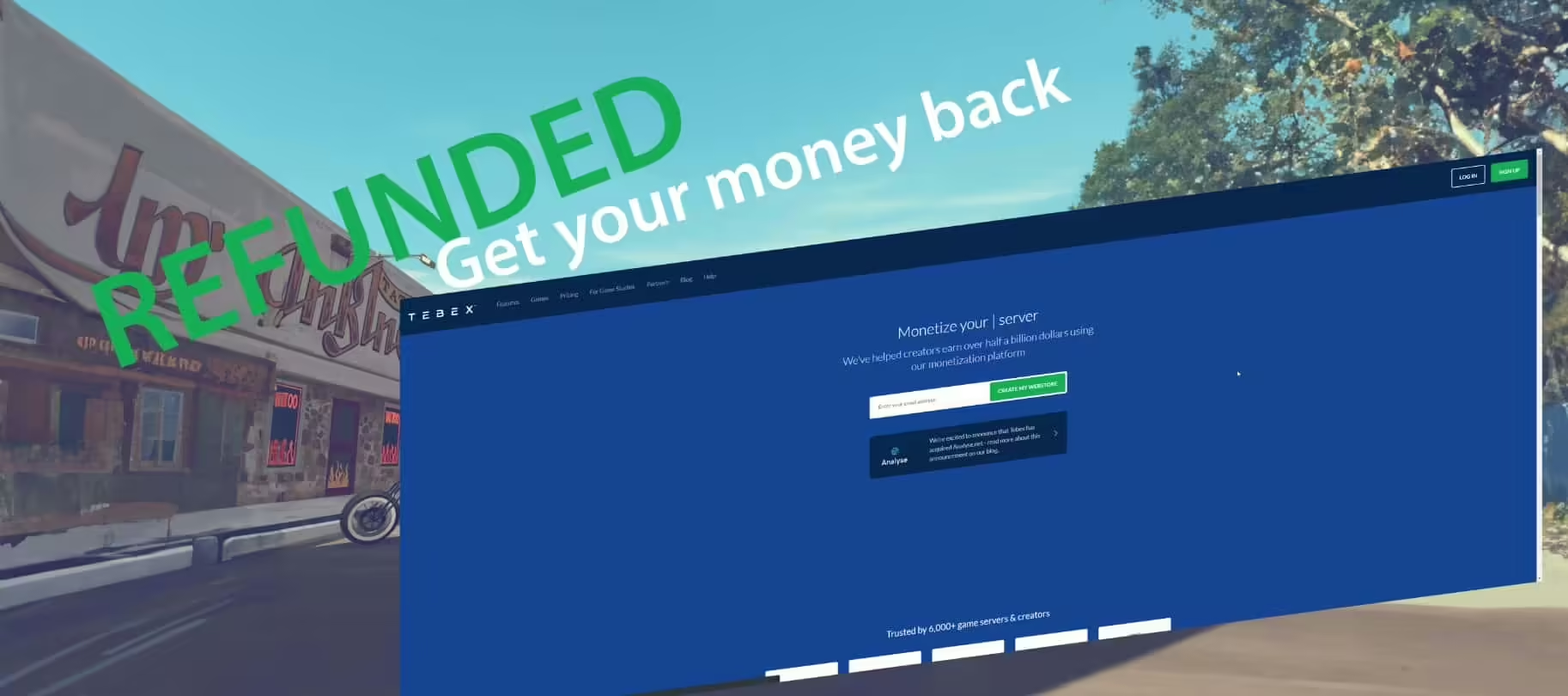
Screenshot of the Tebex Website - Refund

Scammed on Tebex? What FiveM Buyers Should Do Next

Bought a FiveM script, MLO, or server pack through Tebex and think you were scammed? Learn what evidence to collect, how to contact Tebex, when to involve your payment provider, and how to avoid risky sellers.

Tutorial Image: Tebex Store

How to Create a Tebex Store

Ready to turn your FiveM or Discord community into a profit‑making hub? Our step‑by‑step guide walks you through setting up a Tebex store, choosing a stunning design, adding game‑boosting perks, and managing payments—no tech skills required. From launching your first product to growing your customer base, we’ve got all the tips to help you thrive.

How to Install Graphics Mods for FiveM

How to Install Graphics Mods for FiveM

Want to turn Los Santos into a visual masterpiece? Follow our step‑by‑step guide to pick, backup, and install the best graphics mods for FiveM—easy, safe, and guaranteed to make your game look stunning.

How to Refund a Tebex Purchase

How to Refund a Tebex Purchase

Need a refund on Tebex.io? Follow our friendly, step‑by‑step guide—from contacting the seller and reaching out to Tebex support, to filing disputes through PayPal or your bank—so you can get your money back quickly and hassle‑free!

How To Report a FiveM Server

How to Report a FiveM Server to Cfx.re or Rockstar

I’ll walk you through a fool‑proof, professional guide for reporting FiveM servers, gathering the latest policies and evidence‑ready steps so every report hits the mark. Get ready to act like a pro—accurate, evidence‑solid, and fast‑track enforcement guaranteed.