Home
Shop
Free Mods
Tools
Bundles
Full Servers
  1. Home
  2. Blog
  3. Development

Awesome Tools for FiveM Development (List)

Published on March 31, 2025·by Lars Miller(Founder & Lead Editor)·Credentials·6 min read·Updated on December 24, 2025
Development

Developing engaging and stable FiveM servers requires skill, creativity, and the right set of FiveM Development Tools. Having the proper toolkit can...

Awesome Tools for FiveM Development (List)

Developing engaging and stable FiveM servers requires skill, creativity, and the right set of FiveM Development Tools.

Having the proper toolkit can significantly streamline your workflow, boost efficiency, and unlock new possibilities.

At FiveMX, we understand the challenges and complexities involved in bringing your FiveM vision to life.

That's why we've compiled this list of awesome tools, including some of our own innovative solutions, to help you build better, faster, and smarter.

Whether you're scripting complex resources, designing custom maps, or managing your server, these tools are essential additions to your arsenal.


Code Editors & IDEs

Choosing the right environment to write and manage your code is fundamental:

Visual Studio Code (VS Code)

  • A powerful, free, and highly popular code editor.
  • Supports Lua, JavaScript, C#, and more.
  • Offers a vast library of extensions, including some specifically tailored for FiveM development, enhancing syntax highlighting, autocompletion, and debugging.
  • Highly customizable to fit your preferred workflow.

FxDK (Cfx.re Development Kit)

  • An integrated development environment designed specifically for FiveM by the Cfx.re team.
  • Provides automatic resource restarting when code changes are detected, saving valuable time.
  • Features an integrated game console, server console, and resource monitor for real-time feedback.
  • Includes FXCode (based on VS Code) with support for extensions.
  • Offers a World Editor for visually creating and modifying maps.
  • Simplifies server building and deployment with one-click actions.
Getting started

If you have FiveM installed - skip to step 2.

  1. Install FiveM.
  2. Next to FiveM.exe you'll find a shortcut named FiveM - Cfx.re Development Kit (FxDK).
  3. Follow intro or skip and start creating right away.

The FiveMX Toolkit

We're constantly innovating to provide tools that address specific needs within the FiveM development community.

Check out our growing suite of specialized tools designed to enhance your productivity:

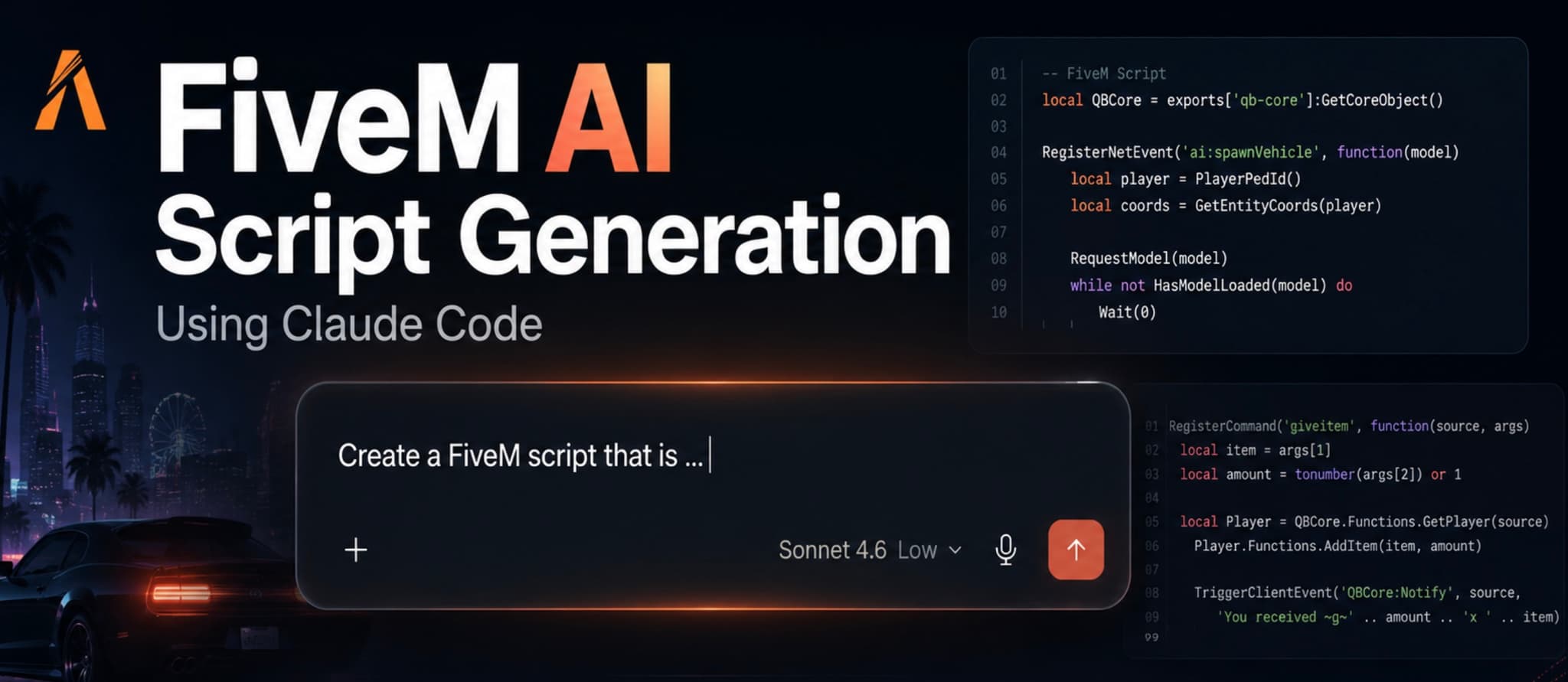
  • FiveMX AI Assistant: Leverage AI to help with code generation, debugging, and optimization suggestions. Find it here: /shop/ai/
  • FiveMX Code Converter: Easily convert code snippets between different formats or languages relevant to FiveM scripting. Access it here: /shop/converter/
  • FiveMX Script Optimizer: Analyze and optimize your Lua scripts for better performance and reduced resource consumption. Try it out: /shop/fivem-script-optimizer/
  • FiveMX Server Rules Generator: Quickly create a comprehensive set of server rules tailored to your community's needs. Generate rules here: /shop/fivem-server-rules-generator/
  • Explore All FiveMX Tools: Discover our complete range of utilities designed for FiveM creators: /shop/

In-Game Development & Debugging Menus

Tools you can use directly within the game environment are invaluable for quick testing and adjustments.

DevTools (Standalone Menu)

Click here to download

  • A popular standalone toolkit menu specifically for developers.
  • Allows easy management of player settings like health, armor, and weapons for testing scenarios.
  • Features robust vehicle spawning and customization options.
  • Provides control over world settings like time and weather.
  • Includes entity debugging capabilities.
  • Offers Noclip/Freecam functionality for easy world exploration.
  • Includes options for HUD toggles and customization.

Resmon

  • The official debugging and optimization tools built into the FiveM client.
  • Access resource monitoring to check performance impacts.
  • Utilize the event logger to track resource interactions.
  • Employ the profiler to identify performance bottlenecks.
  • Use our network diagnostics for connection issues.
  • View console and debug output directly in-game.
  • Typically accessed via the F8 key (requires the Beta or Cutting Edge update channel to be enabled in FiveM settings).

Tutorial: How to use Resmon


Mapping & Design Resources

Creating immersive environments is key to a successful server.

CodeWalker

  • A powerful, standalone application for viewing and editing GTA V map files (YMAP, YTYP, etc.).
  • Widely used for creating custom MLOs (interior maps) and exterior map modifications.
  • Offers a 3D viewport and a user-friendly interface for manipulating objects and entities.
  • Find it on GitHub: https://github.com/dexyfex/CodeWalker

Codewalker Download


OpenIV

https://youtu.be/FPiK18fUkHE

  • An essential multi-purpose modding tool for GTA V and other RAGE engine games.
  • Crucial for accessing and modifying game archives (RPF files).
  • Used for installing custom textures, models (vehicles, peds, weapons), and audio files.
  • Necessary for preparing custom assets before integrating them into FiveM resources.
  • OpenIV Website: openiv.com

Download OpenIV

How to install OpenIV


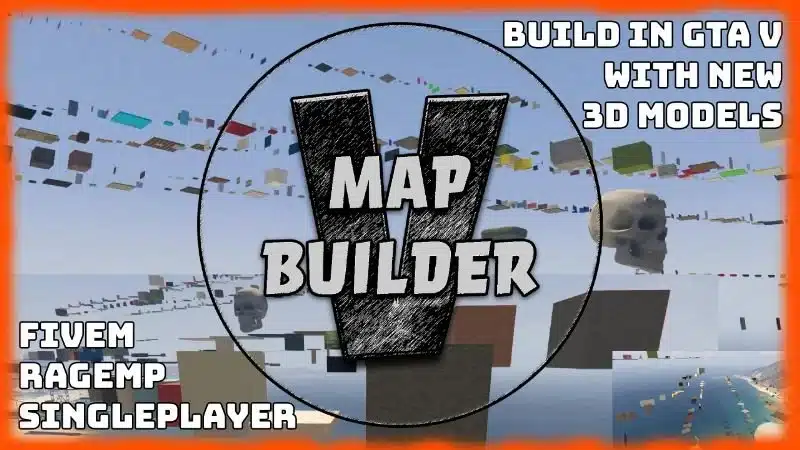
Map Builder

  • A popular in-game resource/plugin enabling the creation of custom maps using existing game props.
  • Allows developers to place, rotate, and scale thousands of objects directly within their server environment.
  • Great for creating custom scenes, racetracks, or unique locations without external modeling software.

Yes, Map Builder is also compatible with FiveM.

Download Map Builder


Server Management & Version Control

Keeping your server running smoothly and managing your codebase efficiently is vital.

TXAdmin

  • A comprehensive, web-based server management interface for FiveM servers.
  • Provides real-time server performance monitoring.
  • Offers extensive player management features (kick, ban, spectate, etc.).
  • Includes tools for server configuration, resource management, and log viewing.
  • Often included with popular FiveM server hosting providers or installable manually.

txAdmin Github


Git

  • The industry standard for version control.
  • Essential for managing your codebase, especially when collaborating with others.
  • Allows you to track changes, revert to previous versions, and merge code from multiple developers seamlessly.
  • Platforms like GitHub, GitLab, or Bitbucket provide hosting for your Git repositories.

Documentation

Never underestimate the power of good documentation.

FiveM API Documentation (Native Reference)

  • The official documentation for FiveM's native functions and events.
  • Absolutely invaluable for understanding the capabilities and limitations of the FiveM platform.
  • Provides details on functions for scripting player interactions, vehicles, world manipulation, UI, and much more.
  • Bookmark the official natives page relevant to your target game build.

Using these FiveM Development Tools can dramatically improve your development process, helping you build more complex, stable, and engaging experiences for your players.


AI Tool

FiveM AI Tool


Frequently Asked Questions (FAQ)

Q1: Do I need all these tools to start FiveM development?

  • No, you don't need every single tool, especially when starting out.
  • Beginners should focus on a good code editor (like VS Code), the official FiveM Dev Tools (F8 console), the FxDK, and the FiveM API documentation.
  • As your projects grow in complexity, you can incorporate tools like Git, TXAdmin, CodeWalker, and OpenIV as needed.

Q2: Are the FiveMX tools free to use?

  • You can find specific details about each tool, including any potential costs or usage tiers, on their respective pages linked above.
  • We aim to offer valuable resources, and many of our tools have free access levels.

Q3: Which code editor is best: VS Code or FxDK?

  • Both are excellent choices with slightly different focuses.
  • VS Code is a general-purpose editor with great FiveM extensions, ideal if you work on diverse projects.
  • FxDK is specifically designed for FiveM, offering tighter integration with the game environment (like auto-restarts and integrated consoles), which can streamline the workflow significantly.
  • Many developers use both, leveraging FxDK for its integrated features and VS Code for its broader capabilities and extension ecosystem.

Q4: Is learning Git really necessary for solo development?

  • While not strictly mandatory for solo projects, learning Git is highly recommended.
  • It provides invaluable version history, allowing you to easily revert breaking changes.
  • It serves as a backup for your code.
  • It's an essential skill if you ever plan to collaborate or contribute to open-source projects.
Previous Article

OpenIV: Download & Installation Guide

Next Article

30 FiveM Crafting Recipe Ideas

Move from research to a production-ready server stack

Once you know the direction, jump into the highest-leverage commercial hubs for verified scripts, curated bundles, and framework-specific buying paths.

Framework hub

Browse QBCore-ready scripts

Move into the QBCore landing page to compare verified scripts, framework fit, and install-ready products built for modern FiveM servers.

Open QBCore hub

Premium catalog

Browse premium FiveM scripts

Move from research into the main shop to compare real products, framework labels, screenshots, and production-ready quality signals.

Open premium shop

Launch faster

Compare curated bundles

Bundles shorten the path from planning to launch by grouping the highest-leverage scripts into a cleaner commercial starting point.

View bundles

Disclosure: Some links below are affiliate links to FiveMX products. We may earn a commission at no extra cost to you.

Related Articles

Best FiveM Tebex Alternatives (List)

Best FiveM Tebex Alternatives (List)

The best Tebex alternatives for FiveM servers in 2026. Fiverr, Stripe, PayPal, Gumroad, Shopify and the new Cfx Marketplace — with pros and cons.

July 17, 2024
How To Use AI on FiveM Server Development

How To Use AI on FiveM Server Development

Learn how to use with our step-by-step guide. Includes Artificial Intelligence Running a successful Fi.... Complete tutorial for 2025.

February 1, 2024
Best QBCore Scripts 2026: Essential Server Stack

Best QBCore Scripts 2026: Essential Server Stack

A practical QBCore script stack for FiveM server owners in 2026. Covers police, jobs, HUD, phone, inventory, housing, economy, vehicles, and free starter options.

April 30, 2026
Secure CheckoutInstant AccessMoney-Back GuaranteeLifetime Updates
FiveMX

Premium FiveM scripts and mods for serious server owners.

Shop

  • Shop
  • QBCore Scripts
  • ESX Scripts
  • FiveM Scripts
  • Free Mods
  • Best Scripts & Mods

Help

  • About
  • FAQ
  • Support
  • Contact
  • Account
  • Affiliate Program

Legal

  • Privacy Policy
  • Terms of Service
  • Refund Policy
  • Cookie Policy
  • GDPR Compliance
  • DMCA
  • Imprint
  • Editorial Policy
© 2026 FiveMX. All rights reserved.·support@fivemx.com

FiveMX is not affiliated with Rockstar Games, Take-Two Interactive, or CFX.re. All trademarks are property of their respective owners.

Flash Sale — Up to 19% off!Flash Sale — 19% off!Shop Now