
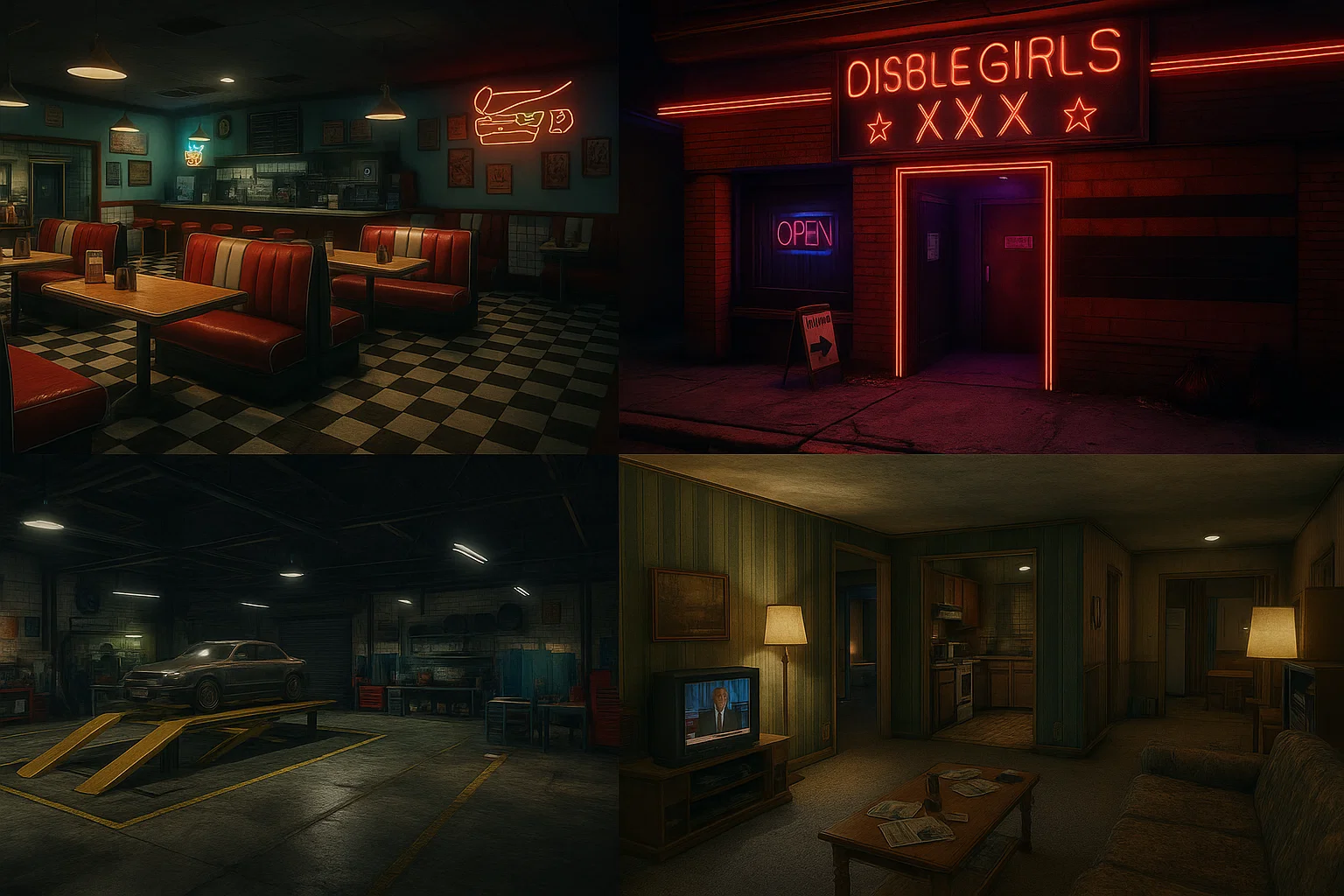
A step‑by‑step guide to build, export, package, test, optimize, and ship FiveM MLOs with Blender, Sollumz, CodeWalker, and OpenIV—plus troubleshooting, QA, and performance budgets.
TL;DR: You’ll set up tools (Blender + Sollumz, CodeWalker, OpenIV), model an interior with proper topology and texel density, create collisions (YBN), portals/rooms/occlusion (YTYP), export with Sollumz, package a resource with an fxmanifest.lua, validate in-game, and hit performance budgets using Resmon.
Who this guide is for
FiveM Server Owners and Asset Creators
Before you start: tools & downloads
Required
- Blender (3.x or newer): https://www.blender.org/download/
- Sollumz (Blender add‑on for RDR2/GTAV formats): https://github.com/Skylumz/Sollumz
- CodeWalker (map editor / YTYP / portal tools): GTAForums thread → https://github.com/dexyfex/CodeWalker
- OpenIV (asset exploration, texture paths):
- FiveM documentation (resource manifest, streaming): https://docs.fivem.net/
Nice to have
- Visual Studio Code for editing manifests.
- Image editor (Photoshop, Affinity, GIMP) for textures.
Licensing note: Respect Rockstar/Cfx policies and third‑party licenses. Do not redistribute proprietary game assets beyond what is permitted.
Quick Start (10-minute overview)
- Install Blender + Sollumz and enable the add‑on.
- Create a new scene in meters (1 Blender unit = 1 meter). Import reference meshes if needed.
- Model your interior modularly; keep texel density consistent; avoid unseen faces.
- Create collision meshes (simple primitives) and mark them for YBN export.
- In CodeWalker, define rooms/portals/occluders and generate YTYP entries.
- Export with Sollumz → YDR/YDD/YBN/YTYP where appropriate.
- Build a resource folder with
streamand anfxmanifest.lua. - Add resource to
server.cfg, start server, validate in-game. - Profile with Resmon; fix leaks, overdraw, and heavy materials.
Look, I’ve been there.
You’re walking around your server, you see a building that would be the perfect spot for a mechanic shop or a hidden cartel hideout, and you walk up to the door… and nothing. Just a flat texture. A fake door. It drives you crazy, right?
That feeling is exactly why I started making MLOs (Map Loader Objects). I just wanted to open the damn door.
But then I opened up the tutorials, and suddenly people were screaming about “vertex paints” and “ytyps” and “portals,” and I honestly almost quit right there. It felt like I needed a degree in architecture just to put a box in a video game.
So, take a deep breath. Grab a coffee (or a Red Bull, I don’t judge). I’m going to walk you through this the way I wish someone had explained it to me—messy, imperfect, but understandable.
Here is how you actually start creating interiors for FiveM.
The Toolkit (Don’t skip this)
You can’t build a house without a hammer. For GTA V interiors, you need a specific set of tools. It’s annoying to set up, I know, but you only have to do it once.
- Blender: The industry standard for 3D modeling. It’s free. It’s intimidating at first, but we only need a fraction of what it can do.
- Sollumz: This is a plugin for Blender. Think of it as the translator. Blender speaks “3D,” but GTA V speaks “Rage Engine.” Sollumz translates your model so the game understands it.
- CodeWalker: The map editor. You’ll use this to place your building in the world and tell the game, “Hey, this is an interior.”
- OpenIV: You probably already have this. It’s the file manager/viewer.
Quick aside: If you haven’t installed Sollumz yet, go do that first. There are a million YouTube videos on how to install it. I’ll wait here.
Step 1: The “Shell” (Building the Box)
Okay, so an MLO isn’t just a room. It’s a shell.
Imagine you’re building a dollhouse. You have the outer walls (the building you see from the street) and the inner room.
- Open Blender. Delete that default cube. (It’s tradition. Sorry, cube.)
- Import the Original Model: If you’re modifying an existing GTA building, you need to import that building using Sollumz so you know where to cut the hole for the door.
- Cut the Hole: Literally delete the faces where the door should be.
- Model the Room: Create a simple box behind that hole. Don’t go crazy with details yet. Just make a floor, walls, and a ceiling.
The “Inside Out” Shirt Problem
Here is something that made me pull my hair out for a week: Normals.
In 3D, a wall only has one side. If the “Normal” (the front face) is pointing outwards, and you’re standing inside the room, the wall will be invisible. You need to make sure the blue lines (normals) are facing into the room.
If you load into the game and your walls are invisible, it’s your normals. It’s always the normals.
Step 2: Texturing (Painting the Walls)
You can’t just leave it gray. GTA hates untextured models.
In Blender/Sollumz, you apply shaders. You’ll usually use standard GTA shaders (like gta_default). You map a texture—like a brick wall or concrete floor—to your mesh.
Pro tip: Keep your textures “Powers of Two.” $512 times 512$, $1024 times 1024$, etc. If you try to use a $500 times 500$ image, the game will throw a fit and crash. I learned that the hard way.
Step 3: The Scary Part (Portals)
This is the part that breaks everyone’s brain.
A Portal is basically an invisible curtain. It tells the game engine: “When the player looks through this doorway, start rendering the inside of the room. When they leave, stop rendering it to save memory.”
Without portals, you get the “void.” You know, where you look through the door and it looks like you’re staring into the Blue Hell under the map? Yeah.
In Sollumz, creating a portal involves:
- Selecting the vertices of your doorway.
- Creating a “Room ID” for the outside (Limbo) and a “Room ID” for the inside (Room 1).
- Connecting them.
Think of it like an airlock on a spaceship. You need to seal the transition between “Outside World” and “Inside Room.”
Step 4: The Export and The “YTYP”
Once your model is ready, you export it as a .ydr (drawable) and a .ybn (collision). But the game doesn’t know it exists yet.
You need a .ytyp file. This is basically a manifest—a list—that tells GTA, “I have a new object, here is its name, and here are its properties.”
- Open CodeWalker.
- Create a new YTYP.
- Add your new model to it via the MLO Archetype definition.
- This is where you define the MLO flags.
Honestly? The first time you do this, it won’t work. It just won’t. You’ll load in, walk to your building, and fall through the floor. It’s a rite of passage.
Usually, it means your Collision (.ybn) isn’t lined up with your visual model. Or, you forgot to “Embedded Collision” on the export settings in Sollumz. Check that box.
Step 5: Putting it in the World (YMAP)
Last step. You have the object. Now you need to place it.
In CodeWalker:
- Open the project.
- Create a new .ymap.
- Place your new MLO object exactly where it fits on the map.
- Save everything.
A Final Thought
I’m making this sound linear, but it’s really messy. You will spend hours fixing a flickering light texture or trying to figure out why rain is falling inside your living room (that’s an “Occlusion” issue, but let’s save that for another day).
Start small. Seriously. Don’t try to build a police station for your first project. Build a literal box with a door. Once you can walk into that box without falling through the world, you’re officially an MLO developer.
The feeling of walking into a room you built, seeing your friends roleplay in a space that didn’t exist yesterday? That’s the best feeling in the world. It’s worth the headache.
What should you do now?
You need to get your hands dirty.
Would you like me to guide you through the specific installation settings for the Sollumz plugin in Blender, or should we focus on troubleshooting a specific error you’re already seeing?
Tips for Creating MLOs
- Scale: Work in meters. Doors ~2.0–2.2m tall; counters ~0.9m; stairs rise ~0.17m.
- Collections:
INT_MLO,COLLISIONS,LIGHTS,PROPS_STATIC,PROPS_INSTANCED. - Naming:
int_shop_main_wall_A,coll_floor_A,door_backroom_A. Consistent prefixes will save hours later. - Pivot/origin: Set meaningful origins (hinges for doors), apply transforms (Ctrl‑A) before export.
Modeling & topology best practices
- Modular: Build walls/floors/ceilings as modules to reuse and maintain.
- Topology: Favor quads, keep edge flow clean, avoid superfluous loops.
- Texel density: Target ~512–1024 px/m for hero surfaces; 256–512 px/m for background.
- Trim sheets & atlases: Reduce material count; batch props into atlases.
- Cull hidden faces: Delete unseen geometry (behind walls, under floors) to reduce overdraw.
Materials, textures & lighting
- PBR: Use BaseColor/Roughness/Metallic/Normal. Keep materials few (≤ 8 for small interiors).
- Texture sizes: Prefer 1k–2k; avoid massive 4k unless absolutely needed. Use BC7 or DXT where applicable.
- Emissives: For signs/LEDs; keep intensity reasonable to avoid bloom issues.
- Baked lighting: Optional lightmaps can stabilize interior look across time‑of‑day.
- Reuse vanilla: With OpenIV, reference existing textures/shaders when license allows.
Collisions (YBN)
- Use low‑poly primitives (boxes/cylinders) to approximate walkable surfaces and blockers.
- Separate collision collection (
COLLISIONS) and keep names aligned (e.g.,coll_wall_A). - Doors/windows that should not pass: ensure collision covers the opening or is toggled with door logic.
- Common pitfall: high‑detail collision causes physics issues—simplify.
Rooms, portals, occlusion & YTYP
- Rooms: Logical spaces (shop, backroom, hallway) with portals at doorways.
- Portals: Visibility gates; prevent rendering rooms you cannot see.
- Occluders: Large surfaces that block rendering behind them (e.g., solid walls).
- YTYP: Defines archetypes, LOD distances, room/portal links.
- In CodeWalker: assign rooms, place portals, add occluders, generate YTYP. Validate with CW’s visualization tools (room colors, portal lines).
Exporting with Sollumz
- Install from GitHub, enable add‑on in Blender preferences.
- Assign Sollumz shaders and export flags as needed.
- Check scale and rotations are applied (Ctrl‑A) before export.
- Export target(s):
- YDR/YDD for drawable models / drawables with skeletons.
- YBN for collisions.
- YTYP for archetype/room/portal definitions (often finalized via CodeWalker).
Packaging the resource (fxmanifest)
Folder structure
[mlo-yourinterior]
├─ fxmanifest.lua
└─ stream/
 ├─ mlo_shop.ydr
 ├─ mlo_shop.ybn
 ├─ mlo_shop.ytyp
 └─ props/
 └─ ...
Minimal fxmanifest.lua
fx_version 'cerulean'
game 'gta5'

name 'mlo-yourinterior'
description 'Custom MLO: YourInterior'
version '1.0.0'

files {
 'stream/*.ytd',
 'stream/*.ydr',
 'stream/*.ydd',
 'stream/*.ybn',
 'stream/*.yft',
 'stream/*.ytyp',
 'stream/props/*'
}

-- Ensure YTYPs are loaded
this_is_a_map 'yes'
Server config
Add to your server.cfg:
ensure mlo-yourinterior
See the official docs for manifests & streaming: https://docs.fivem.net/docs/scripting-reference/resource-manifest/resource-manifest/
In‑game validation checklist
- ☐ Teleport into interior; verify spawn height and no falling through floors.
- ☐ Walk every room; check door passages; no invisible walls.
- ☐ Look through each portal; confirm render culling works.
- ☐ Check Z‑fighting at wall/trim intersections.
- ☐ Cycle time‑of‑day; confirm lighting/emissives look natural.
- ☐ Stand in each room; rotate camera 360°; watch Resmon spikes.
- ☐ Test with 3–10 players; watch network and client perf.
Performance budgets & Resmon
Typical targets for a small/medium MLO:
- Materials: ≤ 8–12 unique materials.
- Draw calls: keep low via instancing and atlases.
- Textures: mostly 1k–2k; atlas where possible.
- Stream size: aim ≤ 30–80 MB per MLO (context‑dependent).
- Portals: add enough to isolate rooms but not excessive.
Profiling
- Use Resmon (
F8 → resmon 1) to check CPU/MS and memory. - Toggle interiors, hide props to isolate bottlenecks.
- If spikes appear when looking toward a door, revisit portals/occluders.
For a broader server‑wide tuning playbook, see Optimize Performance on FiveMX → /fivem-server-optimization/.
Troubleshooting
| Symptom | Likely cause | Fix |
|---|---|---|
| Fall through floor | Missing/offset YBN | Align collision to render mesh; apply transforms; re‑export YBN |
| See other rooms through walls | Missing/incorrect portal/occluder | Define rooms properly in CodeWalker; add occluders; update YTYP |
| Black/invisible meshes | Shader/texture path issue | Use correct Sollumz shader; verify texture paths; ensure YTDs present |
| Flickering (Z‑fighting) | Coplanar faces | Offset or merge faces; adjust trim thickness |
| FPS tank facing doorway | Overdraw due to portal gap | Resize/realign portal; add occluders; simplify materials |
| Doorways block player | Collision overlaps | Edit YBN to clear passage; separate door collider |
| Emissives too bright | Intensity/tonemapping | Lower emissive values; avoid pure white/emissive spam |
FAQ
Do I need a collision (YBN) for every mesh?
No. Only for walkable or interactable surfaces. Decorative elements can remain without collision.
How many portals should an interior have?
Enough to divide logical rooms/halls and block cross‑room rendering—typically one per doorway/opening.
Can I reuse GTA V textures?
Often yes for in‑game use, but don’t redistribute assets beyond allowed terms. Check OpenIV paths and licenses.
My YTYP won’t load.
Check manifest file listing, file names, and ensure this_is_a_map 'yes' is set.
What Blender version works best with Sollumz?
Current 3.x releases are commonly used; confirm compatibility on the Sollumz GitHub.
Resources & further reading
- FiveM Docs (resource manifests, streaming): https://docs.fivem.net/
- Sollumz (GitHub): https://github.com/Skylumz/Sollumz
- CodeWalker (GTAForums thread & builds): https://github.com/dexyfex/CodeWalker
- OpenIV:
- GTAV Modding (general wiki): https://gtamods.com/wiki/Main_Page
What next? (Internal links & CTAs)
- Browse MLOs → /fivem-mlos/ (Examples, inspiration, and ready‑to‑use maps.)
- Best MLOs Guide → /free-fivem-mlos/ (Curated picks, pros/cons, performance notes.)
- Optimize Your Server → /fivem-server-optimization/ (Resmon usage, asset streaming tips.)
- Need help mapping? → Contact FiveMX (custom interiors, optimization reviews).
Copy‑paste assets (optional starter)
Put these into your project as a baseline and customize.
Starter fxmanifest.lua (extended)
fx_version 'cerulean'
game 'gta5'

name 'mlo-yourinterior'
author 'YourName @ FiveMX'
version '1.0.0'

this_is_a_map 'yes'

files {
 'stream/**.ytd',
 'stream/**.ydr',
 'stream/**.ydd',
 'stream/**.ybn',
 'stream/**.yft',
 'stream/**.ytyp'
}
Recommended collections (Blender)
INT_MLO
├─ STRUCTURE
├─ PROPS_STATIC
├─ PROPS_INSTANCED
├─ LIGHTS
└─ COLLISIONS
Credits: Thanks to the maintainers of Sollumz, CodeWalker, and the Cfx.re docs for their outstanding tooling and documentation.
Related FiveMX resources
Use these FiveMX sections to compare related products, categories, and setup guidance before choosing a resource.