Home
Shop
Free Mods
Tools
Bundles
Full Servers
  1. Home
  2. Blog
  3. Tutorials & Guides

How To Install qbCore on a FiveM Server

Published on February 5, 2024·by Lars Miller(Founder & Lead Editor)·Credentials·5 min read·Updated on January 19, 2026
Tutorials & Guides

Easily boost your FiveM server with qbCore, the open‑source framework that simplifies setup, updates, and customization. Follow our friendly step‑by‑step guide and bring immersive role‑play to your co

How To Install qbCore on a FiveM Server

New to QBCore installation? Check out our complete FiveM server setup guide for step-by-step instructions covering hosting, database setup, and framework installation.

How To Install qbCore (QBCore Server Pack) on a FiveM Server When you’re ready to bring your FiveM roleplay server to life, choosing the right framework is essential. qbCore has become a favorite in the community because it simplifies setup, is continuously updated, and offers a rich library of free scripts to boost immersion. In this guide you’ll find a clear, step‑by‑step path for a smooth qbcore installation.

After the framework is running, use the Best QBCore Scripts 2026 stack guide to choose your first phone, inventory, HUD, banking, garage, jobs, and admin resources without duplicating core systems.

Overview of qbCore

qbCore is a streamlined, open‑source framework built specifically for FiveM. It extends the basic server capabilities with easy‑to‑deploy RP scripts, a modular architecture, and robust admin tools. Whether you’re brand‑new or a seasoned operator, qbCore cuts down on configuration headaches and lets you focus on fun gameplay.

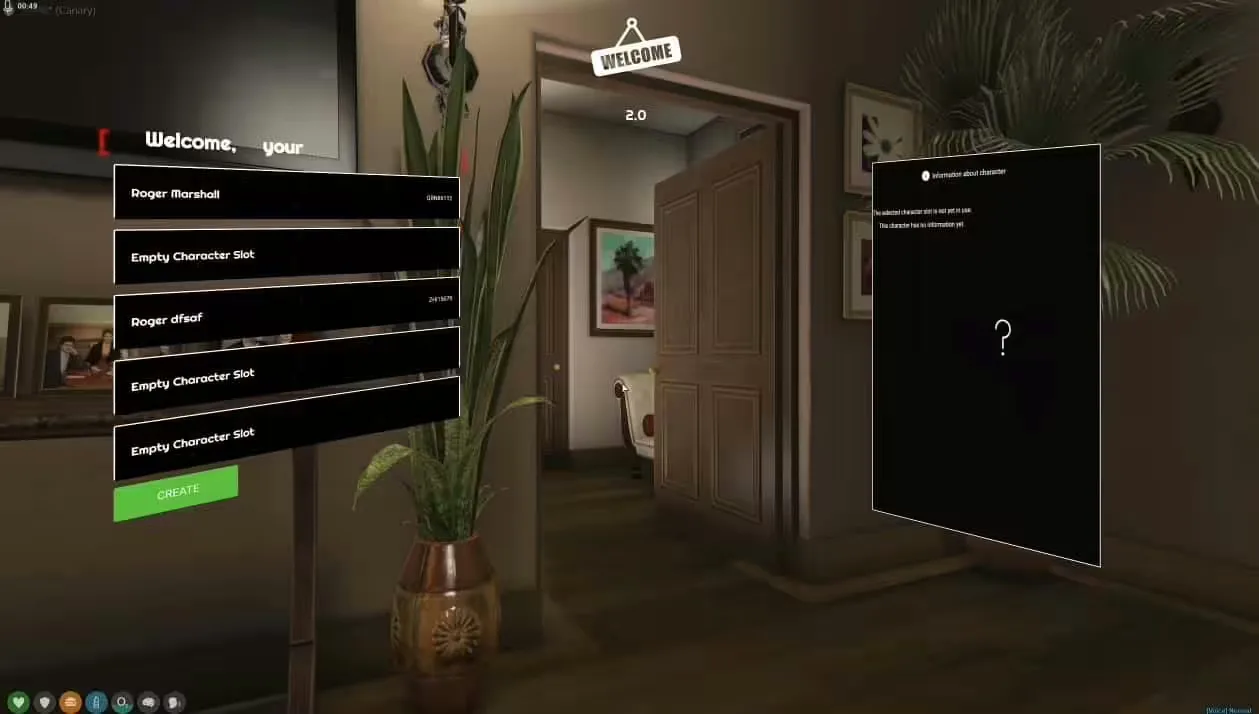
qbcore installation: Step‑by‑Step Guide

1. Prerequisites

Before you begin, make sure you have: - A functional FiveM server – use our Quick Start tutorial if you’re missing one. - Basic server administration knowledge – ability to edit config files and restart services. - Access to your server’s `resources/` folder – usually located in the main server directory. - A plain‑text editor such as Notepad++ for editing Lua files. These are the only conditions you need; qbCore itself does not require any special software.

2. Download qbCore

Head over to the official repository on GitHub: `https://github.com/qbcore-framework\`. Click Code → Download ZIP to grab the latest release. Once the download finishes, unzip the folder to a temporary location on your computer. No GitHub account is needed, but signing in can help you stay updated on new releases.

3. Transfer qbCore into Resources

Open your FiveM resources folder. Drag the extracted `qb-core` folder into this directory and leave it untouched – you’ll never open the compressed ZIP again.

4. Configure qbCore

Navigate to `qb-core/qb-core/config.lua`. Right‑click and open it with your favorite editor. Here you’ll: - Set the database: paste your connection string under `Config.Database`. - Adjust server identity: change the `Config.ServerName` and `Config.Webhook` values to match your branding. - Choose modules: toggle sections to enable or disable features like job systems or vehicle shops. Take note of the comments in the file for guidance. After finishing, save and close the file.

5. Enable qbCore in Server Config

Open `server.cfg` located next to `resources/`. Append the following line at the bottom: ``` ensure qb-core ``` This tells FiveM to load the qb-core resource during startup. Save and close the file.

6. Restart the Server

Gracefully restart your FiveM service – either from your hosting control panel or by running `exit` in the command prompt. A clean restart closes open connections, clears memory, and ensures the newly added qb-core resource is fully initialized.

7. Verify the Installation

Connect to your server with the FiveM client. Open the console (F8) and type `qb_` commands; the command list that appears proves qbCore is active. You should also see a “qbCore boot” message in the server log. If everything loads without errors, you’ve successfully completed the qbcore installation.

Adding More Scripts

qbCore’s modular nature means you can drop additional script folders into `resources/` and simply `ensure` them in `server.cfg`. Popular choices include: - jobs – pre‑built job scripts for police, EMS, or criminal careers. - shops – inside‑city stores for weapons, cars, and cosmetics. - vehicles – custom vehicle lists and garage systems. Compare production-ready options on the QBCore scripts hub and test lower-risk ideas with free FiveM mods.

Example: Adding a Simple Job

Download a job script zip, unzip it, move the folder to `resources/`. Add `ensure myjob` to `server.cfg`. Restart, then use `setplayerjob myjob` to test.

Frequently Asked Questions

Q: Is qbcore better than ESX? A: Both frameworks have strong communities. qbCore shines with modern Lua coding style and lighter resource usage, while ESX offers a decades‑old stable base. The decision usually comes down to personal preference and required features. Q: Where can I find free qbcore scripts? A: Visit popular portals like Cfx.re, FiveMX, and Tebex. Search for “qbcore” to find compatible add‑ons. Q: Is qbCore free to use? A: Absolutely. The entire framework is open source under the MIT license, so you can modify and host it without cost.

Final Thoughts – Your qbcore Installation Journey

Completing a qbcore installation opens the door to endless roleplay possibilities. The framework’s straightforward setup, coupled with active community support, lets you focus on building unique experiences rather than wrestling with low‑level server code. By following these steps, you’ve set up a solid foundation that will evolve with your server. As new scripts and updates emerge, you’ll find it easy to augment your environment, keep players engaged, and manage your community effectively. Now it’s time to dive in, explore qbCore’s features, and shape a FiveM server that brings your vision to life. Good luck, and enjoy every moment of the creation process.

Previous Article

How to Report a FiveM Server: Step-by-Step

Next Article

How to Install FiveM Mods: Step-by-Step Guide

More on This Topic

How To Install Liberty City (FiveM Server)How to Create a Logo for Your Gaming Server or Community (2026 Guide)FiveM Full Server Download: Complete Server Packs Explained (2026)How to Run a FiveM Server Using Docker: Complete Setup GuideQBox Framework Guide: Migrate from QBCore and Boost Performance (2026)

Turn framework research into a launch-ready script stack

Use this guide to narrow the framework decision, then move into the core commercial hubs for verified scripts, curated bundles, and a faster server launch path.

Framework hub

Browse QBCore-ready scripts

Move into the QBCore landing page to compare verified scripts, framework fit, and install-ready products built for modern FiveM servers.

Open QBCore hub

Framework hub

Review the ESX script path

Use the ESX landing page to compare framework-specific resources, launch guidance, and premium products that fit ESX-first servers.

Open ESX hub

Premium catalog

Browse premium FiveM scripts

Move from research into the main shop to compare real products, framework labels, screenshots, and production-ready quality signals.

Open premium shop

Launch faster

Compare curated bundles

Bundles shorten the path from planning to launch by grouping the highest-leverage scripts into a cleaner commercial starting point.

View bundles

Disclosure: Some links below are affiliate links to FiveMX products. We may earn a commission at no extra cost to you.

Premium Scripts You Might Like

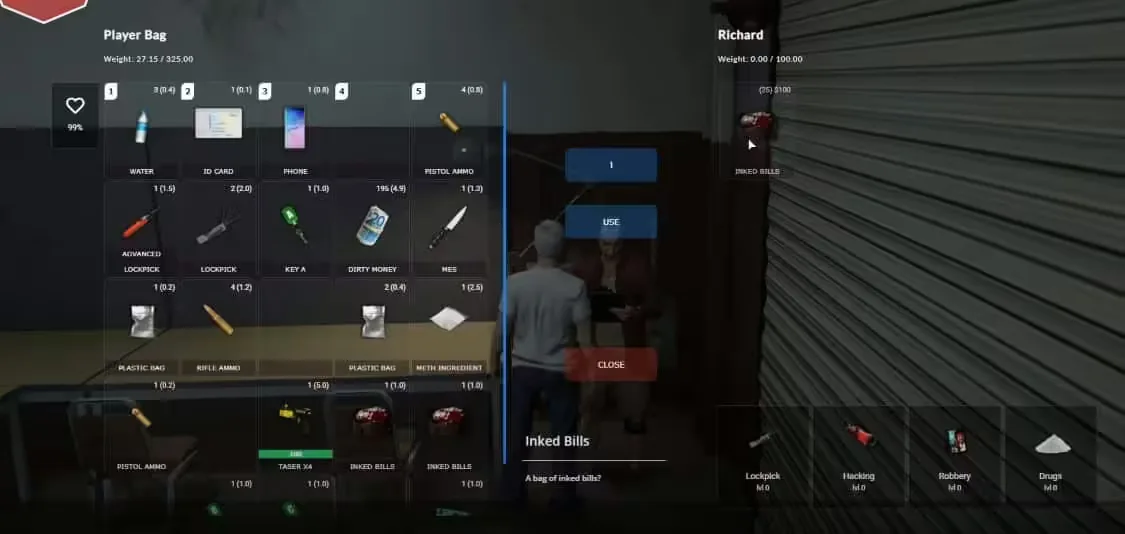
QBCore Super Server Base for FiveM

QBCore Super Server Base for FiveM

$126.99
QBCore Framework Server (QB v4)

QBCore Framework Server (QB v4)

$144.99
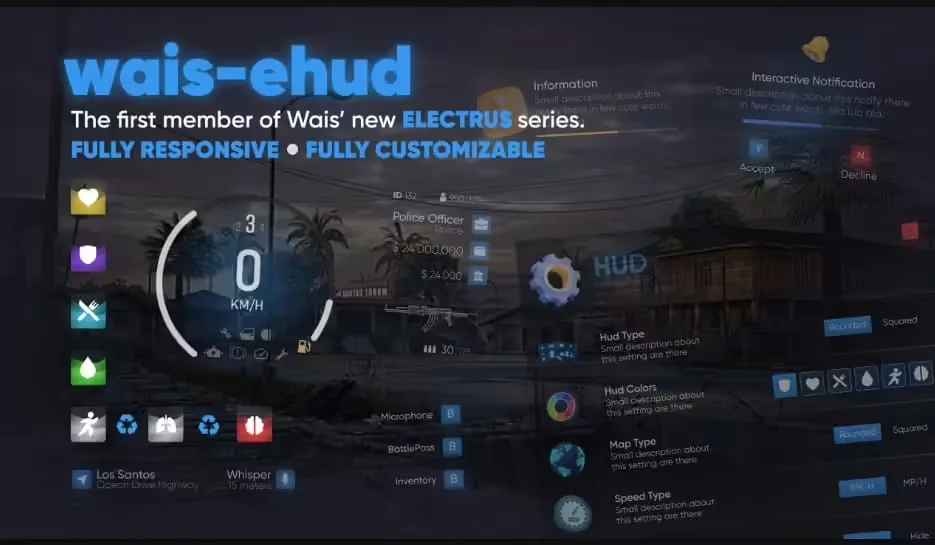
wais eHUD (qbCore)

wais eHUD (qbCore)

$50.99
QBCore NoPixel 3.5 Inspired Server V2

QBCore NoPixel 3.5 Inspired Server V2

$200.00

Free Scripts You Might Like

Cylex Multicharacter V3 | Cinematic UI • Partner System • ESX / QBCore / QBox

Cylex Multicharacter V3 | Cinematic UI • Partner System • ESX / QBCore / QBox

84 downloads
Advanced Admin Panel [QBCORE] Thexis Scripts

Advanced Admin Panel [QBCORE] Thexis Scripts

16 downloads
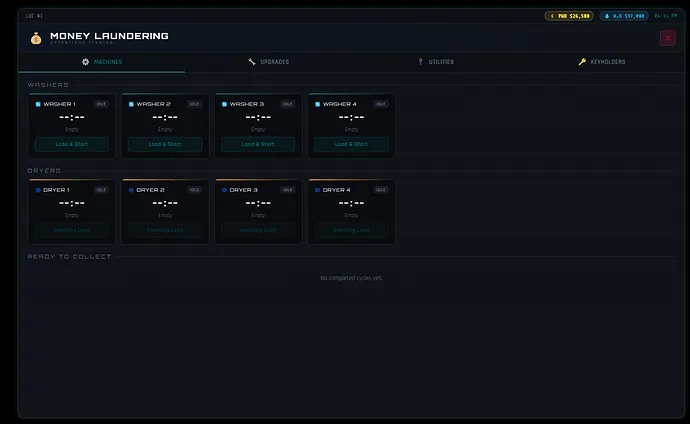
Andre Development - Moneywash

Andre Development - Moneywash

4 downloads
AP5-AdvancedNotify | Advanced Notify | [Standalone / QBCore / ESX / QBOX]

AP5-AdvancedNotify | Advanced Notify | [Standalone / QBCore / ESX / QBOX]

20 downloads

Related Articles

Best QBCore Scripts 2026: Essential Server Stack

Best QBCore Scripts 2026: Essential Server Stack

A practical QBCore script stack for FiveM server owners in 2026. Covers police, jobs, HUD, phone, inventory, housing, economy, vehicles, and free starter options.

April 30, 2026
Installing and Setting Up Your FiveM Server Template

Installing and Setting Up Your FiveM Server Template

Welcome! You've just acquired one of our premium FiveM server templates – a fantastic choice to jumpstart your community with a feature-rich...

January 15, 2025
Best Full QBCore Servers (FiveM) - List

Best Full QBCore Servers (FiveM) - List

Are you interested in upgrading your FiveM server with a Full QBCore server (QBCore Full Server) that delivers an exceptional roleplaying experience? In...

October 6, 2024
Secure CheckoutInstant AccessMoney-Back GuaranteeLifetime Updates
FiveMX

Premium FiveM scripts and mods for serious server owners.

Shop

  • Shop
  • QBCore Scripts
  • ESX Scripts
  • FiveM Scripts
  • Free Mods
  • Best Scripts & Mods

Help

  • About
  • FAQ
  • Support
  • Contact
  • Account
  • Affiliate Program

Legal

  • Privacy Policy
  • Terms of Service
  • Refund Policy
  • Cookie Policy
  • GDPR Compliance
  • DMCA
  • Imprint
  • Editorial Policy
© 2026 FiveMX. All rights reserved.·support@fivemx.com

FiveMX is not affiliated with Rockstar Games, Take-Two Interactive, or CFX.re. All trademarks are property of their respective owners.

Flash Sale — Up to 19% off!Flash Sale — 19% off!Shop Now