Home
Shop
Free Mods
Tools
Bundles
Full Servers
  1. Home
  2. Blog
  3. Tutorials & Guides

How To Install Liberty City (FiveM Server)

Published on August 22, 2024·by Lars Miller(Founder & Lead Editor)·Credentials·3 min read·Updated on January 19, 2026
Tutorials & Guides

Learn how to install with our step-by-step guide. Includes the iconic Liberty City map. Complete tutorial for 2025.

How To Install Liberty City (FiveM Server)

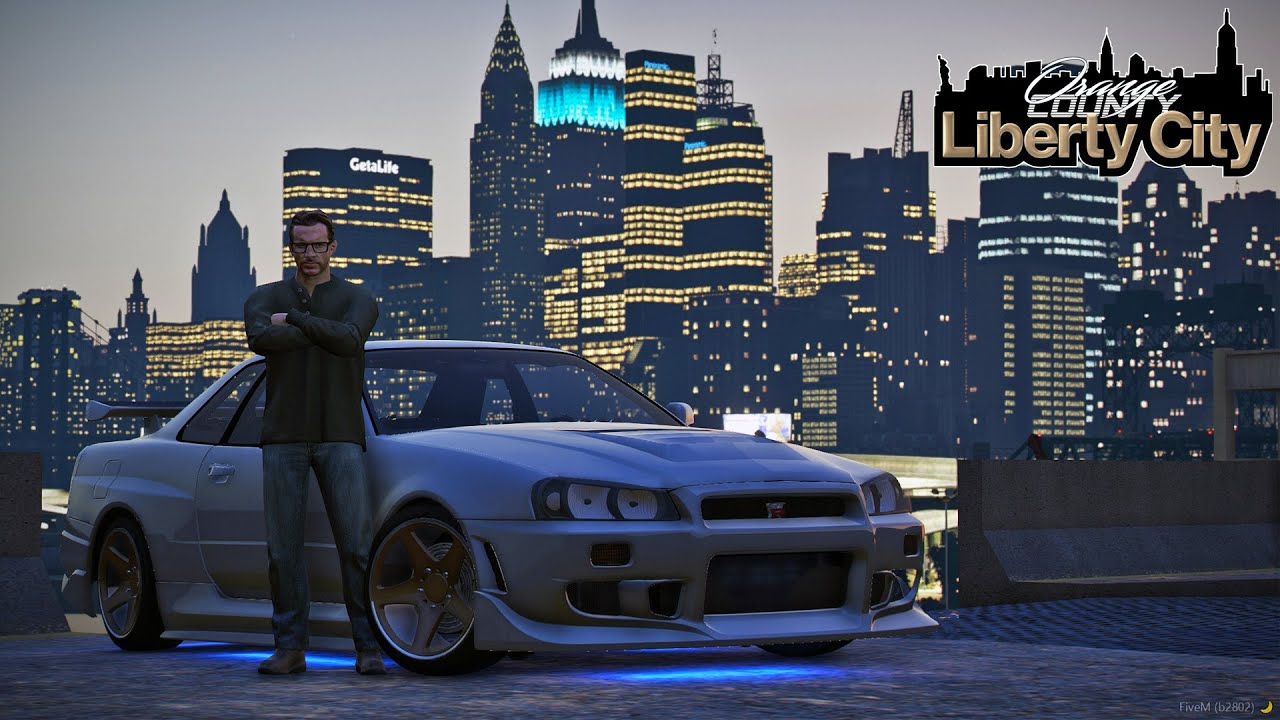
Are you ready to transform your FiveM server experience with the iconic Liberty City map (see also: Airport MLO)? Our step-by-step guide will help you easily install the Liberty City map onto your FiveM server. Follow the steps below to bring a whole new backdrop to your roleplaying adventures!

Liberty City (Standard)

Liberty City (VIP Package - 46 MLOs)

Learn more about the differences between these packages here

What You Need

Before we start, ensure you have these prerequisites:

  • A running FiveM server.
  • Basic knowledge of FiveM server management.
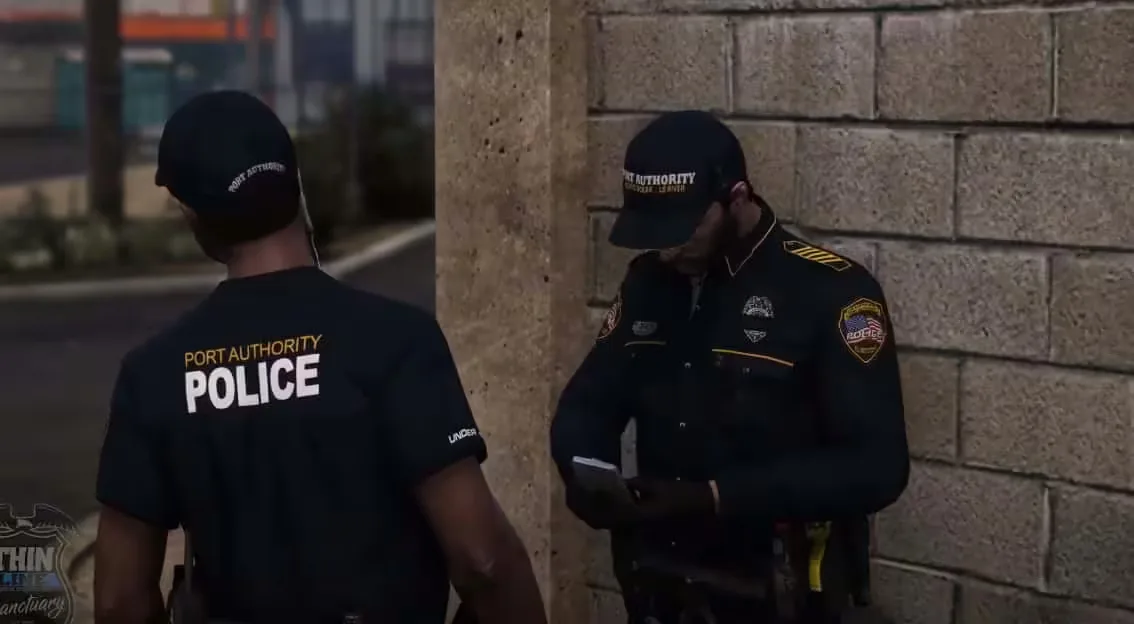
  • The Liberty City map files. The FiveMX build is available as the standard map or the Liberty City (VIP) package with 46 MLOs, functional subways, and police departments included.

Step-by-Step Installation Guide

https://www.youtube.com/watch?v=oF9YD1gBQ-0

Step 1: Download the Liberty City Map

First, download the Liberty City map from the provided link above. Make sure to unzip the downloaded file to a known location on your computer.

Step 2: Access Your FiveM Server Directory

Locate your FiveM server directory. This is usually the folder where your server's executable files are stored.

Step 3: Create a New Folder for Liberty City

Inside your server directory, navigate to the resources folder. Create a new folder and name it liberty_city.

Step 4: Copy the Map Files

Copy the contents of the unzipped Liberty City map into your newly created liberty_city folder in the resources directory.

Step 5: Configure the server.cfg

To ensure your server loads the Liberty City map, you'll need to update the server.cfg file. Open server.cfg with a text editor and add the following line:

start liberty_city

Step 6: Restart Your Server

Save the changes to server.cfg and restart your FiveM server. When the server restarts, it should load the Liberty City map automatically.

Not working?

  • Map Not Loading: Double-check that the Liberty City map files are correctly placed in the liberty_city folder and that there's no spelling error in your server.cfg entry.
  • Server Crashes: Ensure that all required dependencies for the Liberty City map are correctly installed and up-to-date.

With Liberty City installed on your FiveM server, you're all set for an exciting new range of roleplaying possibilities. Explore the expansive and nostalgic streets of Liberty City with your community and take your server to new heights.

Stay tuned for more guides and resources. If you encounter any issues, feel free to reach out to our support team or join our community forum for help.

Looking for more free stuff? Check it here


Liberty City - Standard vs. VIP

Here’s an improved comparison table using checkmarks (✓) and X to indicate the presence or absence of features in the Standard Liberty City Map and the VIP Liberty City Map:

FeatureStandard Liberty City MapVIP Liberty City Map
Original City of GTA 4✓✓
Functional Subways and Tunnels✗ (Flooded with water)✓
Map Conversion✓ (Basic conversion)✓ (Enhanced with fixes)
MLOs (Multi-Level Objects)✗✓ (64 MLOs)
Manhattan Island✓✓
Additional Islands✗✓
Police Departments✗✓ (3 Police Departments)
Hospitals✗✓
Apartments✗✓
Barbershops✗✓
Tattoo Parlors✗✓
Weed Shop and Drug Locations✗✓
Nightclub✗✓
Gang Block Houses✗✓
Jewelry Store✗✓
Apple Store✗✓
Map Replacement (Los Santos)✓✓
Functional Trains✗✓
Street Lights✓ (Standard GTA 5 lights)✓ (Authentic NY lights)
Traffic Signals✓ (Standard GTA 5)✓ (NY-style signals)
HD Road Textures✗✓
Map Stability✗ (May crash)✓ (Stable, no crashes)
Interactive Blips✗✓
EUP (Emergency Uniforms Pack)✗✓ (Optional)
Previous Article

How To Install NVE (NaturalVision Evolved) for GTA 5 & FiveM

Next Article

How to Set Up a vRP Server (FiveM)

More on This Topic

How to Install ReShade on FiveM: Ultimate 2026 Graphics GuideHow To Install FiveM on Windows (10 / 11)How to Use FiveM Mods: Complete Installation and Setup GuideBest Reshade Settings For High Graphics in GTA 5 (FiveM) ...How to Install FiveM - Tutorials & Guides | FiveMX

Turn framework research into a launch-ready script stack

Use this guide to narrow the framework decision, then move into the core commercial hubs for verified scripts, curated bundles, and a faster server launch path.

Framework hub

Browse QBCore-ready scripts

Move into the QBCore landing page to compare verified scripts, framework fit, and install-ready products built for modern FiveM servers.

Open QBCore hub

Framework hub

Review the ESX script path

Use the ESX landing page to compare framework-specific resources, launch guidance, and premium products that fit ESX-first servers.

Open ESX hub

Premium catalog

Browse premium FiveM scripts

Move from research into the main shop to compare real products, framework labels, screenshots, and production-ready quality signals.

Open premium shop

Launch faster

Compare curated bundles

Bundles shorten the path from planning to launch by grouping the highest-leverage scripts into a cleaner commercial starting point.

View bundles

Disclosure: Some links below are affiliate links to FiveMX products. We may earn a commission at no extra cost to you.

Related Articles

How To Install Custom Cars (FiveM)

How To Install Custom Cars (FiveM)

Learn how to install with our step-by-step guide. Includes production‑ready configs you can copy‑paste. Complete tutorial for 2025.

September 8, 2025
How To Change Vehicle Handling (FiveM)

How To Change Vehicle Handling (FiveM)

Want tighter brakes, grippier tires, or real drift physics? You can change vehicle handling in FiveM in two clean ways:

October 17, 2025
How To Install NVE (NaturalVision Evolved) for GTA 5 & FiveM

How To Install NVE (NaturalVision Evolved) for GTA 5 & FiveM

NaturalVision Evolved (NVE) is fundamentally the gold standard for visual modifications in Grand Theft Auto V.

August 21, 2024
Secure CheckoutInstant AccessMoney-Back GuaranteeLifetime Updates
FiveMX

Premium FiveM scripts and mods for serious server owners.

Shop

  • Shop
  • QBCore Scripts
  • ESX Scripts
  • FiveM Scripts
  • Free Mods
  • Best Scripts & Mods

Help

  • About
  • FAQ
  • Support
  • Contact
  • Account
  • Affiliate Program

Legal

  • Privacy Policy
  • Terms of Service
  • Refund Policy
  • Cookie Policy
  • GDPR Compliance
  • DMCA
  • Imprint
  • Editorial Policy
© 2026 FiveMX. All rights reserved.·support@fivemx.com

FiveMX is not affiliated with Rockstar Games, Take-Two Interactive, or CFX.re. All trademarks are property of their respective owners.

Flash Sale — Up to 19% off!Flash Sale — 19% off!Shop Now