




Choose between GTA V Story Mode, FiveM single-player use and a private local FXServer for safe solo resource testing.
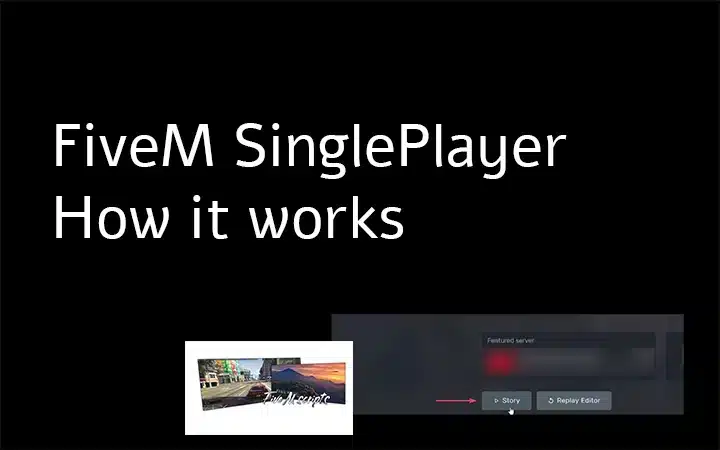
Step-by-step instructions on installation and customization.
Choose between GTA V Story Mode, FiveM single-player use and a private local FXServer for safe solo resource testing.
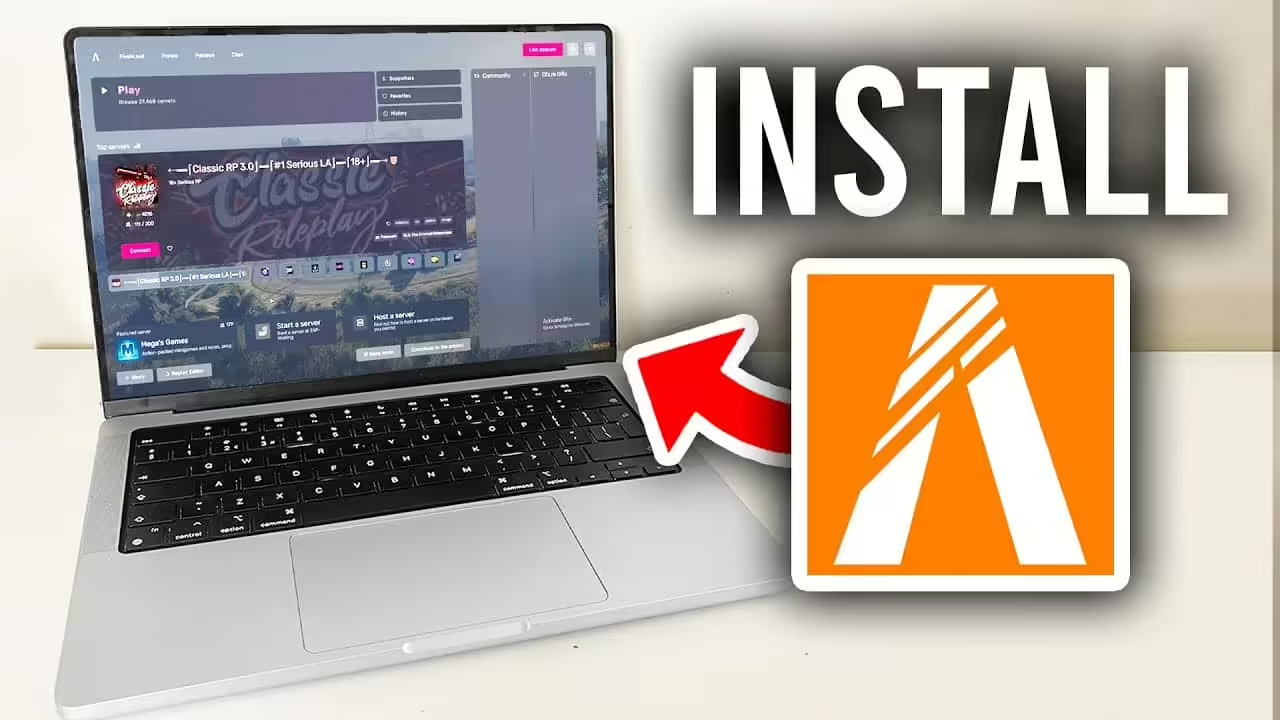
Install map and vehicle resources with correct manifests and data files, staging checks, conflict isolation and rollback.
A measurement-first FiveM performance workflow covering resmon, profiler, resource code, database queries, streamed assets, host limits and rollback.
Welcome to our comprehensive tutorial on creating a FivePD server for police roleplay in FiveM. FivePD is an exciting mod that enables players to experience the life of a police officer in a GTA V environment. If you want to play as Police Officer on FiveM, this guide will walk you through the essentials of […]

Volumetric clouds can significantly enhance the visual experience in FiveM, offering more dynamic and realistic scenes. This guide will walk you through the steps to implement volumetric clouds effectively in your FiveM setup. Video Tutorial This tutorial references a comprehensive YouTube video by Abou Malik ensuring a precise setup Text-Tutorial (Easy!) Step 1: Download Necessary […]

Owning a FiveM server is an exciting yet challenging endeavor. From creating a vibrant community to managing technical aspects, it requires dedication and foresight. Through my experience and community insights, I’ve compiled a list of ten common mistakes that you should avoid to ensure your server’s success. Neglecting Regular Updates One major pitfall is failing […]

Penal Code (StGB) Offense Minimum Fine Imprisonment Traffic Points Other §18 Property Damage $800 0 months 0 points Claim for Damages §19 Theft $1,000 0 months 0 points Return of Stolen Goods §20 Vehicle Theft $2,200 10 months 0 points Return Vehicle to Owner §(2) Escape $1,200 10 months 0 points §55 Obstruction of Government […]

A source-checked ESX admin command guide explaining permissions, command provenance, syntax discovery and safe testing.

To make Cayo Perico content available on a FiveM server, set the enforced game build at startup to build 2189 or any later supported build. Build 2189 is the Cayo Perico Heist build and can also be selected with the alias h4. Every later game build includes content from previous builds. Enable the Cayo Perico […]

Hello, everyone! Welcome to this comprehensive tutorial on how to use the Jobs Creator for FiveM. If you’re new to FiveM or looking to Add custom jobs, you’ve come to the right place. In this guide, we’ll walk you through everything you need to know about the Jobs Creator script, from installation to creating and […]

Fast answer: build a FiveM server trailer around one promise: what a new player can actually do on your server. Write a 30–90 second outline, turn it into a shot list, record clean gameplay from several angles, edit for pace, use music you are allowed to publish, and finish with one accurate join call to […]
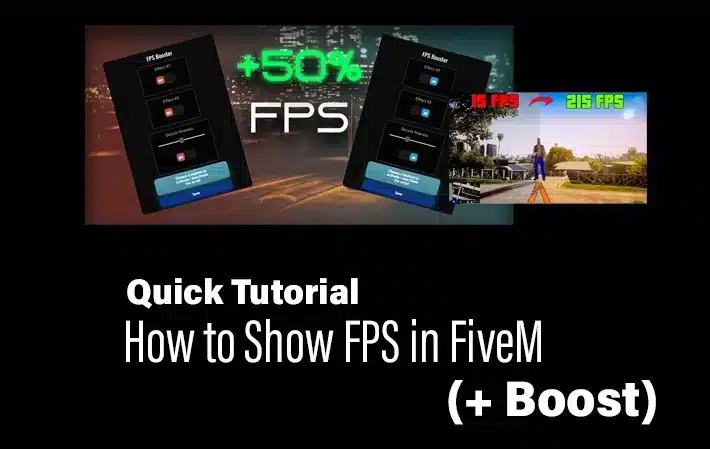
To show FPS in FiveM, press F8, enter cl_drawfps true, and press Enter. The counter appears in a screen corner. To hide it again, run cl_drawfps false. Commands verified against the official Cfx.re client-console reference on August 4, 2026. FiveM FPS command Launch FiveM and join the server you want to test. Press F8 to […]
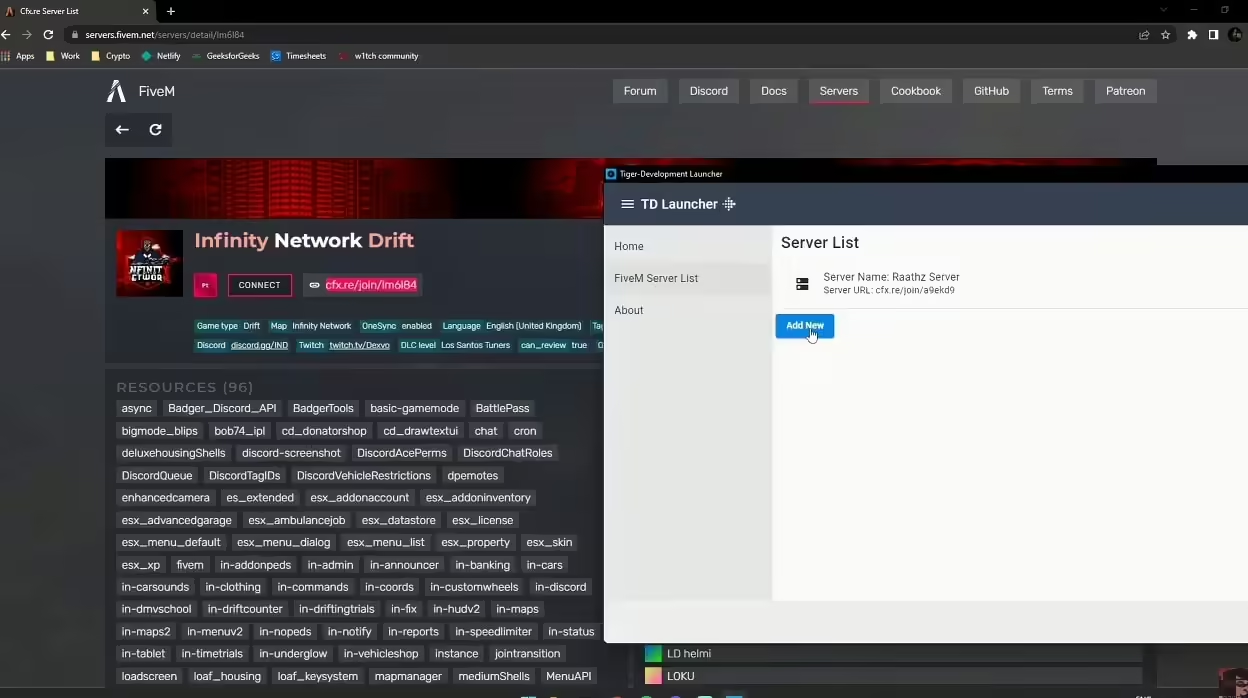
Welcome to the comprehensive guide on creating your own FiveM Launcher! if you are a seasoned developer or a complete beginner, this step-by-step tutorial will help you build a fully functional launcher for your FiveM server. With this guide, you’ll not only have a custom launcher but also a better understanding of the development process. […]
The best FiveM settings are the ones that keep your frame time stable on the servers you actually play. Start with textures at Normal or High, reduce population and distance scaling, keep MSAA off, and test one change at a time. FiveM performance varies heavily with server scripts, streamed maps and player count, so no […]
To update FiveM server artifacts, stop your server, download the latest recommended artifact build, replace the server files except resources and configs, then restart and verify console output.

Fast answer: reduce ambient NPCs and traffic with a small client resource that calls the density multiplier natives every frame. Include both fxmanifest.lua and the client Lua file, start with a moderate value on staging, and measure the same route before and after. Do not promise an FPS gain: the result depends on the wider […]

Turn your FiveM server into a sparkling winter wonderland in minutes—just drop a Lua script and let players toggle snowfall with /enablesnow and /disablesnow. Create, activate, and enjoy snowy skies anytime—no extra mods required.

Choosing the right host for your FiveM server? Let’s weigh a budget‑friendly VPS against a powerful dedicated machine—each shines for different community sizes and performance goals. We’ll show you exactly when to go virtual and when to buy full control.