
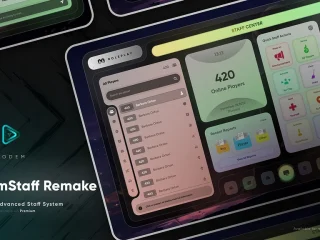
CodeM mPausemenu — Advanced Pause Menu

$11.49

Add to cart

CodeM mPausemenu — Advanced Pause Menu

$11.49

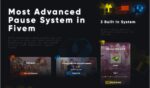
A fully custom ESC/pause menu for FiveM with battlepass system, player info, server tabs, and full ESX & QBCore support by CodeM.
Save 20% for a limited time.
Category:
Guaranteed Safe Checkout
  • Premium Quality
  • Fully Open Source
  • Secure Payments
  • Satisfaction Guarantee
  • 30 Days Money-Back-Guarantee

CodeM mPausemenu — Advanced Custom Pause Menu for FiveM

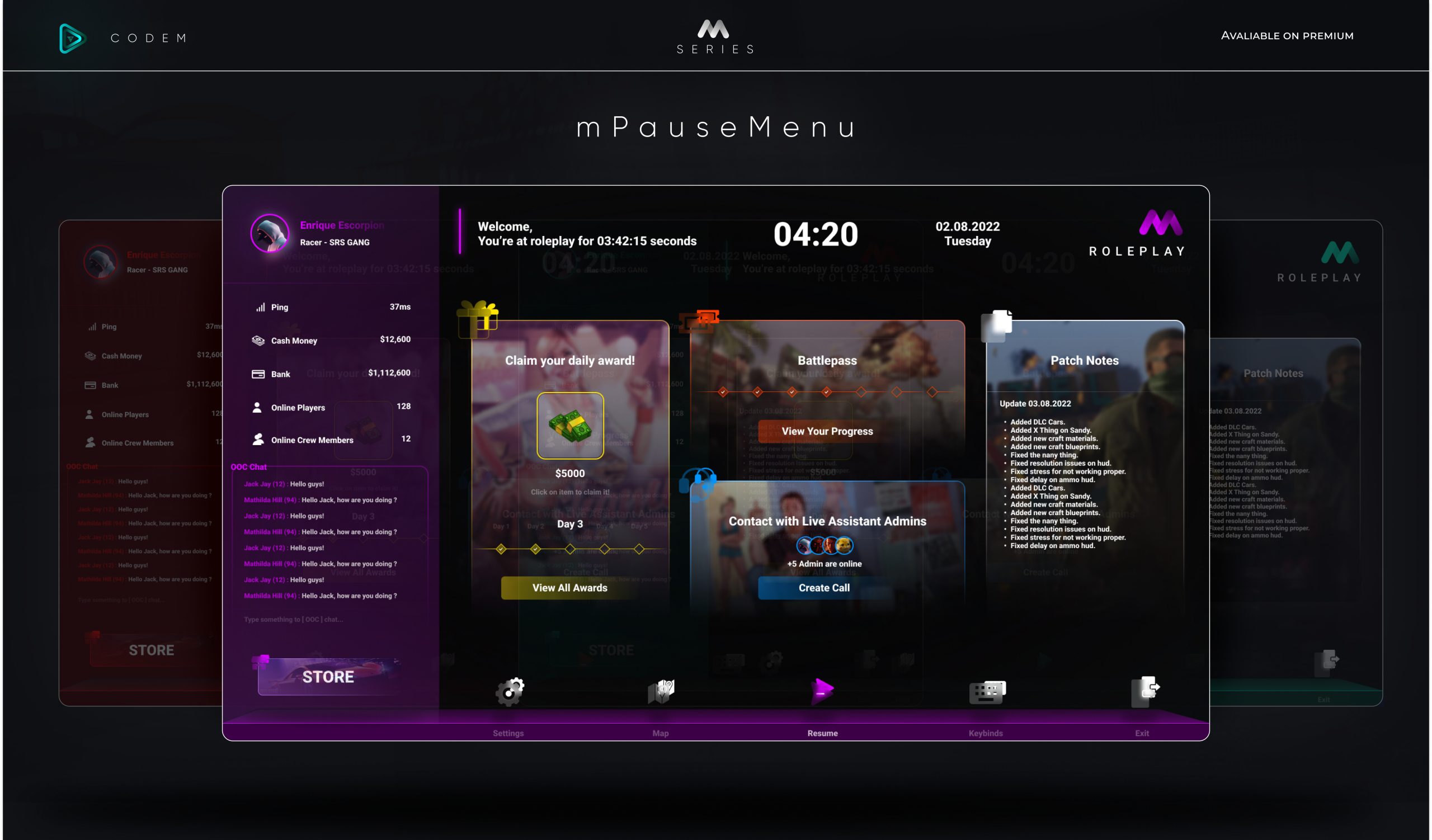
Replace GTA V’s default pause menu with a polished, feature-rich custom interface built by CodeM — one of the most trusted names in FiveM development. mPausemenu overhauls the ESC menu entirely, offering a beautiful UI with multiple tabs, a built-in battlepass system, player stats, and full support for both ESX and QBCore frameworks.

Features

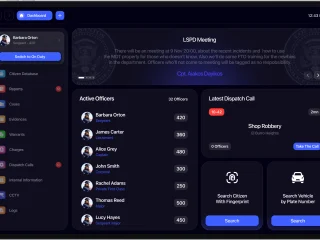
  • Custom Pause Menu UI — Modern, clean design that completely replaces the default GTA pause menu
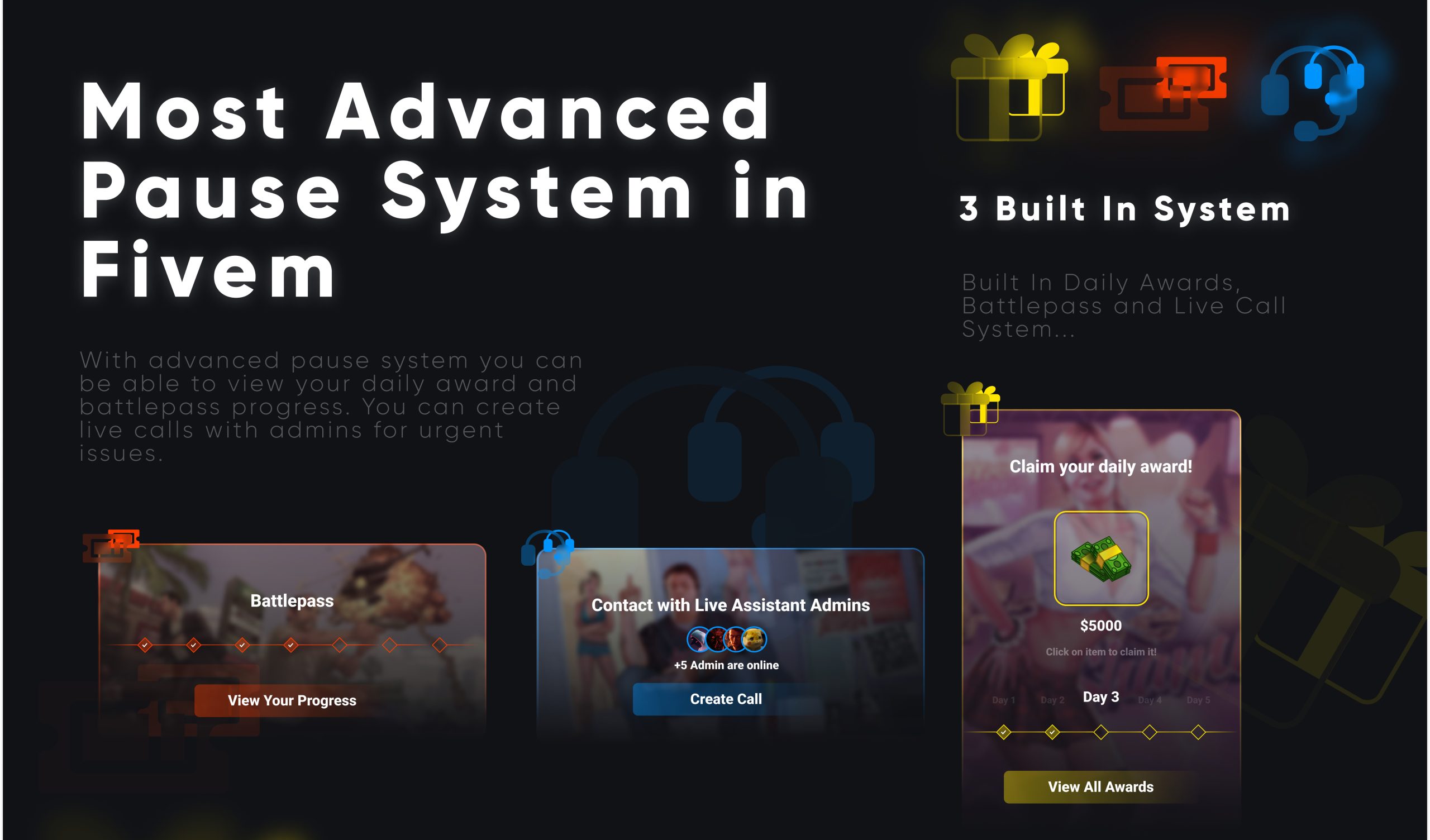
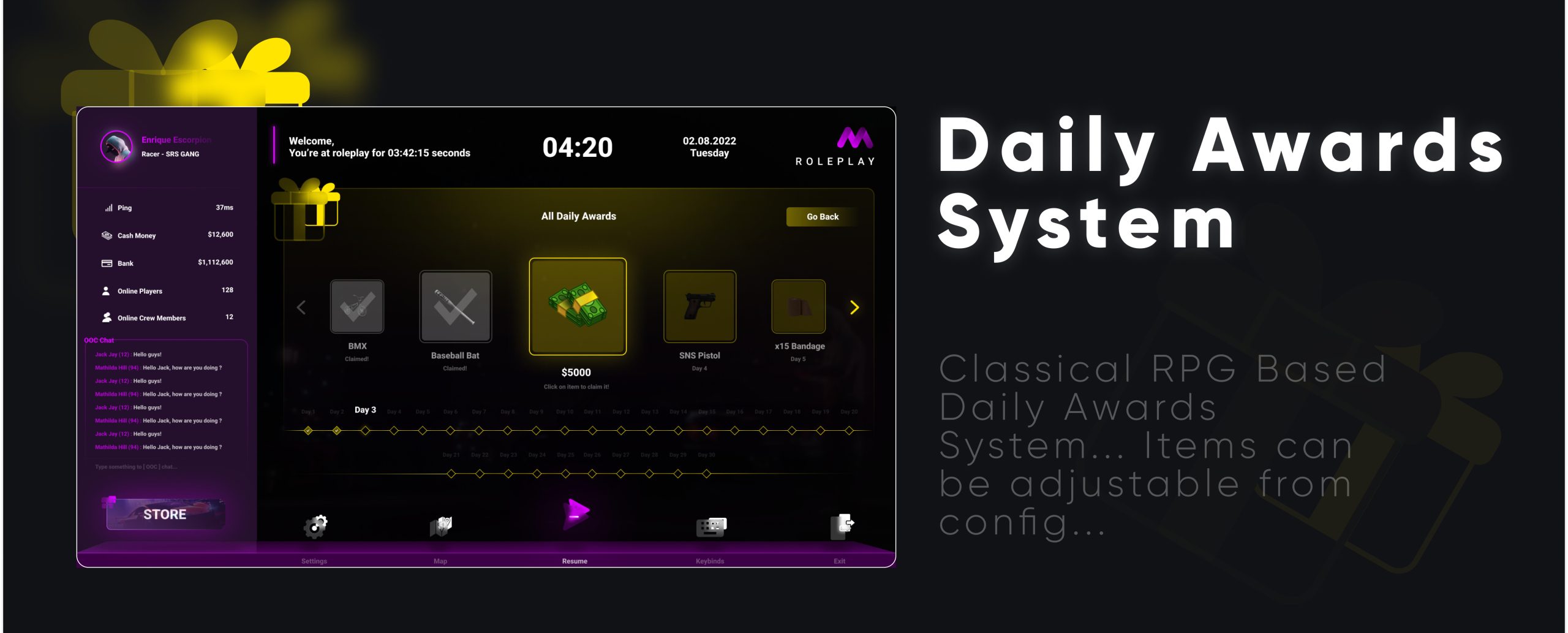
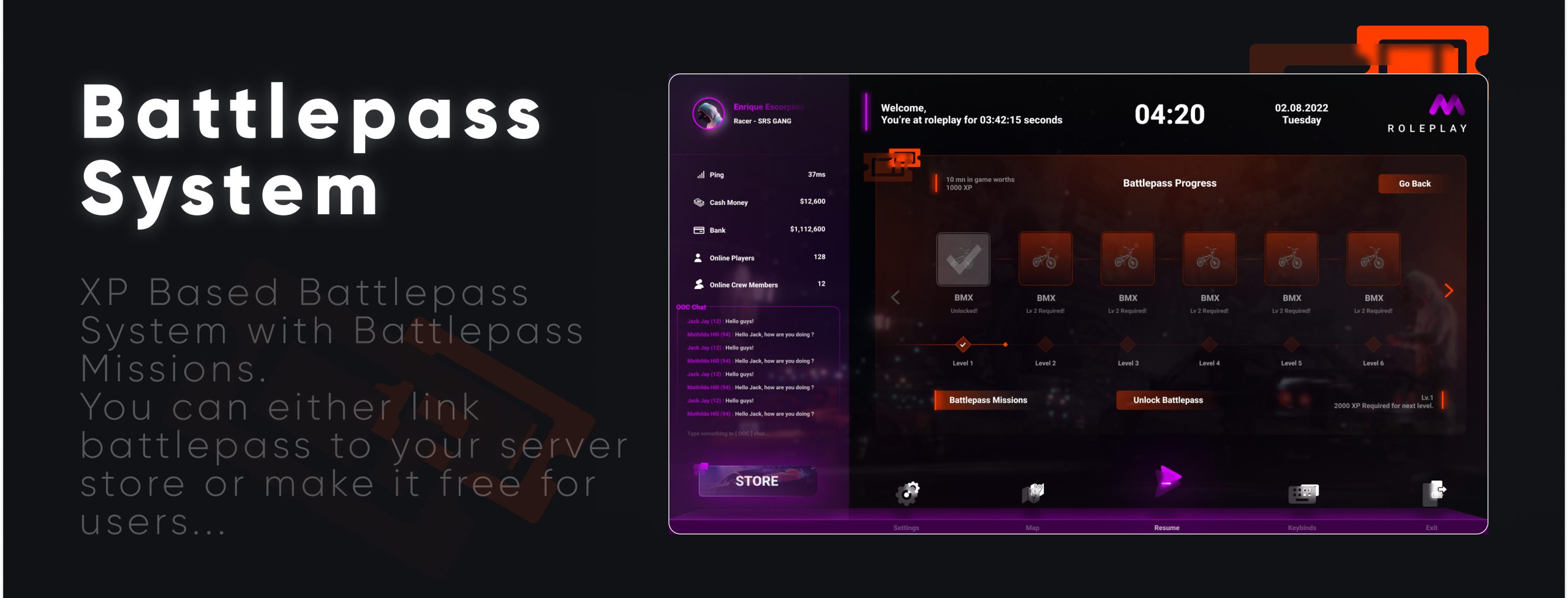
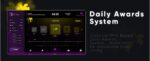
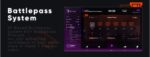
  • Battlepass System — Built-in daily missions pool with configurable active duration and automatic reset; tracks player progress
  • Player Info Tab — Displays character stats, job, rank, cash, bank balance and more
  • Server Info Tab — Custom server branding, rules, staff list, and general information configurable per server
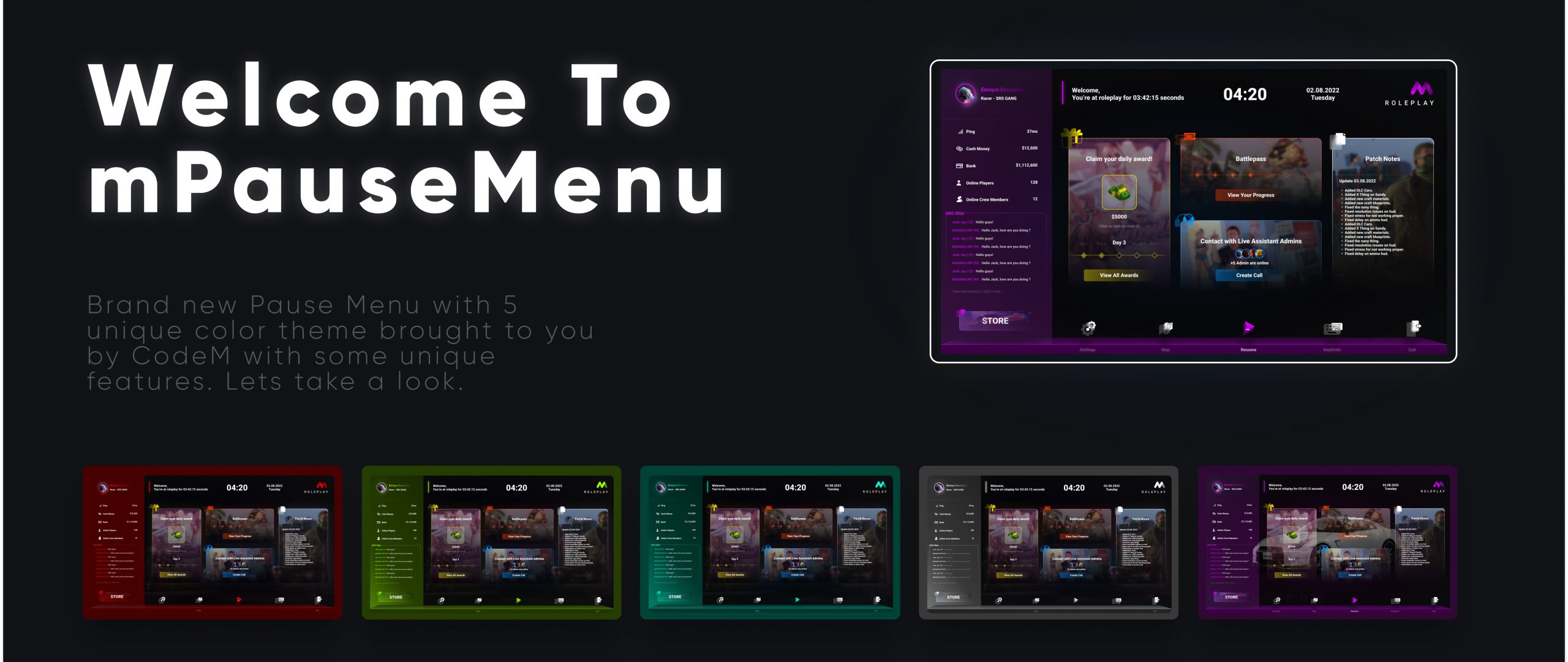
  • Theme Customization — Players can switch between multiple menu themes from within the pause menu
  • Anti-Spam Protection — Configurable cooldown that activates if a player opens the menu too rapidly
  • Multi-Framework Support — Native support for ESX, new QBCore, old QBCore, and autodetect mode
  • Standalone Config — Clean config.lua with well-documented options for easy customization
  • Performance-Optimised — Lightweight NUI with minimal impact on server performance

What’s Included

  • cm-pausemenu/ resource folder (Lua + NUI source)
  • config.lua — full configuration file (framework, battlepass days, mission pool size, themes, spam cooldown)
  • client/ & server/ scripts
  • html/ NUI frontend (CSS, JS, assets)
  • fxmanifest.lua

Compatibility

| Framework | Supported | |———–|———–| | ESX (any version) | Yes | | QBCore (new) | Yes | | QBCore (old) | Yes | | Autodetect | Yes | | Standalone | No (requires economy framework for player data) |

Installation

1. Extract cm-pausemenu into your server resources/ folder 2. Add ensure cm-pausemenu to server.cfg — do not rename the folder 3. Configure config.lua (framework, server name, battlepass settings) 4. Restart server — done

Requires basic Lua knowledge for configuration. Adding custom battlepass missions requires intermediate Lua knowledge.

Framework

ESX, QBCore

Reviews

There are no reviews yet.

Be the first to review “CodeM mPausemenu — Advanced Pause Menu”