
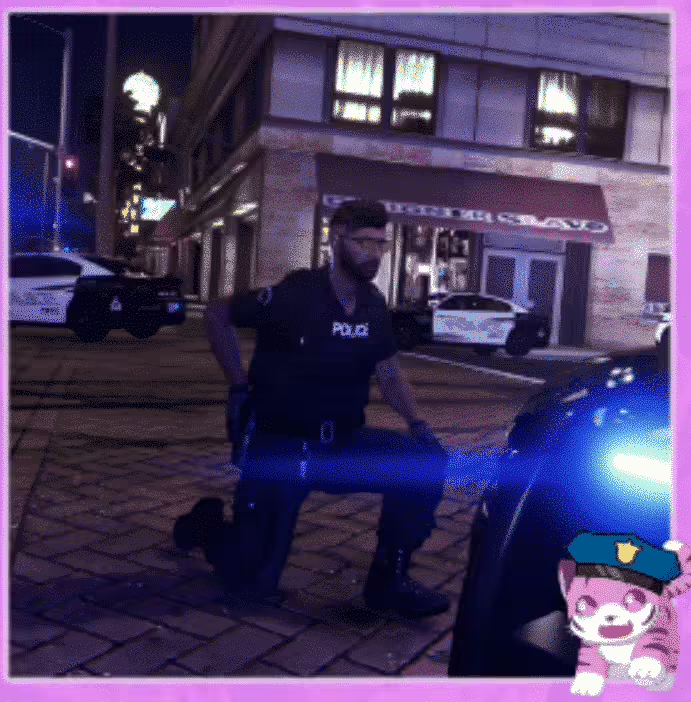
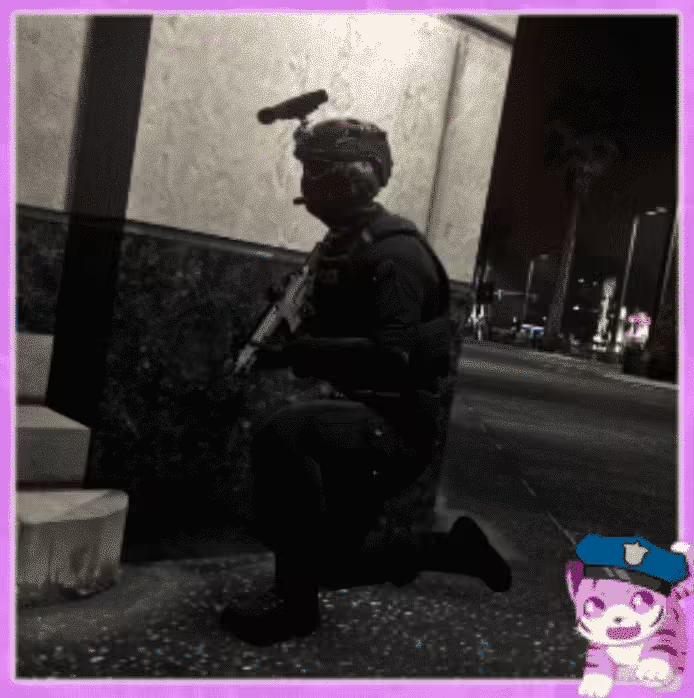
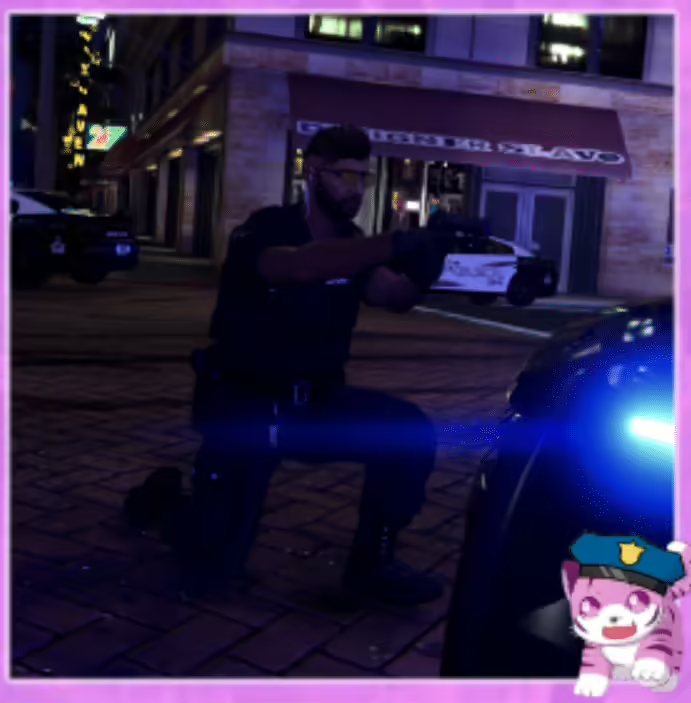





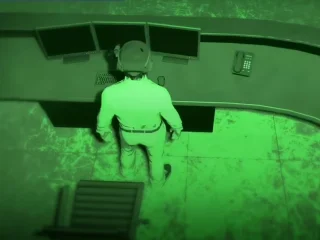
Example implementation (everything is documented in readme file):
[ENG]
Installation
Move the YCD file into a stream folder.
Add this stream folder to a script.
For own scripts
local dictName = ‘tigerle@custom@cop@kneel@aimpistol1’
local animName = ‘tigerle_coppose_kneel_aimpistol1’
For DPEmotes
Add these code lines here dpemotes/Client/AnimationList.lua >>> DP.Emotes
[“yourcommand”] = {“tigerle@custom@cop@kneel@aimpistol1”, “tigerle_coppose_kneel_aimpistol1”, “your name for the animation”, AnimationOptions =
{
EmoteLoop = true,
EmoteMoving = false,
}},
Finally, restart your script/server.
The command would be “/e (The command you entered in the code for what you want the players to use for the anim to play).
In regards to support matters, feel free to contact me wherever suits best!


Tate (verified owner) –
I got excellent support for this item. They were patient with me, and helped me solve my issue. I recommend this company 100%
Elise (verified owner) –
By far the best item on the market, you will not be disappointed.
Kallie (verified owner) –
Great item! It provides too many things compared to its price charged.
Vivian (verified owner) –
I like this item and also the customer service of them.
Kelton (verified owner) –
Good response from the support.
Rodrick (verified owner) –
great
NovaLena441 (verified owner) –
Good performance, clean interface, and helpful support. Nothing to complain about.