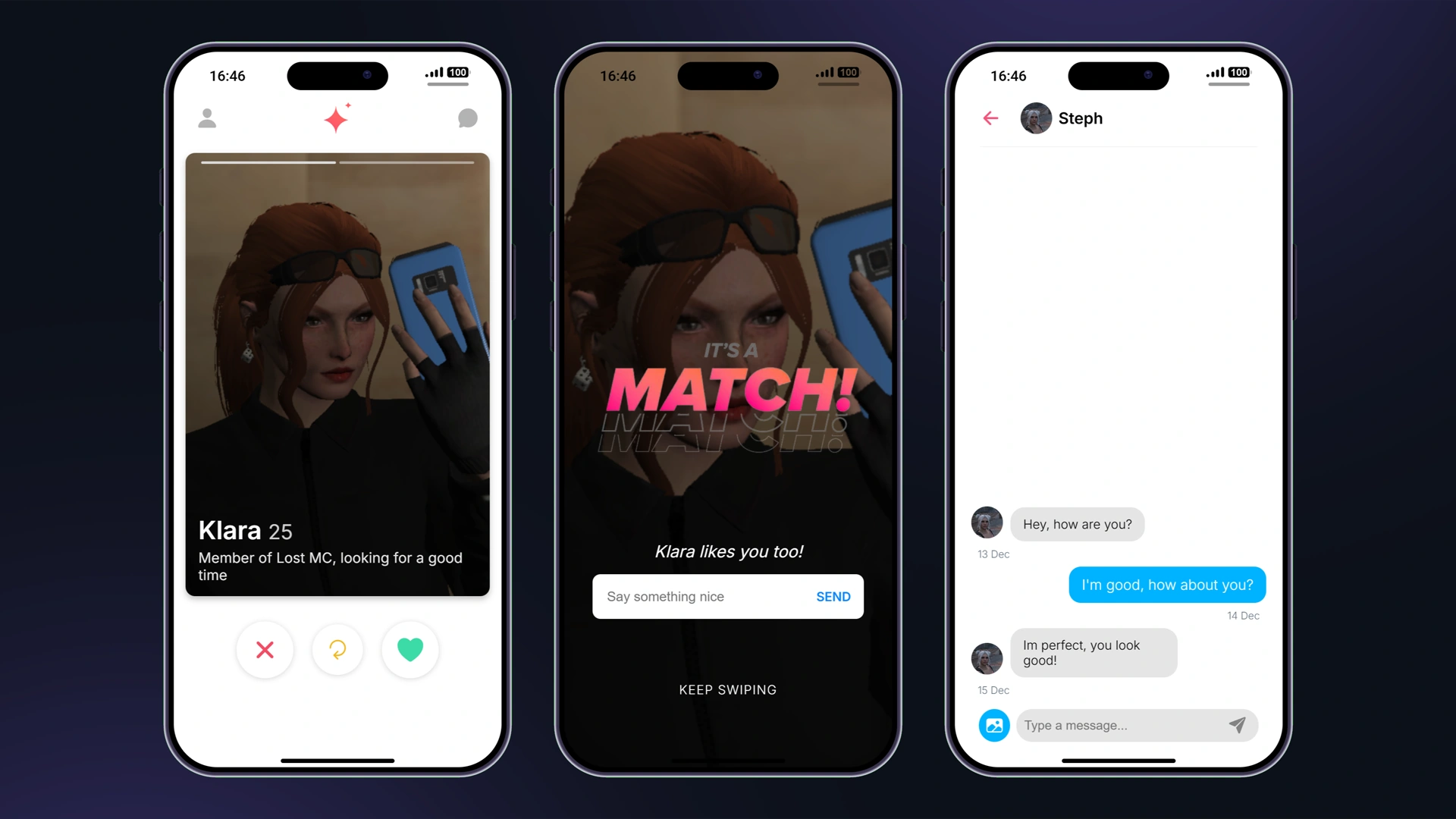
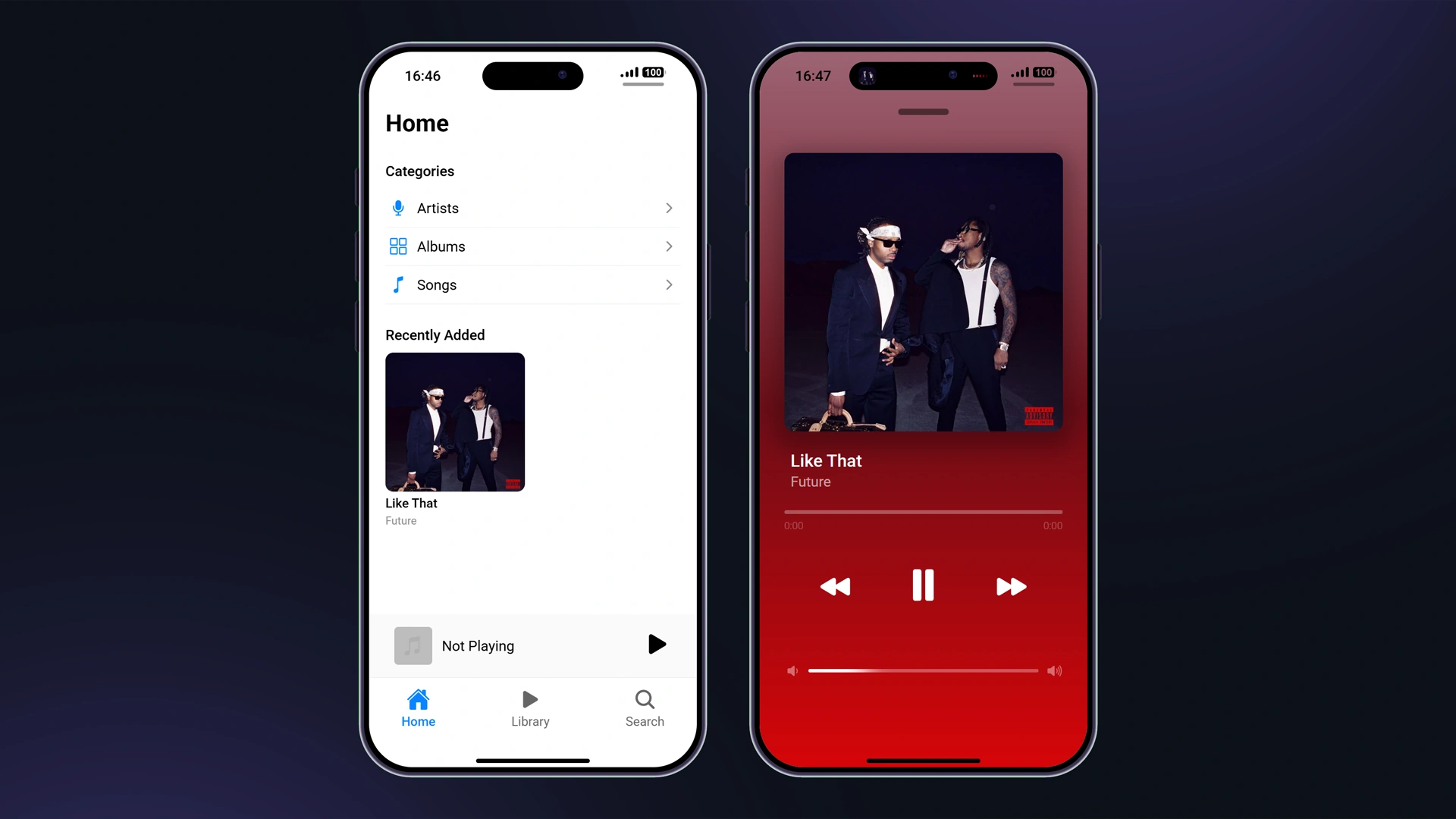
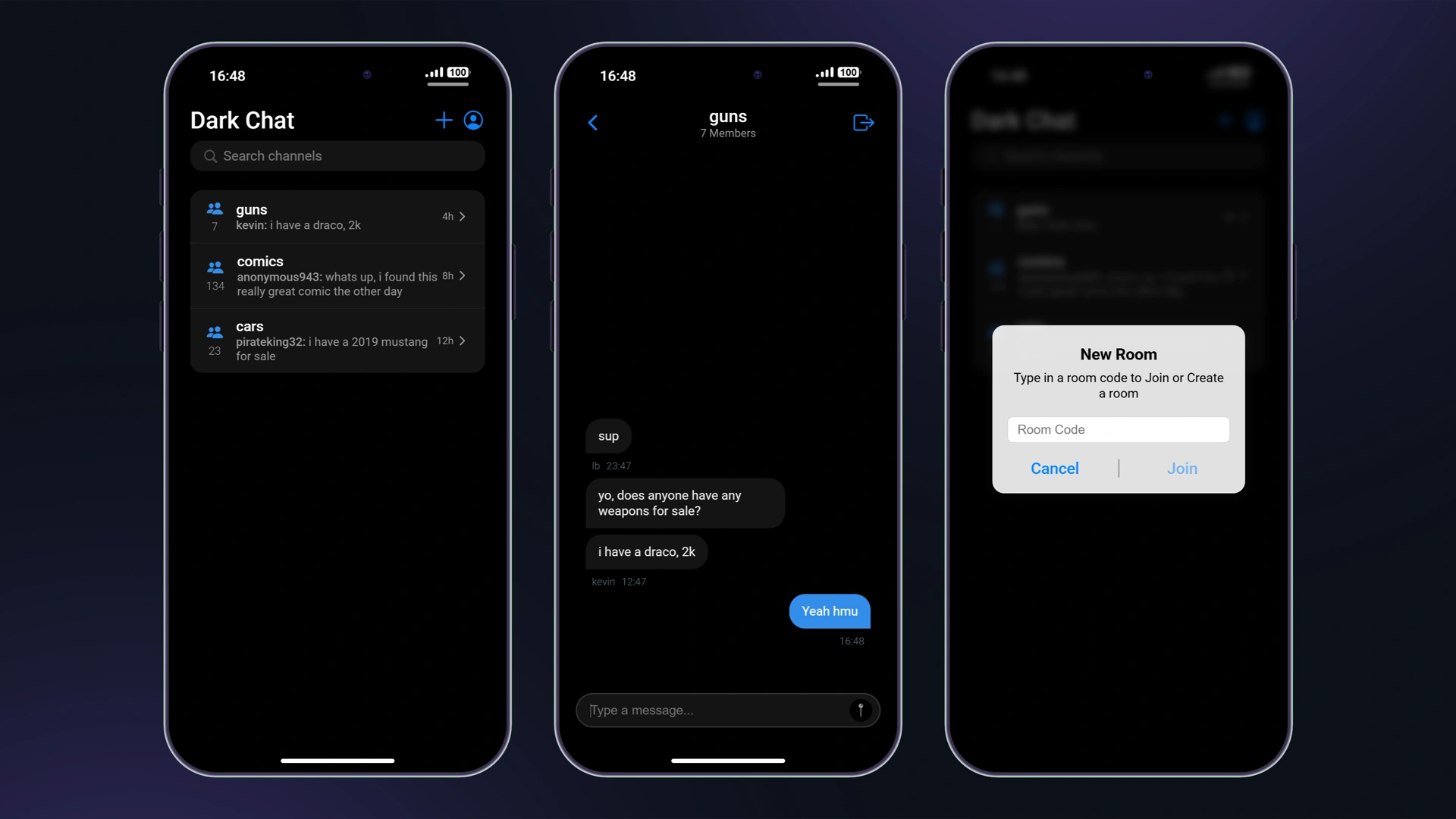
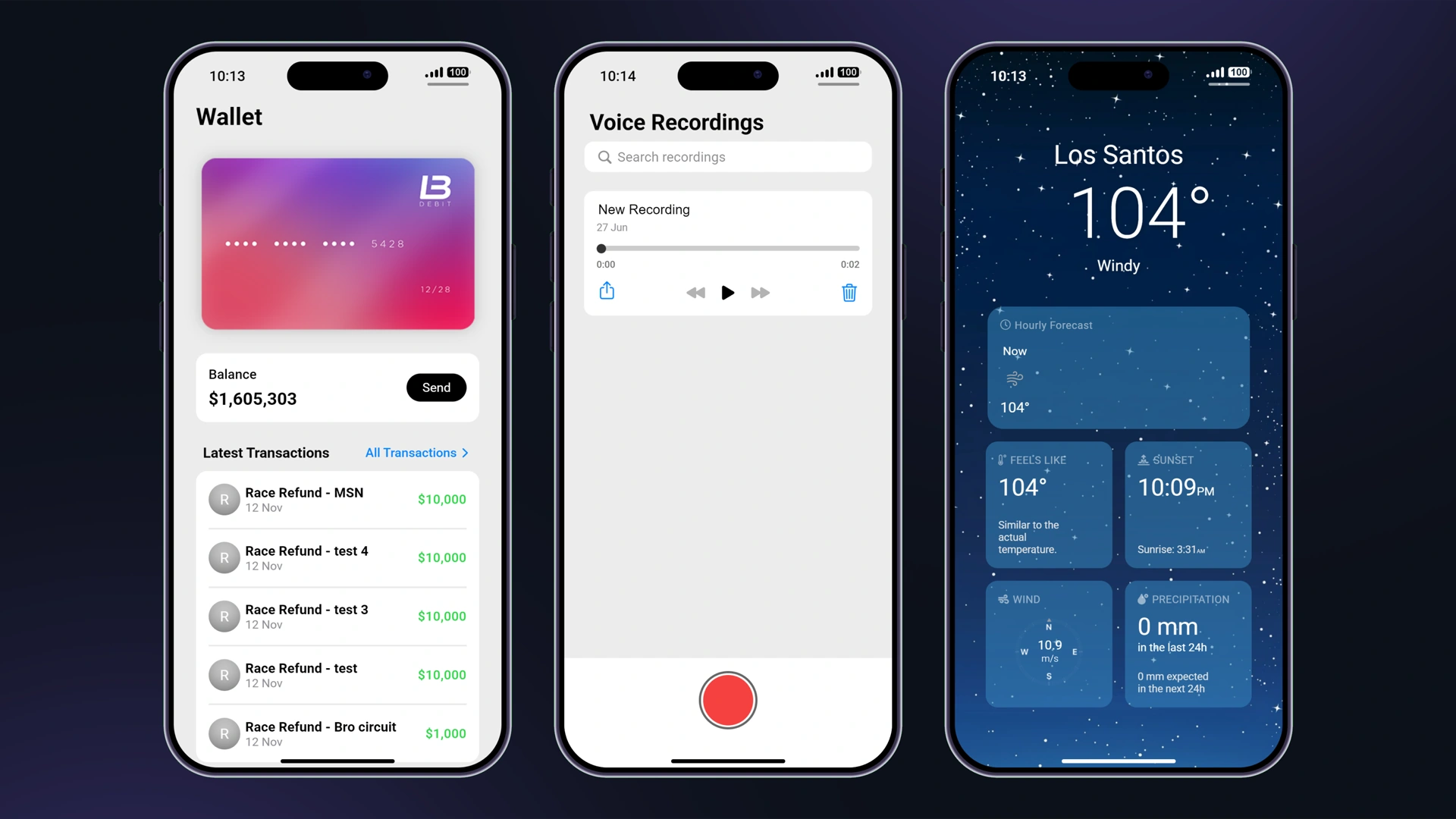


App personalizzate
LB Phone ti permette di aggiungere app che hanno un UI o semplicemente attivano funzioni all'apertura dell'app. Per aggiungere un'app che attiva una funzione all'apertura, vai su lb-phone/config/config.lua e aggiungi l'app a Config.CustomApps tabella, in questo modo:
Config.CustomApps = { ["app_identifier"] = { -- A unique identifier for the app, not shown to the user name = "App Name", -- The name of the app, shown to the user description = "App Description", -- The description of the app, shown to the user developer = "LB Phone", -- OPTIONAL the developer of the app defaultApp = true, -- OPTIONAL if set to true, app should be added without having to download it, game = false, -- OPTIONAL if set to true, app will be added to the game section size = 59812, -- OPTIONAL in kB images = { "https://example.com/photo.jpg" }, -- OPTIONAL array of images for the app on the app store ui = "resource-name/ui/index.html", -- OPTIONAL icon = "https://cfx-nui-" .. GetCurrentResourceName() .. "/ui/icon.png", -- OPTIONAL app icon price = 0, -- OPTIONAL, Make players pay with in-game money to download the app landscape = false, -- OPTIONAL, if set to true, the app will be displayed in landscape mode keepOpen = true, -- OPTIONAL, if set to true, the app will not close when the player opens the app (only works if ui is not defined) onUse = function() -- OPTIONAL function to be called when the app is opened -- do something end, onServerUse = function(source) -- OPTIONAL server side function to be called when the app is opened -- do something end }}App personalizzate che usano UI
Se vuoi usare un UI personalizzato per la tua app, devi creare uno script separato e fornire il percorso del file HTML e inviarlo come ui.
Il modo consigliato per creare un'app con UI è crearla usando gli exports. Abbiamo app modello che puoi usare come riferimento.
Se l'utente ha la modalità scura abilitata, data-theme sarà impostato su dark. Altrimenti, sarà impostato su light.
Aggiunta dell'app
Per aggiungere l'app, usa il AddCustomApp export.
Rimozione dell'app
Per rimuovere l'app, usa il RemoveCustomApp export.
Invio di un messaggio a UI
Per inviare un messaggio a UI, devi usare il SendCustomAppMessage esportare invece di usare SendNUIMessage. Lo ascolteresti allo stesso modo nel frontend.
Componenti e funzioni importati
Quando l'app viene caricata sul telefono, alcune funzioni vengono importate nel globalThis oggetto.
| Nome | Tipo | Descrizione |
|---|---|---|
| nomerisorsa | stringa | Il nome della risorsa che ha aggiunto l'app personalizzata |
| appName | stringa | Il nome dell'app |
| impostazioni | oggetto | Le impostazioni del telefono |
| componenti | oggetto | Utile componenti per l'app |
Componenti
I seguenti componenti sono accessibili tramite globalThis.components. Puoi visualizzare un file di dichiarazione TypeScript su lb-reactts/ui/src/components.d.ts.
createGameRender
Crea un render di gioco, che renderizza il gioco su una canvas. Questo viene usato per creare una telecamera nella tua app, e dovrebbe essere usato con il esportazioni della fotocamera.
const gameRender = components.createGameRender(canvas) // set the aspect ratiogameRender.resizeByAspect(9 / 16) // pause the renderinggameRender.pause() // unpause the renderinggameRender.resume() // take a photoconst blob: Blob = await gameRender.takePhoto() // take a videoconst recorder = gameRender.startRecording((blob: Blob) => { const video = URL.createObjectURL(blob)}) await new Promise((resolve) => setTimeout(resolve, 5000)) recorder.stop() // destroy the game rendergameRender.destroy()uploadMedia
Carica i media e restituisce una promise con l'URL.
// Upload type can be 'Video' | 'Image' | 'Audio'const url = await components.uploadMedia('Video', blob)saveToGallery
Salva un URL nella galleria e restituisce una promessa con l'ID
const id = await components.saveToGallery(url)setColorPicker
components.setColorPicker({ onSelect(color) {}, onClose(color) {}})setPopUp
components.setPopUp({ title: 'Popup Menu', description: 'Confirm your choice', buttons: [ { title: 'Cancel', color: 'red', cb: () => { console.log('Cancel') } }, { title: 'Confirm', color: 'blue', cb: () => { console.log('Confirm') } } ]})setContextMenu
components.setContextMenu({ title: 'Context menu', buttons: [ { title: 'Phone Notification', color: 'blue', cb: () => { sendNotification({ title: notificationText }) } }, { title: 'GTA Notification', color: 'red', cb: () => { fetchNui('drawNotification', { message: notificationText }) } } ]})setContactSelector
components.setContactSelector({ onSelect(contact) { components.setPopUp({ title: 'Selected contact', description: `${contact.firstname ?? '??'} ${contact.lastname ?? ''} ${contact.number}`, buttons: [ { title: 'OK' } ] }) }})setShareComponent
Vedi il Esportazione AirShare per quali dati inviare.
components.setShareComponent({ type: 'image', data: { isVideo: false, src: 'https://docs.lbscripts.com/images/icons/icon.png' }})setEmojiPickerVisible
components.setEmojiPickerVisible({ onSelect: (emoji) => { components.setEmojiPickerVisible(false) components.setPopUp({ title: 'Selected emoji', description: emoji.emoji, buttons: [ { title: 'OK' } ] }) }})setGifPickerVisible
components.setGifPickerVisible({ onSelect(gif) { components.setPopUp({ title: 'Selected GIF', attachment: { src: gif }, buttons: [ { title: 'OK' } ] }) }})setGallery
components.setGallery({ includeVideos: true, includeImages: true, allowExternal: true, multiSelect: false, onSelect(data) { components.setPopUp({ title: 'Selected media', attachment: { src: Array.isArray(data) ? data[0].src : data.src }, buttons: [ { title: 'OK' } ] }) }})setFullscreenImage
components.setFullscreenImage('https://docs.lbscripts.com/images/icons/icon.png')setHomeIndicatorVisible
components.setHomeIndicatorVisible(true)Funzioni
fetchNui(event, data, scriptName?)
fetchNui('test', { foo: 'bar'})onNuiEvent
Ascolta i messaggi NUI inviati tramite SendCustomAppMessage
onNuiEvent('test', (data) => { console.log(data)})onSettingsChange
Ascolta i cambiamenti delle impostazioni
onSettingsChange((newSettings) => { console.log(newSettings)})createCall
createCall({ number: '1234567890', // you can send `company` instead of `number` to call a company videoCall: false, hideNumber: false})