$ USD
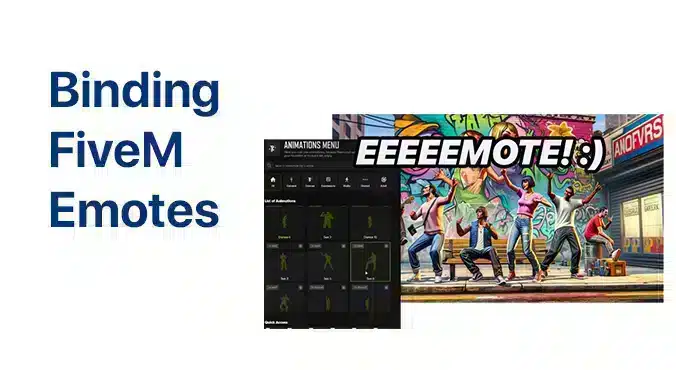
How to Bind Emotes in FiveM
Pronto a far risaltare il tuo personaggio FiveM? Grazie ai tasti di scelta rapida e intuitiva puoi attivare qualsiasi emote con un tocco, e puoi accumulare più mosse e scambiarle quando vuoi.
Risposta rapida: open the FiveM console with F8 and use the client bind command for the emote command your server provides. The exact emote command depends on the emote resource, so first confirm whether your server uses /e, /emote, or a custom menu command.
Ultimo aggiornamento: 25 giugno 2026
Basic keybind syntax
bind keyboard F3 "e wave"On many servers this binds F3 to the wave emote. If your server uses slash commands in chat, the bind may need the command without the slash. If it does not work, check the emote resource documentation or ask the server staff for the exact command name.
Esempi
bind keyboard F5 "e handsup"
bind keyboard F6 "e sit"
bind keyboard F7 "emote dance"
Cfx.re’s console command docs list bind E unbind as client console commands. Use them from the F8 console, not from server.cfg.
How to remove a bind
unbind keyboard F3If you forget which key is bound, check your FiveM keybind settings or reset the key from the F8 console.
Common problems
| Problem | Aggiustare |
|---|---|
| Nothing happens | Confirm the server’s emote command. Try the command manually in chat first. |
| Wrong emote plays | Check the emote name in the server’s emote menu. |
| Key opens another menu | Pick a free key or remove the old bind. |
| Bind works on one server only | That server may use a different emote resource. |
Server owner notes
If you run the server, document the exact emote command on your rules or help page. Players search for “bind emote FiveM”, but the working command depends on your installed resource.
Risorse correlate
Best keys for emote binds
Use keys that do not conflict with inventory, phone, radio, seatbelt, dispatch, or admin menus. Function keys are common, but many servers already use F1 to F7. Test the bind during normal gameplay, in vehicles, and while menus are open.
Server owner documentation template
Open F8 and use:
bind keyboard F5 "e wave"

Remove it with:
unbind keyboard F5
Add your server’s real emote command to the template. If your emote menu uses a different command, update the example. Players copy commands exactly, so one wrong command creates avoidable support tickets.
When binds should be disabled
Disable or restrict emote binds for animations that create combat advantages, hide weapons, break restraint systems, or bypass job interactions. A good emote policy is part roleplay quality and part anti-abuse cleanup.