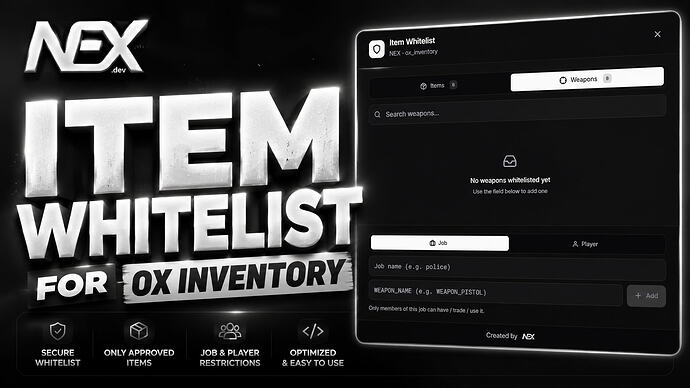
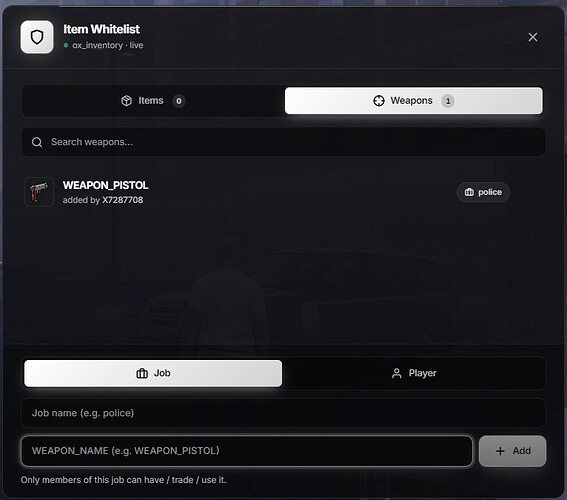
NEX Item Whitelist restricts ox_inventory items by job or player identifier. Its current documentation describes ESX, QBCore and Qbox support and an in-game administration menu. The creator’s release says the code is escrowed while configuration remains accessible; use the linked creator distribution and check its current terms.
Setup and checks
Back up the database before first start because the documentation describes automatic schema creation and migration. Test an allowed and a denied player across item use, trades, shops, drops and vehicle or stash storage. Check admin-menu permissions separately and repeat the checks after changing jobs or reconnecting; a hidden menu alone does not prove item enforcement.