







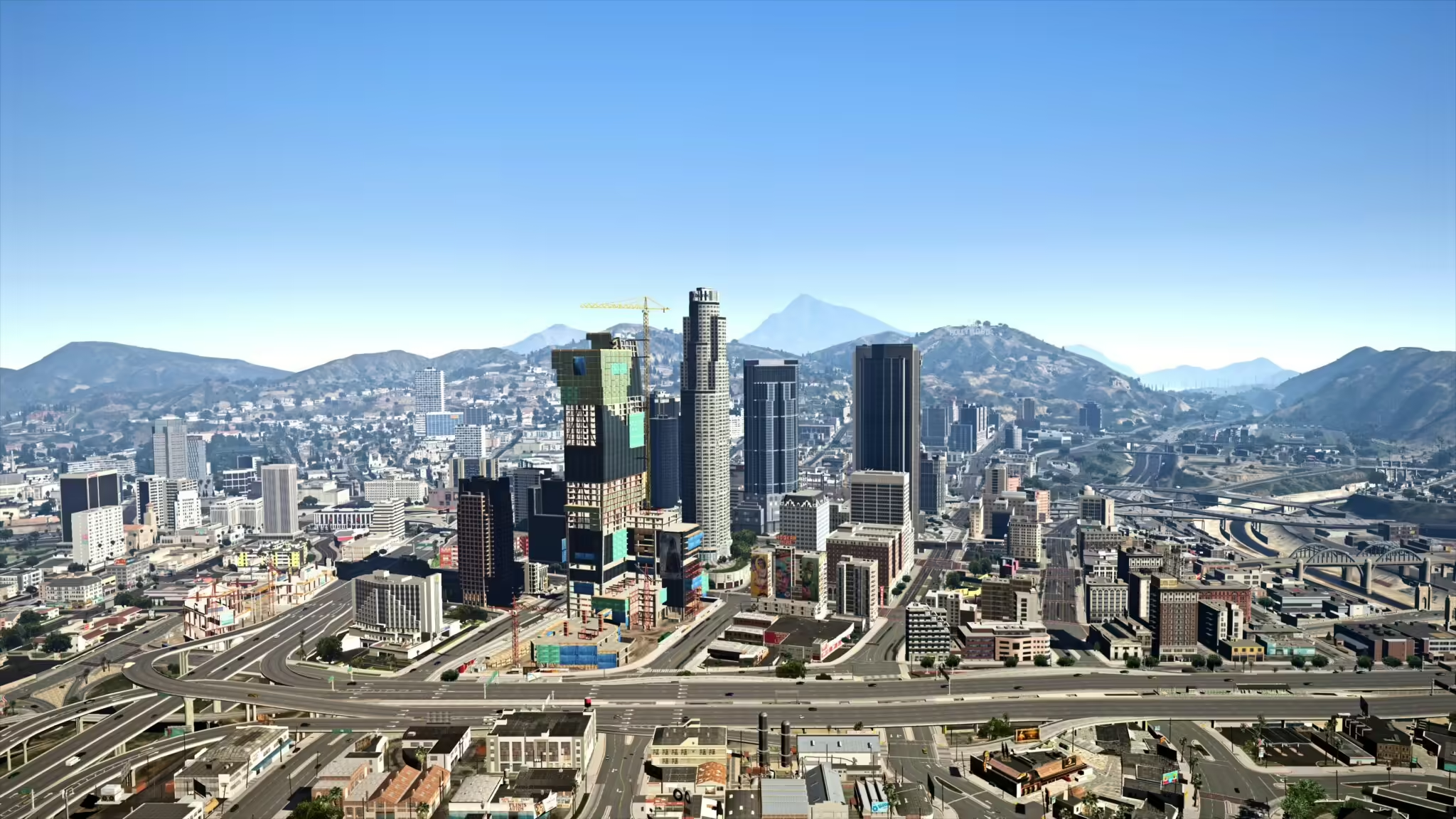
Transformeer je FiveM- en GTA-ervaring met de Reacon’s Realistic L.A. Reshade Preset! Deze preset is ontworpen om de visuele esthetiek van het spel te verbeteren, waardoor je in-game omgeving er levendiger en levensechter uitziet. of je nu luxe herenhuizen verkent of door de levendige straten van Los Santos rijdt, deze reshade brengt je avonturen naar een nieuw niveau.
Functies
- Realistische kleuren en verbeterde lichteffecten voor een gedetailleerder gevoel
- Aanpasbare instellingen die passen bij jouw persoonlijke voorkeuren
- Geoptimaliseerd voor FiveM- en GTA V-gameplay
Hoe de mod te installeren
-
Download de preset: Klik op de onderstaande knop om jouw exemplaar van Reacon’s Realistic L.A. Reshade Preset te verkrijgen.
-
Installeer ReShade: Als je ReShade nog niet hebt geïnstalleerd, download het dan van de officiële ReShade-website. Volg de installatiehandleiding om het in te stellen.
-
Kopieer Bestanden: Zodra je zowel de reshade-download als ReShade hebt geïnstalleerd, kopieer je de preset-bestanden naar de map van je spel (waar het uitvoerbare bestand van het spel zich bevindt).
-
Start het spel: Start je spel. Open het ReShade-menu door op de standaardtoets te drukken (meestal
Home) en selecteer de Reacon’s preset uit de lijst. - Instellingen aanpassen: Gebruik de ReShade-interface om eventuele instellingen naar wens aan te passen.
Nu ben je klaar om te genieten van een geheel nieuw niveau van grafische getrouwheid in GTA V en FiveM!
Laat je reis zien
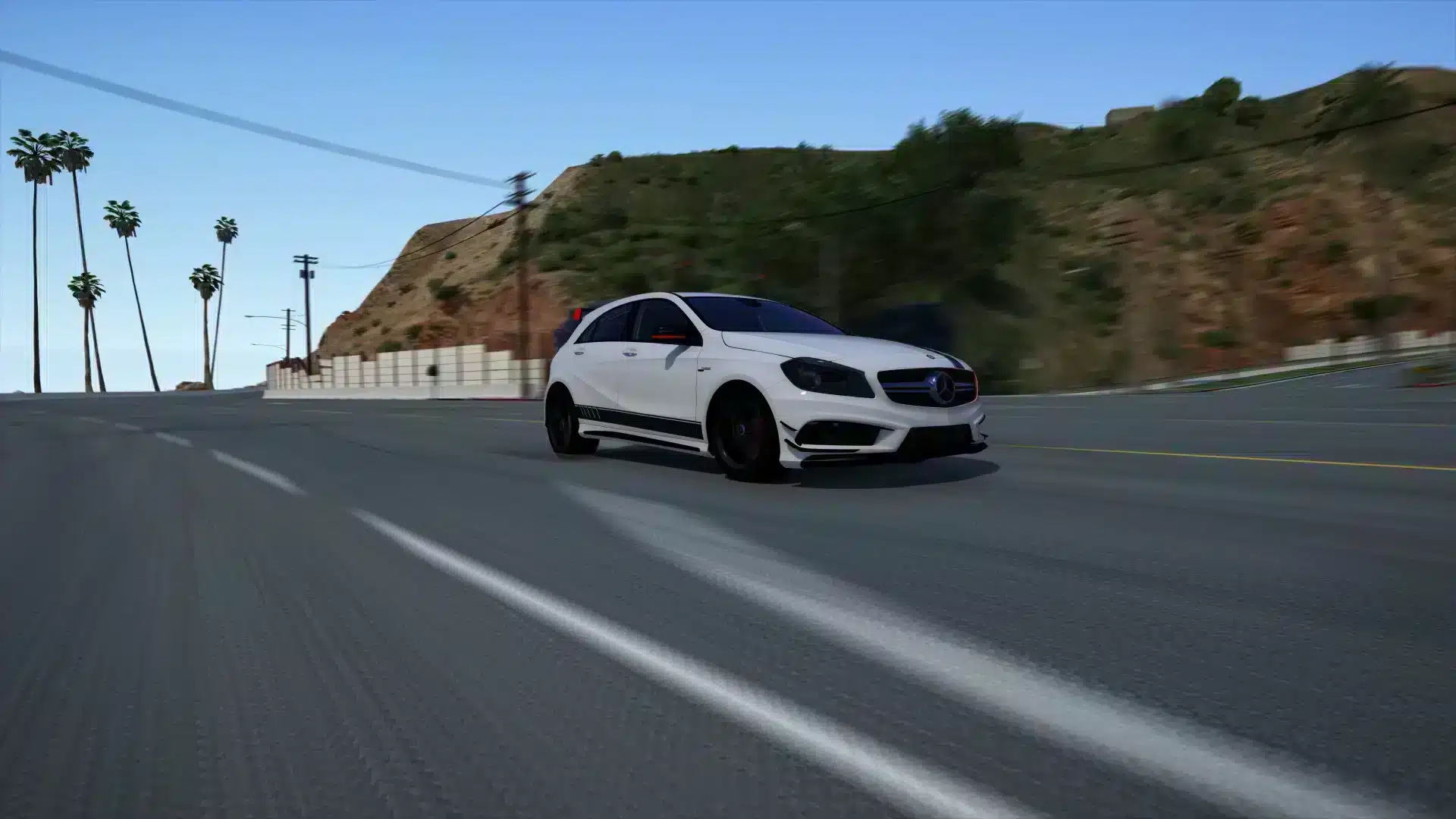
Bekijk hieronder enkele verbluffende beelden om te zien wat deze reshade voor jou kan doen.
verbeter de gameplay en geniet als nooit tevoren van de schoonheid van Los Santos! Download nu en laat je avonturen beginnen!
Klik hier voor een overzicht van FiveM Graphics Mods