$ USD
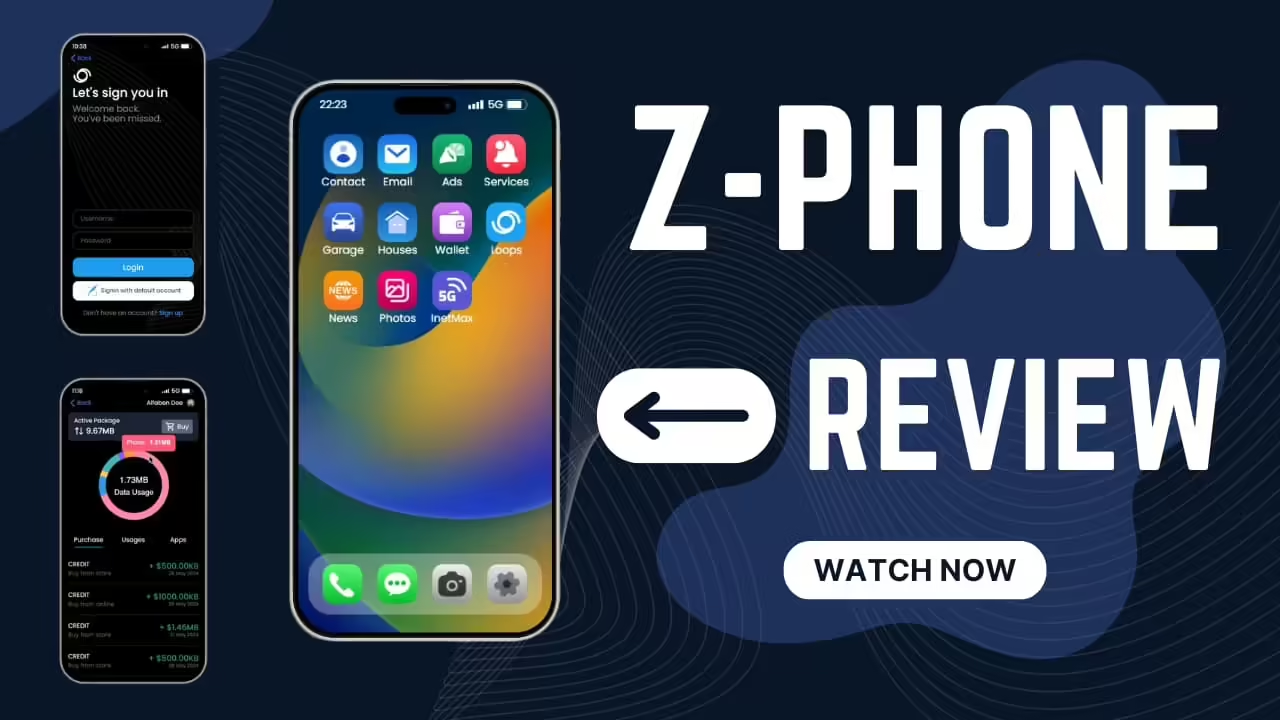
Z-Phone for FiveM
Een gratis script testen?
Gratis scripts zijn prima voor snelle controles. Voor productieservers vergelijk je volledige serverpakketten of onderhouden betaalde scripts per framework en gebruiksscenario.
Snel antwoord: Z-Phone is a FiveM phone resource. Before installing it on a live server, confirm framework compatibility, database requirements, app dependencies, and conflicts with your current phone, inventory, dispatch, and banking scripts.
Laatst bijgewerkt: 25 juni 2026
Install checklist
- Read the resource requirements.
- Check framework support for ESX, QBCore, Qbox, or standalone use.
- Back up database tables before replacing an existing phone.
- Install on staging first.
- Test calling, messaging, contacts, billing, apps, and notifications.
Common phone script conflicts
- Two phone resources running at the same time.
- Old database tables from a previous phone.
- Dispatch, banking, or garage apps expecting a different phone API.
- NUI focus issues with inventory or radial menus.
Migration notes
Do not replace a live phone script during peak hours. Phone systems often touch contacts, messages, billing, jobs, dispatch, and app integrations. Run a test migration, verify data, and keep a rollback path.
Related resources
Phone migration checklist
Export or back up old phone tables before migration. Check contacts, messages, gallery/media, banking apps, dispatch apps, business apps, and job integrations. A phone swap touches more server systems than most UI resources.
Go-live advice
Announce the migration, keep the old phone disabled but available for rollback, and test with real staff accounts before letting all players in. Watch server logs for database errors during the first hour.