







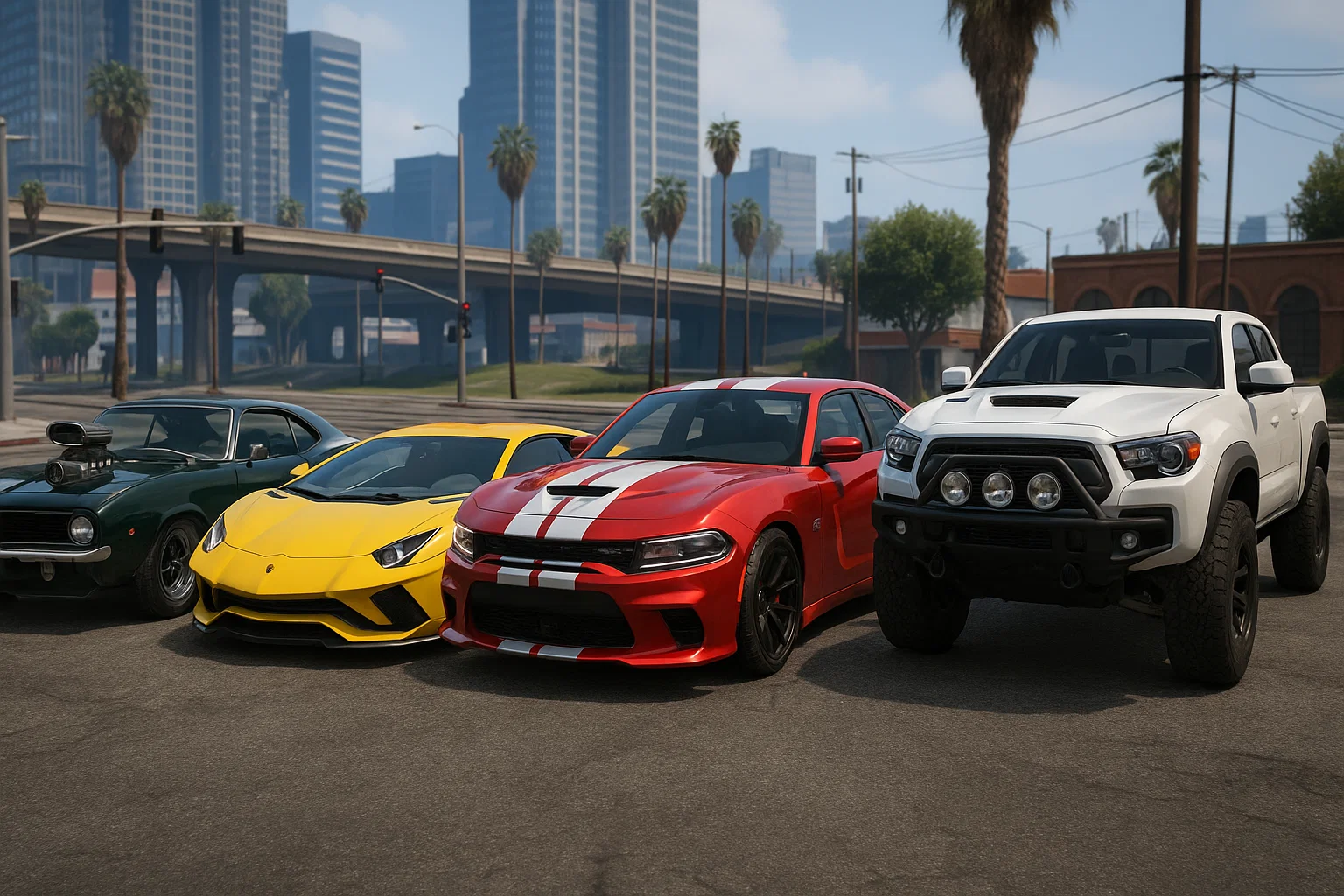
Dit is de gezaghebbende, no-nonsense gids voor het installeren van aangepaste auto's op een FiveM-server —veilig, correct, en met productieklaar configs die je kunt kopiëren en plakken. We behandelen losse add-on auto's, multi-autopakketten, het converteren van single-player DLC's en het koppelen van voertuigen aan ESX/QBCore-winkels.
Wat je nodig hebt (vereisten)
- Een draaiende FiveM-server en FTP/FS-toegang tot de
resourcesmap. - Basisteksteditor (VS Code) en de mogelijkheid om de server opnieuw op te starten.
- (Optioneel voor conversies) OpenIV om SP DLC's uit te pakken → gebruik onze veilige link: https://fivemx.com/openiv-download/
- (Aanbevolen) Een admin-menu of spawn-tool (bijv., vMenu) voor testen: https://fivemx.com/free/vmenu/
- (Prestaties) Weet hoe je Resmon gebruikt om zware auto's te spotten: https://fivemx.com/how-to-use-resmon-in-fivem-optimize-resources/
Opiniërende beste praktijk: Groepeer alle voertuigen in een resource-category-map zoals
resources/[cars]/.... Dit houdt je server overzichtelijk en stelt je in staatensure [cars]om elk pakket tegelijk te starten.
Snelle kaart — kies je pad
- Ik heb een FiveM-gereed add-on auto (het wordt al geleverd met
fxmanifest.luaen metas): ga naar Installeer een enkele add‑on auto. - Ik heb een SP DLC (alleen
dlc.rpfmet metas en modellen): ga naar Converteer SP DLC naar FiveM. - Ik wil veel auto's in één pakket: zie Multi‑auto resource (batch).
- Ik wil auto's die in het spel te koop zijn: zie Aansluiten op ESX/QBCore voertuigwinkels.
Installeer een enkele add‑on auto (het 90% geval)
Laten we aannemen dat je auto heet elegy en je hebt YFT/YTD modelbestanden en standaard voertuig meta bestanden ontvangen.
1) Maak de resource structuur
resources/
 [cars]/
 fm_elegy/
 stream/
 elegy.yft
 elegy_hi.yft
 elegy.ytd
 data/
 handling.meta
 vehicles.meta
 carcols.meta
 carvariations.meta
 vehiclelayouts.meta (if provided)
 fxmanifest.lua
 vehicle_names.lua (optional, for in‑game display name)
Regels die uren besparen
- Niet plaatsen
.asi/.oivinstallers in een server. Alleen streamable assets en metas.- Houd modellen in
stream/, metas indata/.- Bestandsnamen zijn hoofdlettergevoelig op Linux—kom exact overeen.
2) fxmanifest.lua (kopieer-plak)
fx_version 'cerulean'
game 'gta5'

files {
 'data/handling.meta',
 'data/vehicles.meta',
 'data/carcols.meta',
 'data/carvariations.meta',
 'data/vehiclelayouts.meta'
}

data_file 'HANDLING_FILE' 'data/handling.meta'
data_file 'VEHICLE_METADATA_FILE' 'data/vehicles.meta'
data_file 'CARCOLS_FILE' 'data/carcols.meta'
data_file 'VEHICLE_VARIATION_FILE' 'data/carvariations.meta'
data_file 'VEHICLE_LAYOUTS_FILE' 'data/vehiclelayouts.meta'

client_script 'vehicle_names.lua' -- optional
Legacy-opmerking:
__resource.luais verouderd. Als je moet alleen legacy ondersteunen, gebruik dan dit minimale bestand:
-- __resource.lua (legacy)
resource_manifest_version '77731fab-63ca-442c-a67b-abc70f28dfa5'

files {
 'data/handling.meta',
 'data/vehicles.meta',
 'data/carcols.meta',
 'data/carvariations.meta',
 'data/vehiclelayouts.meta'
}

data_file 'HANDLING_FILE' 'data/handling.meta'
data_file 'VEHICLE_METADATA_FILE' 'data/vehicles.meta'
data_file 'CARCOLS_FILE' 'data/carcols.meta'
data_file 'VEHICLE_VARIATION_FILE' 'data/carvariations.meta'
data_file 'VEHICLE_LAYOUTS_FILE' 'data/vehiclelayouts.meta'

client_script 'vehicle_names.lua'
3) Optioneel vehicle_names.lua
Sommige pakketten leveren geen GXT-label mee. Voeg er een toe zodat de auto een schone naam toont in UI.
-- vehicle_names.lua
CreateThread(function()
 -- key must match spawn name in vehicles.meta <gameName>
 AddTextEntry('elegy', 'Elegy RH8 Custom')
end)
4) Start de resource in server.cfg
# Start all cars inside the [cars] group
ensure [cars]

# (or) start this car only
# ensure fm_elegy
Herstart de server of voer refresh + ensure fm_elegy uit vanaf de console.
5) Vind de spawn-naam & test
Open data/vehicles.meta en vind:
<Item type="CHandlingData">
 ...
</Item>
<!-- Look for -->
<modelName>elegy</modelName>
<gameName>elegy</gameName>
- Je spawncode is meestal de
<gameName>of<modelName>(bijv.,elegy). - Test met een admin tool:
- vMenu → Voertuig Spawner → Add‑on →
elegy - of gebruik je admin commando (afhankelijk van je admin menu).
- vMenu → Voertuig Spawner → Add‑on →
Als het spawn en de wielen, lichten en tuning onderdelen er correct uitzien—ben je klaar.
Converteer een single‑player DLC naar FiveM resource
Veel “SP‑only” auto's komen als dlc.rpf pakketten. Converteer ze als volgt:
- Open OpenIV → navigeer naar de DLC's
dlc.rpf. - Extraheer modellen uit
x64/vehicles.rpf(YFT/YTD) → plaats instream/. - Extraheer meta's uit
common/data/indata/:handling.meta,vehicles.meta,carcols.meta,carvariations.meta,vehiclelayouts.meta(indien aanwezig).
- Creëren
fxmanifest.luaprecies zoals hierboven getoond. - Start de resource en test de spawnnaam van
<gameName>.
Tip: Als de auto aangepaste geluidspakketten (audio) heeft, kan het pakket een
.awcroutering bevatten die server-side niet werkt. Geef de voorkeur aan pakketten die al zijn gemarkeerd als FiveM-ready of vervang<audioNameHash>door een standaardkit.
Multi‑auto resource (batch)
Je kunt veel auto's streamen vanuit één resource om het beheer te vereenvoudigen.
Mapindeling
resources/[cars]/vip_pack/
 stream/
 elegy.yft
 elegy_hi.yft
 elegy.ytd
 supra.yft
 supra_hi.yft
 supra.ytd
 ...
 data/
 handling.meta # merged or per‑car files
 vehicles.meta
 carcols.meta
 carvariations.meta
 fxmanifest.lua
fxmanifest.lua voor wildcard-data
fx_version 'cerulean'
game 'gta5'

files {
 'data/*.meta'
}

data_file 'HANDLING_FILE' 'data/handling.meta'
data_file 'VEHICLE_METADATA_FILE' 'data/vehicles.meta'
data_file 'CARCOLS_FILE' 'data/carcols.meta'
data_file 'VEHICLE_VARIATION_FILE' 'data/carvariations.meta'
Metas samenvoegen: Gebruik alleen bewezen goede samenvoegingen. Dubbele
<initDatas>of verkeerd geplaatste<kit>items incarcols.metazijn de #1 reden voor zwarte wielen of kapotte extra's.
Aansluiten op ESX/QBCore voertuigwinkels
Spawnen is prima voor testen. Voor een echte economie, koppel auto's aan je framework-winkel.
QBCore (voorbeelditem)
Toevoegen aan qb-core/shared/vehicles.lua (of je winkelconfiguratie):
['elegy'] = {
 ['name'] = 'Elegy RH8',
 ['brand'] = 'Annis',
 ['model'] = 'elegy', -- spawn code
 ['price'] = 125000,
 ['category'] = 'sports',
 ['shop'] = 'pdm'
}
- Gebruik een voertuigshop die add‑on auto's ondersteunt. We raden bewezen opties aan:
- Brutal Scripts Vehicle Shop → https://fivemx.com/fivem-vehicle-shop-brutal-scripts/
- Wais VehicleShop → https://fivemx.com/wais-vehicleshop/
- AV VehicleShop → https://fivemx.com/av-vehicleshop/
ESX (SQL quick add)
Als je shop uit DB leest:
INSERT INTO vehicles (name, label, price, category) VALUES
 ('elegy', 'Elegy RH8', 125000, 'sports');
Garage & sleutels: Koppel je shop aan een betrouwbare garage En voertuigsleutels script zodat spelers eigendom behouden na herstarts:
Autobediening & tuning: Voor raam/deur/verlichting/zitplaats bediening en tuning immersie:
- Autocontrole (NoPixel‑geïnspireerd): https://fivemx.com/nopixel-4-0-car-control-script/
- Tuning Systeem: https://fivemx.com/tuning-system/
Prestatie & veiligheidschecklist
Installeren is slechts de helft van het werk—houd het snel en stabiel.
- Textuurbudgetten: Houden
.ytdonder ~16 MB; geef de voorkeur aan 1k–2k texturen. Schaal zware liveries omlaag in OpenIV. - Model LOD's: Zorg ervoor dat auto's LOD's hebben (
_hi.yft+ basis). Ontbrekende LOD's → grote FPS-dalingen in het verkeer. - Wiel/band UV's: Zwarte wielen betekenen meestal ontbrekende
carcols.metaof slechte materiaal-ID's—repareer de meta voordat je ELS de schuld geeft. - Spawnconflicten: Als je
<gameName>komt overeen met een vanilla voertuig, hernoem model en alle verwijzingen consistent. - Streaming-volgorde: Vertrouw niet op laadvolgorde-hacks. Zet alle meta's in dezelfde resource die het model streamt.
- Gebruik Resmon: Na elke installatie, rijd 1–2 minuten en let op
resmonvoor pieken. Gids: https://fivemx.com/how-to-use-resmon-in-fivem-optimize-resources/ - Wis client-cache na grote packs als spelers onzichtbare auto's melden: https://fivemx.com/how-to-clear-fivem-cache/
Probleemoplossing (snelle fixes)
Auto wil niet spawnen
- Verkeerde spawn-code. Open
vehicles.metaen neem<gameName>. - Resource is niet gestart. Controleer
txAdmin → Live Consolevoor fouten; uitvoerenensure fm_elegy.
Wielen zijn zwart / liveries kapot
- Ontbreekt
carcols.meta/carvariations.metaof slechte merges. Voeg de juiste kits & modkits opnieuw toe.
Game crasht bij spawn
- Te zware textures of ontbrekende botten. Verklein
.ytden bevestig de basis/_hipaar bestaat.
Interieur of wijzerplaten werken niet
- De pack vereist een nieuwere gamebuild. Vraag de auteur—of test op een nieuwere build. (Indien nodig, schakel DLC's in: https://fivemx.com/how-to-enable-dlcs-for-fivem-server/)
Namen worden weergegeven als NULL
- Voeg een
vehicle_names.luametAddTextEntry('SPAWN', 'Nice Name').
Pro tip: Houd auto's georganiseerd
- Plaats alle voertuigen onder
[cars]en noem packs met een prefix, bijv.,fm_→fm_civ_sports,fm_pd_fleet. - Houd een eenvoudige CHANGELOG.md in elke pack voor toekomstige jij.
- Vermijd mixen ELS packs ontworpen voor SP tenzij de auteur een FiveM-variant levert.
Voorbeeld: productieklaar autopack dat je direct kunt toevoegen
Dupliceer dit sjabloon voor elk autopack dat je toevoegt.
fxmanifest.lua
fx_version 'cerulean'
game 'gta5'

files {
 'data/handling.meta',
 'data/vehicles.meta',
 'data/carcols.meta',
 'data/carvariations.meta'
}

data_file 'HANDLING_FILE' 'data/handling.meta'
data_file 'VEHICLE_METADATA_FILE' 'data/vehicles.meta'
data_file 'CARCOLS_FILE' 'data/carcols.meta'
data_file 'VEHICLE_VARIATION_FILE' 'data/carvariations.meta'
server.cfg
# FiveM car packs
ensure [cars]
data/vehicles.meta (minimaal fragment om te laten zien waar de spawnnaam staat)
<CVehicleModelInfo__InitDataList>
 <initDatas>
 <Item>
 <modelName>elegy</modelName>
 <txdName>elegy</txdName>
 <handlingId>elegy</handlingId>
 <gameName>elegy</gameName>
 <vehicleMakeName>ANNIS</vehicleMakeName>
 <plateType>VPT_DEFAULT</plateType>
 <vehicleClass>VC_SPORT</vehicleClass>
 <flags>440010</flags>
 </Item>
 </initDatas>
</CVehicleModelInfo__InitDataList>
vehicle_names.lua (optioneel)
CreateThread(function()
 AddTextEntry('elegy', 'Elegy RH8')
end)
Maak van installaties content & retentie (volgende stappen)
- Bouw een dealership-ervaring die spelers onthouden. Probeer:
- Voertuigwinkels: https://fivemx.com/fivem-vehicle-shop-brutal-scripts/ / https://fivemx.com/wais-vehicleshop/
- Garagesystemen: https://fivemx.com/advanced-garages/
- Autobesturing: https://fivemx.com/nopixel-4-0-car-control-script/
- Sleutels/vergrendeling: https://fivemx.com/renewed-vehicle-keys/
- Optimaliseer laadtijden en prestaties zodat auto's snel aanvoelen:
- Prestatiehub → https://fivemx.com/performance/
- Hoe Resmon te gebruiken → https://fivemx.com/how-to-use-resmon-in-fivem-optimize-resources/
- Laadtijdwinsten → https://fivemx.com/optimize-loading-times/
- Ontdek meer samengestelde auto's & packs:
- FiveM Auto's (categorie) → https://fivemx.com/fivem-cars/
- Alle auto's (HiFiveM) → https://fivemx.com/cars/
FAQ
Werkt dit met OneSync en grote servers?
Ja—gestreamde voertuigen zijn de norm. Houd textuurgrootte redelijk en let op resmon.
Waar kan ik hoogwaardige auto's krijgen?
From creators who ship FiveM‑ready packs—or browse our curated catalog: https://fivemx.com/fivem-cars/.
Kan ik politievoertuigen\/burgers bundelen?
Ja. Organiseer op rol (fm_pd_fleet, fm_civ_sports) zodat je packs snel kunt in- of uitschakelen.
Moet ik een specifieke game-build instellen?
Alleen als de mod afhankelijk is van nieuwere functies. De auteur vermeldt dit meestal. Als iets kapot spawn, test dan op een nieuwere build en probeer het opnieuw.
Kopieer‑plak samenvatting (checklist)
- Creëren
resources/[cars]/<pack>/metstream/+data/. - Plaats YFT\/YTD in
stream/; metas indata/. - Toevoegen
fxmanifest.luametfiles { ... }+data_file ...regels. ensure [cars](of het pack) inserver.cfg.- Zoek
<gameName>invehicles.metaen spawn via vMenu\/admin. - Aansluiten op shop (ESX SQL of QBCore tabel) en koppel met garage\/sleutels.
- Resmon-test, textuurbudgetcontrole, en klaar.
Je bent klaar. Als je een nog snellere weg wilt, pak een kant-en-klare server pack en begin met aanpassen: https://fivemx.com/fivem-servers/
Betaalde Autopakketten
Producten per Categorie
-
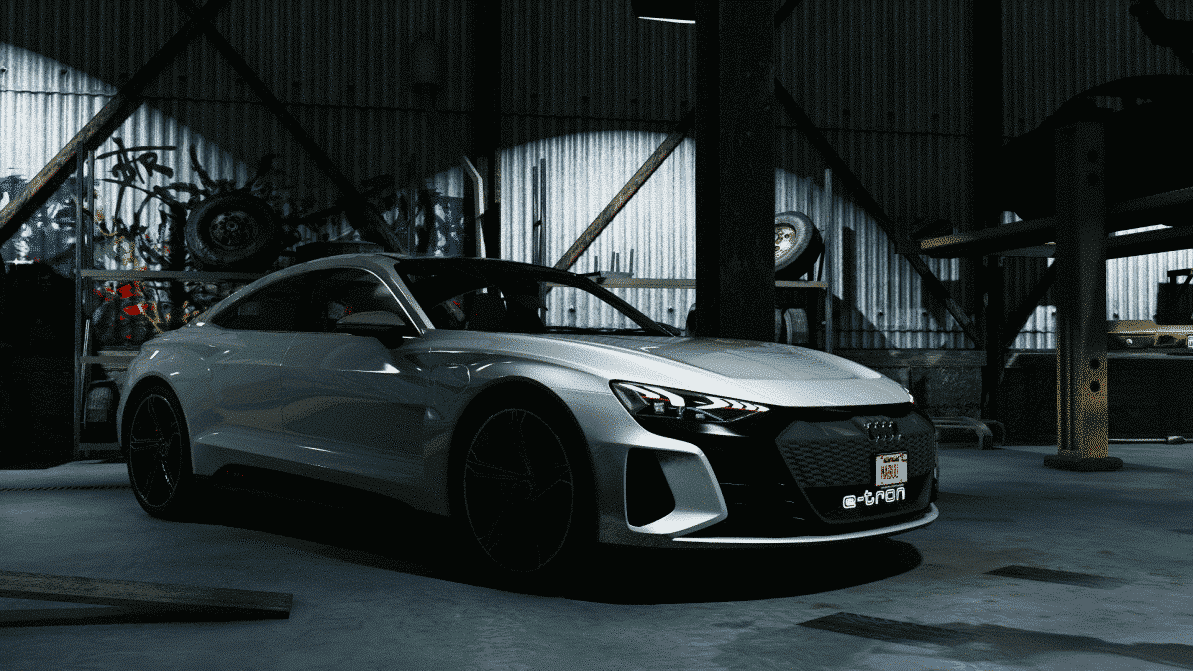
[Voertuig] Audi E-Tron 2018
Oorspronkelijke prijs was: $34.99.$11.99Huidige prijs is: $11.99. -
2021 Hogesnelheidswetshandhavingseenheden
Oorspronkelijke prijs was: $167.99.$63.99Huidige prijs is: $63.99. -
2024 Whelen Legacy MEGA Pakket
Oorspronkelijke prijs was: $107.00.$59.00Huidige prijs is: $59.00. -

Vliegdekschip Racebaan
$28.00 -
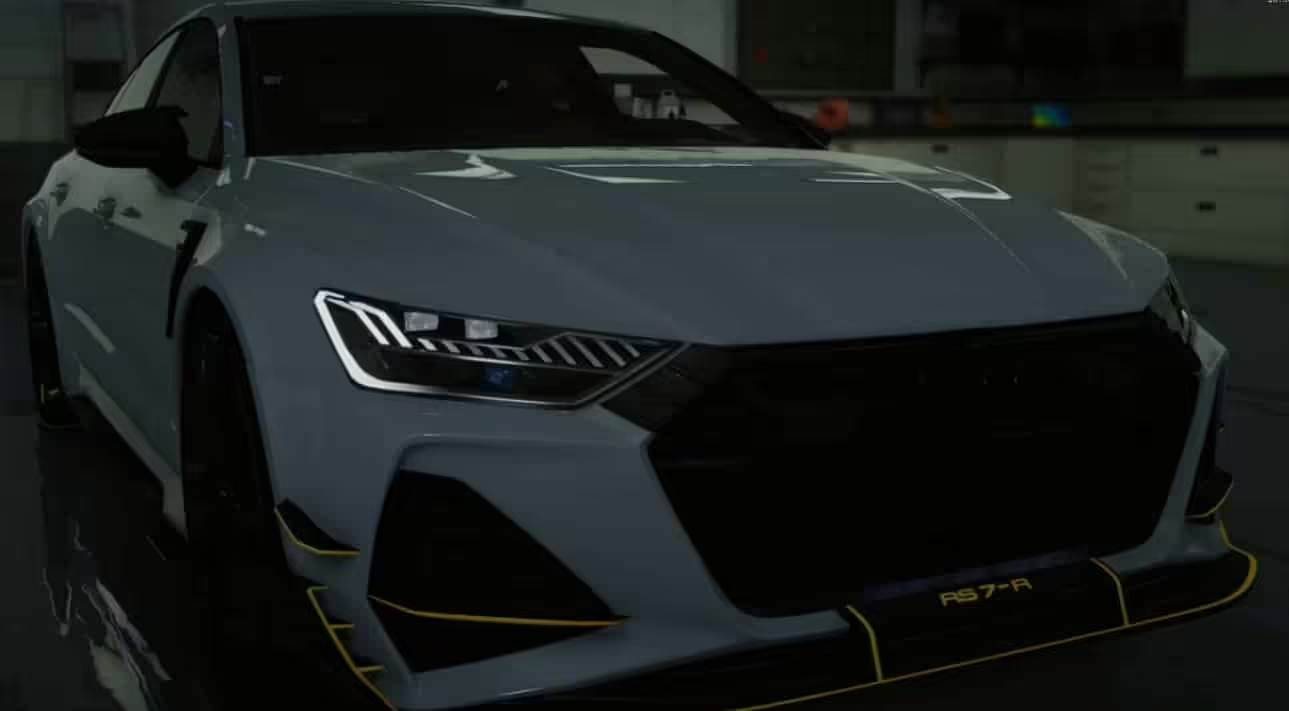
Audi RS7 R C8 ABT Geanimeerde Verlichting
Oorspronkelijke prijs was: $18.99.$9.99Huidige prijs is: $9.99. -
BaddBlood Vehicle Package
Oorspronkelijke prijs was: $115.99.$41.99Huidige prijs is: $41.99. -
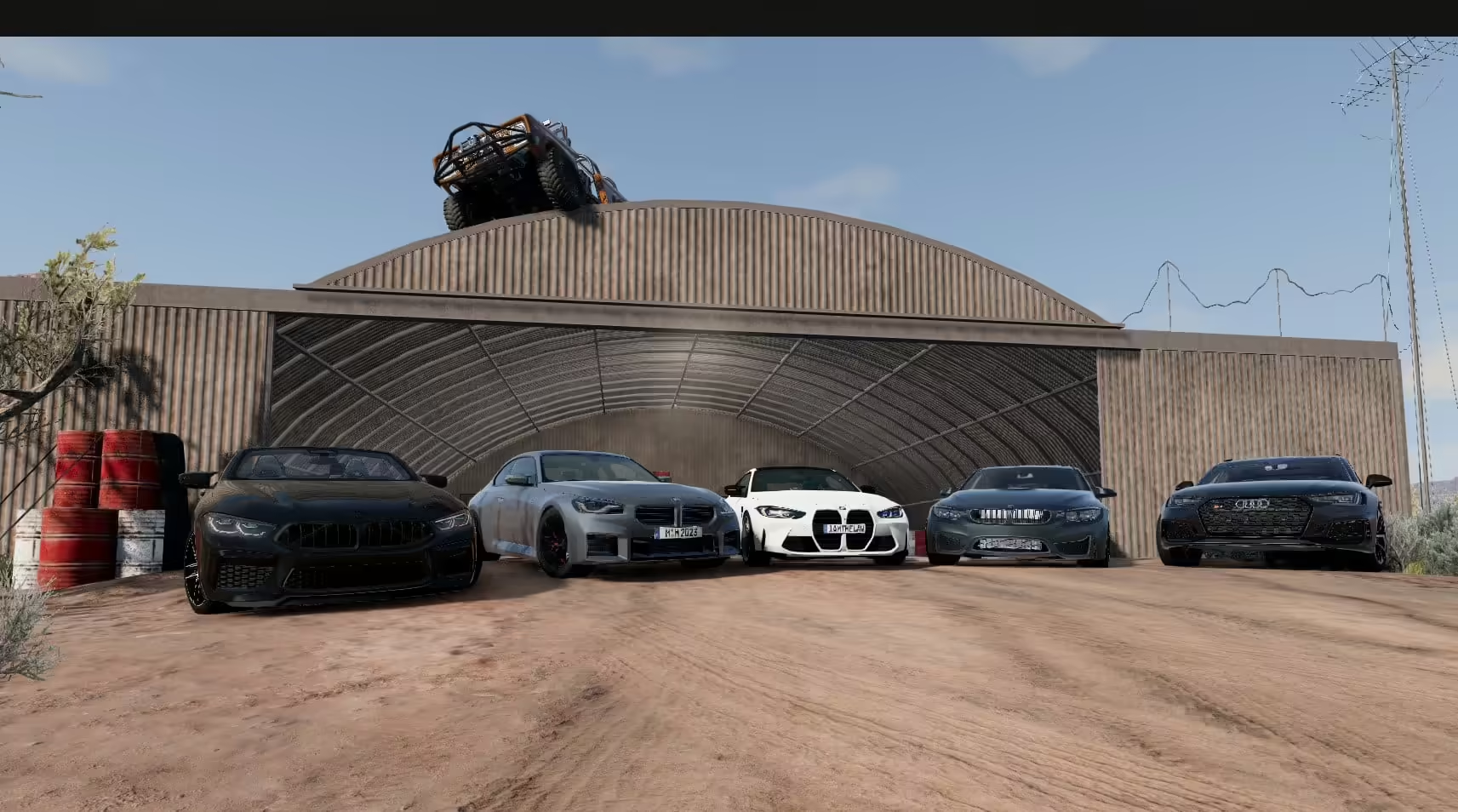
BeamNG-voertuigpakket
Oorspronkelijke prijs was: $115.99.$57.99Huidige prijs is: $57.99. -
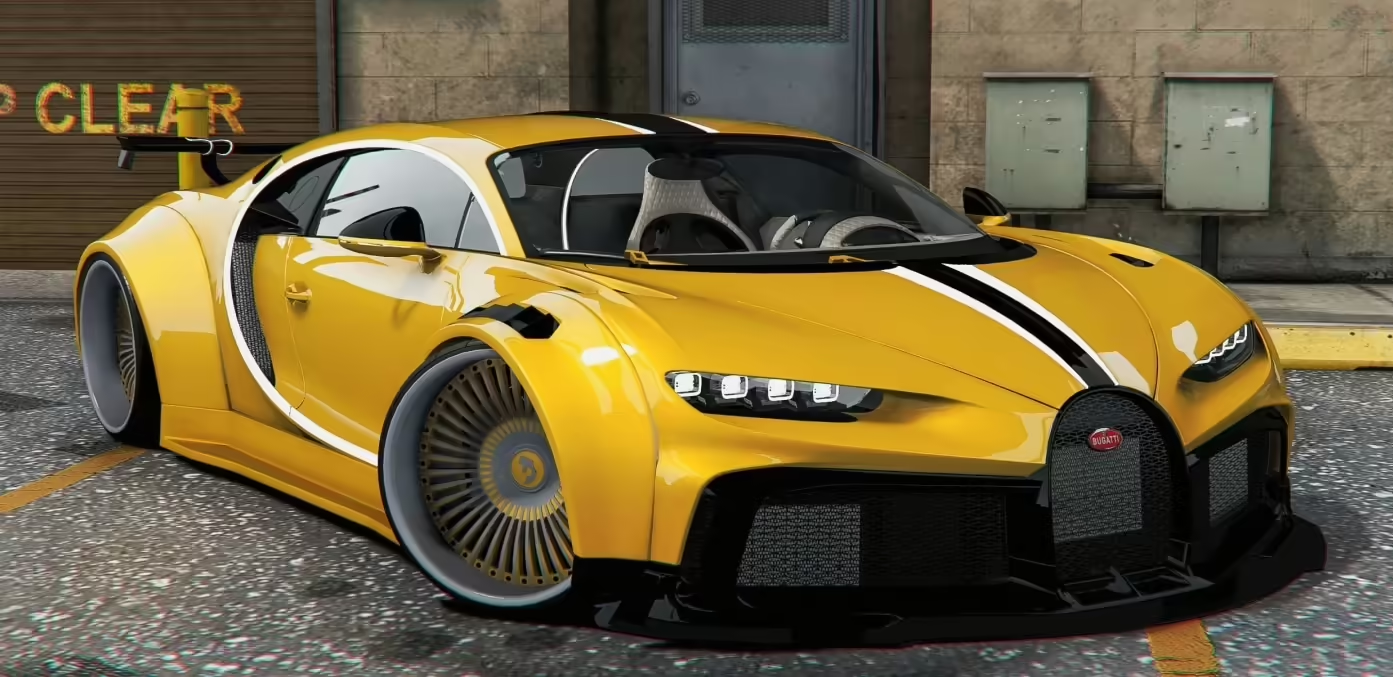
Bugatti Chiron (Quad Turbo)
Oorspronkelijke prijs was: $14.00.$5.00Huidige prijs is: $5.00. -
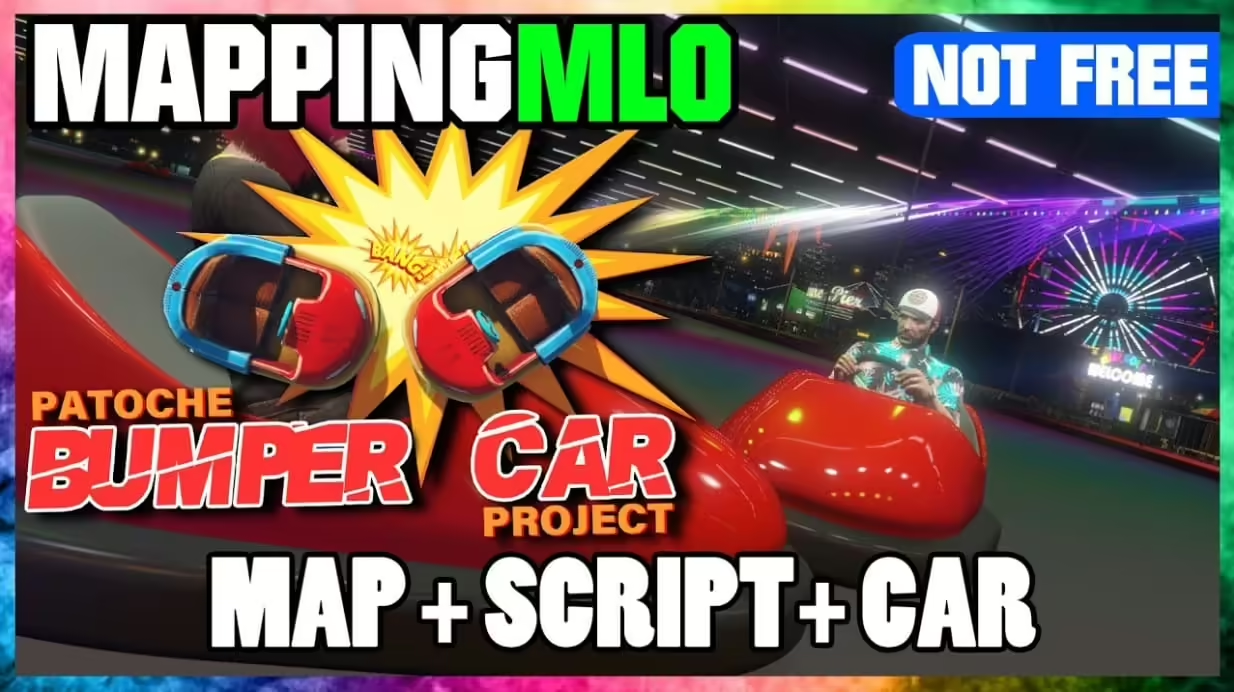
Botsauto (Compleet pakket | Kaart + script + auto)
Oorspronkelijke prijs was: $33.99.$18.99Huidige prijs is: $18.99.


Add-on versus replacement cars
An add-on vehicle introduces a separate spawn model and keeps the original GTA vehicle intact. A replacement vehicle reuses an existing model name and overrides that base vehicle. Prefer add-ons when you want several custom vehicles without changing the default fleet; use replacements only when overriding that exact base model is intentional.
Safe pack and folder checks
- Keep vehicle resources grouped under a folder such as
resources/[cars]/, but start each actual resource or useensure [cars]only after verifying the server resolves the group correctly. - Inspect the supplied
fxmanifest.lua, streamed model files and every referenced metadata file. Do not replace a working manifest with a generic template without comparing its declared files and data types. - Check model and spawn names, filename case and metadata references for duplicates before combining packs. A name collision can load the wrong vehicle even when the resource starts without an obvious error.
- Add one resource at a time, restart on staging, spawn every added model and inspect both server and client consoles. Roll back the last resource if models, textures, handling or shop entries fail.