





WELCOME-coupon beschikbaar Gebruik code WELCOME bij het afrekenen tot en met 31 juli 2026. WELCOME

SeaWorld Shop Add-On SP FiveM – Gratis FiveM MLOs

Een gratis kaart testen?

Gratis MLO's zijn handig voor prototypes. Voor een live RP-server, vergelijk premium interieurs en serverpakketten vóór de lancering.

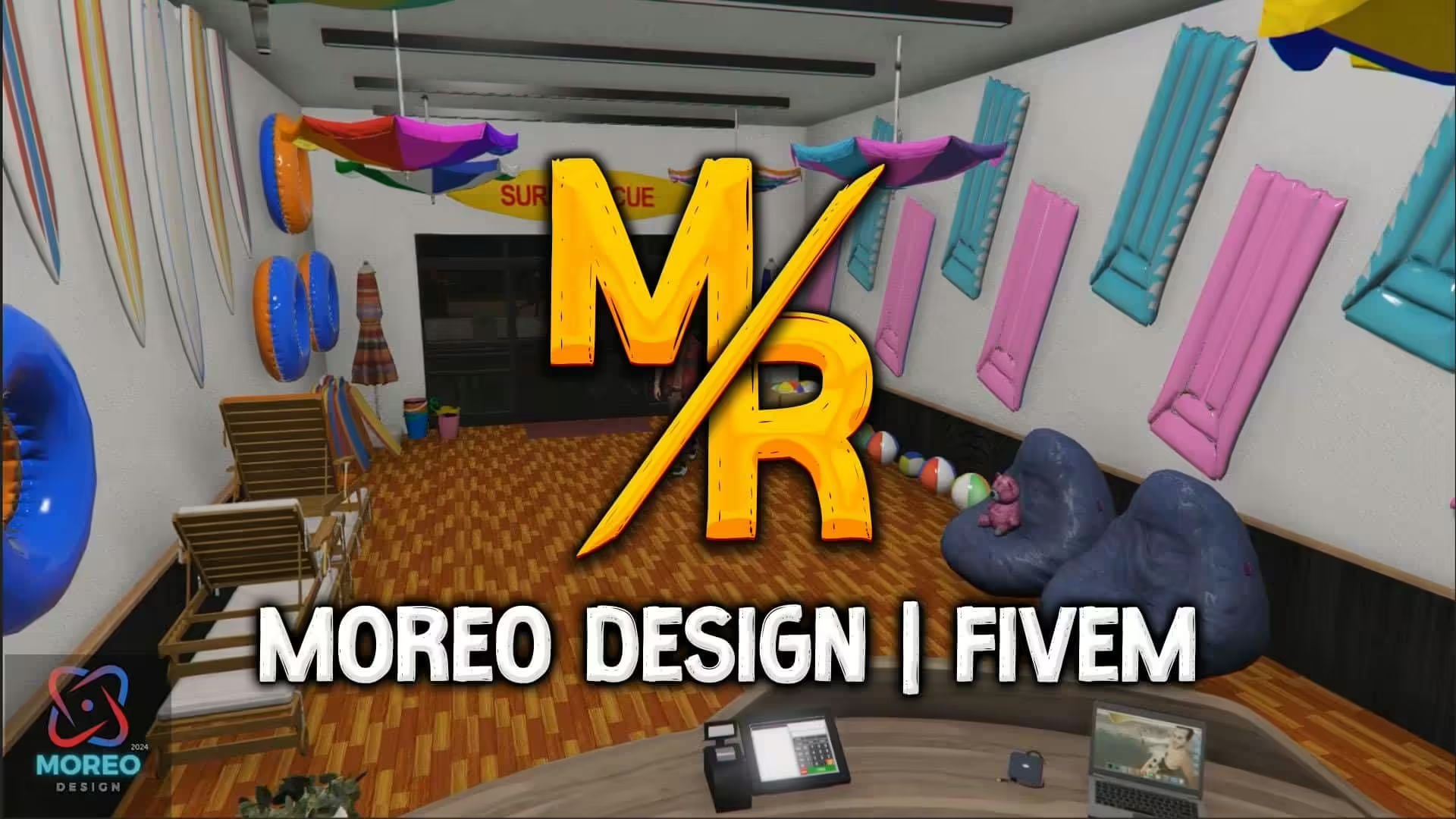
Discover the SeaWorld Shop Mod for Grand Theft Auto V!

Elevate your server with this unique mod created by Moreo TM. The SeaWorld Shop is designed to enhance your gameplay with an exciting new location that brings a touch of adventure and enjoyment to your virtual world.

Key Features:

  • Beautifully crafted interiors that capture the essence of a lively marine park shop.
  • A seamless addition to both Single Player and FiveM modes, providing versatility for different game styles.
  • Engaging visual details that immerse you in a unique shopping environment.

How to Install the Mod

For Single Player (SP):

  1. Download the mod and locate the “moreo_seaworld” DLC folder.
  2. Copy this folder into the following directory: mods/update/x64/dlcpacks.
  3. Open OpenIV and navigate to mods/update.rpf/common/data.
  4. Add the line dlcpacks:/moreo_seaworld/ naar uw dlclist.xml file to ensure the game recognizes the new content.

For FiveM:

  1. Download the mod and access the “moreo_seaworld” folder.
  2. Copy this folder and paste it into your server’s resources directory.
  3. Open je server.cfg file and add the line ensure moreo_seaworld to ensure the mod loads when the server starts.

Follow these simple steps, and you can easily integrate the SeaWorld Shop into your game and enjoy a fresh new experience.

Have fun :)

Resource summary

SeaWorld Shop Add-On SP FiveM – Free FiveM MLOs is listed as a free FiveM resource. Treat it as a candidate resource: review the source, test it on a staging server, and confirm framework compatibility before using it on a live roleplay server.

Compatibiliteit

Check the original source page and the files inside the resource for ESX, QBCore, QBOX, standalone, dependency, and version notes. If the resource touches jobs, vehicles, inventory, maps, clothing, HUDs, or server events, test it with your existing scripts before publishing it to players.

Install notes

  1. Download the resource from the verified source or trusted listing.
  2. Scan the archive and review configuration files before upload.
  3. Place the folder in your server resources directory and add the correct zorg ervoor line to server.cfg.
  4. Restart on staging first and check console errors, missing dependencies, and client performance.

Source / download

Open the original source or download page.

Browse more free FiveM mods.

Lucas
Lucas

Ik ben Luke, een gamer, en ik schrijf graag over FiveM, GTA en roleplay. Ik beheer een roleplay-community en heb ongeveer 10 jaar ervaring met het beheren van servers.

Artikelen: 436

Geef een reactie