Odkryj SeaWorld Shop Mod dla Grand Theft Auto V!
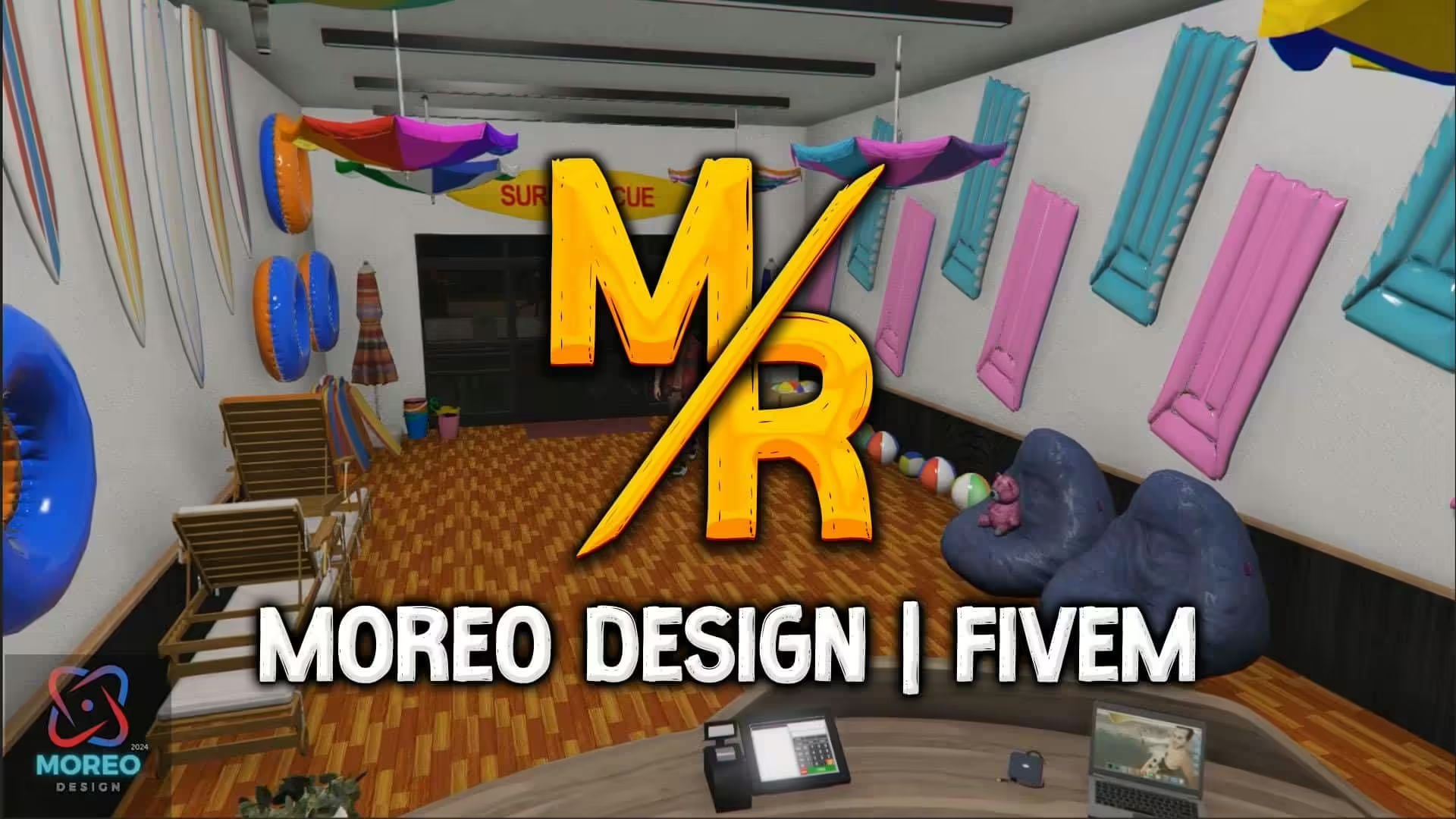
dostosuj swój serwer za pomocą tego unikalnego moda stworzonego przez Moreo TM. Sklep SeaWorld został zaprojektowany, aby dodać ekscytującą nową lokalizację, która wnosi odrobinę przygody i radości do twojego wirtualnego świata.
Kluczowe funkcje:
- Pięknie wykonane wnętrza, które oddają esencję tętniącego życiem sklepu w parku morskim.
- Udokumentowany dodatek zarówno do trybu Single Player, jak i FiveM, zapewniający wszechstronność dla różnych stylów gry.
- Angażujące detale wizualne, które zanurzają cię w unikalnym środowisku zakupów.
Jak zainstalować moda
- Pobierz moda i znajdź folder DLC “moreo_seaworld”.
- Skopiuj ten folder do następującego katalogu:
mods/update/x64/dlcpacks. - Otwórz OpenIV i przejdź do
mods/update.rpf/common/data. - Dodaj linię
dlcpacks:/moreo_seaworld/do twojegodlclist.xmlplik, aby upewnić się, że gra rozpoznaje nową zawartość.
Dla FiveM:
- Pobierz moda i uzyskaj dostęp do folderu “moreo_seaworld”.
- Skopiuj ten folder i wklej go do katalogu resources twojego serwera.
- Otwórz swój
server.cfgplik i dodaj linięensure moreo_seaworldaby upewnić się, że mod ładuje się przy starcie serwera.
Postępuj zgodnie z tymi prostymi krokami, a łatwo zintegrujesz Sklep SeaWorld ze swoją grą i będziesz cieszyć się świeżym nowym doświadczeniem.
Baw się dobrze :)