FiveM AI Script Generation with Claude Code
Learn how to use Claude Code to draft, review, and harden FiveM scripts without shipping fragile AI-generated Lua into production.
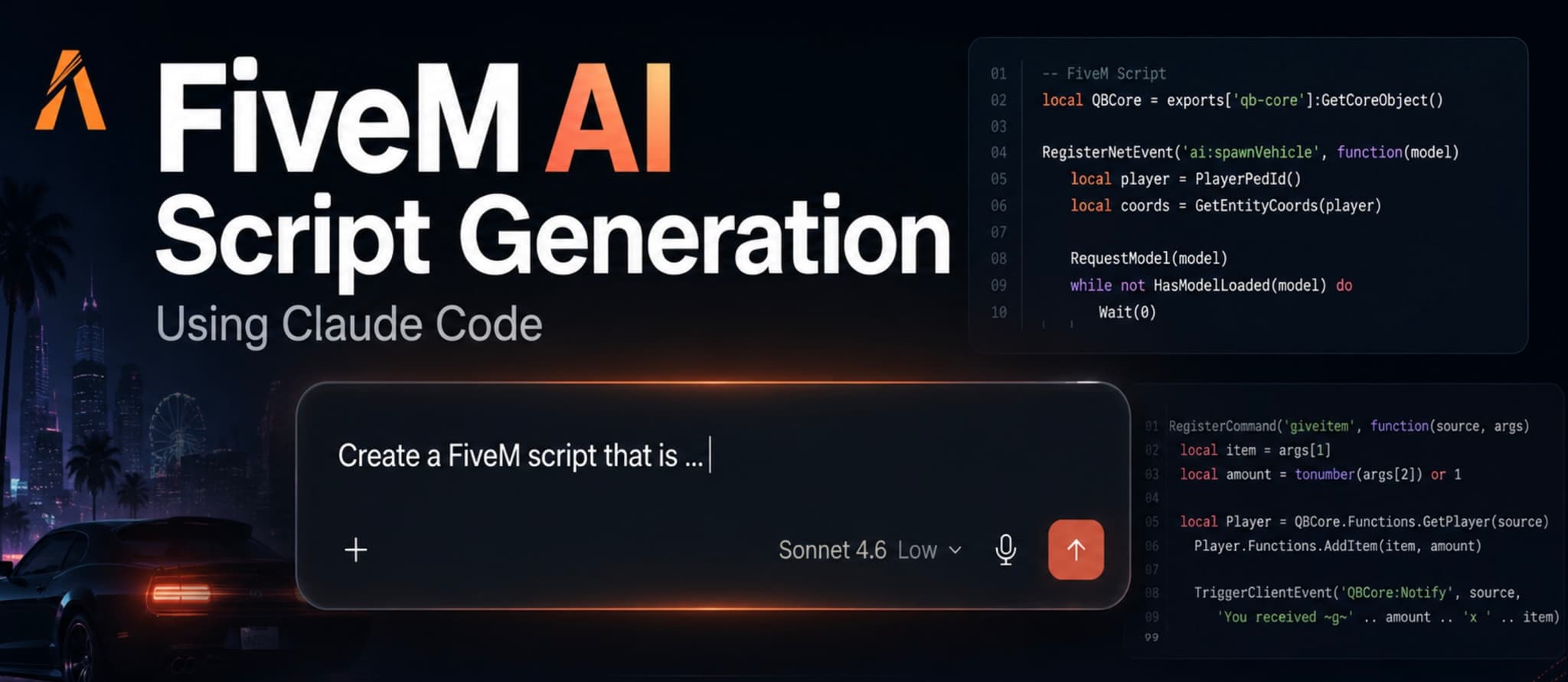
AI-assisted coding is finally useful for FiveM server owners, but only when it is treated as a development workflow rather than a magic script factory. Claude Code can generate Lua, explain framework APIs, refactor messy resources, and help you build test cases. It can also create broken events, trust client input, or invent exports if your prompt is vague.
This guide shows a practical way to use Claude Code for FiveM script generation: define the resource, generate a small slice, review the output, test it locally, and only then expand the feature.
Where AI helps most
Claude Code is strongest when the task has clear boundaries. Good examples are:
- creating an
fxmanifest.lua - scaffolding a QBCore or ESX command
- converting repeated Lua logic into a helper function
- adding config-driven labels, items, locations, or cooldowns
- explaining a stack trace from your server console
- writing a quick test command for a resource
It is weaker when you ask for a complete economy, inventory, garage, dispatch, or anticheat system in one prompt. Those systems have database rules, permission models, NUI state, concurrency, migrations, and framework-specific edge cases. AI can help with pieces, but you still need architecture and review.
A safer Claude Code workflow
Start with the smallest useful version of the script. For example, instead of asking for "a full dealership script", ask for one server-authorized purchase command that checks money, validates the vehicle model, removes cash, and logs the transaction.
Then give Claude Code the context it needs:
Create a FiveM QBCore resource.
Use fxmanifest.lua, server.lua, client.lua, and config.lua.
The command is /givegaragevehicle.
Only admins can run it.
Never trust client-provided prices or player IDs without validation.
Use QBCore.Functions.GetPlayer and return clear errors.
Keep the first version small and explain every server event.
That prompt is specific enough to prevent most hallucinated structure. It names the framework, files, command, permission rule, and trust boundary.
Watch the walkthrough
The video below shows the idea in action and gives you a quick visual reference for prompting, generating, and reviewing a FiveM script with Claude Code.
What to review before installing generated code
Always review the generated resource before dropping it into a live server. Focus on these areas first:
- Server/client boundary: money, inventory, permissions, database writes, and item grants belong on the server.
- Event names: use namespaced events such as
fivemx:garage:purchaseVehicleinstead of generic names that collide with other resources. - Input validation: validate player IDs, item names, vehicle models, quantities, prices, and config keys.
- Permissions: admin-only tools should check ACE permissions, framework groups, or your existing admin system.
- Dependencies: confirm every export exists in your installed version of QBCore, ESX, ox_lib, ox_inventory, or oxmysql.
- Performance: avoid loops that run every frame unless they are absolutely necessary.
- Failure states: the script should fail cleanly when a player disconnects, a database query fails, or a dependency is missing.
Example prompt for improving an existing resource
Claude Code is often better at improving code you already have than inventing a full resource from scratch. Paste the relevant files and ask for a narrow patch:
Review this FiveM Lua resource for production issues.
Find security bugs, duplicated logic, missing nil checks, and server/client trust problems.
Do not rewrite the whole resource.
Return a minimal patch and explain why each change matters.
This keeps the output reviewable. You can apply one fix, restart the resource, and test the behavior before moving on.
Give the model your framework reality
Most bad AI-generated FiveM scripts fail because the model does not know your actual server stack. "Make a QBCore script" is not enough. A mature server might use QBCore for players, ox_inventory for items, ox_lib for notifications, oxmysql for persistence, a custom admin resource for permissions, and a separate logging webhook for staff actions.
Write that down before generation. A good context block looks like this:
Server stack:
- Framework: QBCore
- Inventory: ox_inventory, not qb-inventory
- Database: oxmysql
- Notifications: ox_lib notify
- Permissions: ACE group.admin
- Logging: send Discord webhook only from server.lua
- Locale files: locales/en.lua and locales/de.lua
With that information, Claude Code can avoid the common mistake of mixing incompatible APIs. Without it, you may get a script that calls Player.Functions.AddItem even though your inventory expects exports.ox_inventory:AddItem, or a notification event that does not exist on your server.
Split features into reviewable slices
Do not ask for "a full garage system" in one prompt. Ask for one slice at a time:
- resource structure and config
- admin-only test command
- server validation for one action
- database persistence
- client interaction marker or menu
- logging and error messages
- cleanup and refactor
This mirrors how you would build the script manually. It also makes review easier. If the database step is wrong, you catch it before the UI and logging are mixed into the same patch.
Common AI mistakes in FiveM Lua
Watch for these patterns in generated scripts:
- trusting
sourcevalues sent from the client instead of using the server-providedsource - accepting prices, item names, or rewards from client events
- using
TriggerClientEventfor state that should be stored server-side - creating global variables instead of local state
- forgetting
localbefore helper functions - using framework exports without checking initialization order
- writing infinite loops with
Wait(0)for logic that can be event-driven - storing player identifiers inconsistently
- skipping rollback behavior when a database write succeeds but the next action fails
None of these problems means AI is useless. They simply mean generated code needs the same review you would give a pull request from a junior developer.
How to use AI for debugging
AI is not only for generation. It is often more valuable after something breaks. Copy the exact error, the relevant function, and the server action you performed. Ask Claude Code to reason from the log, not from guesses:
This error appears when I run /givegaragevehicle:
[script:garage_ai] attempt to index a nil value (local 'Player')

Here is the command handler and the framework initialization.
Explain the likely root cause and give a minimal fix.
Do not rewrite unrelated files.
This kind of prompt is specific enough to produce useful diagnosis. It can reveal that the player disconnected, that you used the wrong source variable, or that QBCore was initialized after the command registration.
Production boundaries
Some scripts should not be generated and shipped casually. Be extra strict with:
- payment, Tebex, or donation automation
- inventory grants
- admin tools
- ban, kick, jail, whitelist, or staff commands
- money transfer and banking logic
- database migrations
- anticheat behavior
- scripts that expose HTTP endpoints
For these areas, require a manual code review and a rollback plan. Log staff actions. Keep admin commands server-only. Never let a client event decide who receives money, vehicles, weapons, or permissions.
Local testing checklist
Before a generated script reaches players, run it on a dev server:
- Start the resource with a clean console and check for Lua errors.
- Test the normal path with one player.
- Test invalid input: missing args, wrong IDs, negative amounts, unknown items, and unavailable vehicles.
- Test permission failure with a non-admin account.
- Restart the resource while a player is connected.
- Watch
resmonfor unusual CPU time. - Check database rows if the script writes persistent data.
Frequently asked questions
Can AI generate a complete FiveM script?
Yes, but that does not mean the result is production-ready. AI can create a complete resource folder with manifest, client file, server file, config, and basic commands. The risky part is not file creation; it is correctness under real server conditions. A production script needs permission checks, framework compatibility, error handling, database safety, localization, logging, and a clear upgrade path.
For simple tools, the generated result may only need light cleanup. For economy, inventory, admin, or persistence-heavy scripts, treat the generated code as a prototype and review every server-side action manually.
Is Claude Code better than a normal chat prompt?
Claude Code is better when the resource already exists in a project folder because it can work against files, suggest patches, and keep context across related files. A normal chat prompt is fine for brainstorming, explaining an error, or generating a small snippet. For real FiveM work, file context matters. The model needs to see fxmanifest.lua, config files, existing exports, database helpers, and naming conventions.
Should I let AI edit live server files?
No. Keep AI-assisted changes in a local development copy or a git branch. Test them on a dev server first. Live server files usually include production data, active player state, and fragile dependency order. A broken generated script can spam the console, duplicate items, corrupt state, or kick players if it touches admin logic.
What is the best first AI-generated FiveM project?
Start with a low-risk utility: a staff-only debug command, a config validator, a simple notification test, or a small resource that reads data without modifying money, inventory, or permissions. Once you trust the workflow, move to scripts that write state.
How do I know if the generated Lua is good?
Good Lua is boring. It uses local, validates inputs, returns early on failure, logs important actions, separates config from logic, and keeps client events thin. If a script is hard to explain, has many globals, or lets the client decide rewards, rewrite it before production.
Bottom line
AI script generation is a speed boost, not a replacement for FiveM development discipline. Use Claude Code to scaffold, explain, and refactor. Keep each change small. Review every event and permission boundary. Test on a dev server before touching production.
Used that way, Claude Code can save hours on repetitive Lua work while still leaving you in control of the server behavior your players actually experience.