Framework hub
Move into the QBCore landing page to compare verified scripts, framework fit, and install-ready products built for modern FiveM servers.
Open QBCore hubUse this guide to narrow the framework decision, then move into the core commercial hubs for verified scripts, curated bundles, and a faster server launch path.
Framework hub
Move into the QBCore landing page to compare verified scripts, framework fit, and install-ready products built for modern FiveM servers.
Open QBCore hubFramework hub
Use the ESX landing page to compare framework-specific resources, launch guidance, and premium products that fit ESX-first servers.
Open ESX hubPremium catalog
Move from research into the main shop to compare real products, framework labels, screenshots, and production-ready quality signals.
Open premium shopEvery serious roleplay server needs an underground economy. Legal jobs and official shops only tell half the story.
Casinos are one of the most requested features on FiveM roleplay servers. They give players a reason to spend their hard-earned in-game cash, create social gathering spots, and…
The best QBOX scripts in 2026 are ox_lib, ox_inventory, ox_target, ox_doorlock, wasabi-police, ox_mdt, pma-voice, lb-phone or npwd, qs-hud or ox_hud, and bcs-housing or…
What the error actually says [ citizen-server-impl] You lack the required entitlement to use <resourceName> [ citizen-server-impl] Couldn't start...
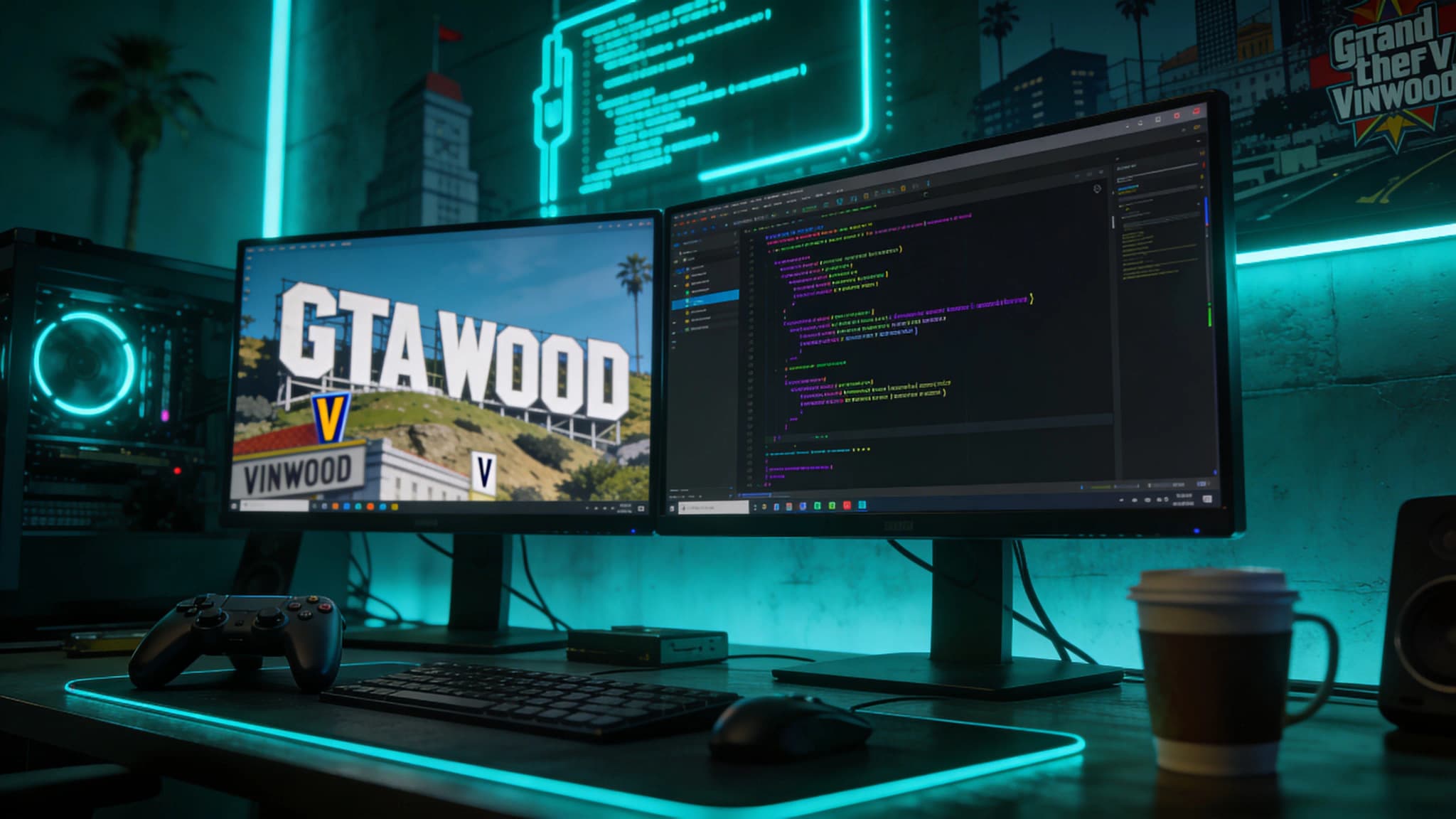
![[citizen-server-impl] You lack the required entitlement t...](/_next/image?url=https%3A%2F%2Fcdn.fivemx.com%2Fblog%2Fimages%2Ffivem-server-packs.webp&w=2048&q=75)
[ citizen-server-impl] You lack the required entitlement to use <resourceName>
[ citizen-server-impl] Couldn't start resource <resourceName>
FiveM refused to load the resource because the **server-license key that is running the server is not entitled to that resource in Cfx.re’s Asset Escrow system. In almost every case this means the resource was bought (or transferred) under a different Cfx.re/Keymaster account than the one that generated your current sv_licenseKey.
Since late 2021 , maps and MLOs sold through Tebex can be encrypted with the system.
citizen-server-impl module checks whether the server-license key in server.cfg belongs to an account that “owns” the resource.| Cause | How to confirm | Fix |
|---|---|---|
Wrong server key – the key in server.cfg (or your host’s panel) was generated by another Cfx.re account. | In the server console run sv_licenseKey; compare the value with the key shown in Keymaster/Portal after you log in with the buying account. | Create a new key under the correct account or transfer the resource once to the account that owns the key. (documentation.jaksam-scripts.com) |
| Bought on the wrong account | Resource does not appear under Purchased Assets for the account that owns the server key. | Use “Transfer asset” in Keymaster (one-time only), or re-purchase with the matching account. (support.cfx.re) |
| Server restart missing | You updated the key or transferred the asset but never restarted FXServer. | Full restart of FXServer (not just refresh) so the entitlement cache is rebuilt. |
| Out-of-date artifacts / corrupted upload | Failed to verify protected resource also appears, or the FTP client skipped hidden .fxap files. | Update to the latest recommended artifact build and re-upload the zip with WinSCP/SSH instead of FileZilla. (docs.nextgenfivem.com) |
| Rented hosts with “hidden” key field (Zap-Hosting, GTX et al.) | You don’t see sv_licenseKey in server.cfg. | Enter the key in the host’s control-panel field or disable the provider’s autogenerated key and paste your own. (documentation.jaksam-scripts.com) |
sv_licenseKey Copy the output.server.cfg.Failed to verify protected resource, re-upload the resource including hidden .fxap files.sv_licenseKey is used. Having old keys elsewhere in the file system does not matter.Entitlement error? ➜ Check key ↔ account ↔ asset triangle
sv_licenseKey Keymaster/Portal (Purchased Assets) server.cfg
│ │ │
└──────── must match ─────┴──────── must match ───────────────┘
Fix mismatch → restart FXServer → error gone
The “You lack the required entitlement” message is not a script bug—it is FiveM’s license enforcement telling you that the server running the resource is not authorised for it. Matching the server-license key to the account that actually owns the asset (or transferring the asset to that account) resolves the error in almost every case.
Use this section as a release checklist before you apply the change on a live FiveM server. Start by copying the current configuration, listing the resources touched by the change, and checking whether the topic depends on your framework, database, inventory, jobs, Discord roles, or txAdmin permissions. Many FiveM problems are not caused by the feature itself. They come from the wrong startup order, missing dependencies, inconsistent item names, or unclear staff permissions.
After the first restart, read the server console before inviting players to test. Warnings about missing exports, missing items, unknown job names, failed SQL queries, or duplicated resources should be solved immediately. If you are changing several things at once, test each resource separately with a fresh character and with an admin account. That makes it easier to tell whether the issue is inside the resource, inside an ESX/QBCore/QBox bridge, or inside your server configuration.
A production server also needs a rollback plan. Keep the previous script or config version, note the database tables involved, and decide when you will revert instead of debugging live. A practical rule is simple: if players cannot join, interact, or keep their items normally after ten minutes, roll the change back and continue on a staging server. Stability matters more than shipping one extra feature during peak hours.
The most common mistake is testing only with administrator permissions. Many systems work for admins but fail for normal players because of ACE permissions, job grades, Discord role checks, or inventory metadata. Test at least three roles: normal player, staff member, and full admin. Write down which commands, items, menus, or map markers should be available to each role before you call the setup finished.
Another common mistake is ignoring monitoring after the change. Watch resmon, txAdmin warnings, client console errors, and Discord feedback for the first play session. If a resource constantly uses too much time or creates repeated client errors, it lowers server quality even when the feature appears to work. Larger changes should go through a short maintenance window with a clear testing checklist.
These resources help you treat [citizen-server-impl] You lack the required entitlement t... as part of the full server stack instead of an isolated fix. The better your setup, framework, rules, marketplace resources, and monitoring work together, the fewer support issues you will have after launch.
Launch faster
Bundles shorten the path from planning to launch by grouping the highest-leverage scripts into a cleaner commercial starting point.



![Italian Pizzeria - Vespucci Pizza [FiveM MLO]](/_next/image?url=https%3A%2F%2Fcdn.fivemx.com%2Ffree-mods%2Fitalian-pizzeria-vespucci-pizza-fivem-mlo%2Fimages%2F2026%2F05%2F5965691a-f4ef-474e-be0e-517c36be86ef-italian-pizzeria-vespucci-pizza-fivem-mlo-featured.webp&w=2048&q=75)