







Instalação
Instalação do recurso mTuningchip
PASSO 1 – Arraste e solte
Arraste e solte o ” m-afinação” para sua pasta de recursos.
PASSO 2 – Inserção SQL
Insira o arquivo SQL no seu banco de dados.
PASSO 3 – Inicie o script
Inicie o script em servidor.cfg.
Arquivo de configuração
Config = {}

Config.Framework = "QBCore" -- QBCore, ESX
Config.Database = "oxmysql" --oxmysql, ghmattimysql , mysql-asnyc

Config.ItemControl = false -- If true you can only open menus with items, if false only with commands
Config.TabletItemName = "tunertablet" -- Tuner Tablet Item Name
Config.CheckerItemName = "tunerchecker" -- Tuner Checker Tablet Item Name
Config.OpenCommand = "tablet" -- Tuner Tablet Command
Config.TunerChecker = "tunercheck" -- Tuner Checker Tablet Command

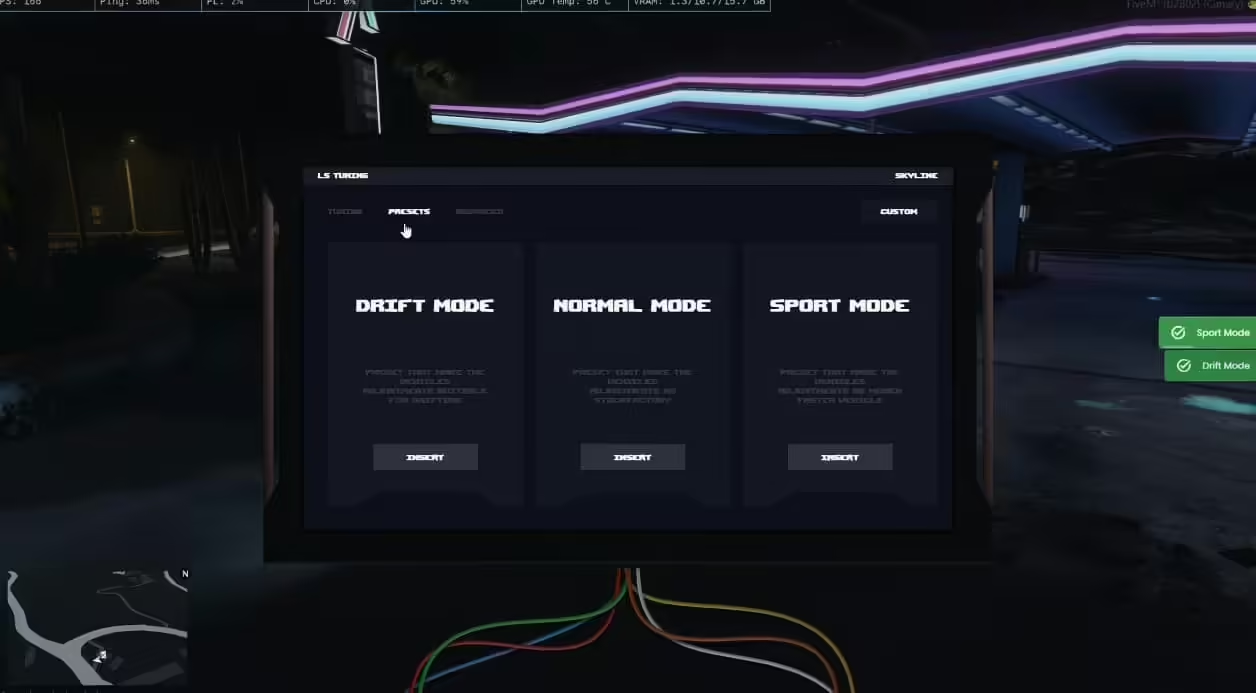
Config.DriftModeLimit = true
Config.MPH = false -- true = MPH , false = KMH
Config.MaxDriftSpeed = 50 -- If it is higher than the number you enter here, it cannot drift

Config.JobAuthorize = { 'sasp', 'sherrif', 'police' } -- Professions that can use the tuner checker tablet
Config.AdvancedAuthorize = true -- If true, the advanced page is not visible to users, only to the following authorized usersif true, the advanced page is not visible to users, only to the following authorized users
Config.AdvancedAuthorizedGroup = {  'god', 'admin' }  -- Authorizations with access to advanced page

Config.SportModeSettings = { -- Sport Mode Handling Settings
    ["fInitialDriveMaxFlatVel"] = 100 * 20,
    ["fDriveInertia"] = 2.000000,
    ["fClutchChangeRateScaleUpShift"] = 8,
    ["fClutchChangeRateScaleDownShift"] = 8,
}




Avaliações
Não há avaliações ainda.