

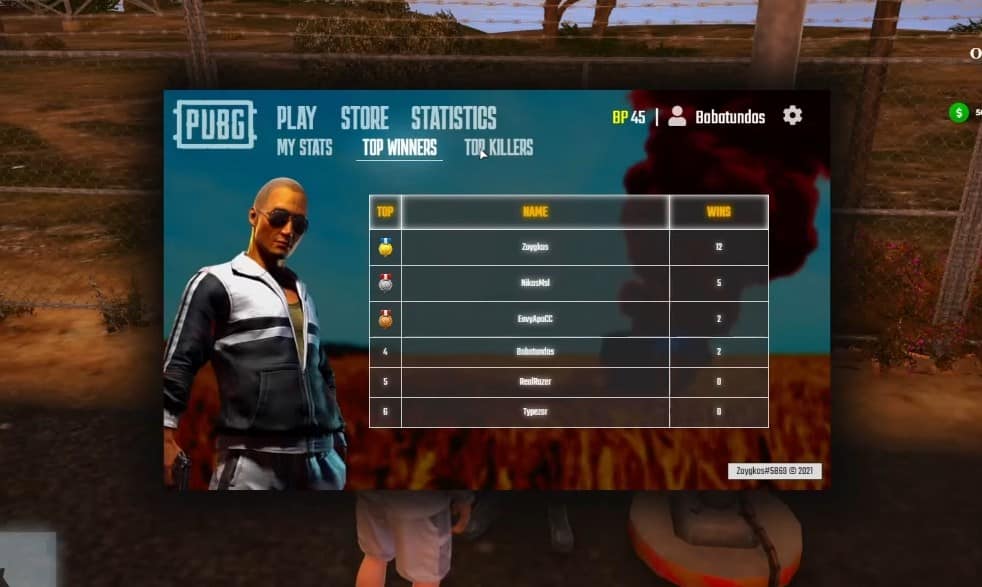
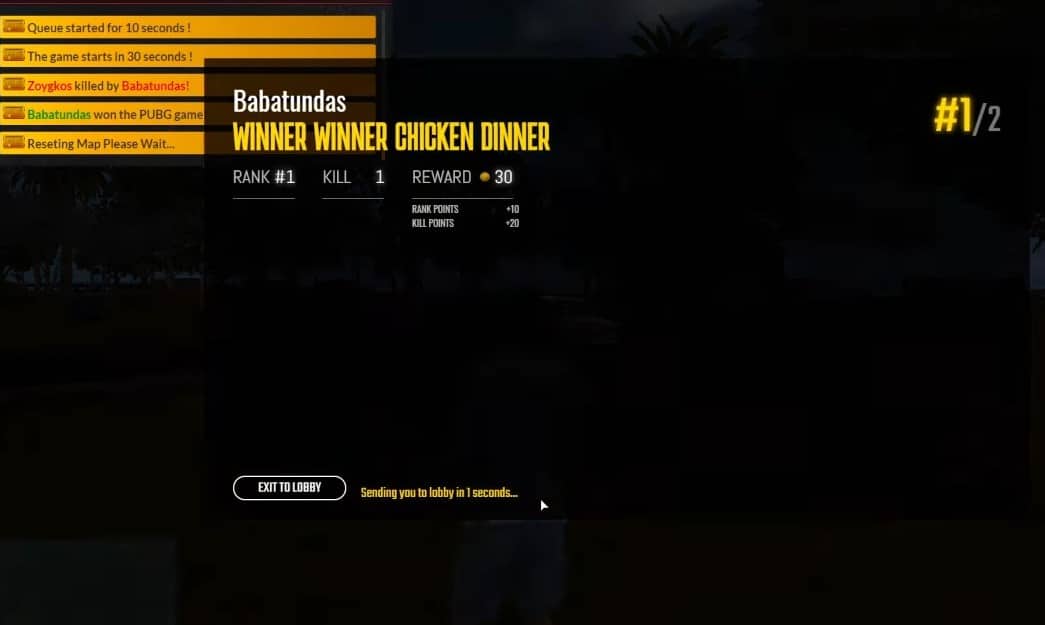

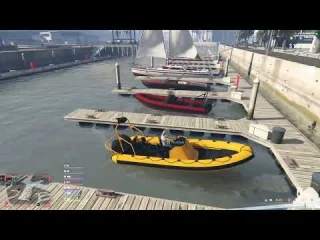
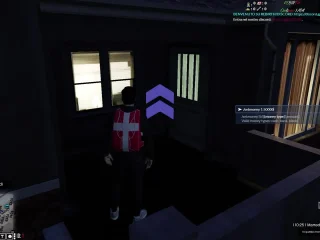
Pubg Game System is an ESX last-player-standing minigame with a queue, plane jump, shrinking damage circle, vehicles, ranking and a BP reward shop. The gameplay map is included.
Key features
- Configurable minimum and maximum player counts
- Queue lobby and countdown before each match
- Plane start position and timed jump into the map
- Shrinking play circle with configurable start radius, end radius, speed and damage
- Maximum match duration
- BP rewards for kills and the winning player
- Rank points from wins and kills
- Optional kill announcements and ambulance-job death handling
- Configurable vehicle spawns around the map
- BP shop entries for weapons, ammunition, armor and other items
- Alternative client and server files supplied for older ESX or newer artifact compatibility cases
Requirements
- ESX framework
- A configured
bpaccount in ESX

Akeem (verified owner) –
Excellent value for the price. The resource includes more features than I expected and has been reliable so far.
NicoBlade28 (verified owner) –
I received a personalized and attentive treatment. Thanks to this deal, I was able to find a solution to my problem in a short time. :)
Margarita (verified owner) –
Been using a lot of items, this one is obviously the best
Ellen (verified owner) –
Amazing resource, thank you!
Allen (verified owner) –
Great script. Easy setup, useful features, and no unnecessary complexity.