Add to cart
Sale!
Script ESX

iHUD v2

Original price was: $25.00.Current price is: $16.00.

-36%
Add to Cart
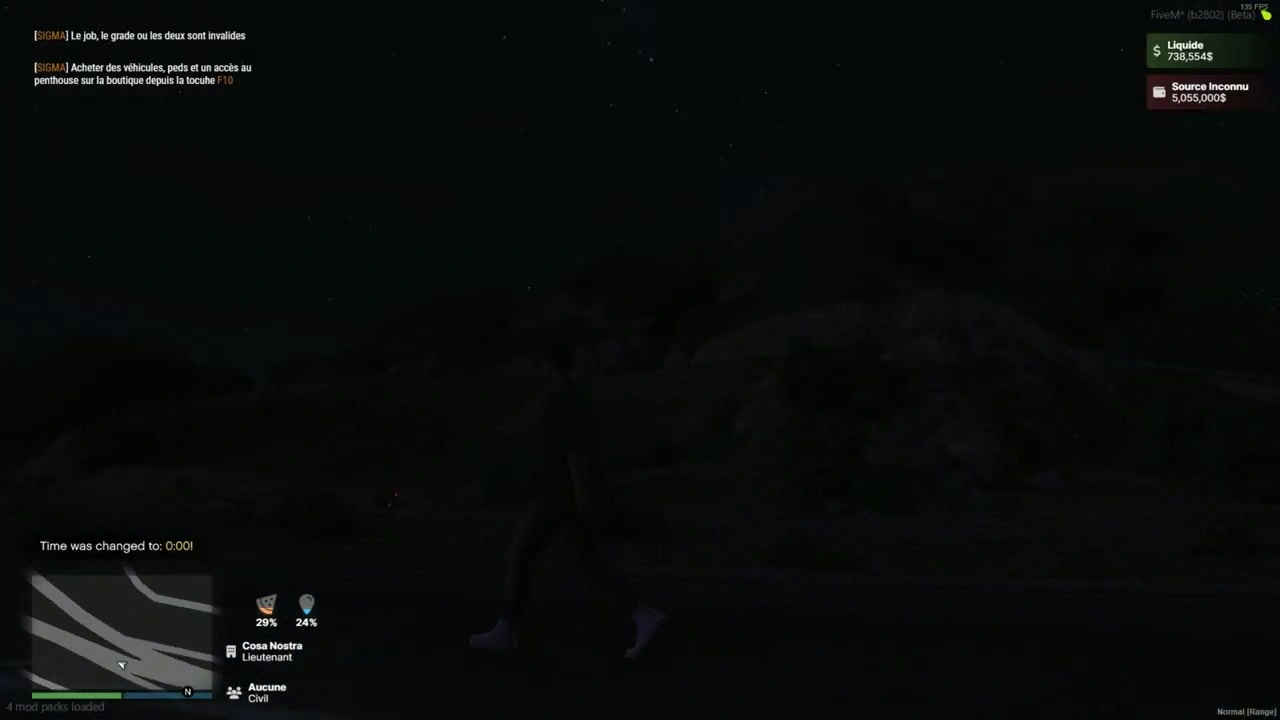
iHUD v2 FiveM resource preview
iHUD v2
$25.00 Original price was: $25.00.$16.00Current price is: $16.00.

Product facts

Framework
ESX
Resource type
Script
Included files
1 downloadable file

Purchase details

Update access
Lifetime access to files published to this listing Read the update access policy
Download format
ZIP
Package verified
2026-07-25 · 40 files in the delivered package

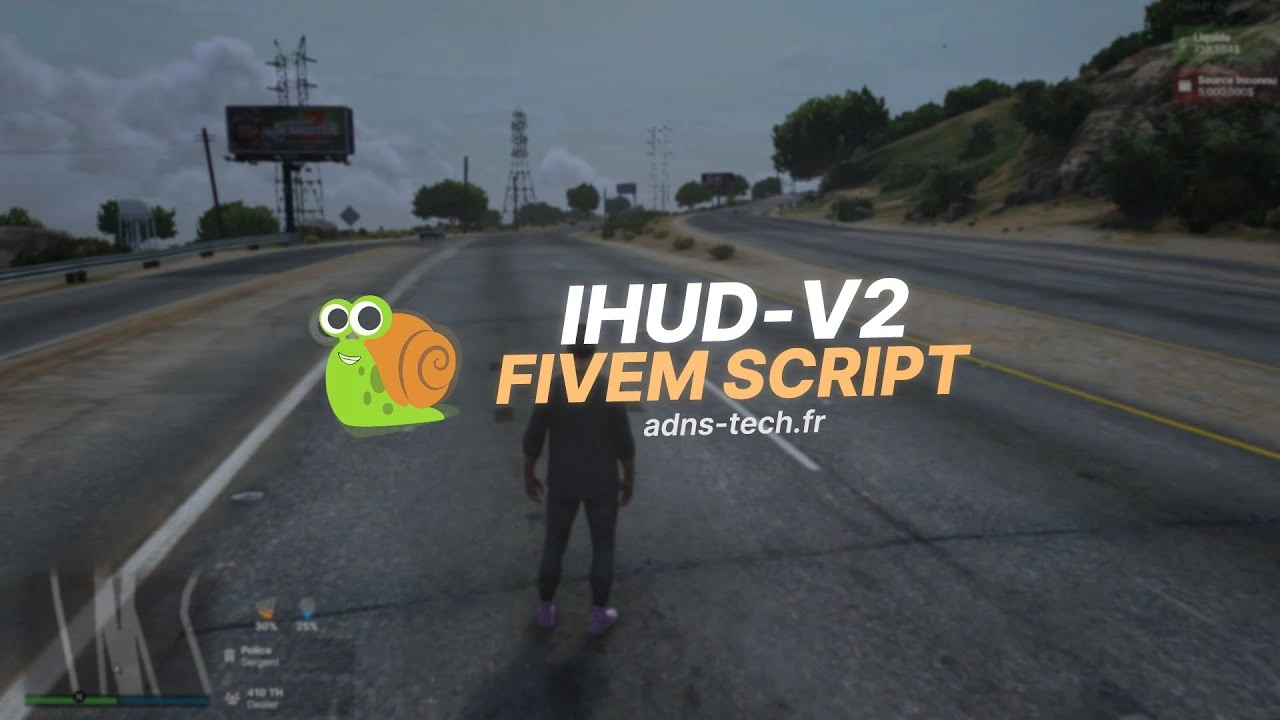
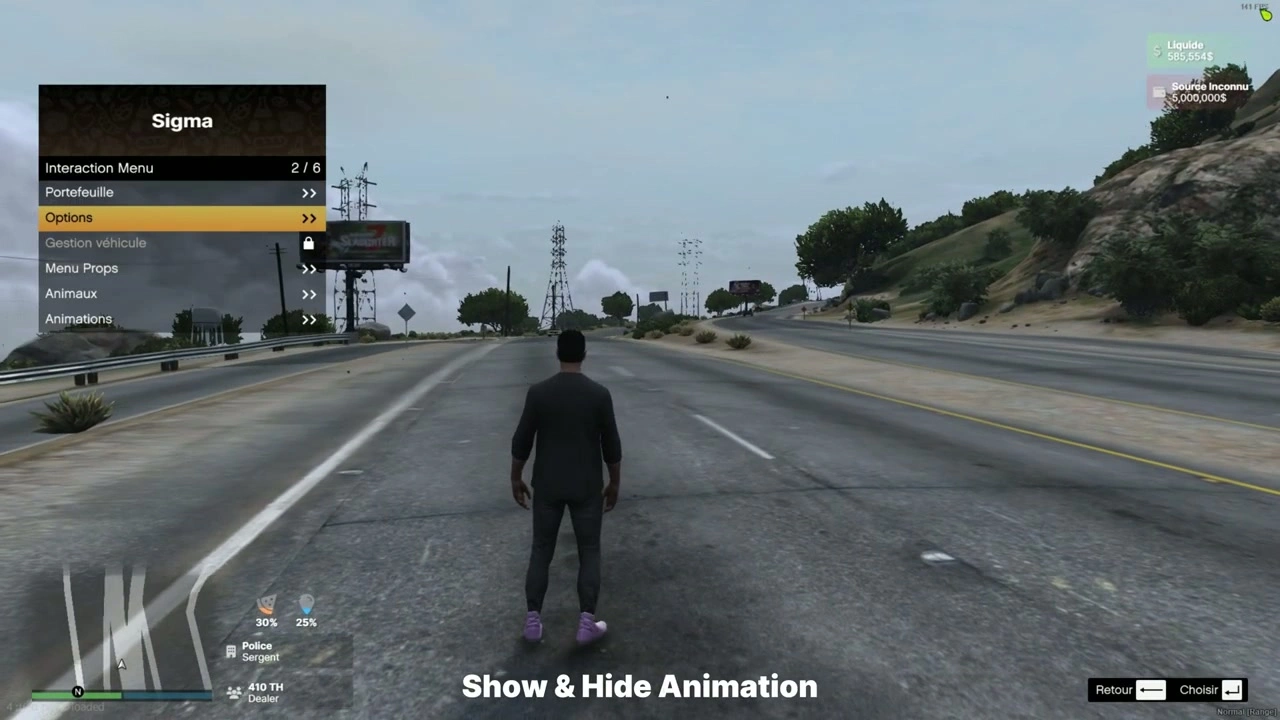
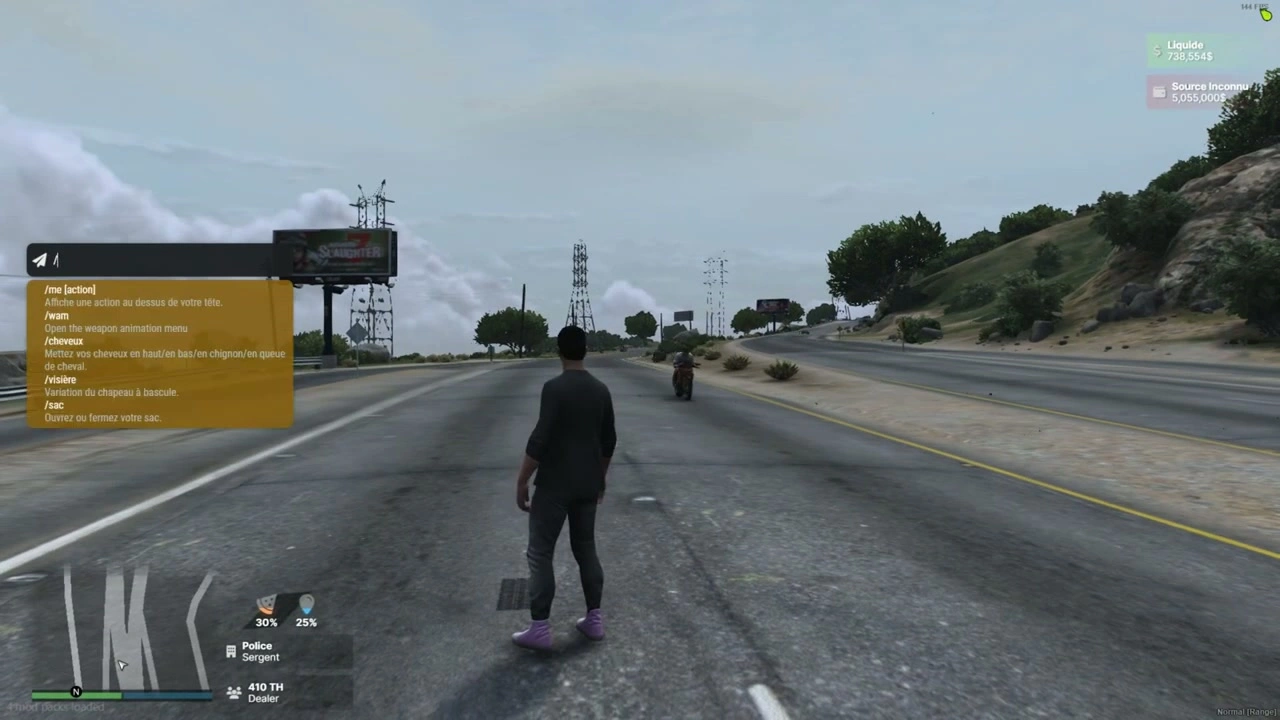
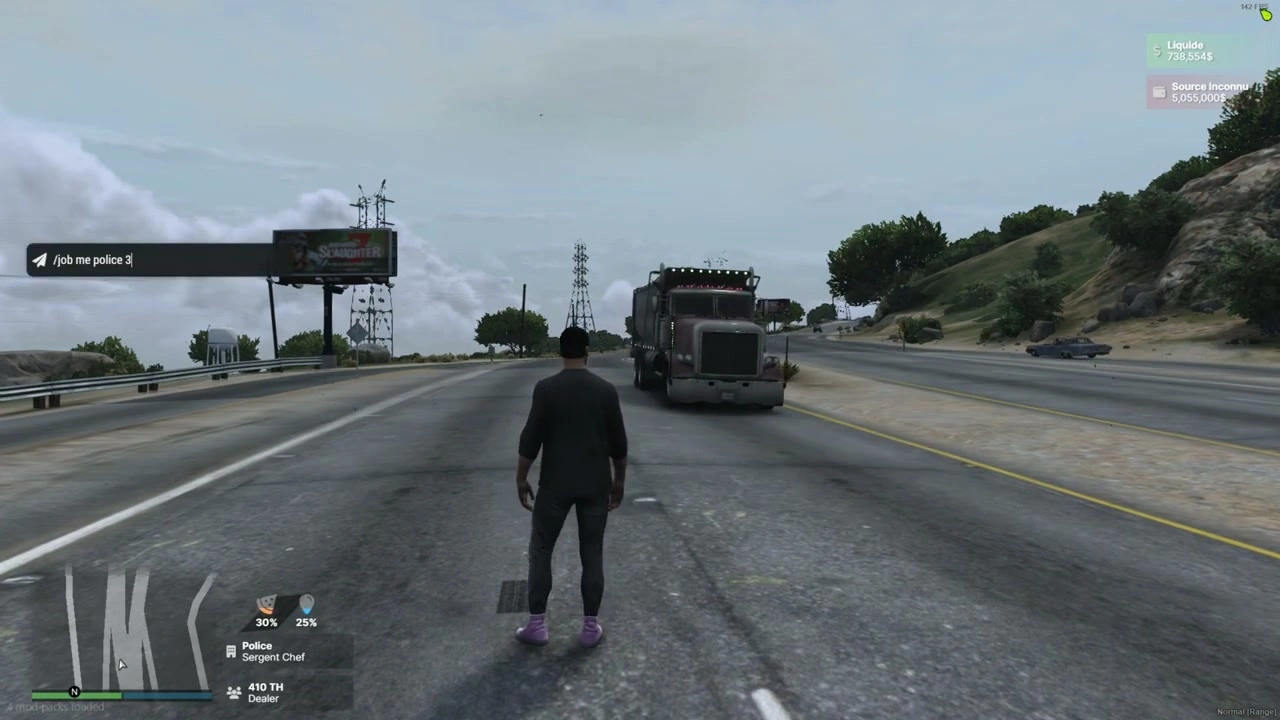
A lightweight, modern ESX HUD that shows player status, jobs, money, and a voice-talking cue via NUI. Built for performance and easy plug-in to existing ESX servers.

Features

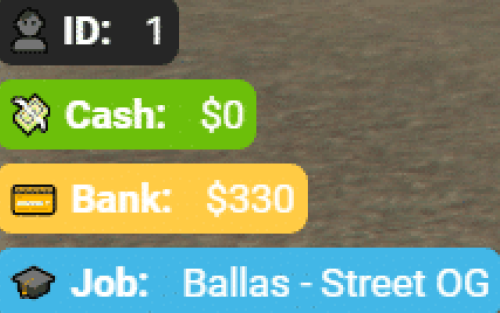
  • Status bars

    • Hunger and Thirst with animated fill and percentage labels.

    • Consumes standard ESX status events (see Integration).

  • Job display

    • Primary Job and optional Second Job (grade supported).

  • Money display

    • Cash (liquid) and Black Money with clear labels.

  • Voice indicator

    • Microphone icon appears only while the player is talking (NetworkIsPlayerTalking).

    • Optional proximity classes are wired in the UI and can be toggled if you integrate with your voice system.

  • Toggleable sections

    • Enable/disable HUD blocks (Job, Job2, Money, Black Money, Micro) via config.

  • ESX-version friendly

    • Works with ESX v1 final and “legacy” styles; supports retrieving ESX via exported function or legacy event.

  • NUI first

    • Clean Inter UI (HTML/CSS/JS); all data flows through SendNUIMessage.

Files & manifest

  • fxmanifest.lua
    • ui_page "NUI/index.html"
    • Loads CSS/JS/assets from NUI/src/*
    • shared_script "config.lua"
    • client_script "client/*.lua"
  • Main client logic: client/main.lua
  • Configuration: config.lua
  • NUI: NUI/index.html, NUI/src/css/*, NUI/src/js/{config.js,index.js,events.js}, NUI/src/images/micro.png

Configuration (config.lua)

Config = {
  DEBUG = false,

  -- How to get ESX:
  ESX_method   = "function",         -- "function" (export) or "event"
  eventNameESX = "esx:getSharedObject",
  extendedName = "extended",         -- e.g. "es_extended" / "extended"
  VERSION_ESX  = "final",            -- "legacy" or "final" (informational)

  -- Status source (list of {name, percent}):
  statusEventName = "esx_customui:updateStatus",

  ACTIVED = {
    JOB         = true,
    JOB2        = true,
    MONEY       = true,
    BLACK_MONEY = true,
    MICRO       = true
  }
}

Notes

  • If you use an alternative status tick (e.g. sigma_hud:onTick), the client listens on Config.statusEventName or falls back to "sigma_hud:onTick".

Client events & data flow

  • Initialization
    • esx:playerLoaded → HUD initializes with ESX player data.
    • On init the HUD is shown and NUI receives:
      SendNUIMessage({ type = "init", config = Config.ACTIVED })
      
  • Status updates (Hunger/Thirst)
    • Listen to Config.statusEventName (default esx_customui:updateStatus) and emit a list like:
      TriggerEvent("esx_customui:updateStatus", {
        { name = "hunger", percent = 48.0 },
        { name = "thirst", percent = 72.0 }
      })
      
    • HUD maps those to the two status bars.
  • Job / Second Job
    • esx:setJob and esx:setJob2 are handled automatically. NUI receives:
      SendNUIMessage({ type = "updateJob", jobs = {
        { label = job.label, grade = job.grade_label },
        { label = job2.label, grade = job2.grade_label }
      }})
      
  • Money
    • esx:setAccountMoney updates cash and black money:
      SendNUIMessage({ type = "updateMoney", moneys = {
        { label = "Liquide", value = cash.money },
        { label = black.label, value = black.money }
      }})
      
  • Voice (Talk indicator)
    • Polls NetworkIsPlayerTalking(PlayerId()); shows/hides mic icon with:
      SendNUIMessage({ type = "toogleMicro", show = true/false })
      
    • A helper to change proximity classes exists in NUI (type = "changeMicro"), so you can hook it into your voice resource if desired.
  • Show/Hide HUD (custom)
    • Trigger from anywhere client-side:
      TriggerEvent("iHud-V2::show", true)  -- show
      TriggerEvent("iHud-V2::show", false) -- hide
      

Installation

  1. Drop the folder into your resources (e.g. resources/[ui]/iHud-V2).
  2. Ensure the resource:
    ensure iHud-V2
    
  3. Configure ESX access method, status event name, and toggle sections in config.lua.
  4. Confirm your status script emits { name = "hunger"/"thirst", percent = <0-100> } arrays to Config.statusEventName.

Compatibility & tips

  • ESX retrieval
    • function mode expects: ESX = exports[Config.extendedName]:getSharedObject()
    • event mode expects: TriggerEvent(Config.eventNameESX, function(obj) ESX = obj end)
  • Voice proximity
    • The HUD ships with a talking indicator out-of-the-box. To show proximity levels (whisper/normal/shout), have your voice resource send a NUI message with type="changeMicro" and your chosen CSS class.
  • Styling
    • Fonts & icons loaded from CDNs; UI is responsive and kept minimal for RP servers.

Setup guide

The current iHUD package contains editable Lua and NUI settings but no README.

Requirements and preparation

  • ESX and a status resource that sends hunger/thirst values.
  • The configured voice and job/money events must match the server.

Installation

  1. Extract iHud-V2.
  2. Configure the status event and HUD behavior in config.lua; change NUI presentation only in the included NUI config.
  3. Start after ESX and the status/voice resources it reads.

Configuration checkpoints

  • Test health, armor, hunger, thirst, job, money and voice-talking states.
  • Verify reconnect and resolution changes without NUI errors.

Safety: Back up the affected resource and database tables, use credentials owned by your server, and complete a staging test before replacing a live resource. The full configuration remains in the download package.

Additional information

Framework

ESX