• Instant digital delivery
  • Lifetime updates on selected products
  • Trusted by server owners
FiveMX
Shop
Full ServersBundlesNew releases
FiveMX

Start building your server today.

Curated FiveM resources, instant delivery, free starter mods, and practical guides in one calm marketplace.

Browse the shopsupport@fivemx.com

Shop

  • Shop
  • FiveM Mods
  • All Products
  • Free Mods
  • Best Scripts & Mods
  • FiveM Scripts

Frameworks

  • QBCore Scripts
  • ESX Scripts
  • QBox
  • Standalone

Community

  • Blog
  • Support
  • Creators
  • Affiliate

Legal

  • Privacy Policy
  • Terms of Service
  • Refund Policy
  • Digital Delivery
  • Cookie Policy
  • GDPR Compliance
  • DMCA
  • Imprint
  • Editorial Policy

Server Templates

  • QBCore Server Template
  • ESX Server Template
  • NoPixel Server Template
  • Server Packs
  • Free Server Templates
  • Tebex Alternative
© 2026 FiveMX. All rights reserved.·FiveMX is not affiliated with Rockstar Games, Take-Two Interactive, or CFX.re. All trademarks are property of their respective owners.
DiscordDocs
Compatibility:

SNZ HUD (ESX/QB)

$10.49

Secure Checkout

Cards, Apple Pay, Google Pay, iDEAL/Wero, Bancontact, EPS, Przelewy24, and optional Crypto where available via Stripe.

Instant file access after paymentSupport and refund policy shown before checkout
Ask support before buyingRead refund policy
Instant Access
SSL Encrypted
Cards, wallets, bank redirects
Frameworksesx
Setup

Requires a FiveM server, esx, access to server resources, and permission to restart the resource after configuration.

RequirementsPublished on this page
PreviewAvailable

Description

SNZ HUD - Modern Interface for ESX and QBCore

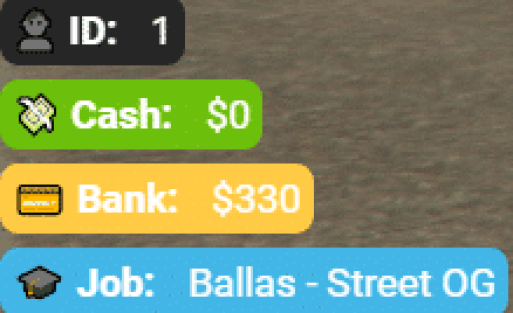
Modernize your server's user interface with this sleek, customizable HUD system compatible with both ESX and QBCore frameworks. SNZ HUD replaces the default FiveM interface with a clean, contemporary design featuring health, armor, hunger, thirst, stamina indicators, vehicle information, and status displays. Perfect for servers wanting professional UI that enhances immersion without cluttering the screen.

What's Included

This comprehensive HUD package delivers a complete interface overhaul with health and armor bars, hunger and thirst meters, stamina indicator, vehicle speedometer and fuel gauge, minimap enhancements, notification system, status effect displays, and extensive customization options. The design emphasizes clarity and aesthetics while maintaining crucial information accessibility during intense gameplay situations.

Key Features

  • Dual Framework Support - Works with both ESX and QBCore seamlessly
  • Health & Armor Bars - Clean visual indicators for player vitals
  • Hunger & Thirst Meters - Survival status displays
  • Stamina Indicator - Shows sprint and activity energy
  • Vehicle Speedometer - Modern digital speed display
  • Fuel Gauge - Integrates with fuel systems
  • Minimap Enhancements - Improved map visibility and styling
  • Status Effects - Visual indicators for buffs, debuffs, conditions
  • Notification System - Styled alerts and messages
  • Customizable Colors - Adjust theme to match server branding
  • Cinematic Mode - Auto-hide for screenshots and videos
  • Optimized Performance - Minimal FPS impact

Perfect For

  • Servers wanting modern, professional UI aesthetics
  • Communities upgrading from default FiveM HUD
  • Roleplay servers emphasizing immersion and polish
  • Servers with survival mechanics (hunger, thirst)
  • Communities wanting customizable branding through UI
  • Servers needing clean interfaces for streaming and content creation

Technical Details

  • Framework: ESX and QBCore compatible
  • Performance: Optimized with minimal resource usage
  • Customization: Extensive color and layout options
  • Dependencies: Framework-specific (esx_status/qb-hud replacement)
  • Updates: UI refresh rates optimized for smooth display

Installation

  1. Download and extract SNZ HUD to your resources folder
  2. Disable or remove existing HUD scripts (default framework HUD)
  3. Configure framework type (ESX or QBCore) in config
  4. Customize colors, positioning, and displayed elements
  5. Integrate with your server's fuel, hunger, and thirst systems
  6. Add resource to server.cfg
  7. Restart server and verify all HUD elements display correctly
  8. Adjust sizing and positioning to player preferences

Framework Compatibility

  • ✅ ESX - Full integration with ESX status and vehicle systems
  • ✅ QBCore - Native QBCore compatibility with all features
  • ✅ QBOX - Compatible (QBOX is QBCore fork)
  • ❌ Standalone - Requires ESX or QBCore framework

Customization Options

SNZ HUD offers extensive visual customization matching your server's branding and aesthetic preferences. Modify primary and accent colors to align with server themes. Adjust transparency levels for subtlety or visibility. Reposition HUD elements to suit different screen sizes and player preferences. Configure which status indicators display based on your server's mechanics - hide hunger/thirst if not using survival systems, or emphasize vehicle information for racing servers. The cinematic mode automatically hides interface elements during specific scenarios, perfect for screenshots, videos, and immersive moments.

What Makes It Stand Out

Default FiveM HUDs look dated and amateurish compared to modern game interfaces. SNZ HUD delivers professional aesthetics that immediately elevate your server's perceived quality. The clean design provides essential information without overwhelming players with visual clutter. The dual framework support makes it accessible to the vast majority of FiveM servers without requiring separate versions. For servers serious about presentation and player experience, a quality HUD is fundamental - it's the interface players see constantly, and SNZ HUD ensures that interface reflects professionalism and attention to detail.
Video preview

https://www.youtube.com/watch?v=p6A_q6U5FuM

Related FiveM HUD

  • M-HUD
  • PVP HUD
  • iNotificationV3
  • Uniq HUD

Installation notes

Requires a FiveM server, esx, access to server resources, and permission to restart the resource after configuration.
Installation notes
Requires a FiveM server, esx, access to server resources, and permission to restart the resource after configuration.

Buy this when it saves setup time

Use this checklist to decide quickly whether the resource fits your current server build, framework, and support expectations.

Server-owner payoff

SNZ HUD (ESX/QB) is positioned to reduce HUDs instead of making you rebuild the same system from scratch.

Compatibility

Works with esx. Check the requirements block before adding it to a live stack.

Purchase confidence

Instant download, Stripe checkout, support access, and refund policy context are shown before payment.

Decision assets

Requirements, Preview video, Product Q&A

Product fit, setup, and proof at a glance

Use the published facts on this page to confirm whether SNZ HUD (ESX/QB) matches your server before checkout.

Compatibility

Frameworks
ESX
Category
HUDs

Setup & requirements

Install flow
Download → resources folder → ensure in server.cfg
Requirements
Published on this page
File size
4.91 MB

Proof & buyer questions

Reviews
No reviews yet
Answered Q&A
Ask before buying

Only the facts published on this page should be treated as confirmed. If you need more detail, review the description, requirements, changelog, reviews, and product Q&A before checkout.

DescriptionRequirementsPreview video
HUDs
Compatibility:
ESX

SNZ HUD (ESX/QB)

Review process
$10.49

Secure Checkout

Cards, Apple Pay, Google Pay, iDEAL/Wero, Bancontact, EPS, Przelewy24, and optional Crypto where available via Stripe.

Instant file access after paymentSupport and refund policy shown before checkout
Ask support before buyingRead refund policy
Instant Access
SSL Encrypted
Cards, wallets, bank redirects
Frameworksesx
Setup

Requires a FiveM server, esx, access to server resources, and permission to restart the resource after configuration.

RequirementsPublished on this page
PreviewAvailable
Home
Shop
HUDs
HUDs
ESX
Review process

Key Features

  • Dual Framework Support

    Works seamlessly with both ESX and QBCore frameworks, including QBOX compatibility

  • Health & Armor Bars

    Clean visual indicators for player vitals displayed on the HUD

  • Survival Status Displays

    Hunger and thirst meters that integrate with server survival mechanics

  • Vehicle Information Display

    Modern digital speedometer and fuel gauge that integrates with fuel systems

  • Status Effects Indicators

    Visual indicators for buffs, debuffs, and player conditions

Frequently Asked Questions

Related Products

$6.99
$4.49
$7.49
$4.49

Related Tutorials & Guides

Learn more about setting up, configuring, and using this type of resource.

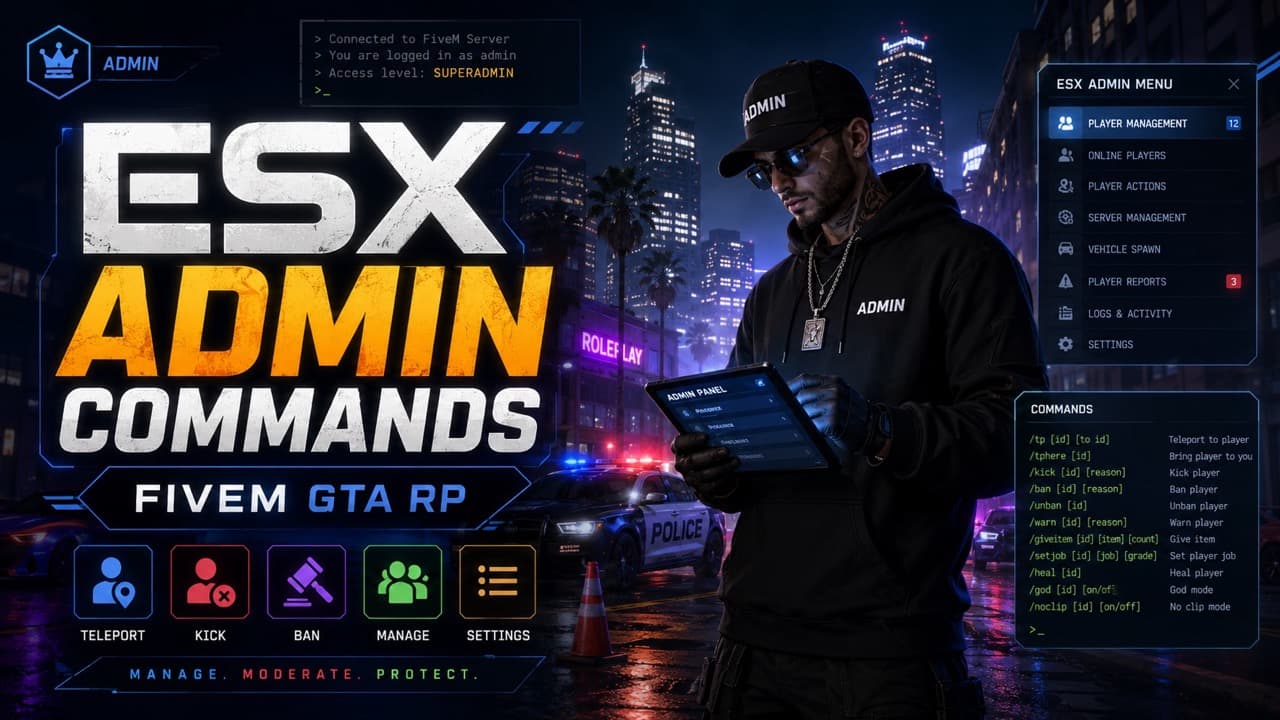
ESX Admin Commands — Complete 2026 Reference

ESX Admin Commands — Complete 2026 Reference

A practical ESX admin command list for FiveM servers: all user commands, admin commands, aliases, arguments, examples, and permission notes for es_extended.

FiveM HUD Scripts Troubleshooting FAQ: 12 Common Issues Fixed

FiveM HUD Scripts Troubleshooting FAQ: 12 Common Issues Fixed

When a HUD script breaks on your FiveM server, every player sees it within seconds. This guide walks through the 12 most common HUD failures — invisible HUDs, broken speedometers, framework mismatches, FPS drops — with diagnostic steps and copy-paste fixes for ESX, QBCore, and QBox.

ESX vs QBCore vs QBOX: Technical Framework Comparison 2026

ESX vs QBCore vs QBOX: Technical Framework Comparison 2026

Choosing a framework is the single most consequential decision when building a FiveM server. It determines which scripts you can use, how your developers write code, the…

Continue Building Your FiveM Server

Use this product as part of a larger setup. Explore related categories, alternative frameworks, premium bundles, and free companion downloads.

Explore Phone ScriptsExplore Inventory ScriptsBrowse all scriptsHUDs scriptsesx scriptsTry QBCore insteadTry QBox insteadFree FiveM modsCompare bundles
Premium Vehicle HUD

Premium Vehicle HUD

Simple ESX HUD

Simple ESX HUD

Circle HUD

Circle HUD

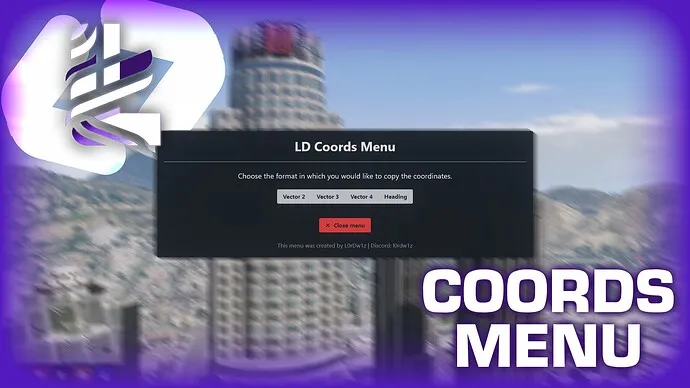
HUD Coords

HUD Coords