Trew HUD UI
Secure Checkout
Cards, Apple Pay, Google Pay, iDEAL/Wero, Bancontact, EPS, Przelewy24, and optional Crypto where available via Stripe.
Requires a FiveM server, ESX or QBCore or Standalone, access to server resources, and permission to restart the resource after configuration.
Description
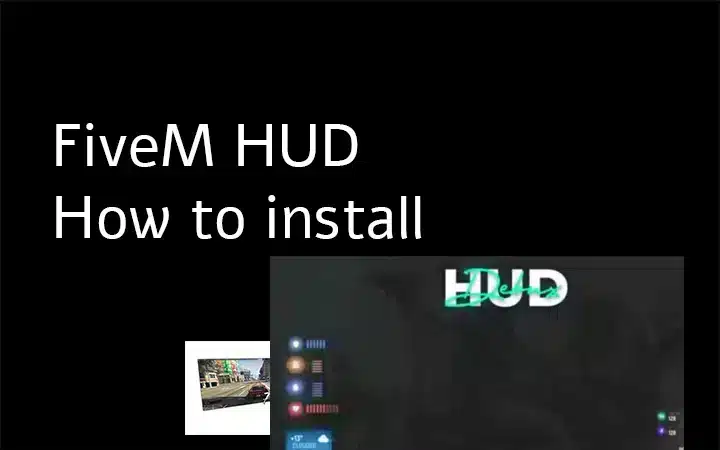
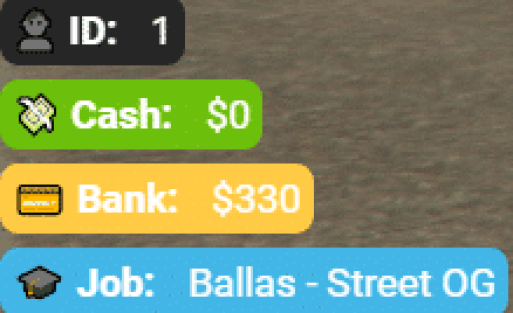
Trew HUD UI is a clean, modern heads-up display designed to replace the default GTA V interface on your FiveM server. It delivers a professional player stats overlay that tracks health, armor, hunger, thirst, and additional metrics in real-time, giving your players an immersive and intuitive way to monitor their character's condition during gameplay.
Key Features
- Real-time health and armor display with smooth visual updates
- Hunger and thirst tracking integrated into a unified stat panel
- Customizable positioning and scaling to fit any server aesthetic
- Minimal performance footprint—optimized for low resource usage
- Clean, modern UI design that complements contemporary FiveM servers
- Support for additional player stats and status indicators
- Responsive layout that adapts to different screen resolutions
- Easy toggle functionality for hiding/showing the HUD during cutscenes or roleplay moments
Compatibility
Trew HUD UI is a standalone resource that works seamlessly with most FiveM frameworks, including ESX, QBCore, and QBox. It requires no framework-specific dependencies and can be integrated into any server configuration without conflicts.
Installation
Extract the resource folder into your server's resources directory. Add ensure trew-hud-ui (or the appropriate resource name) to your server.cfg file. Open the included configuration file to customize colors, positioning, and which stats display on your server. Restart your server and the HUD will be active immediately.
Upgrade your server's visual experience with a HUD that players will appreciate—grab Trew HUD UI today.