



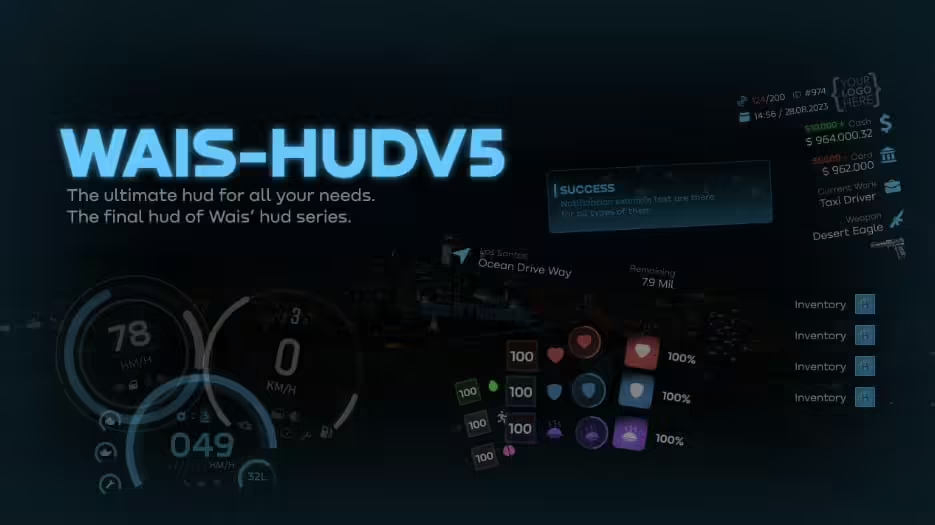

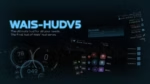







Wais HUD V5 (ESX/QB) | Next-Generation HUD System for Modern Roleplay Servers
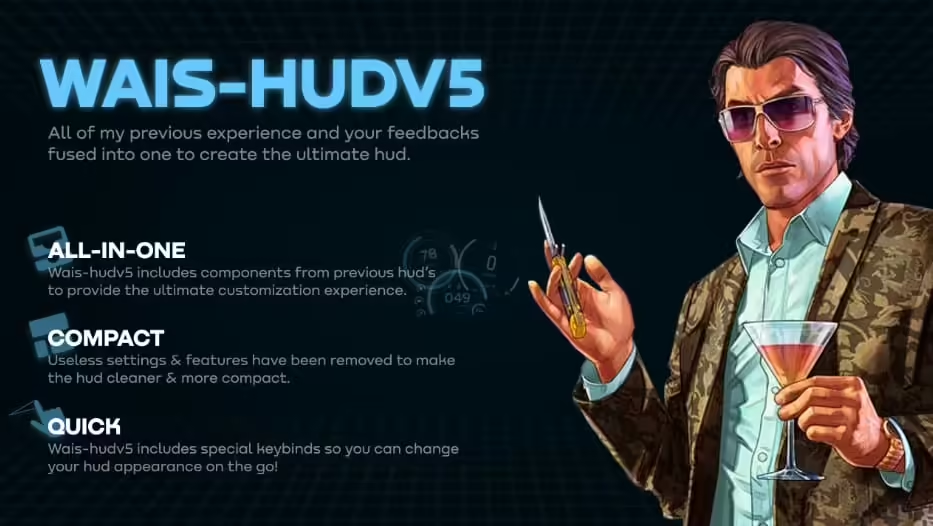
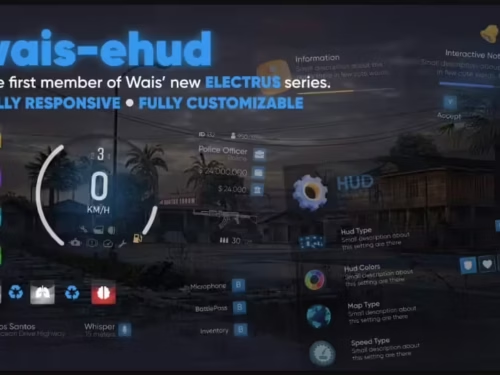
Elevate your server’s visual interface with Wais HUD V5, a cutting-edge heads-up display system that combines stunning aesthetics with essential information delivery. Designed for both ESX and QBCore frameworks, Wais HUD V5 represents the evolution of FiveM interface design – minimalist when you need focus, detailed when you need information, and always beautifully animated. This is the HUD that makes players feel like they’re playing a premium AAA game.
What Makes Wais HUD Stand Out
- Dual Framework Support – Seamlessly switches between ESX and QBCore with single config change
- Minimalist Design Philosophy – Clean interface that disappears when not needed
- Smooth Animations – Buttery 60fps animations for all HUD transitions
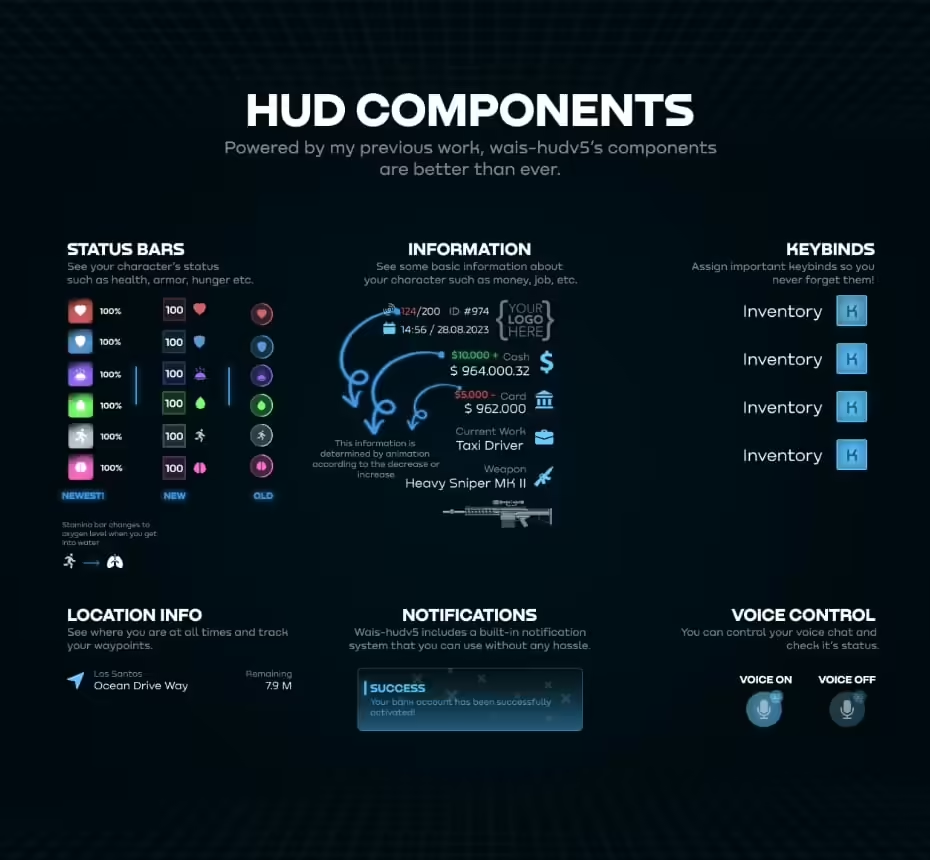
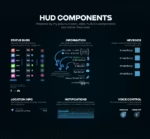
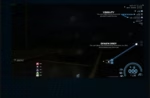
- Status Bar System – Visual indicators for health, armor, hunger, thirst, stress, and stamina
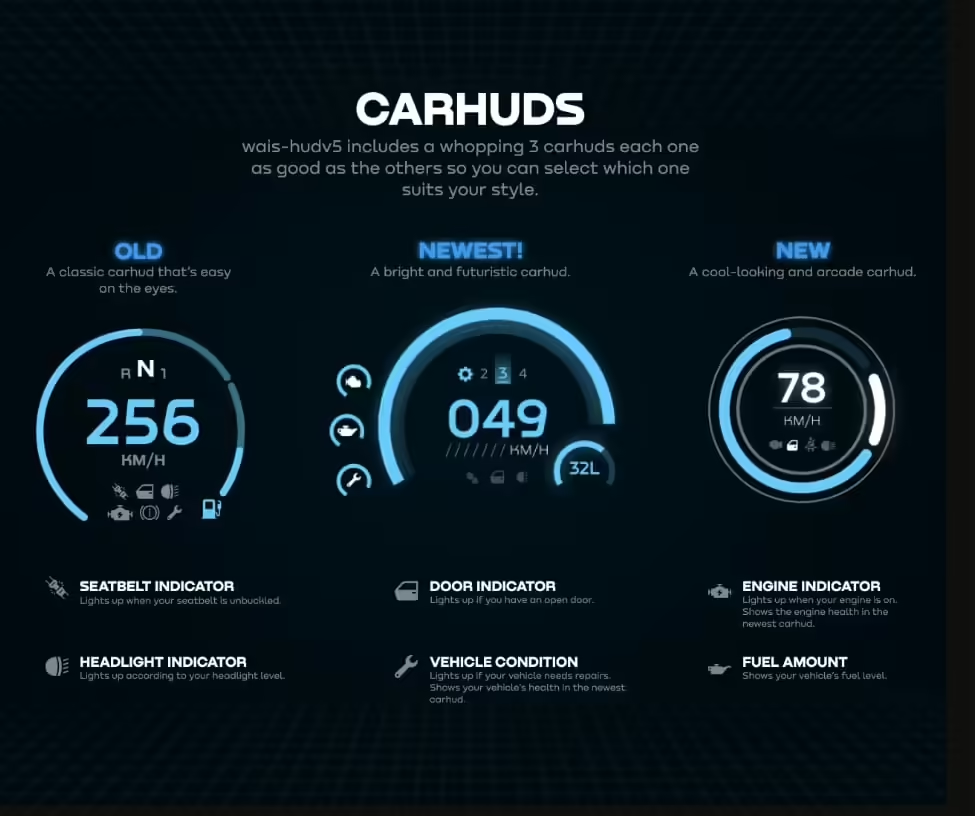
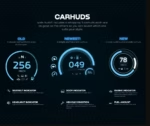
- Vehicle Integration – Comprehensive speedometer with fuel, gear, and engine health
- Performance Optimized – 0.01-0.02ms resmon even with all features active
Core HUD Features
- Health & Armor Display – Elegant circular indicators with smooth drain/fill animations
- Hunger & Thirst Meters – Icon-based status with color-coded warning states
- Stamina Bar – Context-aware display during running, swimming, climbing
- Stress System – Optional stress tracking with visual screen effects
- Oxygen Meter – Underwater breathing indicator with emergency warnings
- Money Display – Cash and bank balance with transaction animations
- Job & Gang Info – Current employment or gang affiliation badge
- Voice Indicator – Proximity voice range visualization
Framework Compatibility
- ESX Legacy – Full support for ESX 1.9.x and ESX Legacy (1.10.x+)
- QBCore – Native QBCore integration with all standard status effects
- QBOX – Compatible with QBOX framework (QBCore fork)
Vehicle HUD System
- Speedometer – Digital and analog options, MPH or KM/H display
- Fuel Gauge – Real-time fuel consumption with low fuel warnings
- Gear Indicator – Current gear with automatic/manual transmission support
- Engine Health – Visual damage indicator with percentage display
- RPM Meter – Engine RPM gauge for realistic driving (optional)
- Cruise Control – Shows when cruise control is engaged
- Seatbelt Indicator – Visual reminder and warning sounds
- Turn Signals – Left/right blinker indicators
Customization Options
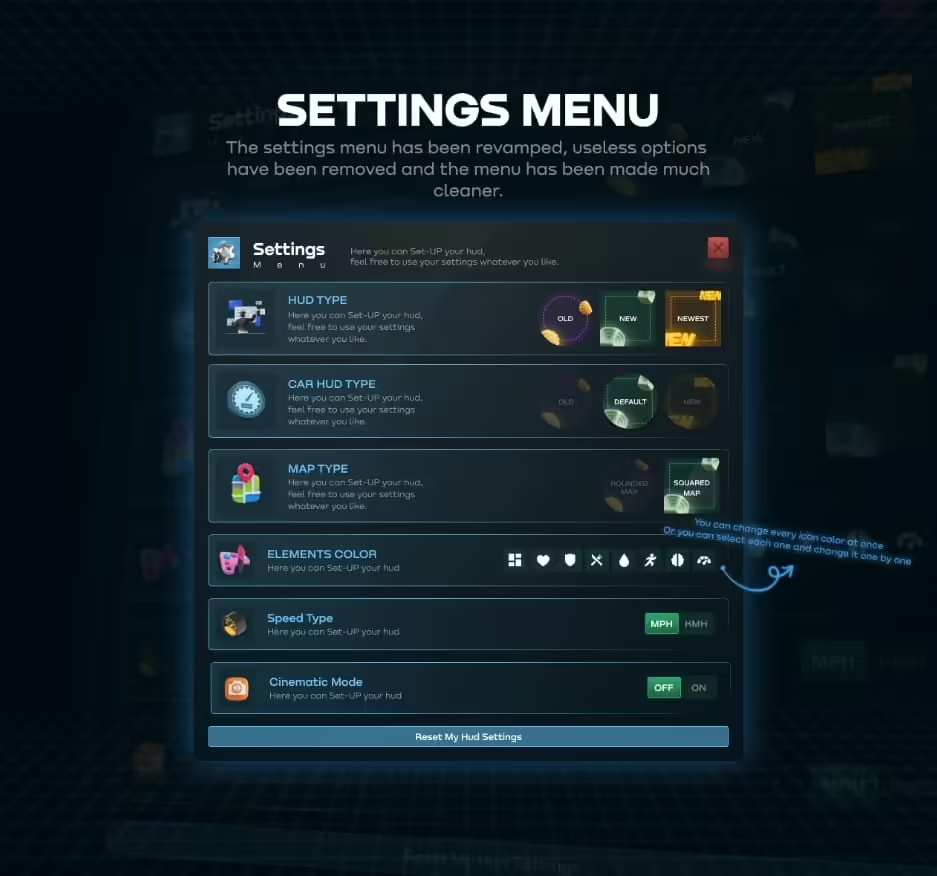
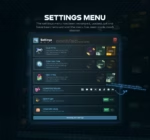
- Color Schemes – Multiple pre-built themes plus custom color picker
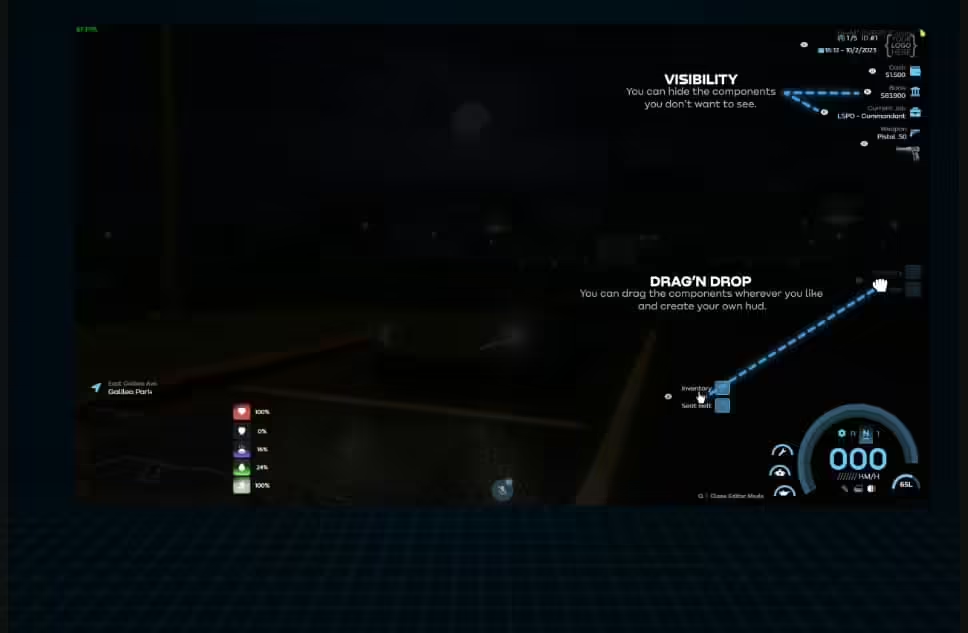
- Element Positioning – Drag-and-drop repositioning for all HUD components
- Visibility Toggles – Show/hide individual elements per player preference
- Scale Adjustments – Resize HUD elements for different screen sizes
- Animation Speed – Control transition timing and fade durations
- Icon Styles – Choose from multiple icon packs
- Font Selection – Select from included fonts or use custom fonts
Status Effect Integrations
- Health System – Integrates with esx_basicneeds, qb-ambulancejob
- Hunger/Thirst – Compatible with most food/drink scripts
- Stress System – Works with qb-stress, esx_status stress modules
- Stamina – Tracks sprinting, swimming, climbing exhaustion
- Oxygen – Underwater breathing system with drowning warnings
Installation
- Extract Wais HUD V5 to your server resources folder
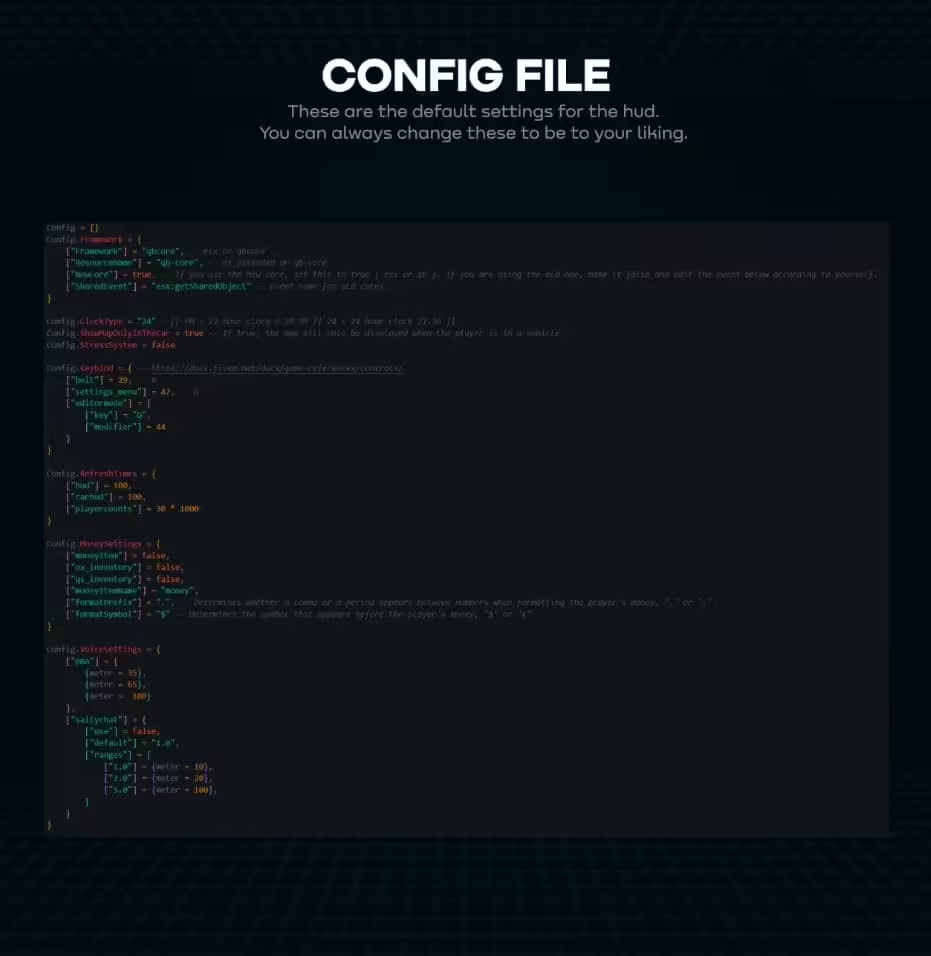
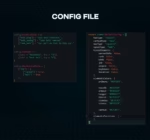
- Configure framework selection in config.lua (ESX or QBCore)
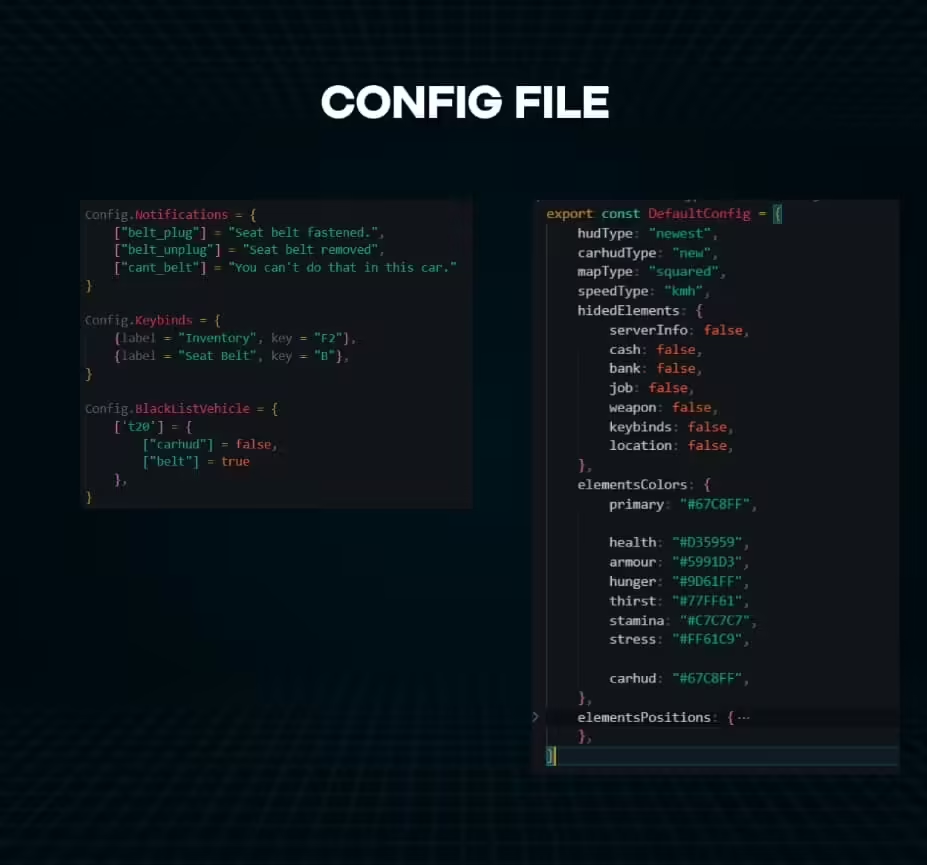
- Customize colors, positions, and enabled features in config
- Add ensure wais_hud to your server.cfg
- Restart server and verify HUD displays correctly
- Use in-game commands to adjust position and scale (if enabled)
Technical Details
- Performance: 0.01-0.02ms resmon (optimized NUI rendering)
- File Size: Lightweight package under 8MB
- Dependencies: Framework required (ESX or QBCore)
- Screen Support: Responsive design for all resolutions (1920×1080 optimized)
- Technology: React-based NUI for smooth 60fps animations
Smart Context Awareness
Wais HUD V5 intelligently shows information when relevant and hides it when not needed. The stamina bar only appears during physical exertion. Vehicle HUD activates only when in a vehicle. Money counters animate during transactions then fade away. This context-aware behavior keeps your screen clean while ensuring critical information is always visible when it matters.
Advanced Features
- Cinematic Mode – Hide all HUD elements for screenshots/videos (hotkey toggle)
- Status Warnings – Visual and audio alerts for low health, hunger, fuel
- Transaction Notifications – Money gained/lost animations with source display
- Job Changes – Animated notifications when changing jobs
- Gang Badge – Display gang affiliation with custom gang colors
Player Experience Benefits
- Less Clutter – Minimalist approach keeps focus on roleplay, not UI
- Better Awareness – Clear visual indicators prevent I didn’t notice deaths
- Professional Feel – Polished animations make server feel high-quality
- Customizable – Players can adjust HUD to their personal preferences
Why Server Owners Choose Wais HUD
Wais HUD V5 strikes the perfect balance between form and function. It’s beautiful enough to impress players, functional enough to be genuinely useful, and optimized enough to not impact performance. The dual framework support means you’re not locked into ESX or QBCore – switch frameworks and your HUD comes with you. Unlike heavyweight HUD systems that tank performance or minimalist ones that hide too much information, Wais delivers exactly what players need, when they need it.
Community Feedback Integration
Version 5 represents years of evolution based on community feedback from thousands of servers. Every animation timing, every color choice, every positioning decision comes from real-world usage data. This isn’t a developer’s pet project – it’s a battle-tested HUD system refined through actual roleplay server deployment.
Update & Support
Regular updates add new features, framework compatibility improvements, and visual enhancements based on FiveM updates and community requests.

Reviews
There are no reviews yet.