







FiveM Mod STG Boombox – Advanced Music System
STG Boombox – Advanced Music System

$13.99

Add to cart

STG Boombox – Advanced Music System

$13.99

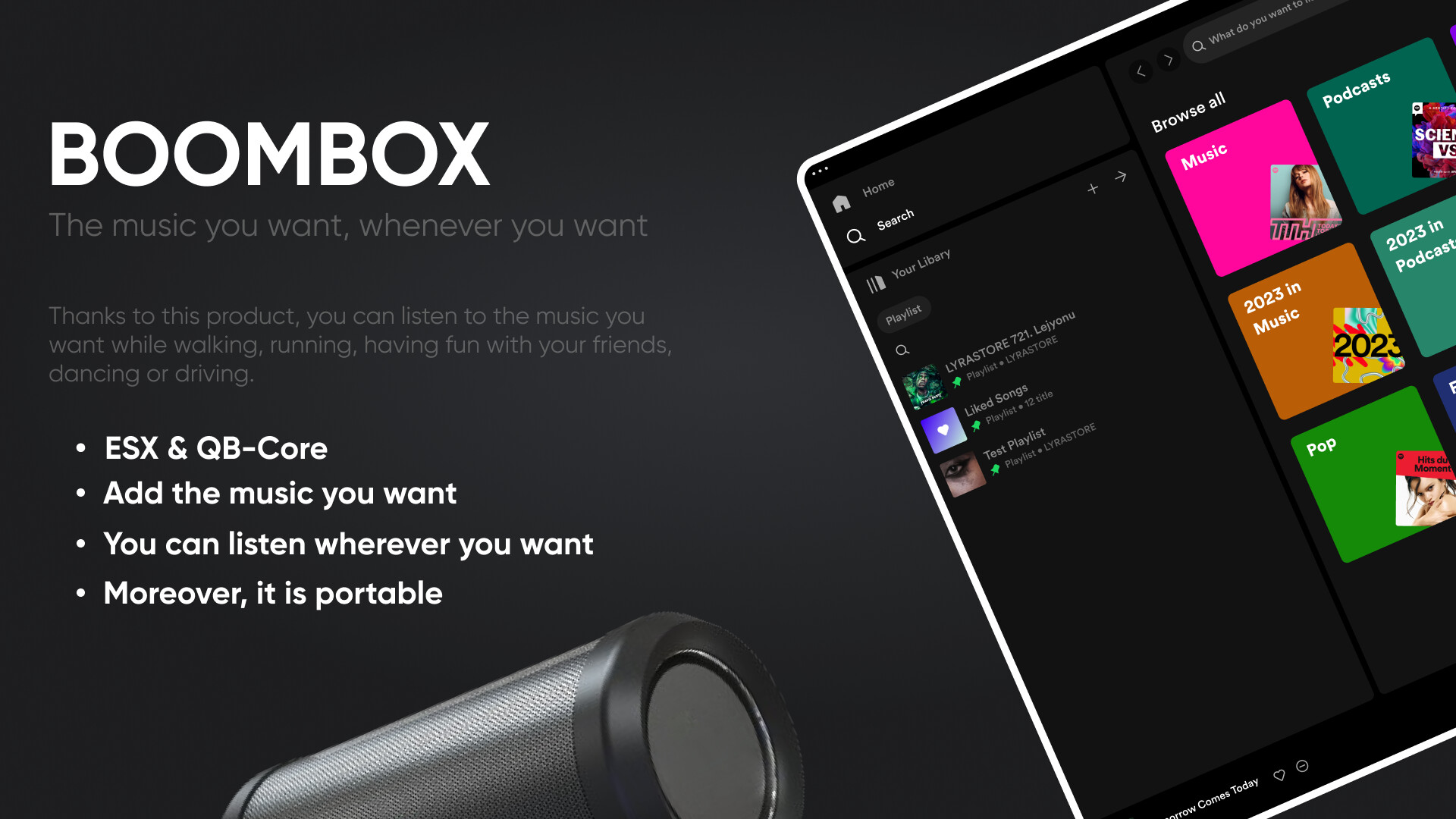
Portable JBL boombox with YouTube streaming, Spotify-like UI, playlists, and spatial audio — ESX & QBCore.

Save 20% for a limited time.
Category:
Guaranteed Safe Checkout
  • Premium Quality
  • Fully Open Source
  • Secure Payments
  • Satisfaction Guarantee
  • 30 Days Money-Back-Guarantee

STG Boombox – Advanced Music System for FiveM

Bring a fully-featured portable music experience to your FiveM server with STG Boombox. Players can pick up a custom JBL speaker prop, place it anywhere in the world or use it inside a vehicle, and stream YouTube music directly in-game — complete with a stunning Spotify-inspired UI. Built by STG Scripts (Lyra Store) with support for both ESX and QBCore frameworks.

Key Features

  • Portable JBL Speaker Model — Custom-streamed qua_jblspeaker prop that players can hold, place on the ground, or use inside vehicles
  • YouTube Streaming — Stream any YouTube video as music through the in-game boombox with spatial audio based on distance
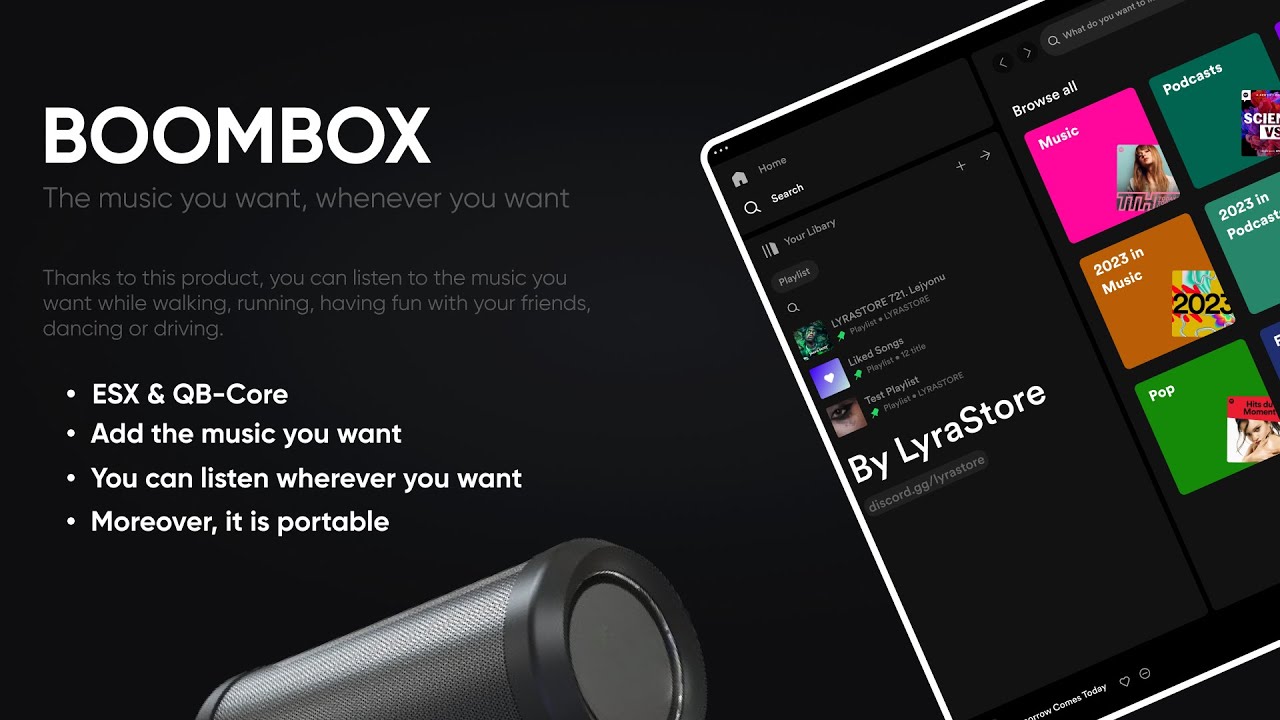
  • Spotify-Like UI — Beautiful full-featured music player interface with album art, playback controls, shuffle, repeat, and volume
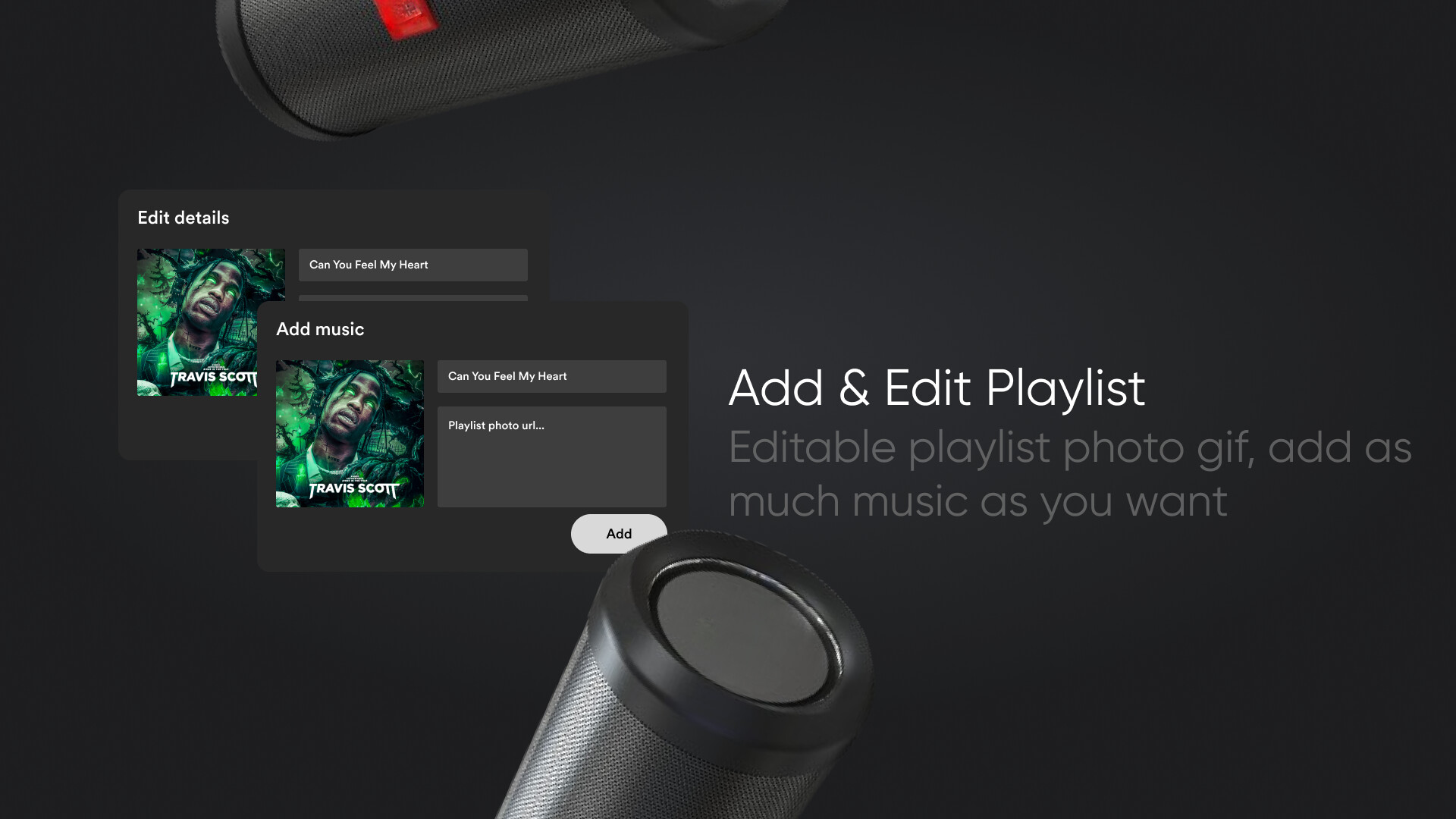
  • Playlist System — Players can create, name, and manage personal playlists stored in the database
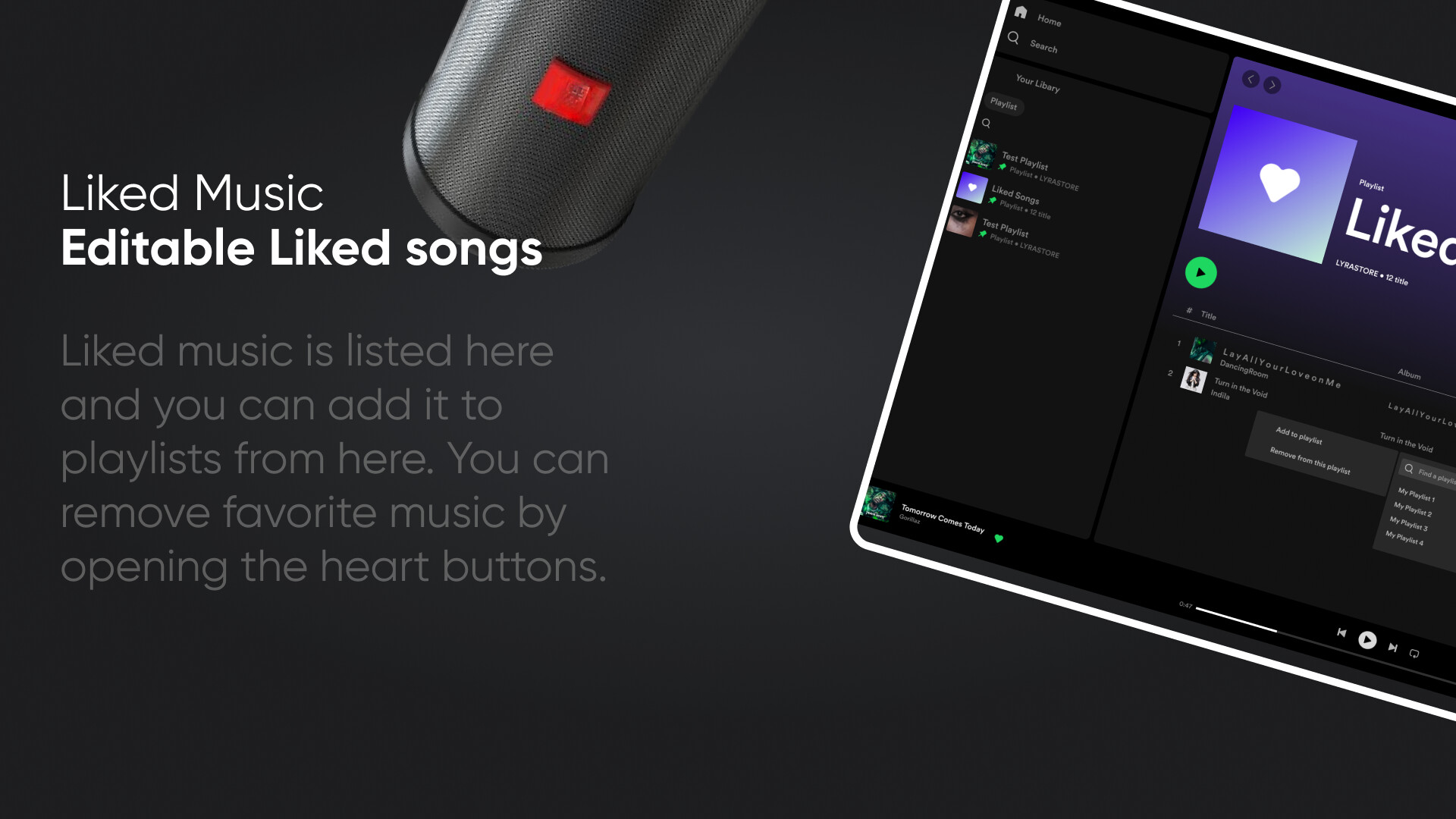
  • Liked Songs — Players can like/save individual tracks to their personal liked songs list
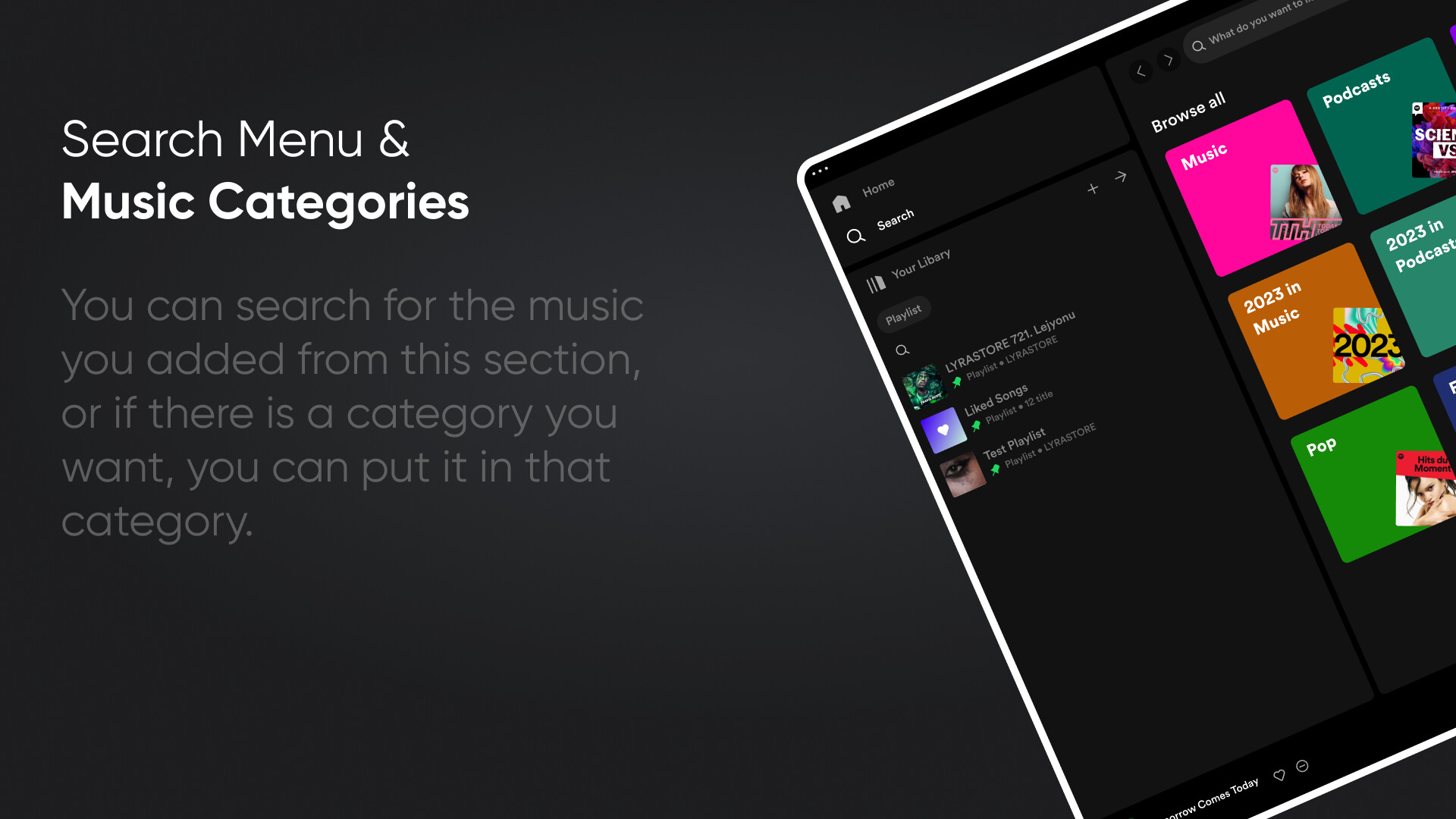
  • Music Categories — Pre-configured categories (Pop, Hip-Hop, Rock, K-Pop, Love, Metal) with configurable colors and custom server tracks
  • Search — In-UI music search functionality to find tracks quickly
  • Vehicle Support — Boombox auto-detects when the player is in a vehicle and plays music in vehicle mode
  • Spatial Audio — Music volume falls off with distance from the placed boombox prop
  • Position Sync — Boombox position is synced to the server in real time so all nearby players hear the same music
  • ESX & QBCore Support — Separate client/server scripts for both frameworks, switched via a single config option
  • Configurable Notifications — Uses your server’s existing notification system via a simple notify.lua
  • Export API — Trigger the boombox use from other resources via exports["stg-boombox"]:use()
  • Escrow-Protected — Core scripts protected via Cfx.re escrow; config and notify files remain open

What’s Included

  • fxmanifest.lua — Resource manifest (lua54 enabled)
  • config.lua — Full configuration: framework, boombox model, music categories, language/locale
  • notify.lua — Customizable notification handler
  • client/client_esx.lua — ESX client script
  • client/client_qb.lua — QBCore client script
  • server/server_esx.lua — ESX server script
  • server/server_qb.lua — QBCore server script
  • html/ — Full NUI music player interface (HTML, CSS, JS)
  • stream/qua_jblspeaker.ydr/.ytyp — Custom JBL speaker 3D model
  • boombox/[SQL]/data.sql — Database tables for songs, playlists, and liked songs
  • boombox/[InventoryImage]/boombox.png — Inventory item image

Requirements

  • ESX (es_extended) or QBCore framework
  • mysql-async (oxmysql or compatible)
  • An inventory resource (ox_inventory, qb-inventory, or similar) to add the boombox item

Installation

  1. Extract the resource folder to your server resources/ directory
  2. Add ensure stg-boombox to your server.cfg
  3. Import boombox/[SQL]/data.sql into your database
  4. Set Lyra.framework to "esx" or "qb" in config.lua
  5. Add the boombox item to your inventory and configure item usage to trigger exports["stg-boombox"]:use()
  6. Restart your server

Full documentation available at the STG Boombox GitBook.

Reviews

There are no reviews yet.

Be the first to review “STG Boombox – Advanced Music System”