$ ABD Doları
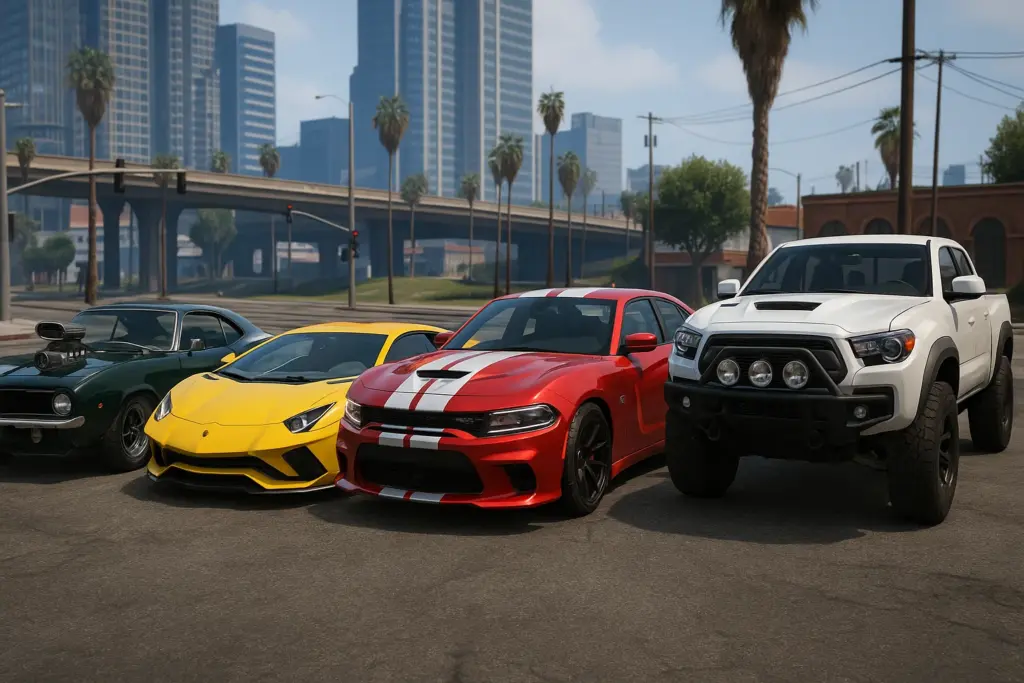
Özel Arabalar Nasıl Kurulur (FiveM)
Bu şu authoritative, no‑fluff guide to installing custom cars on a FiveM server—safely, correctly, and with production‑ready configs you can copy‑paste. We’ll cover one‑off add‑on cars, multi‑car packs, converting single‑player DLCs, and wiring vehicles into ESX/QBCore shops.
What you’ll need (prereqs)
- A running FiveM server and FTP/FS access to the
kaynaklardosya. - Basic text editor (VS Code) and the ability to restart the server.
- (Optional for conversions) AçıkIV to unpack SP DLCs → use our safe link: https://fivemx.com/openiv-download
- (Recommended) An admin menu or spawn tool (e.g., vMenü) for testing: https://fivemx.com/vmenu
- (Performance) Know how to use Resmon to spot heavy cars: https://fivemx.com/how-to-use-resmon-in-fivem-optimize-resources
Opinionated best practice: Group all vehicles under a resource category folder like
resources/[cars]/.... This keeps your server tidy and lets you[arabaları] sağlamakto start every pack at once.
Quick map — pick your path
- I have a FiveM‑ready add‑on car (it already ships with
fxmanifest.luaand metas): jump to Install a single add‑on car. - I have an SP DLC (only
dlc.rpfwith metas and models): go to Convert SP DLC to FiveM. - I want many cars in one pack: see Multi‑car resource (batch).
- I want cars purchasable in‑game: see Wire into ESX/QBCore vehicle shops.
Install a single add‑on car (the 90% case)
Let’s assume your car is named elegy and you received YFT/YTD model files and standard vehicle meta files.
1) Create the resource structure
resources/
  [cars]/
    fm_elegy/
      stream/
        elegy.yft
        elegy_hi.yft
        elegy.ytd
      data/
        handling.meta
        vehicles.meta
        carcols.meta
        carvariations.meta
        vehiclelayouts.meta   (if provided)
      fxmanifest.lua
      vehicle_names.lua      (optional, for in‑game display name)
Rules that save hours
- Yapamaz drop
.asi/.oivinstallers in a server. Only streamable assets and metas.- Keep models in
aktarım/, metas indata/.- File names are case‑sensitive on Linux—match exactly.
2) fxmanifest.lua (copy‑paste)
fx_version 'cerulean'
game 'gta5'

files {
  'data/handling.meta',
  'data/vehicles.meta',
  'data/carcols.meta',
  'data/carvariations.meta',
  'data/vehiclelayouts.meta'
}

data_file 'HANDLING_FILE'            'data/handling.meta'
data_file 'VEHICLE_METADATA_FILE'    'data/vehicles.meta'
data_file 'CARCOLS_FILE'             'data/carcols.meta'
data_file 'VEHICLE_VARIATION_FILE'   'data/carvariations.meta'
data_file 'VEHICLE_LAYOUTS_FILE'     'data/vehiclelayouts.meta'

client_script 'vehicle_names.lua' -- optional
Legacy note:
__kaynak.luais deprecated. If you mutlak support legacy only, use this minimal file:
-- __resource.lua (legacy)
resource_manifest_version '77731fab-63ca-442c-a67b-abc70f28dfa5'

files {
  'data/handling.meta',
  'data/vehicles.meta',
  'data/carcols.meta',
  'data/carvariations.meta',
  'data/vehiclelayouts.meta'
}

data_file 'HANDLING_FILE'            'data/handling.meta'
data_file 'VEHICLE_METADATA_FILE'    'data/vehicles.meta'
data_file 'CARCOLS_FILE'             'data/carcols.meta'
data_file 'VEHICLE_VARIATION_FILE'   'data/carvariations.meta'
data_file 'VEHICLE_LAYOUTS_FILE'     'data/vehiclelayouts.meta'

client_script 'vehicle_names.lua'
3) Optional vehicle_names.lua
Some packs don’t ship a GXT label. Add one so the car shows a clean name in UI.
-- vehicle_names.lua
CreateThread(function()
  -- key must match spawn name in vehicles.meta <gameName>
  AddTextEntry('elegy', 'Elegy RH8 Custom')
end)
4) Start the resource in sunucu.cfg
# Start all cars inside the [cars] group
ensure [cars]

# (or) start this car only
# ensure fm_elegy
Restart the server or run yenilemek + ensure fm_elegy from the console.
5) Find the spawn name & test
Açık data/vehicles.meta and find:
<Item type="CHandlingData">
  ...
</Item>
<!-- Look for -->
<modelName>elegy</modelName>
<gameName>elegy</gameName>
- Your spawn code is usually the
<gameName>veya<modelName>(örneğin,elegy). - Test with an admin tool:
- vMenü → Vehicle Spawner → Add‑on →
elegy - or use your admin command (depends on your admin menu).
- vMenü → Vehicle Spawner → Add‑on →
If it spawns and wheels, lights, and tuning parts look correct—you’re done.
Convert a single‑player DLC to FiveM resource
Many “SP‑only” cars come as dlc.rpf packs. Convert them like this:
- Açık AçıkIV → navigate into the DLC’s
dlc.rpf. - Extract models from
x64/vehicles.rpf(YFT/YTD) → put intoaktarım/. - Extract metas from
common/data/içinedata/:işleme.meta,araçlar.meta,carcols.meta,carvariations.meta,vehiclelayouts.meta(if present).
- Yaratmak
fxmanifest.luaexactly as shown above. - Start the resource and test the spawn name from
<gameName>.
Uç: If the car has custom sound kits (audio), the pack may include an
.awcrouting that doesn’t work server‑side. Prefer packs already marked FiveM‑ready or swap<audioNameHash>to a vanilla kit.
Multi‑car resource (batch)
You can stream many cars from one resource to simplify management.
Folder layout
resources/[cars]/vip_pack/
  stream/
    elegy.yft
    elegy_hi.yft
    elegy.ytd
    supra.yft
    supra_hi.yft
    supra.ytd
    ...
  data/
    handling.meta            # merged or per‑car files
    vehicles.meta
    carcols.meta
    carvariations.meta
  fxmanifest.lua
fxmanifest.lua for wildcarded data
fx_version 'cerulean'
game 'gta5'

files {
  'data/*.meta'
}

data_file 'HANDLING_FILE'            'data/handling.meta'
data_file 'VEHICLE_METADATA_FILE'    'data/vehicles.meta'
data_file 'CARCOLS_FILE'             'data/carcols.meta'
data_file 'VEHICLE_VARIATION_FILE'   'data/carvariations.meta'
Merging metas: Use known‑good merges only. Duplicate
<initDatas>or misplaced<kit>entries incarcols.metaare the #1 reason for black wheels or broken extras.
Wire into ESX/QBCore vehicle shops
Spawning is fine for testing. For a real economy, wire cars into your framework shop.
QBCore (example entry)
a ekle qb-core/shared/vehicles.lua (or your shop config):
['elegy'] = {
  ['name'] = 'Elegy RH8',
  ['brand'] = 'Annis',
  ['model'] = 'elegy',      -- spawn code
  ['price'] = 125000,
  ['category'] = 'sports',
  ['shop'] = 'pdm'
}
- Birini kullan araç dükkanı that supports add‑on cars. We recommend proven options:
- Brutal Scripts Vehicle Shop → https://fivemx.com/fivem-vehicle-shop-brutal-scripts
- Wais VehicleShop → https://fivemx.com/wais-vehicleshop
- AV VehicleShop → https://fivemx.com/av-vehicleshop
ESX (SQL quick add)
If your shop reads from DB:
INSERT INTO vehicles (name, label, price, category) VALUES
  ('elegy', 'Elegy RH8', 125000, 'sports');
Garage & keys: Pair your shop with a reliable garaj Ve araç anahtarları script so players keep ownership across restarts:
Car control & tuning: For windows/doors/lights/seat control and tuning immersion:
- Car Control (YesPixel‑inspired): https://fivemx.com/car-control-inspired-by-yespixel-4-0
- Tuning System: https://fivemx.com/tuning-system
Performance & safety checklist
Install is only half the job—keep it fast and stable.
- Texture budgets: Kale
.Yılbaşından bu yanaunder ~16 MB; prefer 1k–2k textures. Downscale heavy liveries in OpenIV. - Model LODs: Ensure cars have LODs (
_hi.yft+ base). Missing LODs → big FPS drops in traffic. - Wheel/tire UVs: Black wheels typically mean missing
carcols.metaor bad material IDs—fix the meta before blaming ELS. - Spawn conflicts: Eğer senin
<gameName>matches a vanilla vehicle, rename model & all references consistently. - Streaming order: Don’t rely on load order hacks. Put all metas in the same resource that streams the model.
- Use Resmon: After each install, drive for 1–2 minutes and watch
resmonfor spikes. Guide: https://fivemx.com/how-to-use-resmon-in-fivem-optimize-resources - Clear client cache after big packs if players report invisible cars: https://fivemx.com/how-to-clear-fivem-cache
Troubleshooting (fast fixes)
Car won’t spawn
- Wrong spawn code. Open
araçlar.metaand take<gameName>. - Resource didn’t start. Check
txAdmin → Live Consolefor errors; runensure fm_elegy.
Wheels are black / liveries broken
- Missing
carcols.meta/carvariations.metaor bad merges. Re‑add the correct kits & modkits.
Oyun spawn sırasında çöküyor
- Overweight textures or missing bones. Downscale
.Yılbaşından bu yanaand confirm the base/_hipair exists.
Interior or dials don’t work
- The pack requires a newer game build. Ask the author—or test on a newer build. (If needed, enable DLCs: https://fivemx.com/how-to-enable-dlcs-for-fivem-server)
Names show as NULL
- Add a
vehicle_names.luaileAddTextEntry('SPAWN', 'Nice Name').
Pro tip: Keep cars organized
- Put all vehicles under
[arabalar]and name packs with a prefix, e.g.,fm_→fm_civ_sports,fm_pd_fleet. - Keep a simple CHANGELOG.md inside each pack for future you.
- Avoid mixing ELS packs designed for SP unless the author provides a FiveM variant.
Example: production‑ready car pack you can drop in
Duplicate this template for every car pack you add.
fxmanifest.lua
fx_version 'cerulean'
game 'gta5'

files {
  'data/handling.meta',
  'data/vehicles.meta',
  'data/carcols.meta',
  'data/carvariations.meta'
}

data_file 'HANDLING_FILE'            'data/handling.meta'
data_file 'VEHICLE_METADATA_FILE'    'data/vehicles.meta'
data_file 'CARCOLS_FILE'             'data/carcols.meta'
data_file 'VEHICLE_VARIATION_FILE'   'data/carvariations.meta'
sunucu.cfg
# FiveM car packs
ensure [cars]
data/vehicles.meta (minimal snippet just to show where spawn name lives)
<CVehicleModelInfo__InitDataList>
  <initDatas>
    <Item>
      <modelName>elegy</modelName>
      <txdName>elegy</txdName>
      <handlingId>elegy</handlingId>
      <gameName>elegy</gameName>
      <vehicleMakeName>ANNIS</vehicleMakeName>
      <plateType>VPT_DEFAULT</plateType>
      <vehicleClass>VC_SPORT</vehicleClass>
      <flags>440010</flags>
    </Item>
  </initDatas>
</CVehicleModelInfo__InitDataList>
vehicle_names.lua (optional)
CreateThread(function()
  AddTextEntry('elegy', 'Elegy RH8')
end)
Turn installs into content & retention (next steps)
- Build a dealership experience players remember. Try:
- Vehicle shops: https://fivemx.com/fivem-vehicle-shop-brutal-scripts / https://fivemx.com/wais-vehicleshop
- Garage systems: https://fivemx.com/advanced-garages
- Car control: https://fivemx.com/car-control-inspired-by-yespixel-4-0
- Keys/locking: https://fivemx.com/renewed-vehicle-keys
- Optimize load times and performance so cars feel snappy:
- Performance hub → https://fivemx.com/performance
- How to use Resmon → https://fivemx.com/how-to-use-resmon-in-fivem-optimize-resources
- Loading time wins → https://fivemx.com/optimize-loading-times
- Explore more curated cars & packs:
- FiveM Cars (category) → https://fivemx.com/fivem-cars
- All Cars (HiFiveM) → https://fivemx.com/cars
Want a deeper dive specifically on add‑on cars? Read our focused how‑to → https://fivemx.com/how-to-install-addon-cars-to-fivem-server
SSS
Does this work with OneSync and big servers?
Yes—streamed vehicles are the norm. Keep texture sizes sensible and watch resmon.
Where do I get high‑quality cars?
From creators who ship FiveM‑ready packs—or browse our curated catalog: https://fivemx.com/fivem-cars.
Can I bundle police fleets/civilians together?
Yes. Organize by role (fm_pd_fleet, fm_civ_sports) so you can enable/disable packs quickly.
Do I need to set a specific game build?
Only if the mod relies on newer features. The author usually notes this. If something spawns broken, test on a newer build and re‑try.
Copy‑paste summary (checklist)
- Yaratmak
resources/[cars]/<pack>/ileaktarım/+data/. - Drop YFT/YTD into
aktarım/; metas intodata/. - Eklemek
fxmanifest.luailedosyalar { ... }+data_file ...lines. [arabaları] sağlamak(or the pack) insunucu.cfg.- Bulmak
<gameName>içindearaçlar.metaand spawn via vMenu/admin. - Wire to shop (ESX SQL or QBCore table) and pair with garage/keys.
- Resmon test, texture budget check, and done.
You’re set. If you want an even faster path, grab a pre‑made server pack and start customizing: https://fivemx.com/fivem-servers
Paid Car Packs
Products by Category
-
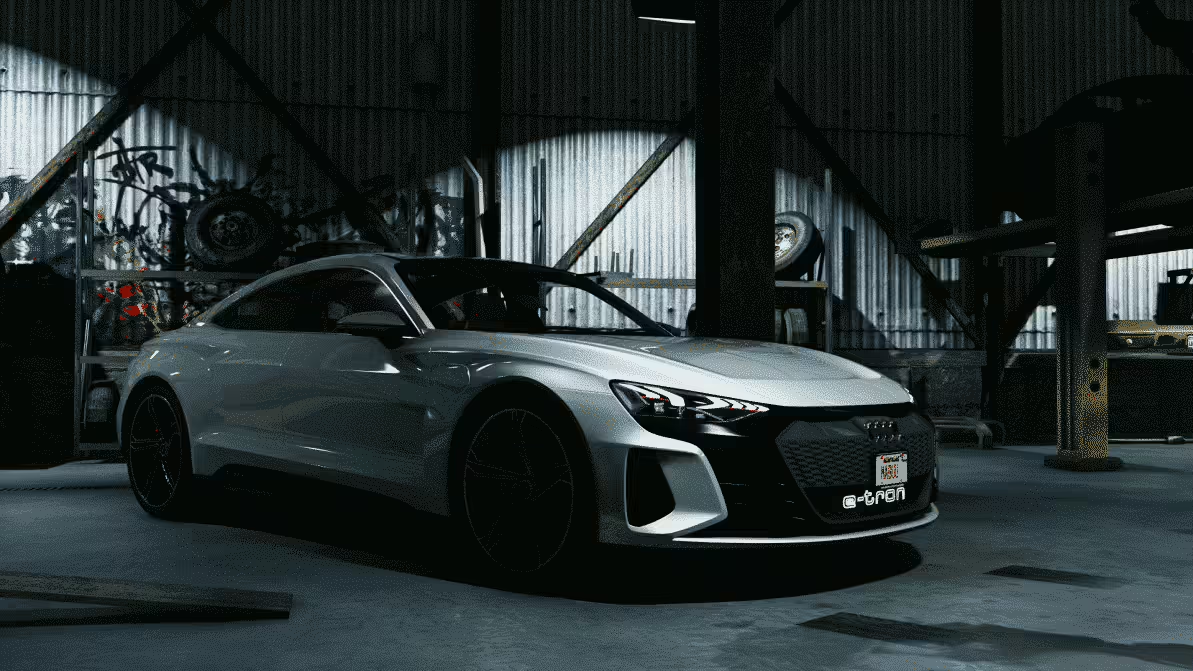
[Araç] Audi E-Tron 2018
Orijinal fiyat: $34.99.$11.99Şu andaki fiyat: $11.99. -
2021 Yüksek Hızlı Kolluk Kuvvetleri Birimleri
Orijinal fiyat: $167.99.$63.99Şu andaki fiyat: $63.99. -
2024 Whelen Legacy MEGA Paketi
Orijinal fiyat: $107.00.$59.00Şu andaki fiyat: $59.00. -
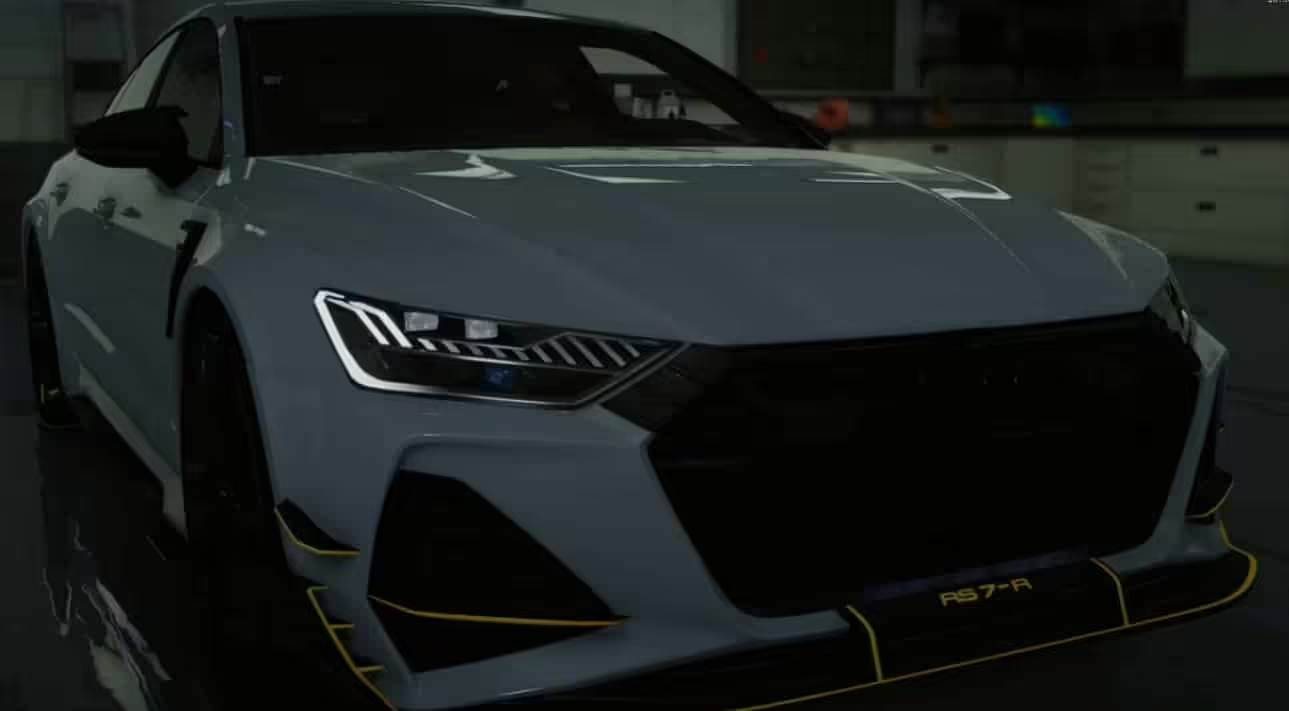
Audi RS7 R C8 ABT Animasyonlu Işıklar
Orijinal fiyat: $18.99.$9.99Şu andaki fiyat: $9.99. -
BaddBlood Araç Paketi
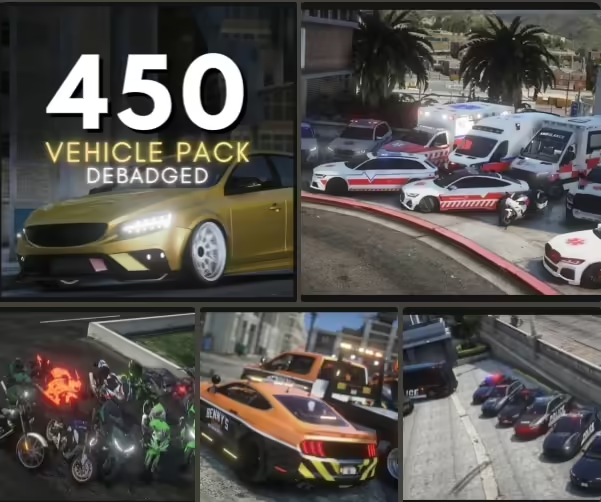
Orijinal fiyat: $115.99.$41.99Şu andaki fiyat: $41.99. -
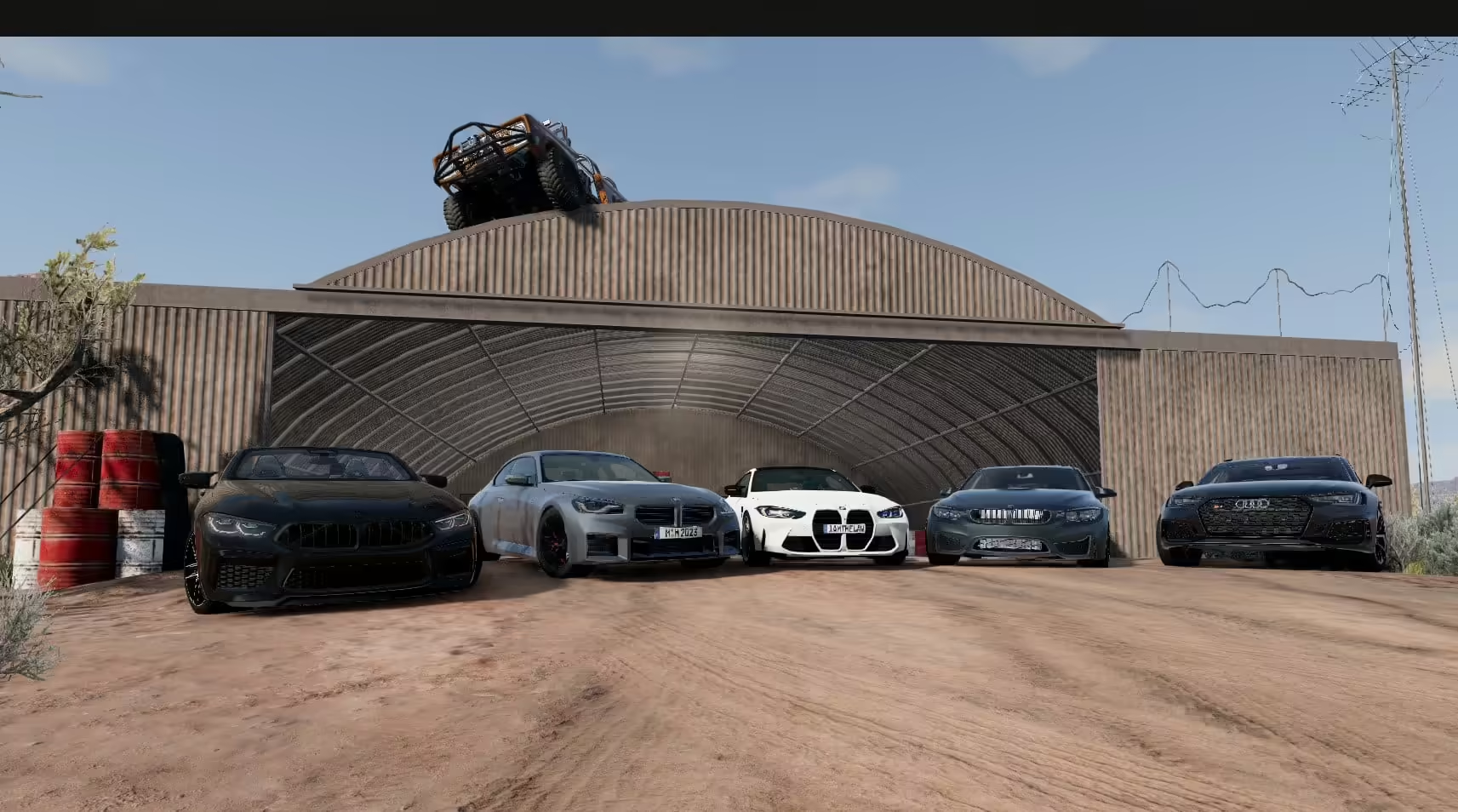
BeamNG Araç Paketi
Orijinal fiyat: $115.99.$57.99Şu andaki fiyat: $57.99. -
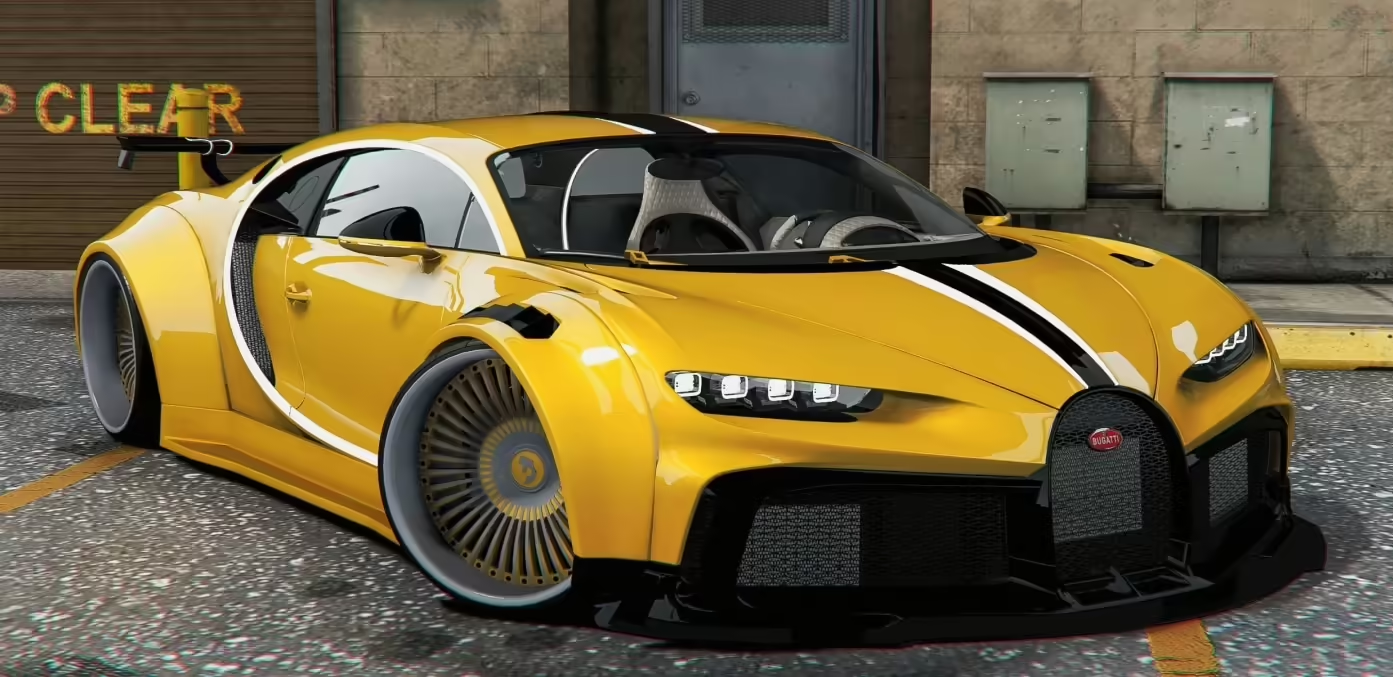
Bugatti Chiron (Dörtlü Turbo)
Orijinal fiyat: $14.00.$5.00Şu andaki fiyat: $5.00. -
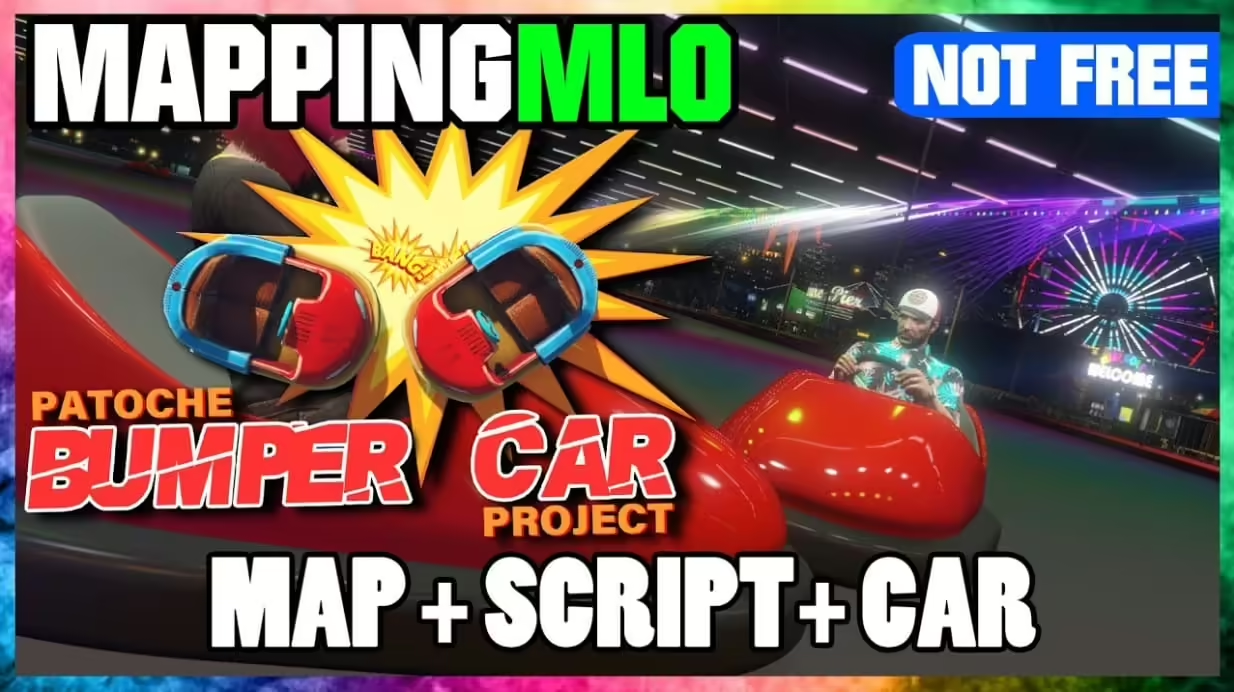
Tampon Araba (Tam Paket | HARİTA + SENARYO + ARAÇ)
Orijinal fiyat: $33.99.$18.99Şu andaki fiyat: $18.99. -
Araba Müzayedesi MLO
Orijinal fiyat: $77.99.$33.99Şu andaki fiyat: $33.99.