







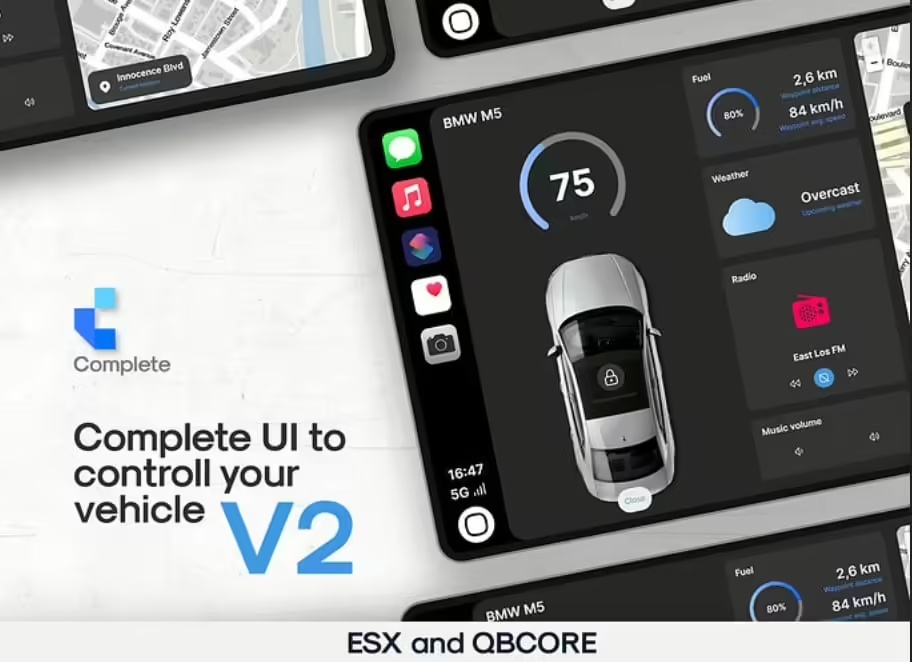
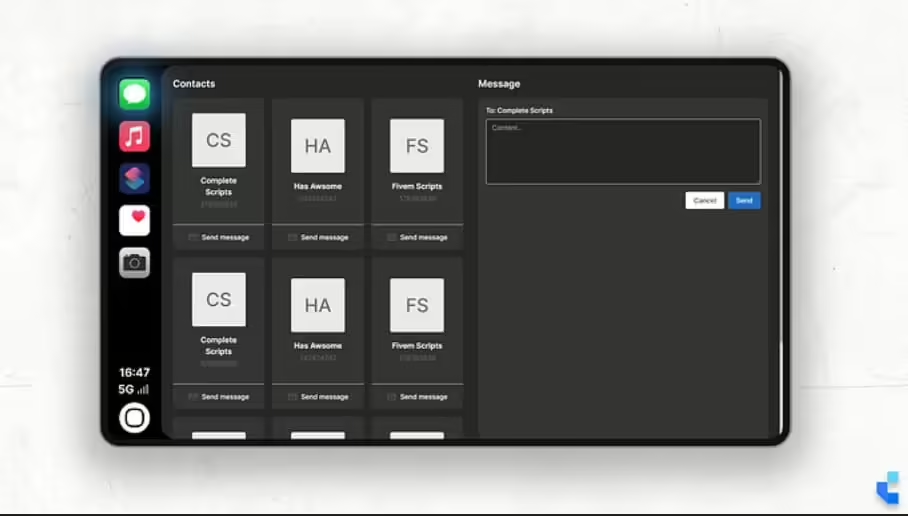
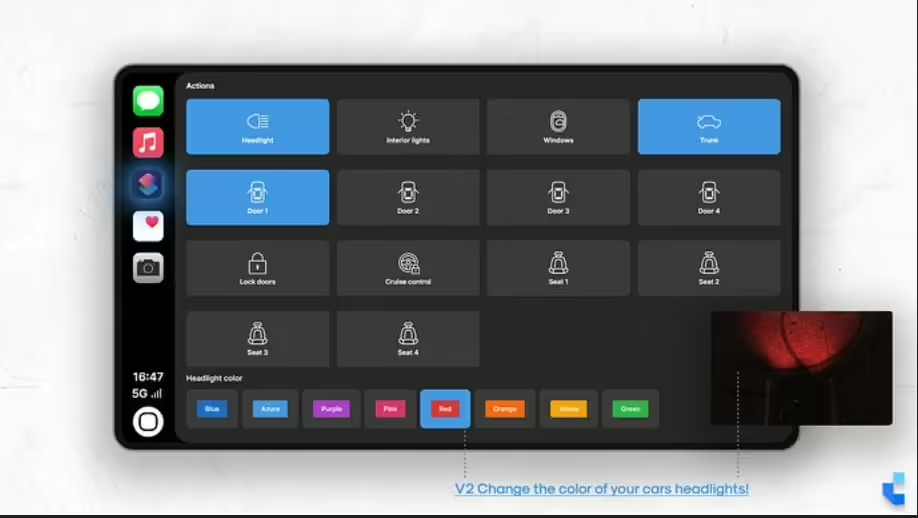
![AV Araç Mağazası [QB,ESX,CF] FiveM kaynak önizlemesi](https://cdn.fivemx.com/wp-content/uploads/2024/02/av-vehicleshop-jpg-500x375.avif)

### Gereksinimleri
– ESX
– esx_araçshop
– esx_mekanik işi
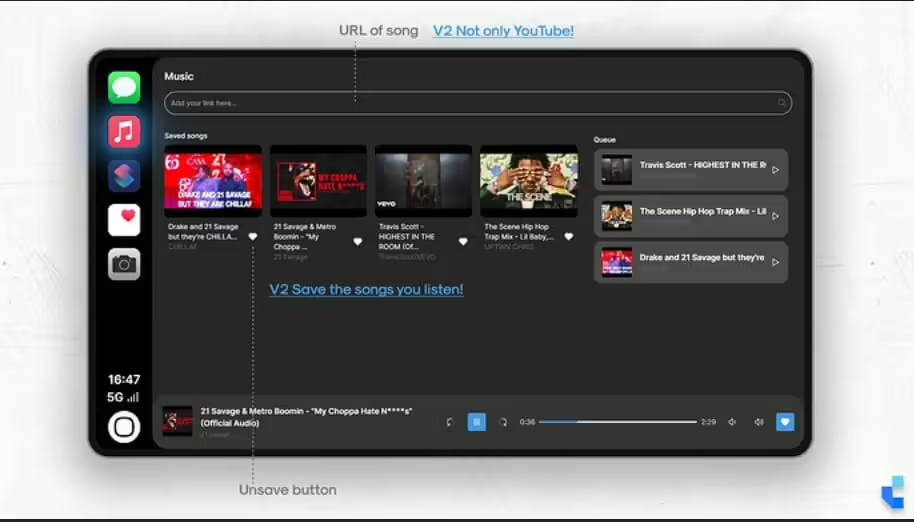
– xSound (github'da ücretsiz / [https://github.com/Xogy/xsound])
### Kurulum
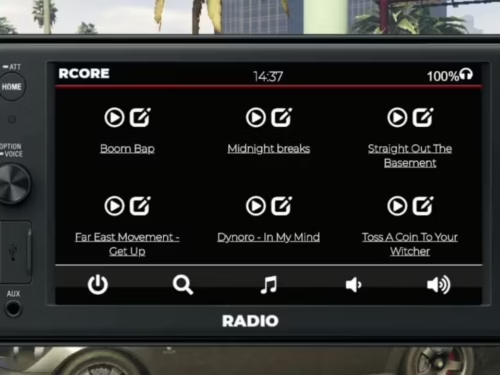
1) complete_carplay'i `resources` sunucu klasörünüze sürükleyip bırakın.
2) Yapılandırma dosyasını yapılandırın.
3) SQL dosyasını veritabanınıza aktarın.
4) Gereksinimleri kurun ve sağlayın.
5) gcphone'a dışa aktarmayı ekleyin (aşağıya bakın)
6) Sunucu yapılandırmanıza `start complete_carplay` komutunu ekleyin.
### GCPhone dışa aktarma
1) Açık gc telefonu dosya
2) `fxmanifest.lua`yı açın
3) Dosyanın en altına şunu ekleyin: `export {'sendMessage'}`
### Vitrin
– https://youtu.be/BE69t2cHunQ
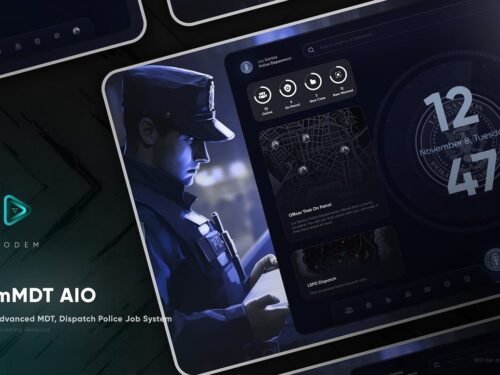
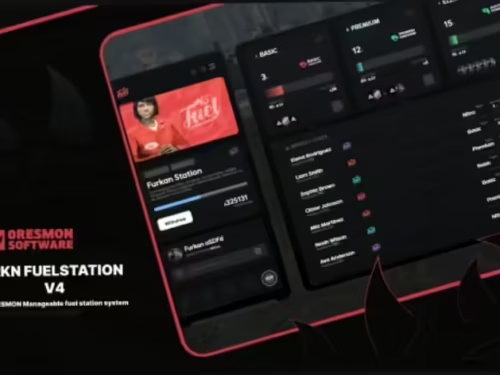
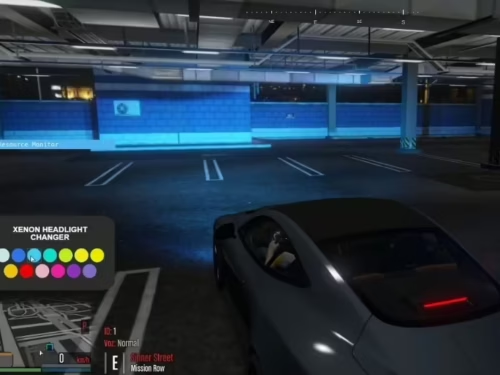
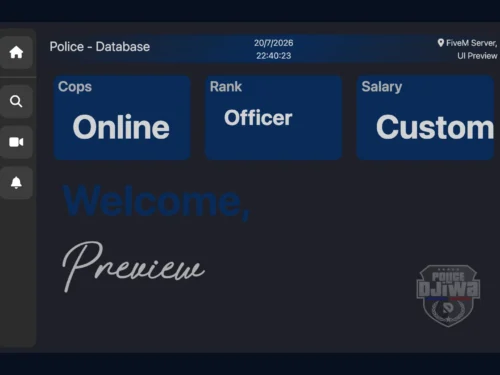
ViperChris385 (doğrulanmış kullanıcı) –
Great resource with a polished design. It fits our server well and required very little customization.
Marquis (doğrulanmış kullanıcı) –
Thank you guys for this amazing creation! Absolutely mind-blowing!
Misty (doğrulanmış kullanıcı) –
great
Kristofer (doğrulanmış kullanıcı) –
Been using it for a while, I usually don’t write a review but this time I am truly convinced to write.
Bonita (doğrulanmış kullanıcı) –
gta rp best
Easton (doğrulanmış kullanıcı) –
Everything is well organized and easy to edit. Even small details can be customized without changing the core files.
GhostJason511 (doğrulanmış kullanıcı) –
I want to say thanks to the support team for helping with my continuously silly questions, you’re the best!
MightyJana (doğrulanmış kullanıcı) –
Harika esnekliğe sahip harika bir ürün. Müşteri desteği harika. Hiç şüphesiz tavsiye ederim.
Alene (doğrulanmış kullanıcı) –
I had a compatibility problem with [framework/resource], and the support team helped me fix it immediately.