







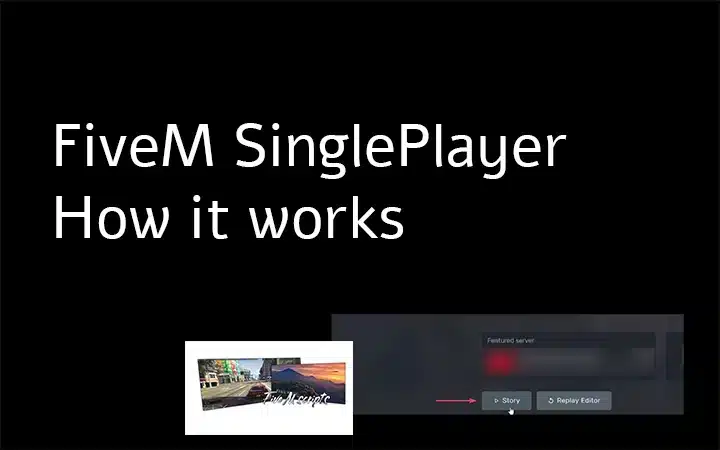
Use GTA V Story Mode for ordinary offline play and a private FXServer when you need to test FiveM resources alone. They are different runtimes. A Story Mode mod does not automatically work as a FiveM resource, and a server script normally needs FXServer even when only one person joins.
Reviewed 9 August 2026 against the official Cfx.re FiveM installation guide, sunucu kurulum kılavuzu Ve txAdmin setup documentation.
Choose the right mode
| Hedef | En uygun olan | Important limit |
|---|---|---|
| Play GTA V’s campaign offline | GTA V Story Mode | It does not run FiveM server resources. |
| Explore a FiveM environment alone | A server that permits solo play | The server owner controls its resources and rules. |
| Develop or test a resource privately | Local/private FXServer | You still need the resource’s dependencies and configuration. |
Install the client from the official source
Keep a legitimate, updated GTA V installation and install FiveM through the official client path. Do not mix unknown injectors, GTA Online cheat tools or random repacks into the test setup. If the client fails before connecting, reproduce with a clean GTA V/FiveM setup first.
Create a private solo test server
- Follow the current Cfx.re server setup instructions for the operating system.
- Start txAdmin and create a separate test profile rather than changing production data.
- Bind the server only as broadly as the test requires. Add authentication or firewall restrictions before exposing it outside the local machine.
- Install one resource with its documented dependencies and database migration.
- Add the resource to the server configuration, restart, and join through the local/private endpoint.
A txAdmin recipe is a deployment starting point, not proof that every bundled dependency or community resource is current. Record the recipe and artifact versions so the test can be repeated.
Understand resource compatibility
FiveM resources can depend on a framework, database, inventory, target system, game build or other resources. Read fxmanifest.lua and the creator’s documentation before starting. Files made only for Story Mode, OpenIV or ScriptHook cannot be treated as server resources without an authorized FiveM implementation.
Run a useful solo test
- Use a fresh character and a known database state.
- Test resource start, stop and restart as well as a full server restart.
- Reconnect and repeat the main action after clearing only resource-specific test state.
- Open the F8 console and review the server console for warnings and errors.
- Test failure paths such as missing permissions, missing items and invalid input.
Solo testing catches packaging and basic logic faults. It cannot prove performance, synchronization, race conditions or permission boundaries under multiple players. Move successful changes to a separate staging server before production.
Keep the test reversible
Version the resource and configuration, back up the test database before migrations, and change one variable at a time. If a resource breaks startup, remove its ensure line, restore the prior files and database state, and reproduce from the last known-good version.