



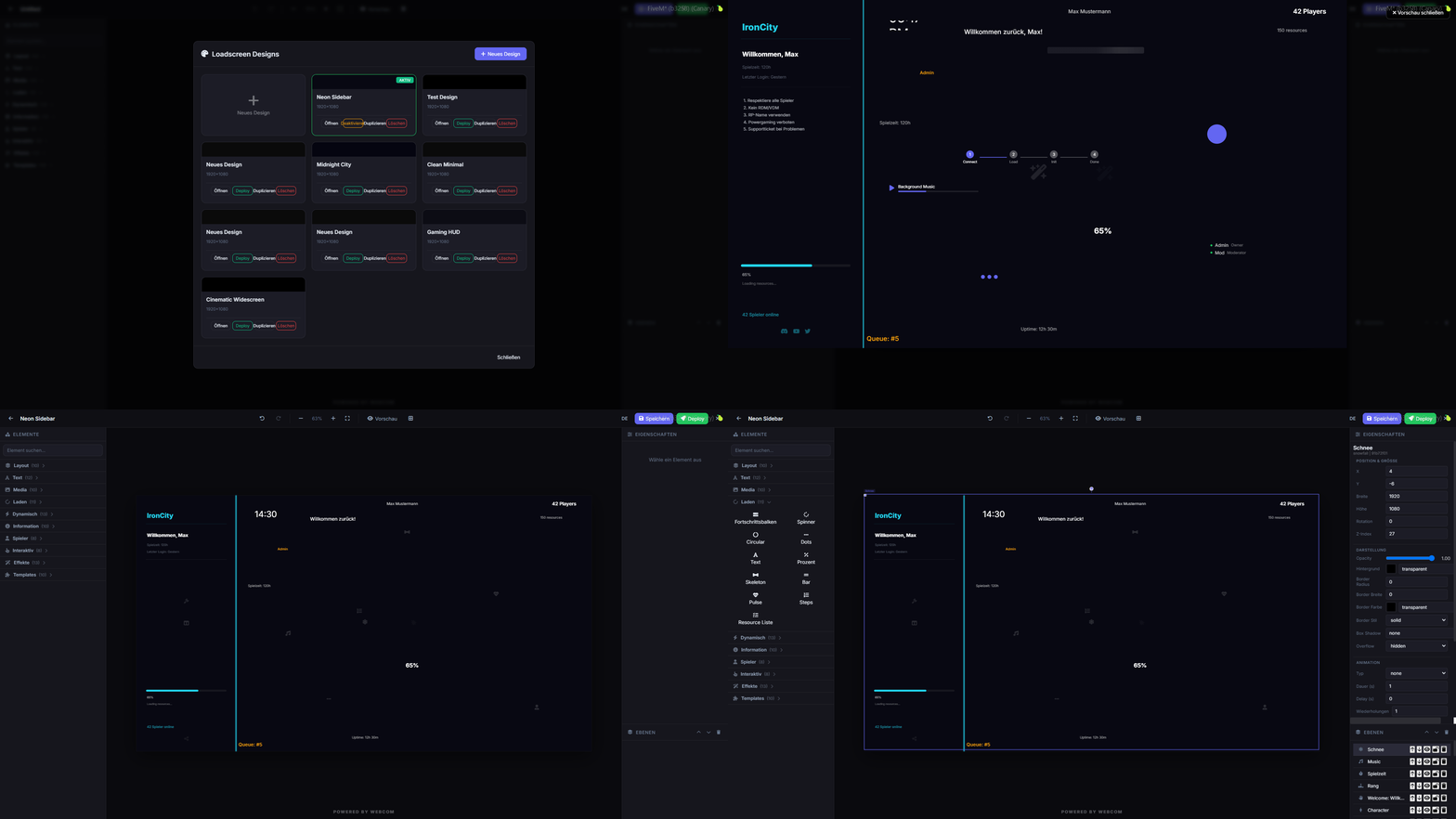
Customize your FiveM loading screens with an in-game editor and media manager.
Preview
Overview
webcom Loadscreen offers a robust in-game solution for designing and managing your FiveM loading screens. Eliminate the need for external tools and streamline your customization process.
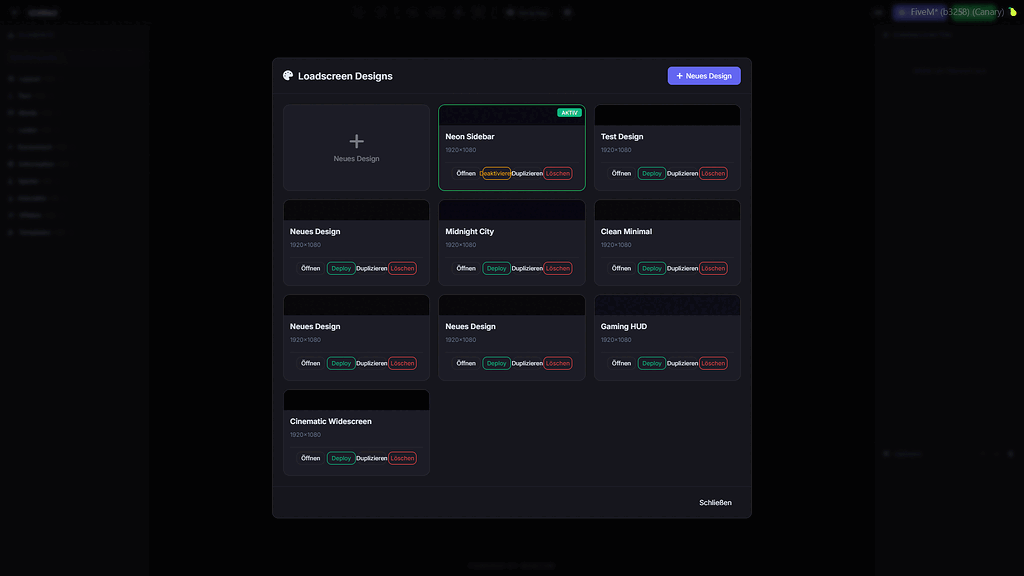
This script allows for real-time deployment and deactivation of custom loading screen designs directly from within the game. It also features a built-in media manager for easy audio and video uploads.
Key Features
- In-game loadscreen editor accessible via command.
- Store loadscreen designs in a database.
- Deploy and deactivate designs instantly.
- Integrated media manager for audio and video.
- Supports collaborative editing for multiple users.
- Automatic SQL table creation, no manual setup needed.
Requirements and Compatibility
- Flexible permission system, usable standalone or with dashboard integration.
- Configurable for simple standalone permissions.
- Fully functional in standalone mode.
Installation
- Download the resource through the reviewed download button.
- Review the included files and configuration notes.
- Extract the resource and place it in the correct FiveM server resources folder.
- Add the resource to server.cfg when the release includes a resource folder.
- Restart and test on a staging server before using it live.