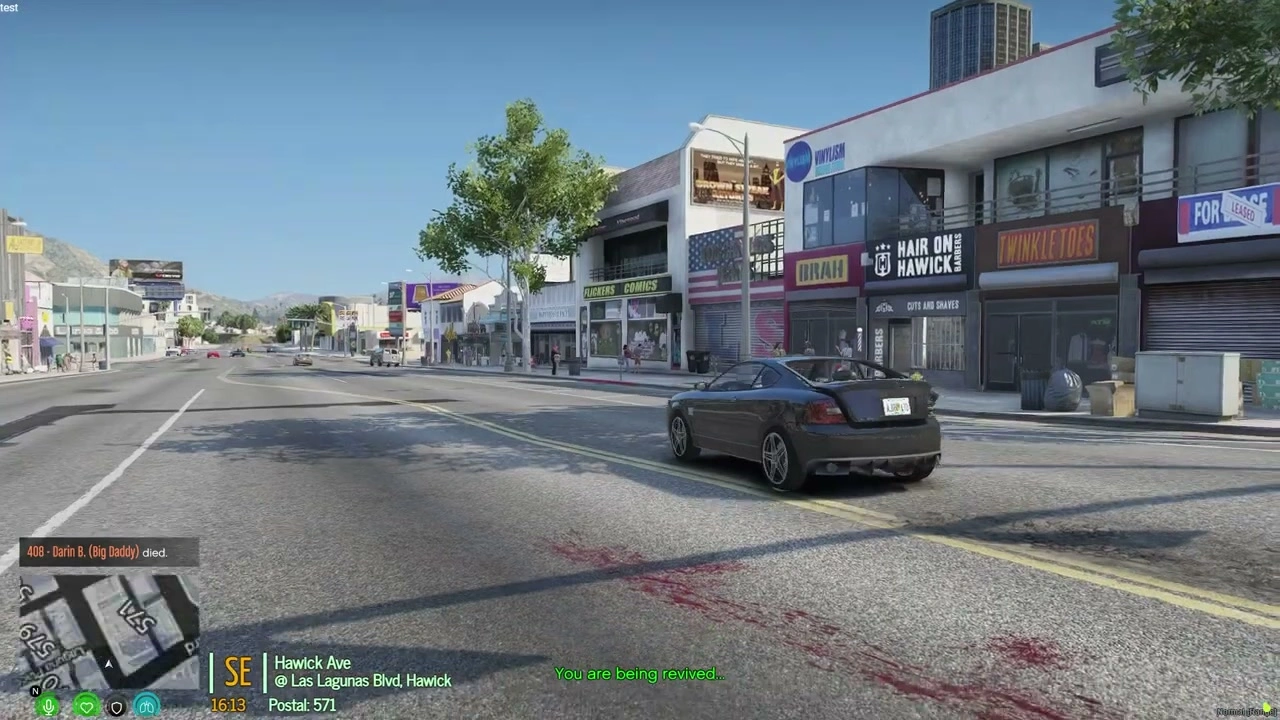
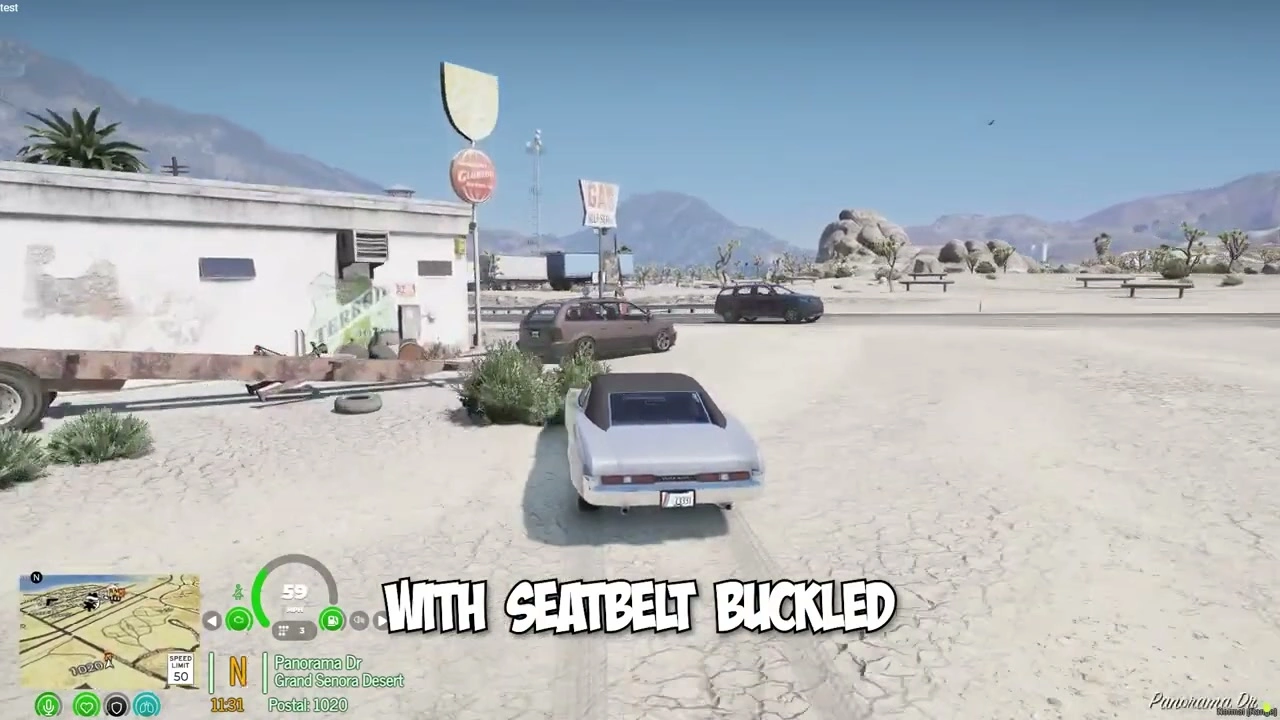
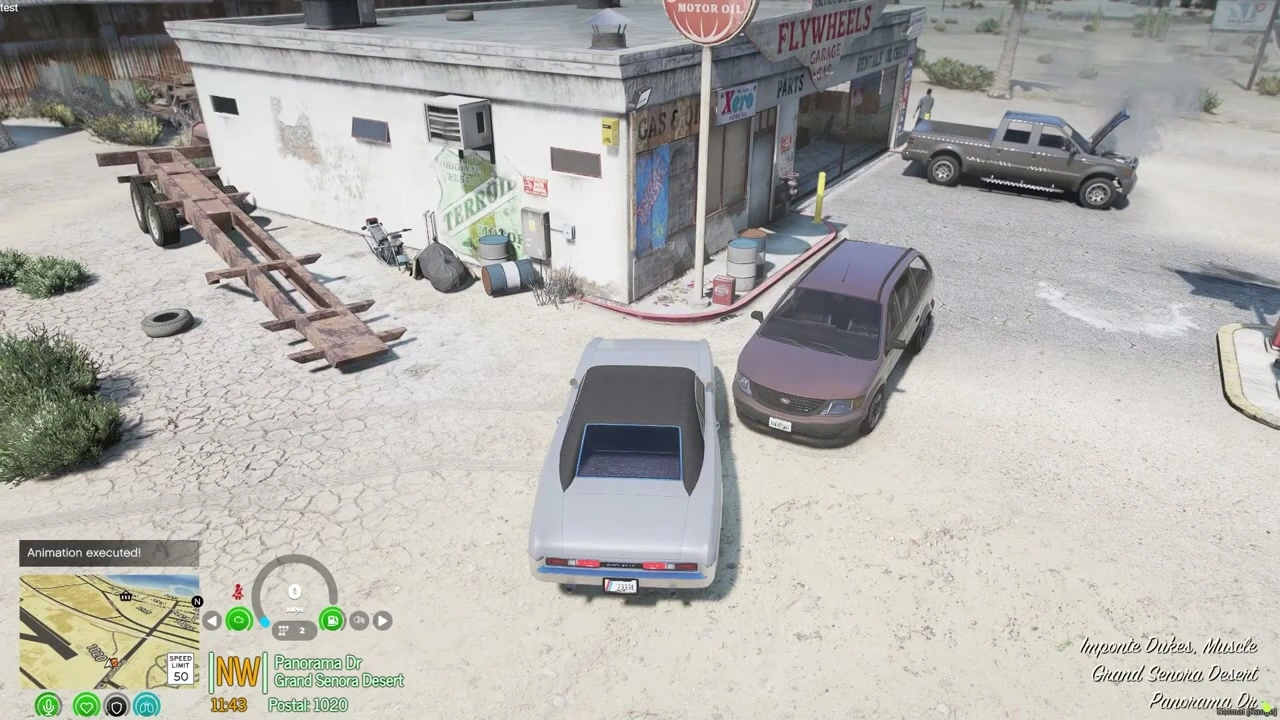
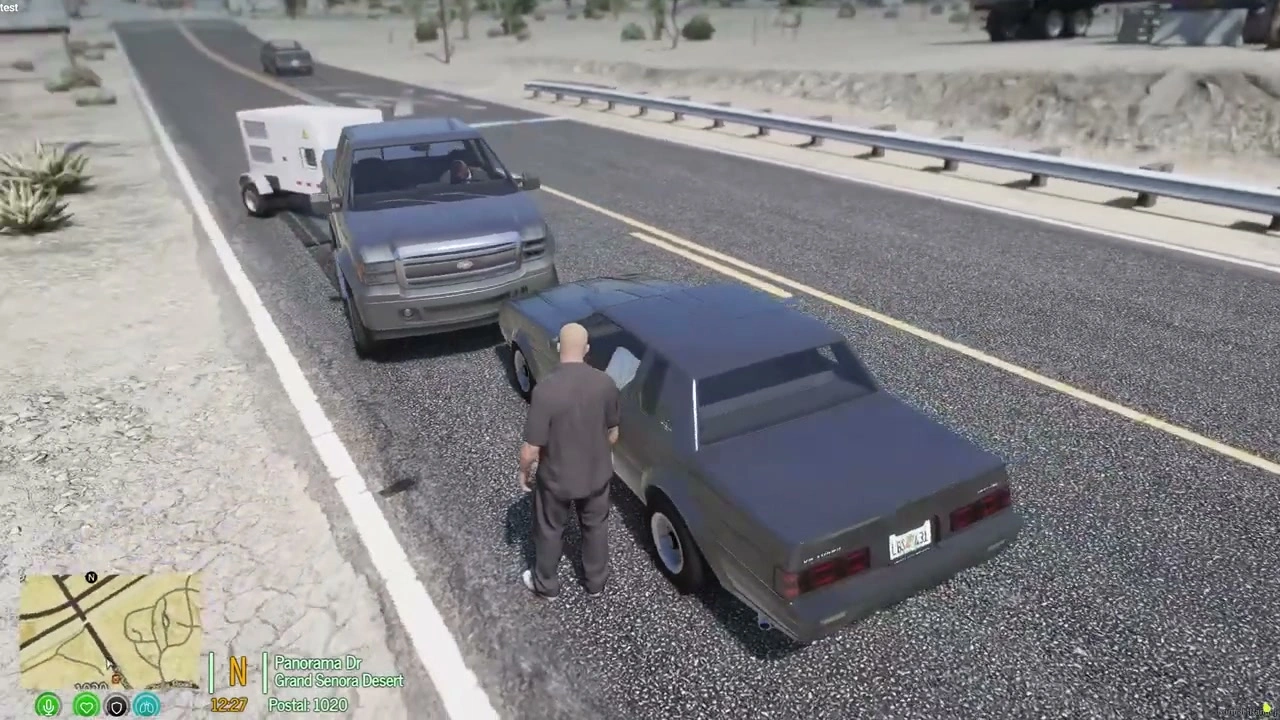
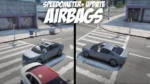








Airbags Script – Realistic Vehicle Safety System for FiveM
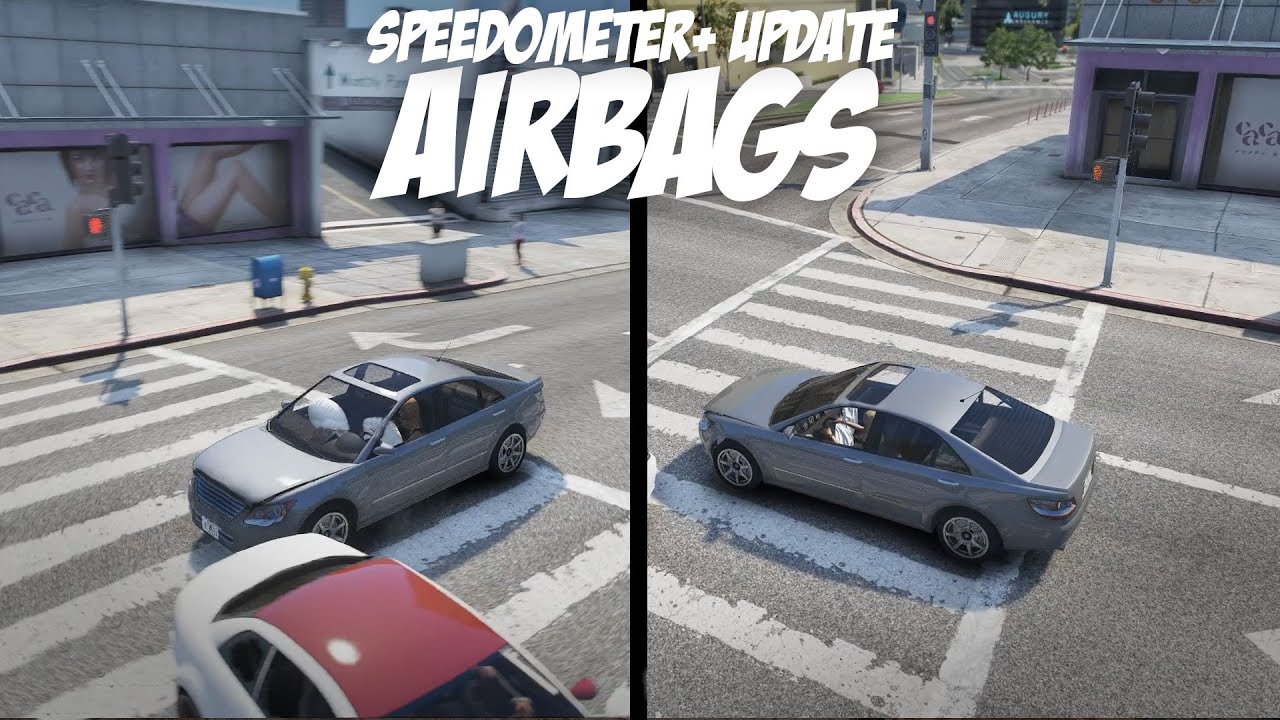
Add authentic crash realism to your FiveM server with this dedicated airbag deployment system. When vehicles collide, airbags deploy automatically and deflate realistically â just like real-world safety systems. This standalone script brings immersive vehicle safety mechanics to your server without requiring a full speedometer resource. Compatible with ESX, QBCore, and standalone frameworks.
What It Does
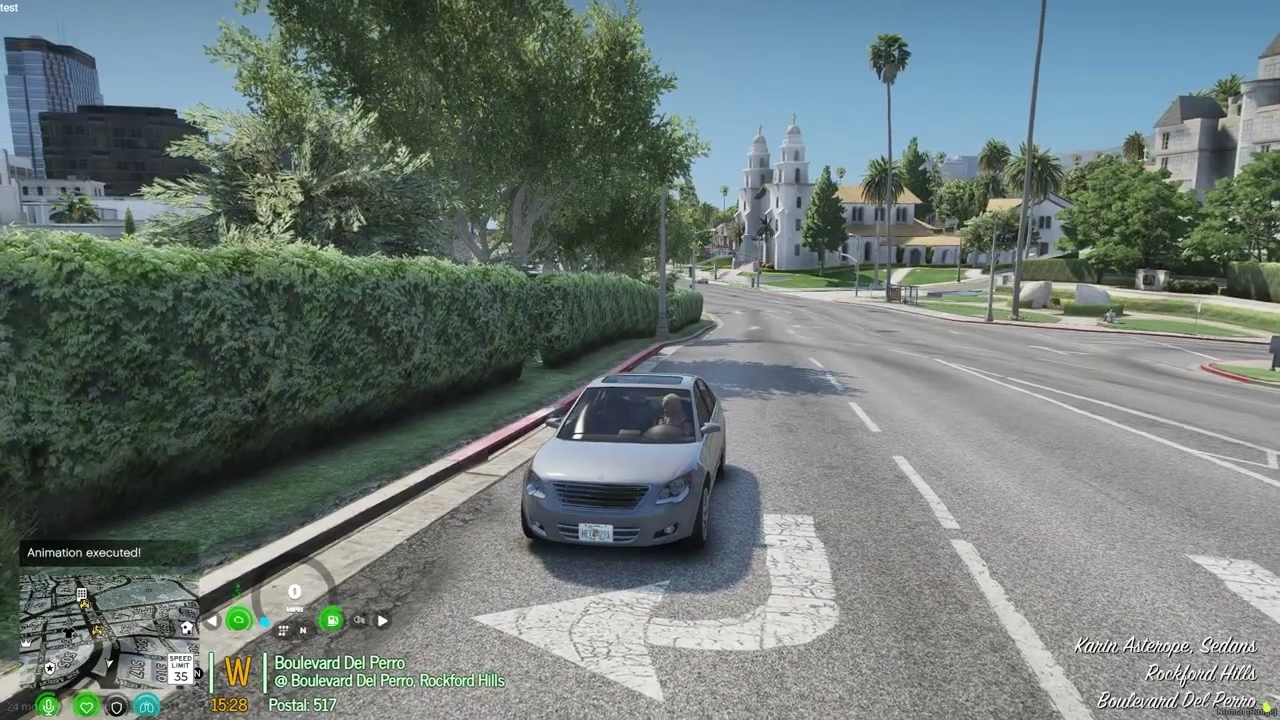
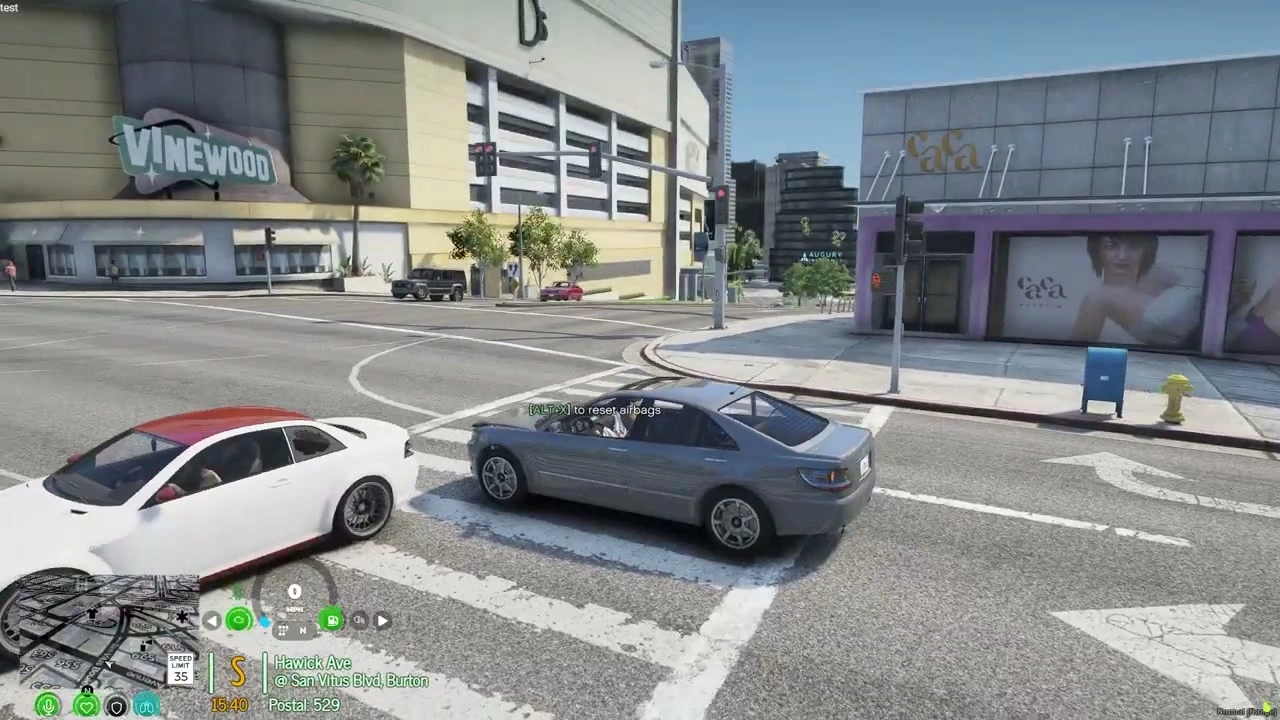
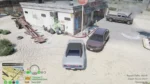
This script detects vehicle collisions and automatically triggers airbag deployment animations. After deploying, airbags deflate naturally over a few seconds. Players can also manually reset airbags using a customizable keybind, perfect for roleplay scenarios or testing. Simple, lightweight, and effective.
Key Features
- Automatic Deployment – Airbags deploy when collision force exceeds threshold. Sensitive enough to trigger on significant impacts but won’t activate from minor bumps.
- Realistic Deflation – After deployment, airbags deflate gradually just like real vehicles. Timing is configurable to match your server’s realism level.
- Manual Reset – Customizable keybind allows players to reset airbags after deployment. Useful for mechanics, crash testing, or continuing after accidents.
- Performance Optimized – Minimal resource usage, runs efficiently even with many vehicles spawned. No noticeable performance impact.
- Customizable Threshold – Adjust collision sensitivity in config to determine when airbags deploy. Set higher for only severe crashes or lower for increased sensitivity.
Perfect For
- Roleplay servers wanting realistic vehicle crash mechanics
- Racing servers where collision safety adds immersion
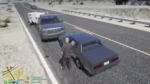
- Law enforcement scenarios involving traffic accidents
- EMS roleplay requiring accident response realism
- Servers that don’t need a full speedometer but want airbag functionality
Important Note
Already have Speedometer+? This exact functionality is included in the Speedometer+ resource. If you own or plan to purchase Speedometer+, you don’t need this standalone airbag script â it’s already built into that system. This standalone version is for servers that want airbags without a full speedometer UI.
How It Works
- Player drives vehicle normally
- Collision occurs with sufficient force
- Script detects impact and calculates severity
- If threshold met, airbag deployment animation triggers
- Airbags remain inflated briefly then deflate automatically
- Player can manually reset using keybind to re-enable airbags
Configuration Options
- Deployment Threshold – Set collision force required to trigger airbags (adjustable for realism vs gameplay)
- Deflation Timer – Configure how long airbags stay inflated before deflating
- Reset Keybind – Choose which key players use to manually reset airbags
- Vehicle Whitelist/Blacklist – Enable airbags for specific vehicle types or disable for certain models
- Sound Effects – Toggle deployment sound effects on/off
Roleplay Applications
- Accident Investigation – Police can note airbag deployment as evidence in crash reports
- Mechanic Repairs – Mechanics roleplay resetting airbags after collision repairs
- Insurance Claims – Deployed airbags indicate crash severity for insurance RP
- EMS Response – Paramedics assess injuries based on airbag deployment
- Vehicle Inspections – Check if airbags are functional during safety inspections
Technical Specifications
- Performance – 0.00-0.01ms idle, negligible impact during deployment
- Compatibility – Works with all vehicle types (cars, trucks, motorcycles where applicable)
- Framework – Standalone, no ESX or QBCore dependency required
- Conflicts – No known conflicts with other vehicle scripts
- Updates – Lightweight script means minimal update requirements
Installation
- Download and extract to your resources folder
- Configure deployment threshold and keybind in config.lua
- Add ‘start airbags-script’ to server.cfg
- Restart server and test by driving into a wall
- Adjust sensitivity as needed based on server preferences
Customization Examples
High Realism Setup – Set threshold high so only severe collisions deploy airbags. Deflation time 8-10 seconds for realistic recovery.
Arcade Style – Lower threshold deploys airbags more frequently. Quick 3-4 second deflation keeps gameplay fast.
Mechanic Roleplay – Moderate threshold with manual reset required. Forces players to visit mechanics after accidents.
Comparison: Standalone vs Speedometer+
- Standalone Airbags – This product. Only airbag functionality. Perfect if you already have a speedometer or don’t want HUD elements.
- Speedometer+ – Full speedometer UI with built-in airbag system, fuel gauge, speed display, and more. Better value if you need complete vehicle HUD.
Performance Impact
Extremely lightweight script with minimal footprint. Only activates during collision events, remaining dormant otherwise. No constant loops or checks mean zero performance drain during normal driving. Even on high-population servers with 200+ players, this script maintains excellent performance.
What You Get
- Standalone airbag deployment script
- Automatic collision detection and deployment
- Realistic deflation animations
- Customizable reset keybind
- Adjustable deployment threshold
- Configuration file for sensitivity tuning
- Installation guide
- Lifetime updates
Why Choose This
If you want airbag realism but don’t need or want a full speedometer resource, this standalone script is the perfect solution. It does one thing exceptionally well â deploy airbags realistically during collisions. No bloat, no unnecessary features, just clean airbag functionality that enhances immersion without complexity.
Add realistic crash safety to your FiveM server with the Airbags Script â simple, effective, immersive.
Airbags Script is a standalone vehicle-safety resource that deploys airbags after a collision and deflates them afterward. Players can reset the system with a configurable keybind.
Package contents
- Client and server scripts.
- A browser-based interface with sound assets.
- Included vehicle model, texture and metadata files.
- No SQL migration and no extra manifest dependency declared in the archive.
The same airbag functionality is already part of the separate Speedometer+ resource.