Home
Shop
Free Mods
Tools
Bundles
Full Servers
  1. Home
  2. Blog
  3. Troubleshooting

How to debug your FiveM server

Published on October 27, 2024·by Lars Miller(Founder & Lead Editor)·Credentials·5 min read·Updated on December 24, 2025
Troubleshooting

Running a FiveM server allows you to create a customized multiplayer experience for Grand Theft Auto V. However, like any server software, you may...

How to debug your FiveM server

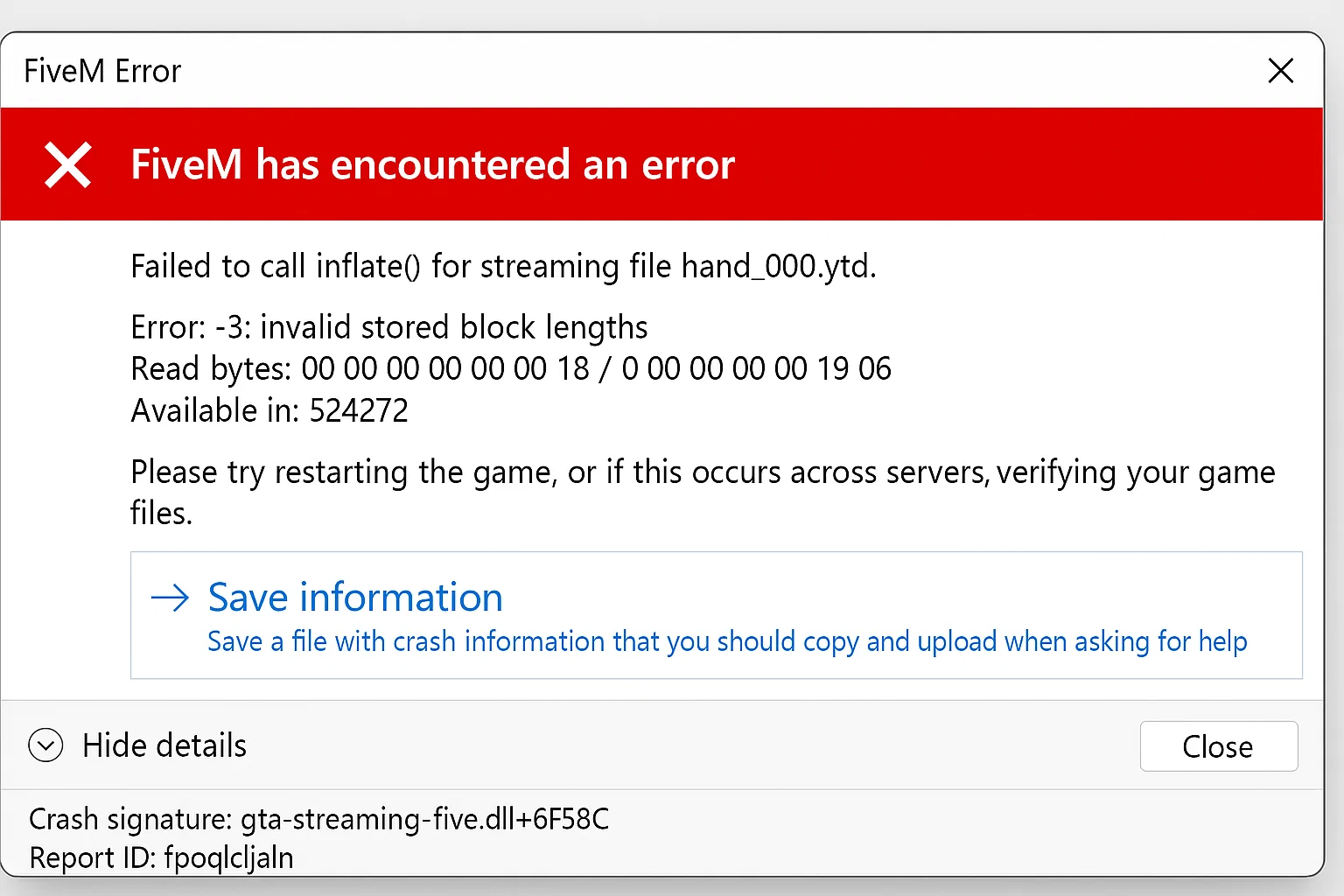
Running a FiveM server allows you to create a customized multiplayer experience for Grand Theft Auto V. However, like any server software, you may encounter issues that require debugging. This comprehensive guide will walk you through the steps to effectively debug your FiveM server, helping you identify and resolve problems to keep your server running smoothly.

  • 1. Understanding Common Issues

  • 2. Accessing Server Logs

  • 3. Enabling the Debug Mode

  • 4. Checking Resource Scripts

  • 5. Using the FiveM Console

  • 6. Validating Server Configuration

  • 7. Monitoring Server Performance

  • 8. Updating FiveM and Resources

  • 9. Seeking Community Support

  • 10. Best Practices for Server Stability

  • Conclusion

  • Additional Resources


1. Understanding Common Issues

Before debugging, it's important to understand the common issues that can affect a FiveM server:

  • Server Crashes: Sudden shutdowns due to script errors or resource conflicts.
  • Connection Issues: Players unable to connect or frequent disconnections.
  • Performance Lag: High latency, stuttering, or low FPS for players.
  • Script Errors: Malfunctioning scripts causing unexpected behavior.
  • Resource Conflicts: Incompatible resources leading to errors.

Understanding the nature of the problem will help you target your debugging efforts effectively.


2. Accessing Server Logs

Server logs are your primary resource for identifying issues.

How to Access Logs

You can find your server.log file inside your server folder (server-data directory):

FiveM server logs

The server.log file is inside your server-data folder

Analyzing Logs

  • Look for error messages or warnings.
  • Note the timestamps to correlate with reported issues.
  • Pay attention to resource names mentioned in errors.

Example Log Entry

  An unexpected error occurred: attempt to index a nil value (field 'x')

This message indicates an error in MyResource, specifically an attempt to index a nil value.


3. Enabling the Debug Mode

Debug mode provides more detailed logging information.

Enabling Debug Mode in Server.cfg

Add the following line to your server.cfg file:

set debug_mode true

Or alternatively:

se_debug

The se_debug command enables verbose logging for security features (like the ACL).

Usage: se_debug <true|false>

Useful to see why some people do or don't have access to certain commands, example output:

TEST ACL  ACE  -> ALLOW
TEST ACL  -> ALLOW

Benefits of Debug Mode

  • Verbose Logging: More detailed information in logs.
  • Script Tracebacks: Shows the call stack leading to errors.
  • Performance Metrics: Additional data on server performance.

4. Checking Resource Scripts

Faulty scripts are a common cause of server issues. You can check in-game scripts (client.lua) bugs via resmon monitor.

Identifying Problematic Resources

  • Disable all resources and enable them one by one.
  • Observe the server behavior after each resource is enabled.
  • Use logs to pinpoint which resource is causing errors.

Validating Scripts

  • Ensure all scripts are compatible with your version of FiveM.
  • Check for syntax errors or deprecated functions.
  • Update scripts to their latest versions.

Testing in a Controlled Environment

  • Use a separate test server to experiment with resource changes.
  • This prevents disrupting the main server and its players.

5. Using the FiveM Console

The FiveM console allows you to execute commands and monitor server status in real-time.

Accessing the Console

  • The console is available in the server window (command prompt or terminal).
  • Remote console access can be set up using tools like txAdmin.

Useful Console Commands

  • status: Lists all connected players.
  • restart : Restarts a specific resource.
  • refresh: Reloads the resource list.
  • quit: Safely shuts down the server.

Monitoring Live Output

  • Watch for errors or warnings as they appear.
  • Use the console to interact with the server during debugging.

6. Validating Server Configuration

Incorrect server configurations can lead to issues.

Reviewing server.cfg

  • Ensure all settings are correctly specified.
  • Check for typos or incorrect values.
  • Verify that all resource start commands are valid.

Common Configuration Issues

  • Port Conflicts: Make sure the server port is not in use by another application.
  • Authentication Problems: Verify that your Server License Key is correctly set.

Example server.cfg Entry

endpoint_add_tcp "0.0.0.0:30120"endpoint_add_udp "0.0.0.0:30120"

Ensure the endpoints are correctly configured for player connections.


7. Monitoring Server Performance

Performance issues can be caused by high resource usage.

Using Performance Metrics

  • resmon: A built-in resource monitor.

Accessing resmon

  • In-game, press F8 to open the client console.
  • Type resmon 1 to enable the resource monitor.

Interpreting resmon Data

  • CPU Usage: High usage may indicate an inefficient script.
  • Memory Usage: Large memory consumption can lead to lag.
  • Tick Time: Higher tick times can cause server stuttering.

/how-to-use-resmon-in-fivem-optimize-resources/


8. Updating FiveM and Resources

Outdated software can cause compatibility issues.

Updating FiveM Server

  • Download the latest server artifacts from the FiveM Artifacts Page. - Tutorial here
  • Replace the old files while keeping your server.cfg and resources.

Updating Resources

  • Check for updates on resource repositories (e.g., GitHub).
  • Read changelogs for compatibility notes.

Backup Before Updating

  • Always backup your server files before making updates.
  • This allows you to revert changes if issues arise.

/how-to-update-fivem-server-artifacts/


9. Seeking Community Support

Sometimes, external help is valuable.

FiveM Forums

  • Visit the FiveM Forums for community support.
  • Search for similar issues or post your own.

Providing Detailed Information

  • Include server specs, logs, and steps to reproduce the issue.
  • Mention any recent changes made before the issue occurred.

Joining Discord Communities

  • Many FiveM communities have Discord servers where you can ask for help.
  • Be respectful and follow community guidelines when seeking assistance.

10. Best Practices for Server Stability

Preventative measures can reduce future issues.

Regular Maintenance

  • Schedule routine checks of logs and performance metrics.
  • Keep your server and resources updated.

Controlled Resource Addition

  • Add new resources one at a time and monitor their impact.
  • Test new scripts in a development environment first.

Player Feedback

  • Encourage players to report issues.
  • Use feedback to identify problems you may not notice.

Documentation

  • Keep records of changes made to the server.
  • Document configurations and customizations.

Conclusion

Debugging a FiveM server involves a systematic approach to identify and resolve issues. By accessing logs, enabling debug mode, checking scripts, and using built-in tools like the console and resmon, you can pinpoint problems affecting your server. Regular maintenance, staying updated, and engaging with the community are key to maintaining a stable and enjoyable server for your players.


Additional Resources

  • FiveM Documentation
  • FiveM Server Setup Guide
  • FiveM Forums - Technical Support
Previous Article

The Ultimate Guide: Owning & Growing a Discord Server

Next Article

How it works: Using AI for FiveM coding

More on This Topic

Best QBOX Scripts 2026: Essential Resources for Your ServerFiveM Server Management: The Complete Guide from Setup to ScaleUltimate Drift Server Guide: Top Cars, Mods & Setups for FiveMCFX Server List Ranking Guide: Settings & Listing HygieneHow To Create an alt:V Server (2026 Quickstart Guide)

Turn framework research into a launch-ready script stack

Use this guide to narrow the framework decision, then move into the core commercial hubs for verified scripts, curated bundles, and a faster server launch path.

Framework hub

Browse QBCore-ready scripts

Move into the QBCore landing page to compare verified scripts, framework fit, and install-ready products built for modern FiveM servers.

Open QBCore hub

Framework hub

Review the ESX script path

Use the ESX landing page to compare framework-specific resources, launch guidance, and premium products that fit ESX-first servers.

Open ESX hub

Premium catalog

Browse premium FiveM scripts

Move from research into the main shop to compare real products, framework labels, screenshots, and production-ready quality signals.

Open premium shop

Launch faster

Compare curated bundles

Bundles shorten the path from planning to launch by grouping the highest-leverage scripts into a cleaner commercial starting point.

View bundles

Disclosure: Some links below are affiliate links to FiveMX products. We may earn a commission at no extra cost to you.

Related Articles

How to Create a Logo for Your Gaming Server or Community (2026 Guide)

How to Create a Logo for Your Gaming Server or Community (2026 Guide)

Your server logo is the first thing a potential player sees — before they read your description, check your player count, or visit your Discord.

April 4, 2026
FiveM Full Server Download: Complete Server Packs Explained (2026)

FiveM Full Server Download: Complete Server Packs Explained (2026)

Everything you need to know about FiveM full server downloads in 2026 — what they include, how to evaluate them, install them end-to-end, and what to fix after your first boot. Includes a comparison of ESX, QBCore, QBox, and vRP server packs.

April 1, 2026
How to Run a FiveM Server Using Docker: Complete Setup Guide

How to Run a FiveM Server Using Docker: Complete Setup Guide

Running a FiveM server inside Docker gives you environment consistency, simplified backups, reproducible deployments, and the ability to run multiple isolated server instances on…

April 1, 2026
Secure CheckoutInstant AccessMoney-Back GuaranteeLifetime Updates
FiveMX

Premium FiveM scripts and mods for serious server owners.

Shop

  • Shop
  • QBCore Scripts
  • ESX Scripts
  • FiveM Scripts
  • Free Mods
  • Best Scripts & Mods

Help

  • About
  • FAQ
  • Support
  • Contact
  • Account
  • Affiliate Program

Legal

  • Privacy Policy
  • Terms of Service
  • Refund Policy
  • Cookie Policy
  • GDPR Compliance
  • DMCA
  • Imprint
  • Editorial Policy
© 2026 FiveMX. All rights reserved.·support@fivemx.com

FiveMX is not affiliated with Rockstar Games, Take-Two Interactive, or CFX.re. All trademarks are property of their respective owners.

Flash Sale — Up to 19% off!Flash Sale — 19% off!Shop Now