Home
Shop
Free Mods
Tools
Bundles
Full Servers
  1. Home
  2. Blog
  3. Tutorials & Guides

How to Update FiveM Fast (Stable vs Canary Guide)

Published on May 15, 2025·by Lars Miller(Founder & Lead Editor)·Credentials·5 min read
Tutorials & Guideshow to update fivem fast (stable

You fire up FiveM ready to join your favorite roleplay server, and… boom. _'Client out of date.'_

How to Update FiveM Fast (Stable vs Canary Guide)

You fire up FiveM ready to join your favorite roleplay server, and… boom. "Client out of date."

Your buddies are already in-game, and you’re stuck on the loading screen trying to figure out why your client won't connect. It's a frustrating but common issue, especially when servers push mandatory game build updates to support new FiveM scripts and DLC vehicles.

Here’s the exact, no-fluff playbook used by seasoned players to keep the FiveM client updated in under three minutes, troubleshoot common errors, and pick the optimal build channel.

Why Updating FiveM Matters
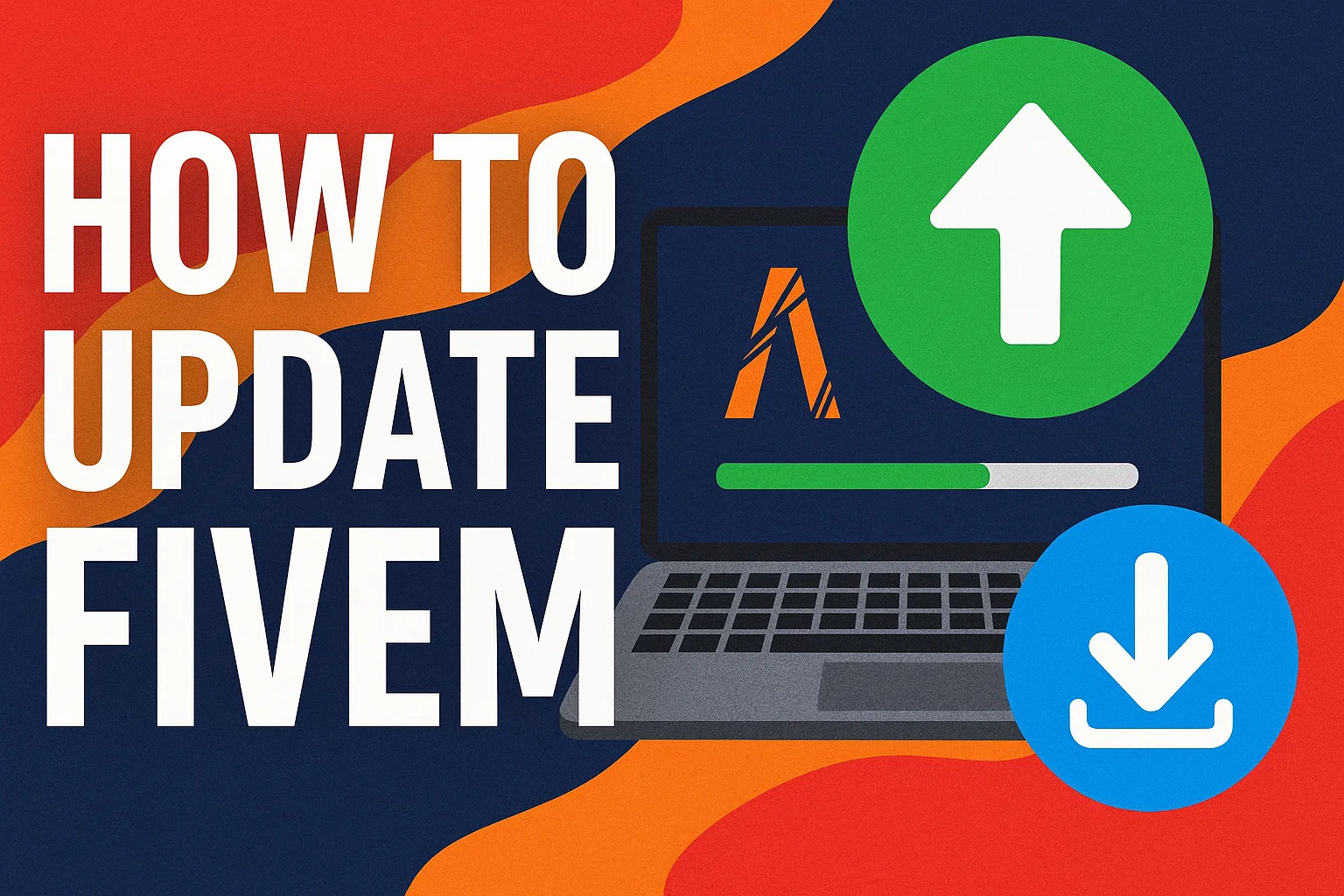
How to Update FiveM Client to Latest Version

Keeping your game client on the latest version is not optional if you want a smooth experience:

  • Server Access: Most modern servers strictly enforce the latest GTA V builds (e.g., Build 3095 or newer). If you don't update, you get kicked on connection.
  • Performance Patches: The Cfx.re team regularly releases performance improvements. Updating can slash load times, fix texture loss, and reduce random crashes.
  • Security: Old clients are vulnerable to exploits and modder attacks. Staying up to date is essential for client-side security.

The 3-Minute Standard Update Routine

In most cases, updating the game is fully automated. If your client is out of date, follow this standard procedure:

  1. Close FiveM completely. Ensure it’s completely gone from the Windows taskbar and verify FiveM.exe is not running in the Task Manager.
  2. Launch FiveM.exe again. The launcher automatically queries the official Cfx.re servers.
  3. Wait for the prompt. An update window will appear. It usually downloads an update patch that ranges from 20MB to 2GB depending on the underlying GTA V build changes.
Once the download bar completes, the client will restart itself, and you should immediately be able to connect to your target server.

Troubleshooting: Stuck on "Verifying Content"?

Sometimes the auto-updater gets confused, often hanging infinitely on "Verifying Content" or failing with a curl error. Here is the fast fix:

1. Clear Your FiveM Cache

Clearing accumulated cache data forces the updater to re-download the necessary files.

  • Press Win + R on your keyboard.
  • Type %localappdata%\FiveM\FiveM.app\data and hit Enter.
  • Delete the cache folder. (For more details, see our full guide on how to clear the FiveM cache).
  • Restart FiveM.

2. Verify Base GTA V Files

If FiveM cannot update, it may be because your base Grand Theft Auto V installation is corrupted or outdated.

  • Steam: Right-click GTA V > Properties > Installed Files > Verify integrity of game files.
  • Epic Games: Click the three dots next to GTA V > Manage > Verify.

3. Re-run the Installer

If all else fails, go to the official website and download a fresh FiveM.exe. Drop it into your existing FiveM directory and run it. It safely repairs the client without deleting your saved server history or custom FiveM settings.

Stable vs. Canary: Which Update Channel Do You Need?

FiveM offers different "update channels" representing different versions of the client software. Many advanced servers require you to switch your channel.

The "Stable" (Release) Channel

  • What it is: The default. Fully tested, strong, and heavily vetted by the community.
  • Update Frequency: Fewer updates; only major, stable milestones are pushed here.
  • Who it's for: 95% of standard players. If you simply want to log in and play RP with the lowest possible crash rate, stay on Stable.

The "Canary" (Latest) Channel

  • What it is: The beta testing branch (labeled "Latest" in the settings men, and often called "Canary" or "Unstable" on forums).
  • Update Frequency: Daily updates containing experimental code.
  • Who it's for: Server developers, bug hunters, and players on cutting-edge servers that utilize brand-new game build natives before they hit Stable.

How to Switch Update Channels

  1. Open your FiveM client to the main menu.
  2. Click the gear icon (Settings) in the top right.
  3. Locate the Update Channel drop-down.
  4. Select Release (for Stable) or Latest (for Canary).
  5. The client will immediately prompt for a restart, download the corresponding patch files, and reboot in the new channel.

Note: If the user interface is completely bugged, you can force the channel manually. Press Win + R, navigate to %localappdata%\FiveM\FiveM.app, open CitizenFX.ini in Notepad, and add UpdateChannel=canary or UpdateChannel=production.

Pro Tips to Dodge Update Headaches

  • Pin the installer: Keep the original FiveM.exe shortcut on your desktop. It functions as both the launcher and the updater.
  • Avoid third-party boosters: Utilities claiming to "Boost FiveM FPS" or update the game faster often corrupt game state files. Let the official launcher do its job.
  • Whitelist in Antivirus: After major client updates, FiveM modifies its core .dll files. Overzealous Windows Defender or third-party AV software might flag these as false positives. Consider adding a folder whitelist for the FiveM application directory to prevent unexpected crashes.

Frequently Asked Questions

Does updating FiveM change my GTA Online installation?

No. FiveM operates in strict isolation from your root GTA V directory. It uses your game files as a base but stores all modified and updated files in %localappdata%\FiveM. Your vanilla install—and your ability to play GTA Online—remains totally untouched and perfectly safe.

Should I manually check for updates?

You don't need to manually check. The client pings the server network securely on startup. If you are on the Canary build, expect this to happen almost every day.

Why is my server requiring a new game build?

Sometimes, server owners upgrade the server-side architecture to use DLC content (like The Chop Shop or Bottom Dollar Bounties update). To connect, your client must be running a compatible game build, which requires a prompt channel update.

Frequently Asked Questions

Does updating FiveM change my GTA Online installation?

No. FiveM operates in strict isolation from your root GTA V directory. It uses your game files as a base but stores all modified and updated files in %localappdata%\FiveM. Your vanilla install—and your ability to play GTA Online—remains totally untouched and perfectly safe.

Should I manually check for updates?

You don't need to manually check. The client pings the server network securely on startup. If you are on the Canary build, expect this to happen almost every day.

Why is my server requiring a new game build?

Sometimes, server owners upgrade the server-side architecture to use DLC content (like The Chop Shop or Bottom Dollar Bounties update). To connect, your client must be running a compatible game build, which requires a prompt channel update.

Previous Article

Best QBCore Settings – Ultimate Guide

Next Article

Why Open Source: Transparency, Safety, Community

More on This Topic

How to Set Up a Discord Whitelist for Your FiveM Server (2026 Guide)FiveM HUD Scripts Troubleshooting FAQ: 12 Common Issues FixedHow to Set Up a FiveM GTA RP Server (2026) — Complete Step-by-Step GuideHow To Vibe-Code a FiveM ScriptHow To Create FiveM MLOs: Complete Tutorial

Turn framework research into a launch-ready script stack

Use this guide to narrow the framework decision, then move into the core commercial hubs for verified scripts, curated bundles, and a faster server launch path.

Framework hub

Browse QBCore-ready scripts

Move into the QBCore landing page to compare verified scripts, framework fit, and install-ready products built for modern FiveM servers.

Open QBCore hub

Framework hub

Review the ESX script path

Use the ESX landing page to compare framework-specific resources, launch guidance, and premium products that fit ESX-first servers.

Open ESX hub

Premium catalog

Browse premium FiveM scripts

Move from research into the main shop to compare real products, framework labels, screenshots, and production-ready quality signals.

Open premium shop

Launch faster

Compare curated bundles

Bundles shorten the path from planning to launch by grouping the highest-leverage scripts into a cleaner commercial starting point.

View bundles

Disclosure: Some links below are affiliate links to FiveMX products. We may earn a commission at no extra cost to you.

Related Articles

Eliminate Annoying Delays: Optimize FiveM Server Loading ...

Eliminate Annoying Delays: Optimize FiveM Server Loading ...

Learn how to optimize FiveM server loading times by managing resources, using efficient mods, and choosing the right server host to eliminate annoying delays.

September 3, 2024
FiveM & GTA 6: What We Know, What Changes, and How to Prepare

FiveM & GTA 6: What We Know, What Changes, and How to Prepare

With GTA 6 launching in late 2026, every FiveM server owner is asking: what happens next? Here's everything we know about FiveM's future, GTA 6 modding possibilities, and how to prepare your server.

March 4, 2026
Best FiveM Server Hosting 2025: Performance Guide

Best FiveM Server Hosting 2025: Performance Guide

Ready to get your FiveM server running like a champ? Dive into our 2025 comparison to find the perfect host that balances unbeatable uptime, lightning‑fast performance, and pocket‑friendly pricing, al

March 24, 2025
Secure CheckoutInstant AccessMoney-Back GuaranteeLifetime Updates
FiveMX

Premium FiveM scripts and mods for serious server owners.

Shop

  • Shop
  • QBCore Scripts
  • ESX Scripts
  • FiveM Scripts
  • Free Mods
  • Best Scripts & Mods

Help

  • About
  • FAQ
  • Support
  • Contact
  • Account
  • Affiliate Program

Legal

  • Privacy Policy
  • Terms of Service
  • Refund Policy
  • Cookie Policy
  • GDPR Compliance
  • DMCA
  • Imprint
  • Editorial Policy
© 2026 FiveMX. All rights reserved.·support@fivemx.com

FiveMX is not affiliated with Rockstar Games, Take-Two Interactive, or CFX.re. All trademarks are property of their respective owners.

Flash Sale — Up to 19% off!Flash Sale — 19% off!Shop Now