


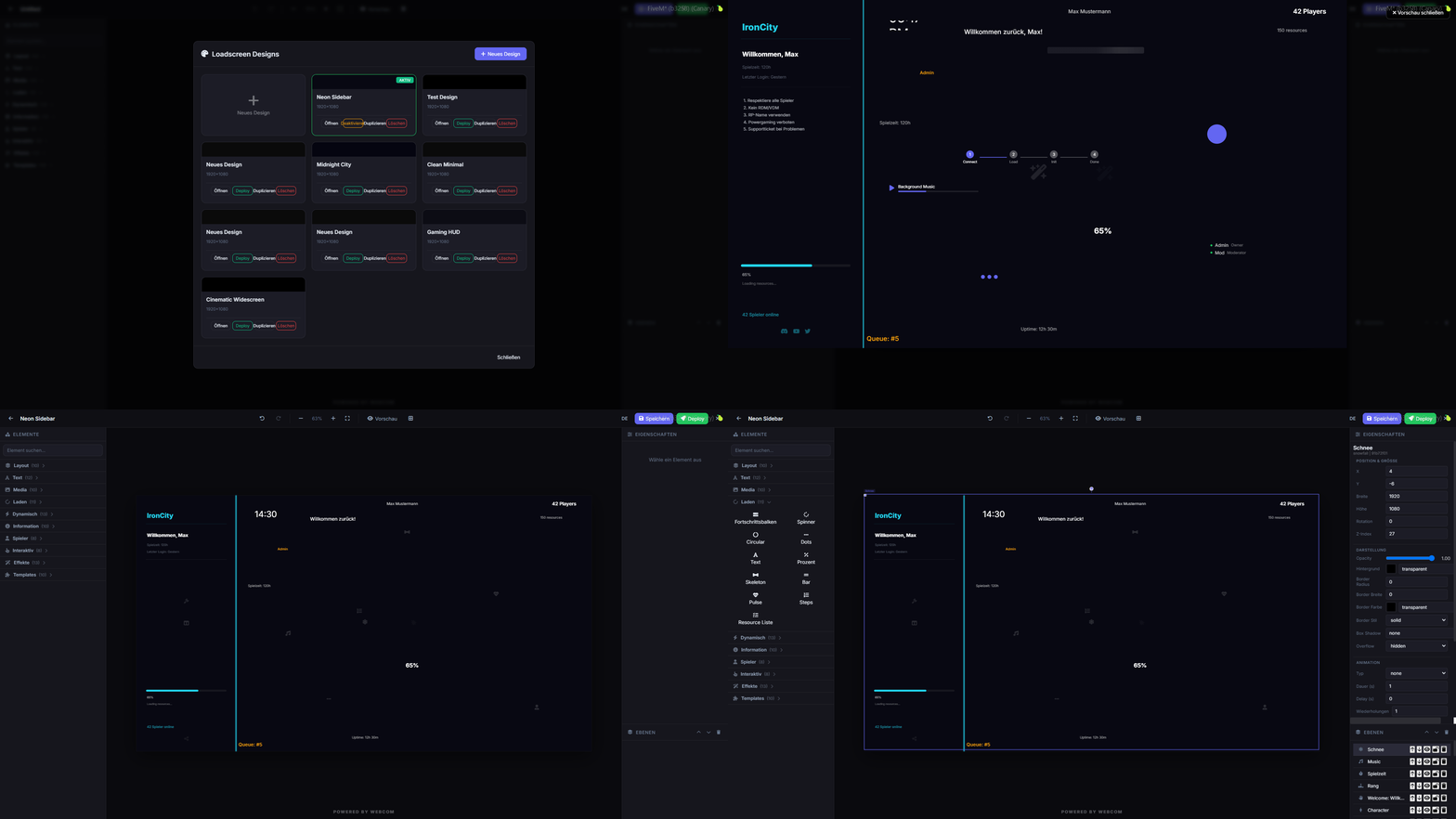
Customize your FiveM loading screens with an in-game editor and media manager.
Avance
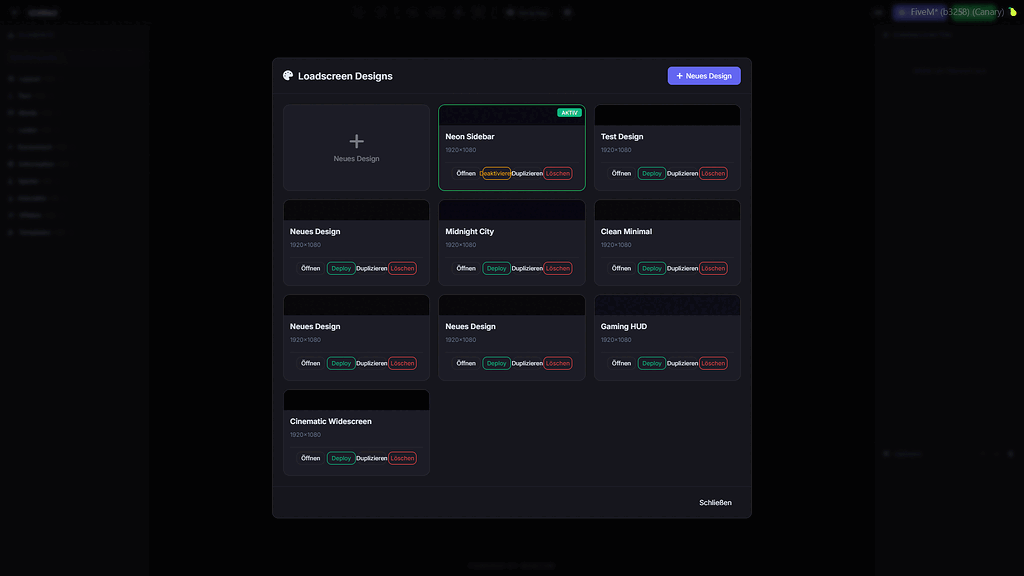
Descripción general
webcom Loadscreen offers a robust in-game solution for designing and managing your FiveM loading screens. Eliminate the need for external tools and streamline your customization process.
This script allows for real-time deployment and deactivation of custom loading screen designs directly from within the game. It also features a built-in media manager for easy audio and video uploads.
Características principales
- In-game loadscreen editor accessible via command.
- Store loadscreen designs in a database.
- Deploy and deactivate designs instantly.
- Integrated media manager for audio and video.
- Supports collaborative editing for multiple users.
- Automatic SQL table creation, no manual setup needed.
Requisitos y Compatibilidad
- Flexible permission system, usable standalone or with dashboard integration.
- Configurable for simple standalone permissions.
- Fully functional in standalone mode.
Instalación
- Descarga el recurso a través del botón de descarga revisado.
- Revise los archivos incluidos y las notas de configuración.
- Extrae el recurso y colócalo en la carpeta correcta de recursos del servidor FiveM.
- Agrega el recurso a server.cfg cuando la versión incluya una carpeta de recursos.
- Reinicia y prueba en un servidor de prueba antes de usarlo en vivo.