







wais eHUD – Modern QBCore HUD Interface
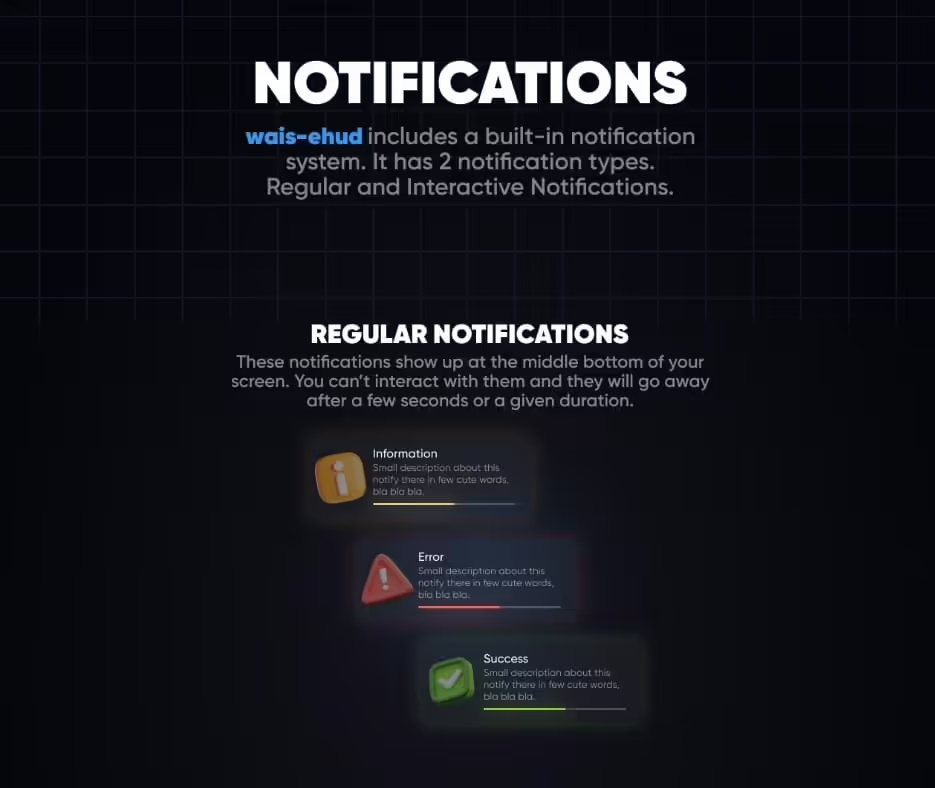
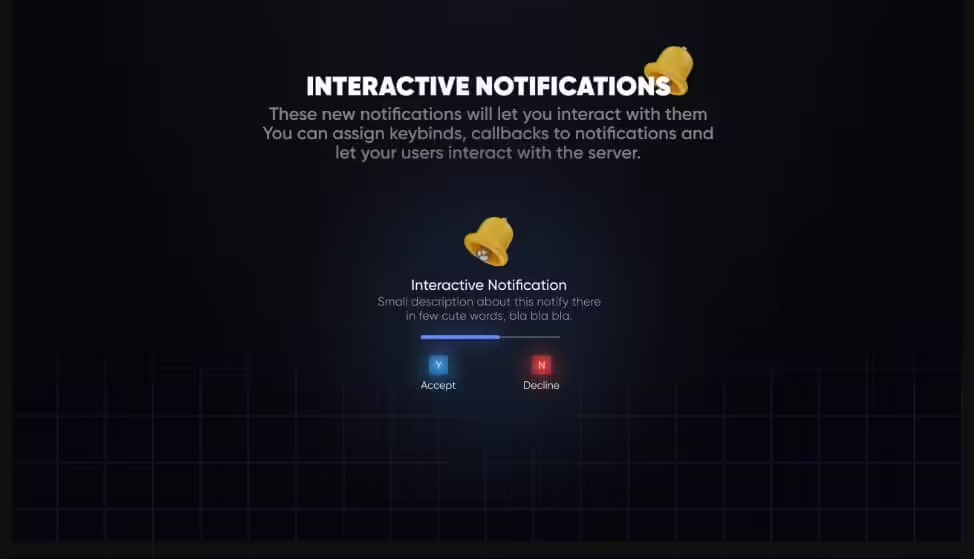
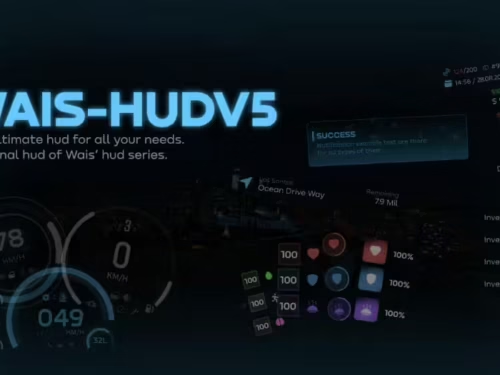
Transform your QBCore server’s user interface with wais eHUD, a sleek and modern HUD system designed specifically for QBCore framework. This isn’t just another status bar – it’s a complete interface overhaul that presents player information in an elegant, easy-to-read format that enhances immersion without cluttering the screen.
Diseño de interfaz moderno
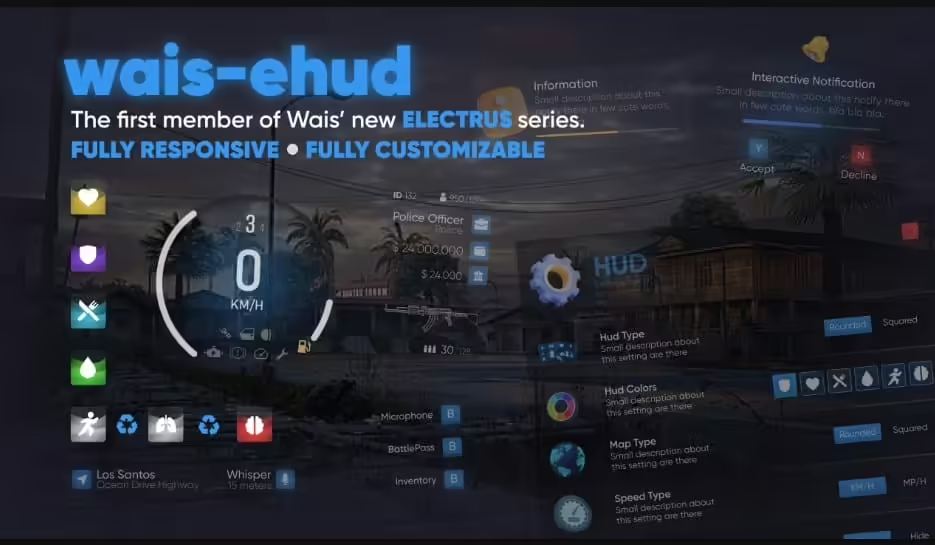
wais eHUD brings contemporary UI design principles to your FiveM server. The interface uses clean lines, smooth animations, and intuitive information placement that lets players focus on gameplay while keeping essential stats visible. Every element has been carefully positioned to minimize visual clutter while maximizing information accessibility.
Comprehensive Player Information
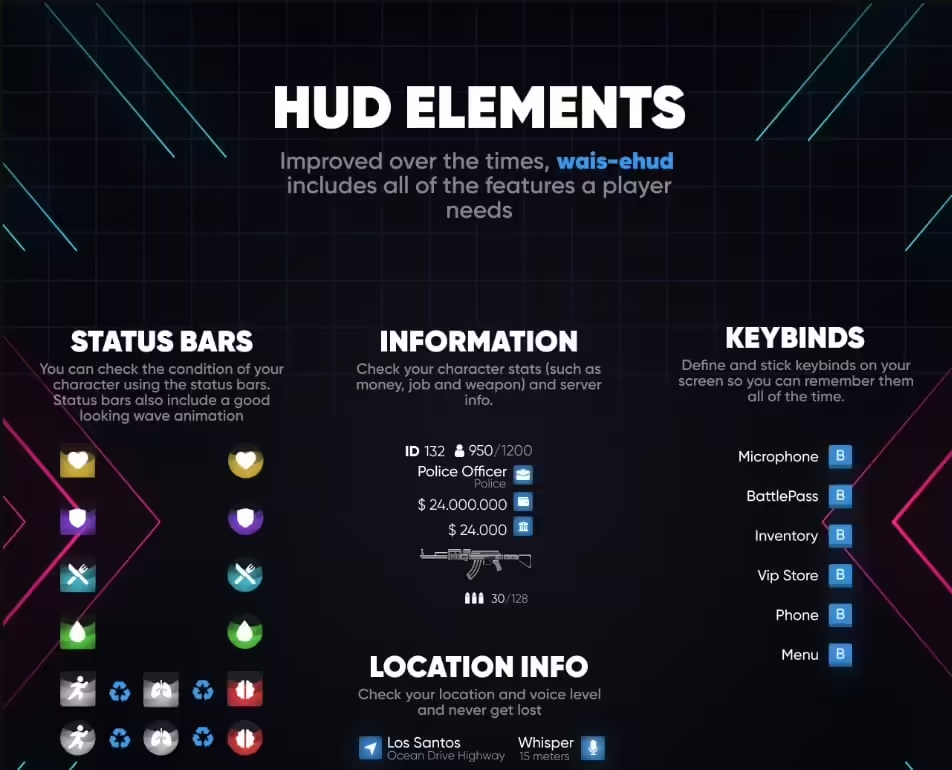
The HUD displays all critical player statistics in an organized, at-a-glance format:
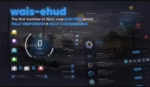
- Health Status – Clear visual representation of current health levels
- Display de Armadura – Separate armor indicator for tactical awareness
- Hunger & Thirst – Needs system integration with clean icons
- Barra de resistencia – Real-time stamina tracking for physical activities
- Nivel de oxígeno – Underwater breathing indicator when diving
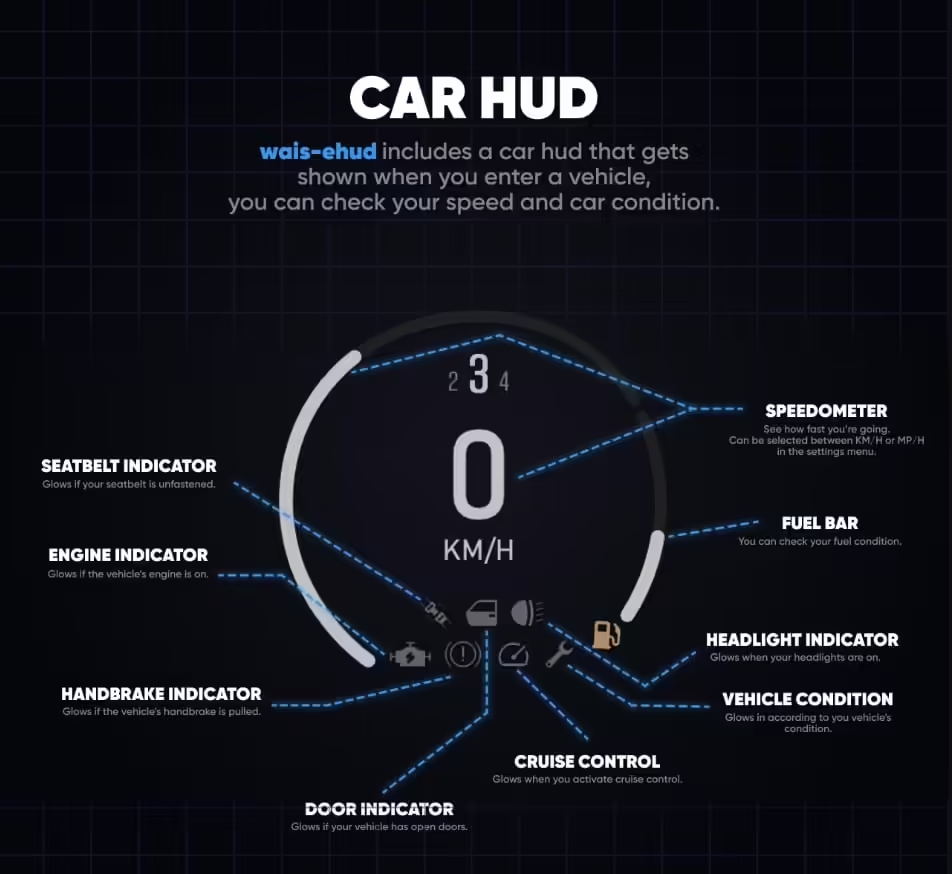
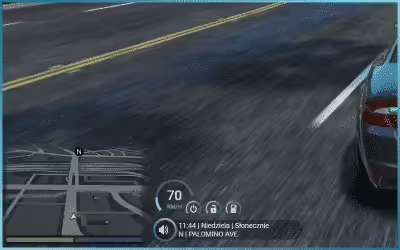
- Información del vehículo – Speed, fuel, and vehicle health when driving
- Visualización de dinero – Current cash and bank balance visibility
- Trabajo Información – Active job and rank display
Características principales
- QBCore nativo – Built specifically for QBCore framework integration
- Animaciones suaves – Professional transitions and state changes
- Rendimiento optimizado – Uso mínimo de recursos para una experiencia de juego fluida
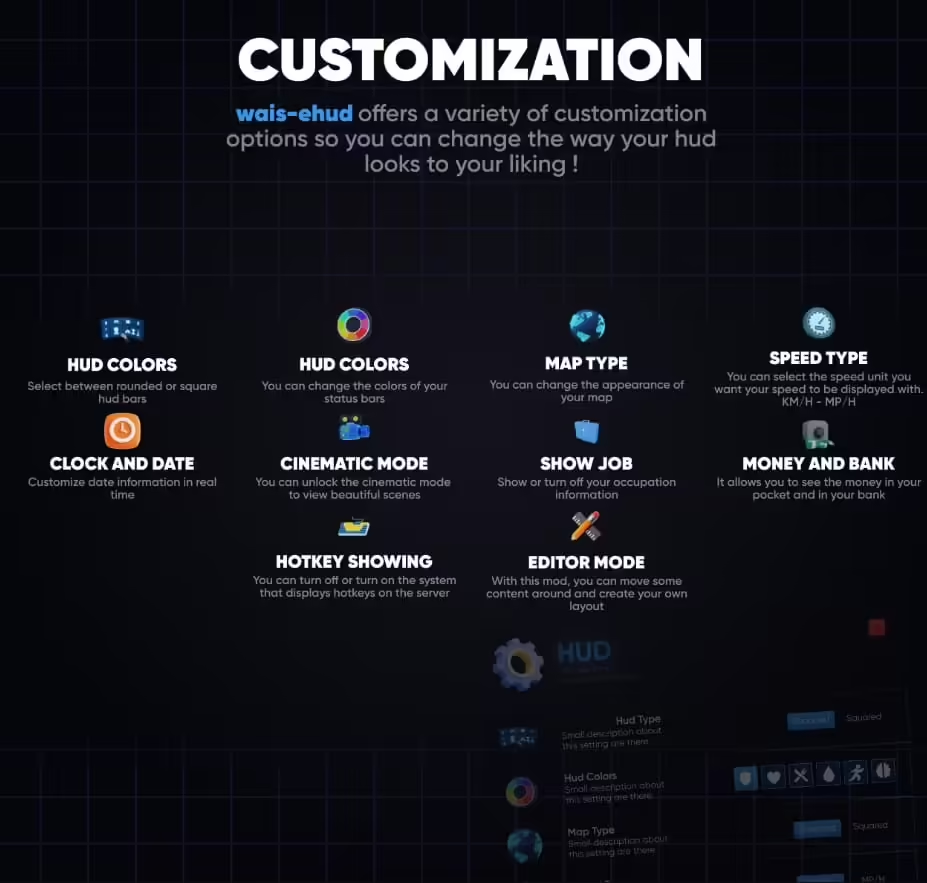
- Diseño personalizable – Adjust positioning and element visibility
- Esquemas de color – Multiple color options or custom color configuration
- Paquete de iconos – Clean, modern icons for all HUD elements
- Diseño responsivo – Adapts to different screen resolutions
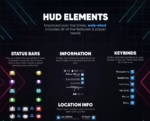
- Vehículo HUD – Integrated speedometer and vehicle information
Perfecto para
- QBCore servers wanting modern UI aesthetics
- Roleplay communities valuing clean interfaces
- Servers looking to replace default QBCore HUD
- Communities that prioritize user experience
- Servers wanting professional-looking interfaces
Compatibilidad del marco
- ✅ QBCore – Designed exclusively for QBCore framework
- ✅ Últimas Versiones – Compatible con las versiones actuales de QBCore
- ✅ QB-Menu – Works with standard QBCore menu systems
Proceso de instalación
Setting up wais eHUD is straightforward:
- Download the eHUD resource package
- Extraer a la carpeta de recursos de tu servidor
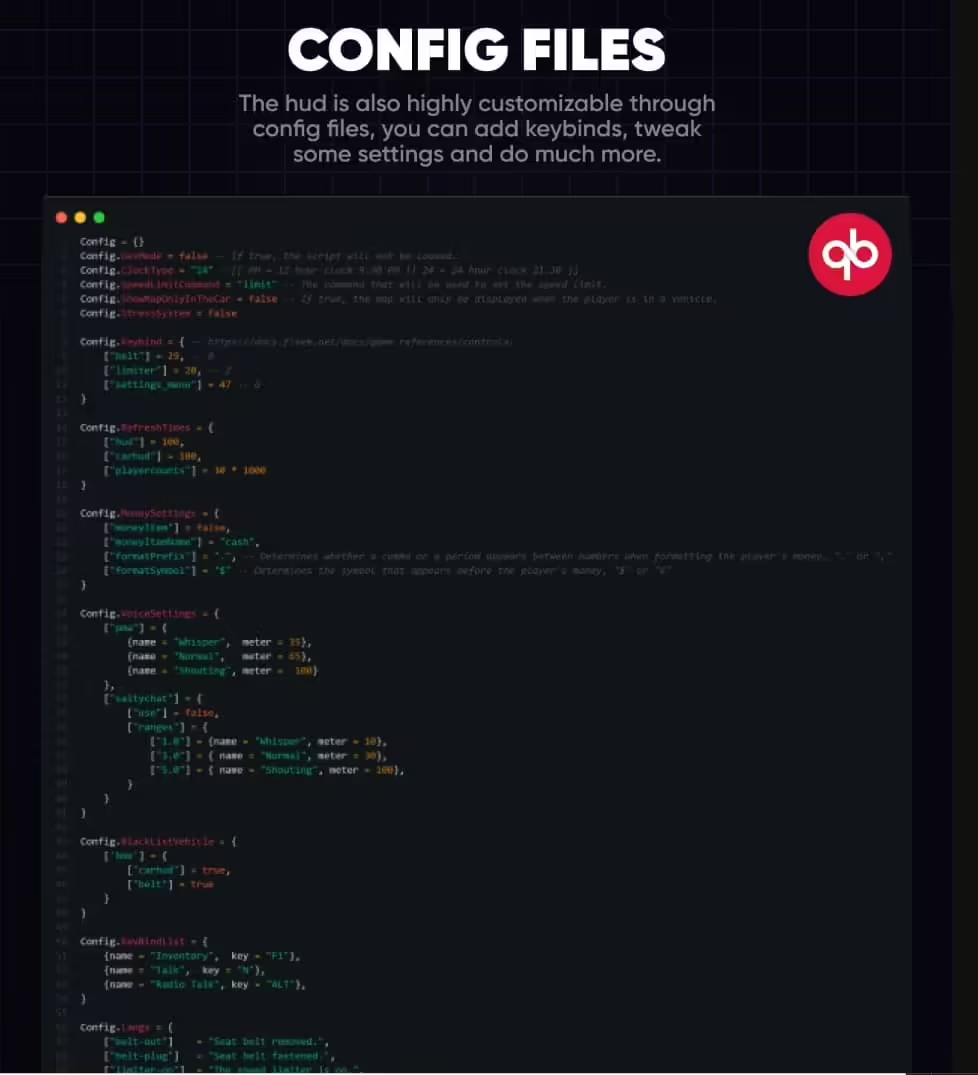
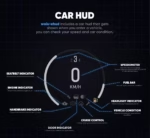
- Configure colors and positioning in the config file
- Disable your current HUD resource
- Add “ensure wais-ehud” to your server.cfg
- Restart and enjoy your new interface
Opciones de personalización
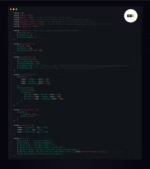
The HUD comes with extensive customization capabilities through its configuration file. Adjust element positions to match your preferred layout, change color schemes to align with your server branding, toggle individual elements on or off based on your needs, and fine-tune animation speeds for the perfect feel. Server owners can create a unique interface that matches their community’s aesthetic.
Vehicle HUD Integration
When players enter vehicles, the HUD seamlessly transitions to display driving-relevant information. The speedometer shows current speed in your configured units (MPH/KPH), fuel levels are clearly visible to prevent unexpected breakdowns, vehicle health helps players know when repairs are needed, and all information is presented without blocking important screen areas. The transition in and out of vehicle mode is smooth and non-intrusive.
Consideraciones de rendimiento
Despite its modern appearance and smooth animations, wais eHUD maintains excellent performance. The code is optimized to minimize resource usage, ensuring players don’t sacrifice FPS for a pretty interface. The HUD uses efficient rendering techniques and only updates elements when values change, not constantly redrawing the entire interface.
Indicadores de estado
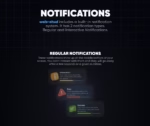
All player needs and statuses are represented with clear, easily understood icons and progress bars. The color coding makes it immediately obvious when levels are critical – health bars turn red when low, hunger and thirst indicators change color as needs increase, and stamina depletion is visually obvious during intense activities. Players can assess their status with a quick glance without needing to interpret complex information.
Image Gallery Reference
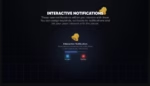
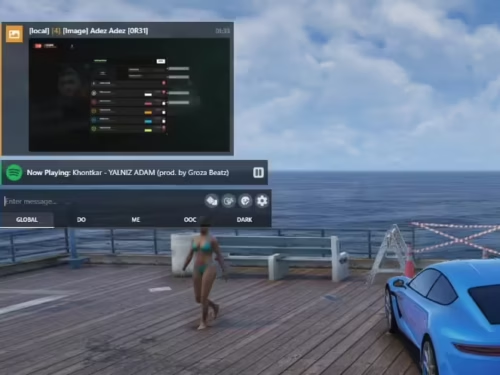
Be sure to check the product images for detailed views of the HUD in various states – on foot, in vehicles, during different activities, and with different status levels. The screenshots show exactly what your players will experience, including all the visual elements and their positions on screen.
Comentarios de la comunidad
Server owners who’ve implemented wais eHUD consistently report positive player feedback about the clean interface and improved information accessibility. Players appreciate being able to monitor their status without the HUD dominating their screen, and the modern design enhances the overall server experience.
Lo que lo hace destacar
While many HUDs simply rearrange the default information, wais eHUD completely reimagines how player data should be presented. The design philosophy prioritizes clarity and minimalism – showing you what you need when you need it, without overwhelming you with constant information. The QBCore-specific integration means perfect compatibility without awkward workarounds or missing features. You’re getting a professionally designed interface that makes your server feel polished and modern from the moment players log in.



Valentina (propietario verificado) –
Nuestros jugadores notaron la mejora de inmediato. Añade mucha calidad al servidor.
Ila (propietario verificado) –
La documentación es clara y cubre todos los pasos de configuración importantes.
Dana (propietario verificado) –
**** genial:)
Lee (propietario verificado) –
¡Excelente artículo! Ofrece muchas más cosas en comparación con su precio.
Giovanna (propietario verificado) –
Excelente script. Configuración fácil, características útiles y sin complejidad innecesaria.