



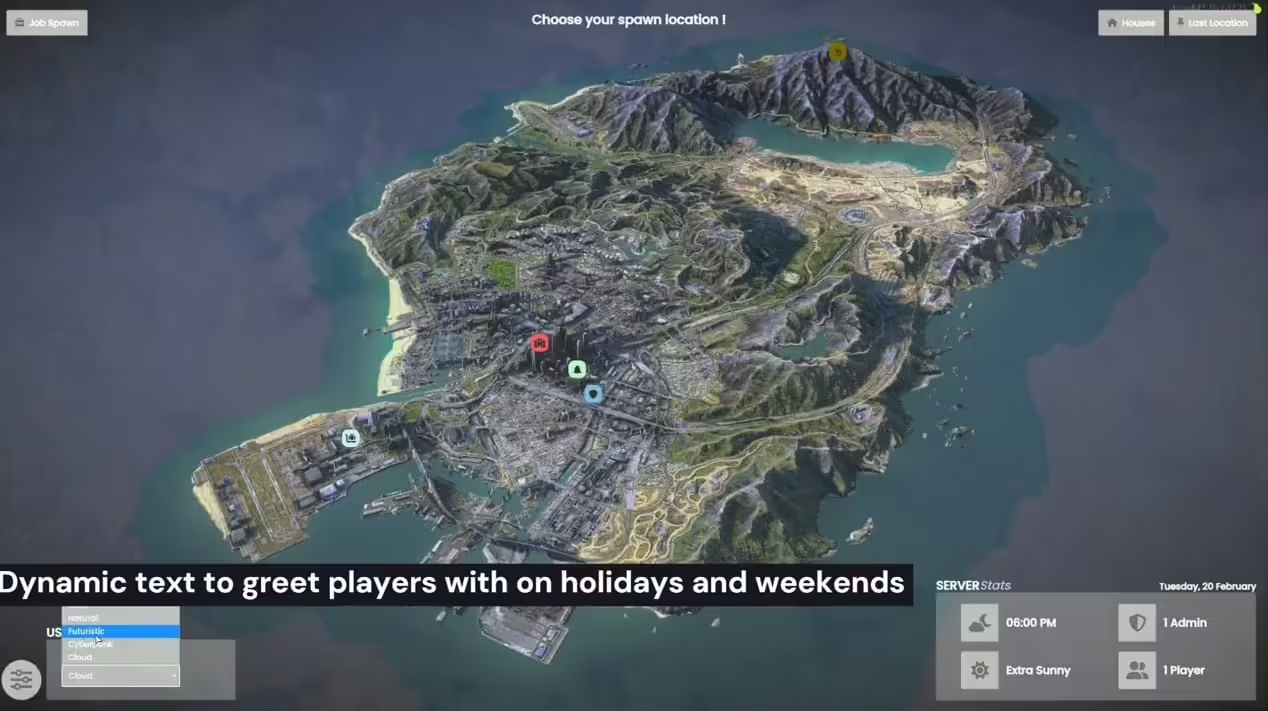



Comment installer Spawn Selector Pro
Étape 1 : Utilisation générale
- Faites glisser et déposez la ressource nommée CL-SpawnSelectorPRO dans le dossier de ressources de votre serveur.
- Exécutez la table SQL nommée « cl_spawnselector ».
- Configurez les autorisations pour l'éditeur dans le fichier config.lua.
- Lors de la création d'un nouvel emplacement à l'aide de l'éditeur, assurez-vous d'ajouter les données nécessaires à config.lua sous Config.Locations.
Étape 2 : Supprimer la dépendance
- Ouvrez fxmanifest.lua dans la ressource qb-multicharacter.
- Supprimez la dépendance sur qb-spawn, généralement trouvée à la ligne 36.
Étape 3 : Modifier la prison
- Accédez à la ressource qb-prison.
- Dans qb-prison > client > main.lua, recherchez l’événement « prison:client:Enter » (ligne 207).
- Remplacez l'événement existant par l'événement mis à jour fourni ci-dessous :
RegisterNetEvent('prison:client:Enter', function(time)
    local invokingResource = GetInvokingResource()
    if invokingResource and invokingResource ~= 'CL-SpawnSelector' and invokingResource ~= 'qb-policejob' and invokingResource ~= 'qb-ambulancejob' and invokingResource ~= GetCurrentResourceName() then
        -- Use QBCore.Debug here for a quick and easy way to print to the console to grab your attention with this message
        QBCore.Debug({('Player with source %s tried to execute prison:client:Enter manually or from another resource which is not authorized to call this, invokedResource: %s'):format(GetPlayerServerId(PlayerId()), invokingResource)})
        return
    end

    QBCore.Functions.Notify( Lang:t("error.injail", {Time = time}), "error")

    TriggerEvent("chatMessage", "SYSTEM", "warning", "Your property has been seized, you'll get everything back when your time is up..")
    DoScreenFadeOut(500)
    while not IsScreenFadedOut() do
        Wait(10)
    end
    local RandomStartPosition = Config.Locations.spawns[math.random(1, #Config.Locations.spawns)]
    SetEntityCoords(PlayerPedId(), RandomStartPosition.coords.x, RandomStartPosition.coords.y, RandomStartPosition.coords.z - 0.9, 0, 0, 0, false)
    SetEntityHeading(PlayerPedId(), RandomStartPosition.coords.w)
    Wait(500)
    TriggerEvent('animations:client:EmoteCommandStart', {RandomStartPosition.animation})

    inJail = true
    jailTime = time
    local tempJobs = {}
    local i = 1
    for k in pairs(Config.Locations.jobs) do
        tempJobs[i] = k
        i += 1
    end
    currentJob = tempJobs[math.random(1, #tempJobs)]
    CreateJobBlip(true)
    TriggerServerEvent("prison:server:SetJailStatus", jailTime)
    TriggerServerEvent("prison:server:SaveJailItems", jailTime)
    TriggerServerEvent("InteractSound_SV:PlayOnSource", "jail", 0.5)
    CreateCellsBlip()
    Wait(2000)
    DoScreenFadeIn(1000)
    QBCore.Functions.Notify( Lang:t("error.do_some_work", {currentjob = Config.Jobs[currentJob] }), "error")
end)
De plus, ajoutez and invokingResource ~= 'CL-SpawnSelector' jusqu'à la ligne 209.
Ces étapes devraient garantir l’installation et l’intégration correctes de la ressource CL-SpawnSelectorPRO dans votre environnement serveur.



Avis
Il n’y a pas encore d’avis.