







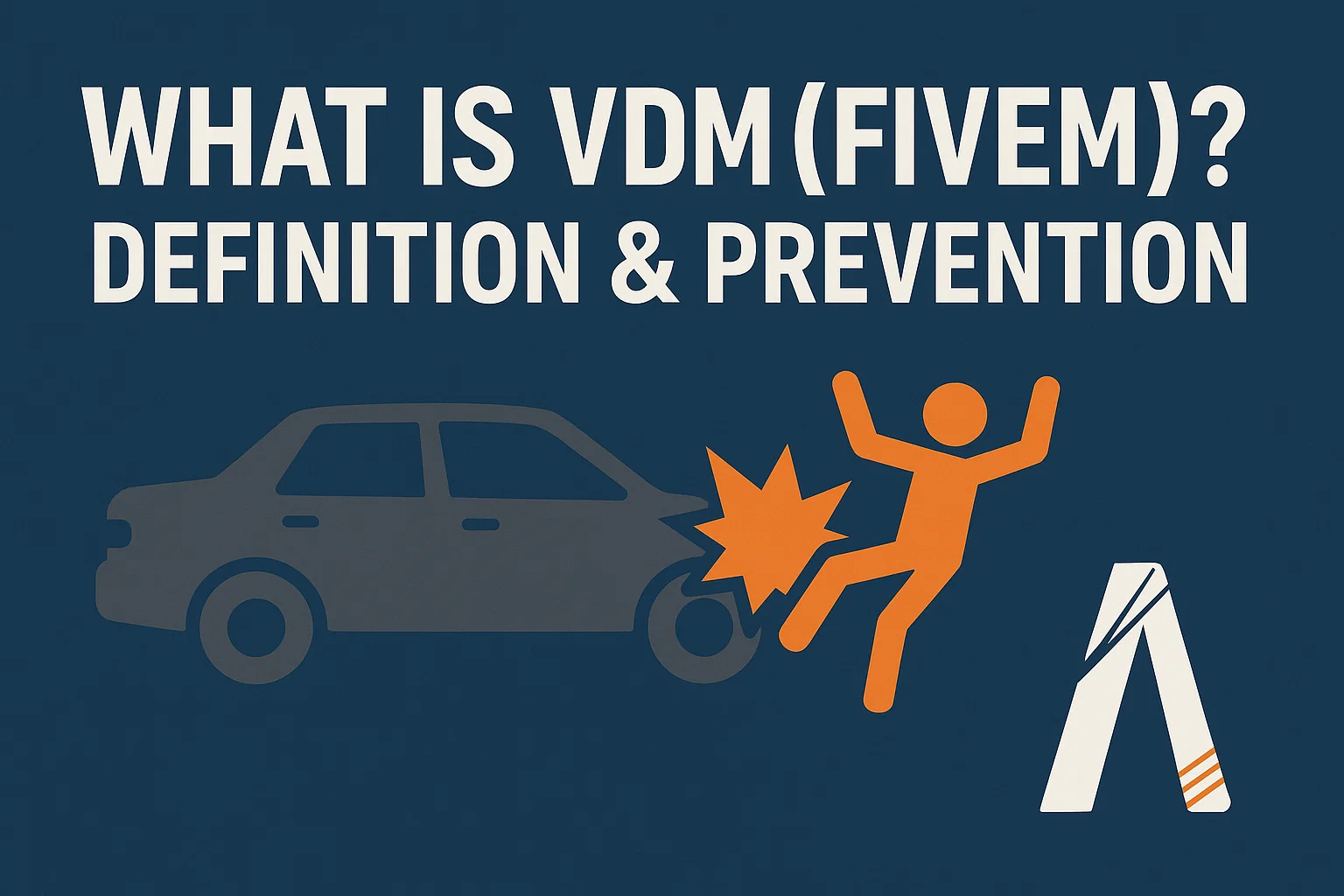
Che cosa è VDM?
Il Deathmatch con Veicoli (VDM) si riferisce all'uso di un veicolo come arma per speronare, uccidere o ferire intenzionalmente altri giocatori senza una giustificazione adeguata per il gioco di ruolo. Nei server di gioco di ruolo FiveM, il VDM viola regole fondamentali del server e interrompe l'esperienza di roleplay che i giocatori cercano.
Perché il VDM è importante
I server di gioco di ruolo operano secondo il principio dell'interazione realistica. Quando un giocatore si scontra deliberatamente con altri con il proprio veicolo senza un contesto di gioco di ruolo, ciò:
- Interrompe l'immersione per tutti i partecipanti
- Impedisce lo sviluppo significativo della storia
- Crea vantaggi di gioco ingiusti
- Porta alla frustrazione dei giocatori e al calo della popolazione del server
Scenari VDM comuni
Violazioni VDM chiare:
- Guidare sui marciapiedi per investire i pedoni
- Speronamento di veicoli fermi ai semafori
- Utilizzo di veicoli per bloccare gli ingressi degli ospedali
- Causare intenzionalmente collisioni frontali
Aree grigie che richiedono contesto:
- Manovre della polizia durante gli inseguimenti
- Attacchi di veicoli legati a bande con precedente gioco di ruolo
- Collisioni accidentali durante le gare
- Risposte dei veicoli di emergenza
Implementazione tecnica: sistemi anti-VDM
Script di rilevamento lato server
-- resources/anti-vdm/server.lua
local vdmWarnings = {}
local VDM_THRESHOLD = 3
local DAMAGE_THRESHOLD = 50

RegisterServerEvent('vdm:checkCollision')
AddEventHandler('vdm:checkCollision', function(targetId, damage, speed)
 local source = source

 -- Validate input
 if not targetId or not damage or not speed then return end

 -- Check if damage and speed exceed thresholds
 if damage > DAMAGE_THRESHOLD and speed > 30 then
 local identifier = GetPlayerIdentifier(source, 0)

 -- Initialize warning count
 if not vdmWarnings[identifier] then
 vdmWarnings[identifier] = 0
 end

 vdmWarnings[identifier] = vdmWarnings[identifier] + 1

 -- Log incident
 local logData = {
 attacker = GetPlayerName(source),
 victim = GetPlayerName(targetId),
 damage = damage,
 speed = speed,
 timestamp = os.time()
 }

 TriggerEvent('vdm:logIncident', logData)

 -- Take action based on warnings
 if vdmWarnings[identifier] >= VDM_THRESHOLD then
 DropPlayer(source, 'Kicked for VDM violations')
 vdmWarnings[identifier] = 0
 else
 TriggerClientEvent('chat:addMessage', source, {
 args = {'^1[WARNING]', 'VDM detected. Warning ' ..
 vdmWarnings[identifier] .. '/' .. VDM_THRESHOLD}
 })
 end
 end
end)
Monitoraggio lato client
-- resources/anti-vdm/client.lua
local lastCollision = 0
local COLLISION_COOLDOWN = 5000 -- 5 seconds

Citizen.CreateThread(function()
 while true do
 Citizen.Wait(0)
 local playerPed = PlayerPedId()

 if IsPedInAnyVehicle(playerPed, false) then
 local vehicle = GetVehiclePedIsIn(playerPed, false)

 if GetPedInVehicleSeat(vehicle, -1) == playerPed then
 if HasEntityCollidedWithAnything(vehicle) then
 local currentTime = GetGameTimer()

 if currentTime - lastCollision > COLLISION_COOLDOWN then
 local speed = GetEntitySpeed(vehicle) * 3.6 -- Convert to km/h

 -- Check for pedestrian collision
 local coords = GetEntityCoords(vehicle)
 local closestPed = GetClosestPed(coords.x, coords.y, coords.z,
 5.0, 1, 0, 0, 0, -1)

 if DoesEntityExist(closestPed) and IsEntityAPed(closestPed) then
 local targetPlayer = NetworkGetPlayerIndexFromPed(closestPed)

 if targetPlayer ~= -1 then
 local damage = GetEntityHealth(closestPed)
 TriggerServerEvent('vdm:checkCollision',
 GetPlayerServerId(targetPlayer),
 damage, speed)
 end
 end

 lastCollision = currentTime
 end
 end
 end
 end
 end
end)
Configurazione del server
Aggiunte al file FiveM server.cfg:
# Anti-VDM Configuration
set vdm_enabled true
set vdm_max_warnings 3
set vdm_damage_threshold 50
set vdm_speed_threshold 30
set vdm_log_incidents true
set vdm_webhook "https://discord.com/api/webhooks/YOUR_WEBHOOK_HERE"

# Ensure anti-vdm resource starts
ensure anti-vdm
Best Practices per gli amministratori del server
1. Definizione chiara delle regole
Crea regole VDM specifiche nella documentazione del tuo server:
Rule 2.1 - Vehicle Deathmatch (VDM)
- Using any vehicle as a weapon is prohibited
- Exceptions: Authorized police tactics, sanctioned events
- Punishment: 1st offense - Warning, 2nd - 24h ban, 3rd - Permanent ban
2. Protocollo di formazione del personale
Moderatori della formazione per identificare VDM:
- Esaminare i registri dei danni
- Controllare la velocità del giocatore all'impatto
- Verificare l'esistenza del contesto del gioco di ruolo
- Documentare le prove (clip, screenshot)
3. Sistema di segnalazione dei giocatori
-- Simple reporting command
RegisterCommand('reportvdm', function(source, args, rawCommand)
 local targetId = tonumber(args[1])
 local reason = table.concat(args, ' ', 2)

 if not targetId or not reason then
 TriggerClientEvent('chat:addMessage', source, {
 args = {'^1[ERROR]', 'Usage: /reportvdm [player_id] [reason]'}
 })
 return
 end

 -- Create report ticket
 local report = {
 reporter = GetPlayerName(source),
 reported = GetPlayerName(targetId),
 reason = reason,
 timestamp = os.date('%Y-%m-%d %H:%M:%S'),
 status = 'pending'
 }

 -- Store in database or send to Discord
 TriggerEvent('vdm:createReport', report)
end, false)
Sfide comuni di implementazione
falsi positivi
- Rilevamento delle collisioni indotte dal ritardo
- Desincronizzazione tra i giocatori
- Incidenti legittimi
Soluzione: Implementare periodi di grazia e controllo del contesto:
-- Check if players are in active scenario
local function isInActiveRP(playerId)
 -- Check database for active scenarios
 -- Return true if player is in police chase, race, etc.
end
Impatto sulle prestazioni
Monitorare l'utilizzo delle risorse dello script:
-- Add to fxmanifest.lua
resource_monitor_mode 'yes'
Integrazione con framework popolari
Framework ESX
ESX = nil
TriggerEvent('esx:getSharedObject', function(obj) ESX = obj end)

-- Add VDM violations to player record
RegisterServerEvent('vdm:recordViolation')
AddEventHandler('vdm:recordViolation', function(targetId)
 local xPlayer = ESX.GetPlayerFromId(source)
 MySQL.Async.execute('INSERT INTO vdm_violations SET identifier = @identifier, timestamp = @timestamp',
 {
 ['@identifier'] = xPlayer.identifier,
 ['@timestamp'] = os.time()
 })
end)
Framework QBCore
local QBCore = exports['qb-core']:GetCoreObject()

-- Integration with admin menu
QBCore.Commands.Add('checkvdm', 'Check player VDM history', {{name = 'id', help = 'Player ID'}}, true, function(source, args)
 local Player = QBCore.Functions.GetPlayer(tonumber(args[1]))
 if Player then
 -- Fetch VDM history
 MySQL.Async.fetchAll('SELECT * FROM vdm_logs WHERE citizenid = @citizenid', {
 ['@citizenid'] = Player.PlayerData.citizenid
 }, function(result)
 TriggerClientEvent('qb-admin:client:showVDMHistory', source, result)
 end)
 end
end, 'admin')
Test del sistema anti-VDM
Suite di test automatizzata
-- tests/vdm_test.lua
local function testVDMDetection()
 -- Simulate collision event
 local mockData = {
 attacker = 1,
 victim = 2,
 damage = 75,
 speed = 45
 }

 TriggerEvent('vdm:checkCollision', mockData.victim, mockData.damage, mockData.speed)

 -- Verify warning was issued
 -- Check if log was created
 -- Confirm webhook was triggered
end
Misure di prestazione
Efficacia del sistema di monitoraggio:
-- Database schema
CREATE TABLE vdm_metrics (
 id INT AUTO_INCREMENT PRIMARY KEY,
 date DATE,
 total_incidents INT,
 warnings_issued INT,
 players_kicked INT,
 false_positives INT
);
Conclusione
La prevenzione VDM richiede un'implementazione tecnica, regole chiare e un'applicazione coerente per mantenere ambienti di gioco di ruolo di qualità nei server FiveM.