







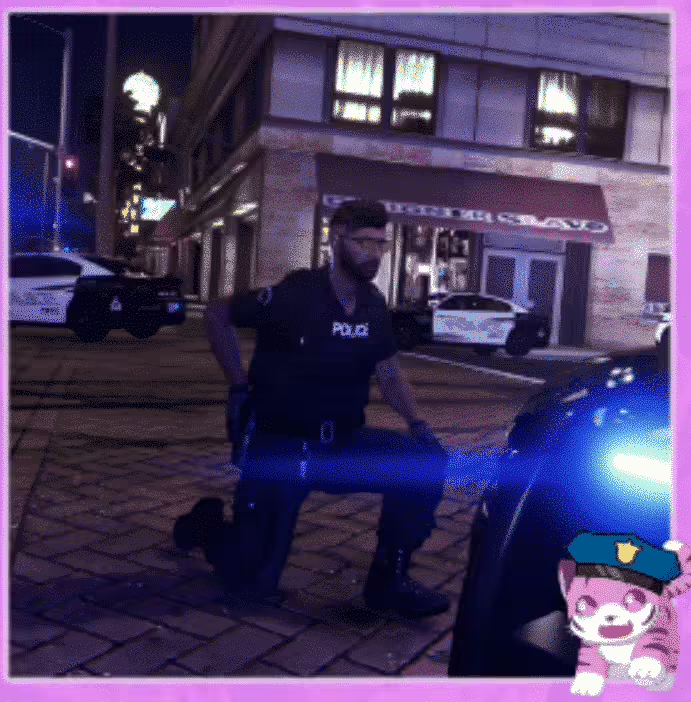








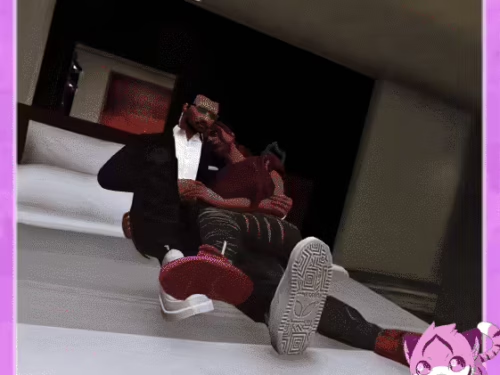
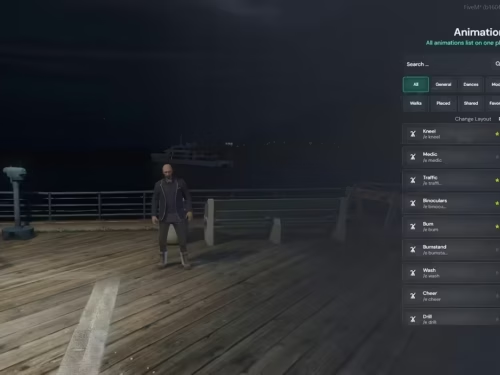
![[ESX] Podgląd zasobu Zaawansowanej Pracy Ratownika Medycznego FiveM](https://cdn.fivemx.com/wp-content/uploads/2023/10/chrome_r89t4g1UUb-jpg-500x375.avif)
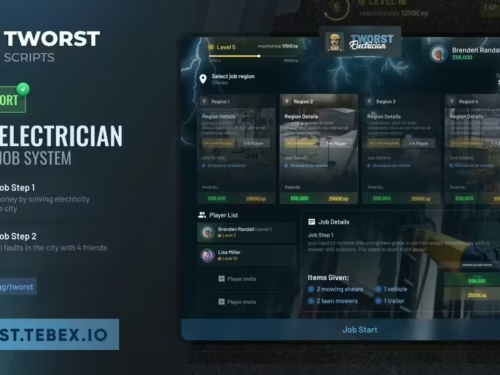

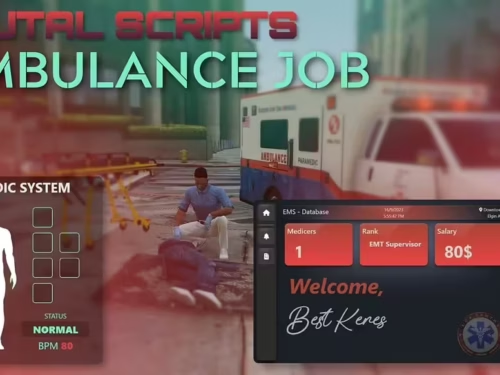
Przykładowa implementacja (wszystko jest udokumentowane w pliku readme):
[ENG]
Instalacja
Przenieś plik YCD do folderu stream.
Dodaj ten folder stream do skryptu.
Dla własnych skryptów
local dictName = ‘tigerle@custom@cop@kneel@aimpistol1’
local animName = ‘tigerle_coppose_kneel_aimpistol1’
Dla DPEmotes
Dodaj te linie kodu tutaj dpemotes/Client/AnimationList.lua >>> DP.Emotes
[“twojakomenda”] = {“tigerle@custom@cop@kneel@aimpistol1”, “tigerle_coppose_kneel_aimpistol1”, “twoja nazwa dla animacji”, AnimationOptions =
{
EmoteLoop = true,
EmoteMoving = false,
}},
Na koniec uruchom ponownie swój skrypt/serwer.
Komenda brzmiałaby “/e (Komenda, którą wpisałeś w kodzie, aby gracze mogli uruchomić animację).
W sprawie wsparcie spraw, śmiało skontaktuj się ze mną, gdziekolwiek Ci wygodnie!




Tate (zweryfikowany) –
I got excellent support for this item. They were patient with me, and helped me solve my issue. I recommend this company 100%
Elise (zweryfikowany) –
By far the best item on the market, you will not be disappointed.
Kallie (zweryfikowany) –
Great item! It provides too many things compared to its price charged.
Vivian (zweryfikowany) –
I like this item and also the customer service of them.
Kelton (zweryfikowany) –
Good response from the support.
Rodrick (zweryfikowany) –
great
NovaLena441 (zweryfikowany) –
Good performance, clean interface, and helpful support. Nothing to complain about.